


What Is THORChain?
THORChain is a decentralized cross-chain liquidity protocol that enables native asset swaps between independent blockchains - without bridges, wrapped tokens, or centralized intermediaries. Unlike traditional DEXes that operate within a single chain, THORChain connects Bitcoin, Ethereum, BNB Chain, Avalanche, Cosmos, Dogecoin and other networks through its Continuous Liquidity Pools (CLPs).
RUNE is THORChain’s native token and the settlement asset for every swap. All liquidity pools are denominated in RUNE, meaning every cross-chain transaction routes through it - making RUNE fundamental to the protocol’s security, liquidity depth, and fee structure.
How THORChain Swaps Work
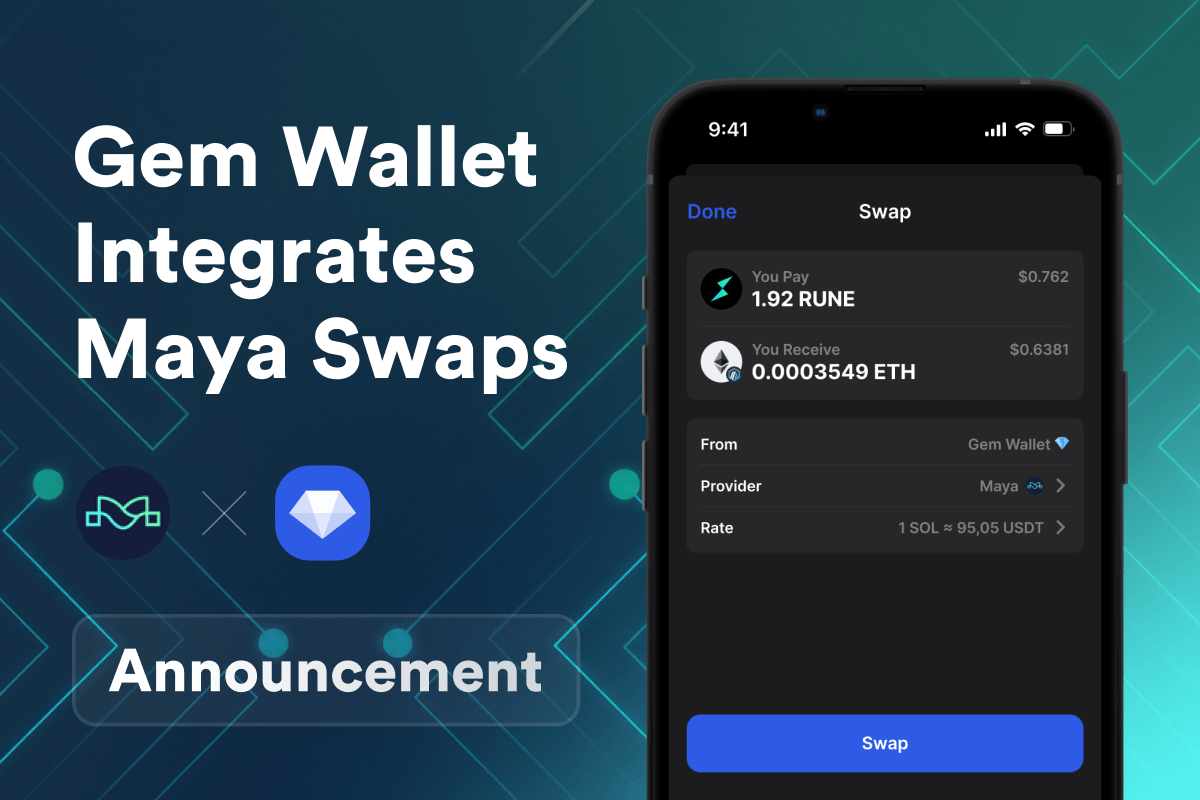
When you initiate a swap in Gem Wallet via THORChain, the protocol executes three steps: it receives your native asset into a THORChain liquidity pool, calculates the output amount based on pool depth and slip tolerance, then sends the destination asset natively to your wallet - no wrapped versions, no custodian involved.
This means a Bitcoin-to-Ethereum swap settles in real BTC and real ETH, not WBTC, WETH or synthetic tokens. For large orders, THORChain’s Streaming Swaps feature reduces slippage by splitting the trade into multiple sub-transactions executed over consecutive blocks, improving execution price automatically.
Supported Chains for THORChain Swaps
Through Gem Wallet, you can swap assets natively across all THORChain-supported networks:
- Bitcoin (BTC)
- Ethereum (ETH) and ERC-20 tokens
- Base (ETH L2)
- BNB Chain (BNB)
- Avalanche (AVAX)
- Solana (SOL)
- Tether (USDT)
- TRON (TRX)
- Cosmos (ATOM)
- Dogecoin (DOGE)
- Litecoin (LTC)
- Bitcoin Cash (BCH)
- THORChain (RUNE)
- and more
No bridges. No wrapped assets. Each swap settles in the native asset on its native chain.
THORChain vs Other Cross-Chain Solutions
THORChain eliminates bridge risk entirely - there are no smart contracts holding wrapped assets that can be exploited. When you swap through THORChain in Gem Wallet, you receive the real native asset, not a synthetic representation.
- vs Bridges (Wormhole, LayerZero): Bridges produce wrapped tokens and carry smart contract exploit risk. THORChain swaps produce native assets with no wrapping layer.
- vs CEX Swaps: Centralized exchanges require KYC and hold your assets in custody. THORChain swaps are non-custodial, permissionless, and require no account.
- vs Same-Chain DEXes: Uniswap or Raydium only swap assets within one chain. THORChain connects 9+ independent networks in a single swap.
RUNE Wallet Benefits
Gem Wallet is built for users who need direct access to THORChain’s swap infrastructure alongside full RUNE asset management:
- Native THORChain Swaps: Swap Bitcoin, Ethereum, BNB, Solana, Tron and other assets directly from your wallet - routed through THORChain’s liquidity pools without leaving the app.
- Streaming Swaps Support: Large cross-chain swaps are automatically optimized to reduce slippage through THORChain’s streaming mechanism.
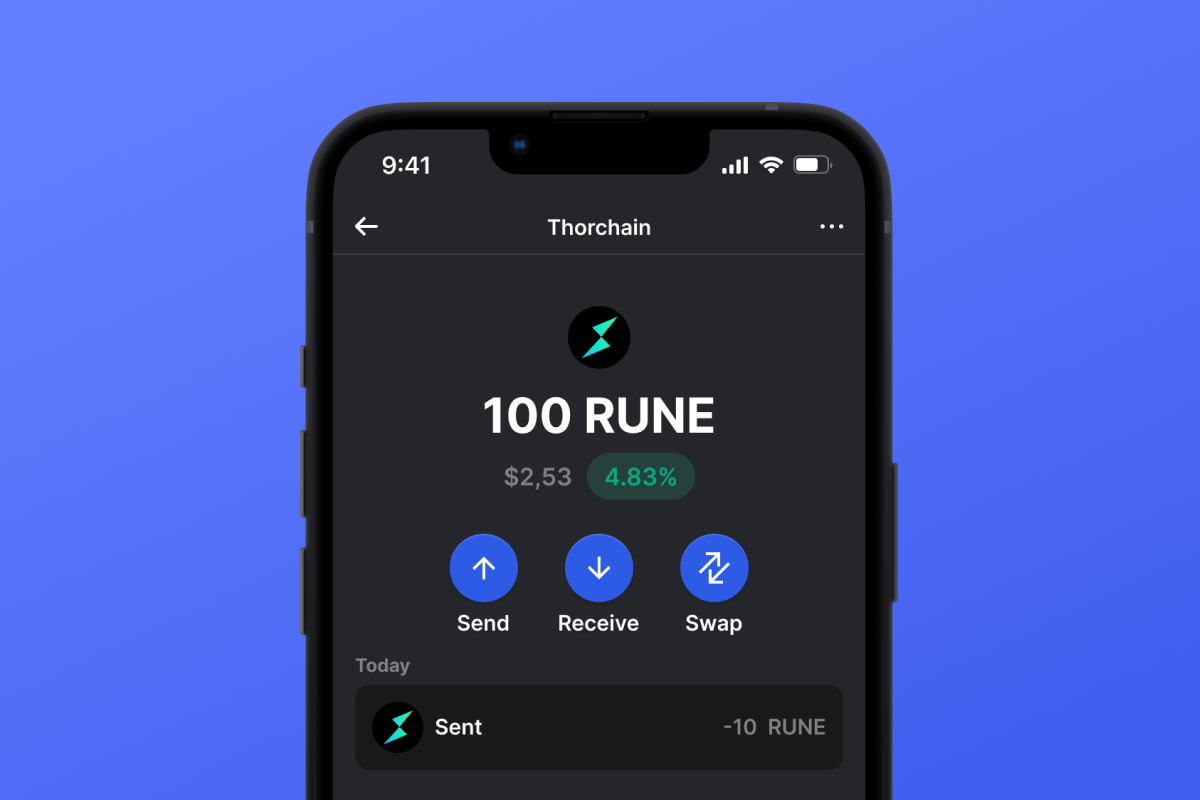
- RUNE Management: Store, send and receive RUNE on THORChain mainnet. View real-time balance, track transaction history, and monitor network fees.
- No Bridges, No Wrapped Tokens: Every swap settles in the real native asset - no WBTC, no synthetic representations, no custodial risk.
- Self-Custody & Open Source: Your private keys never leave your device. Gem Wallet is self-custodial and fully open-source - verifiable on GitHub.
- iOS & Android: Full THORChain swap functionality available on both platforms, with APK download available for Android.
- Multi-Chain in One App: Manage THORChain alongside Bitcoin, Ethereum, Solana, and 100+ other networks without switching apps.