SPL Coin

SPL Wallet

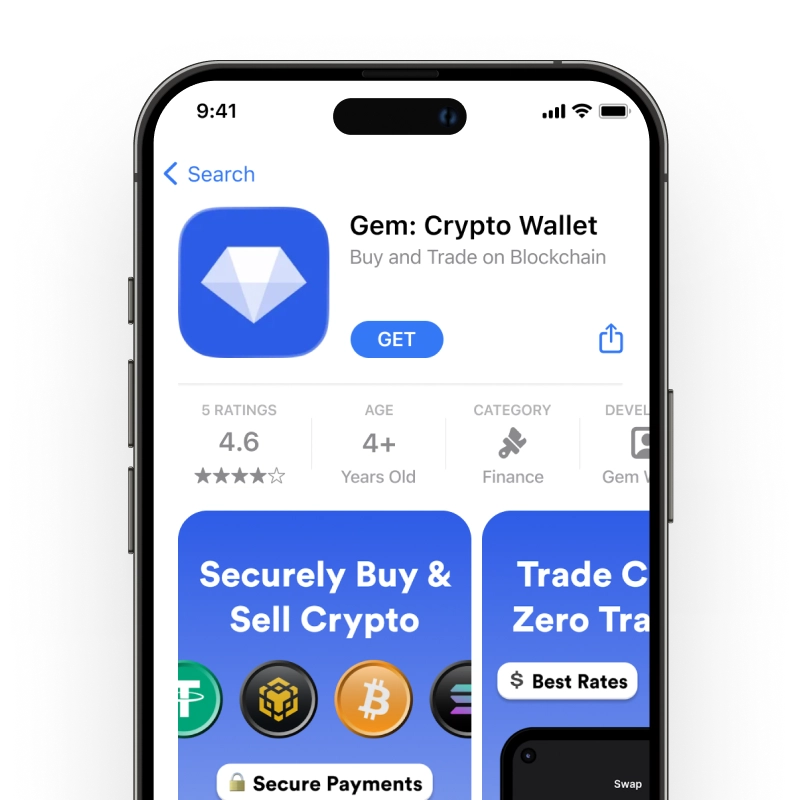
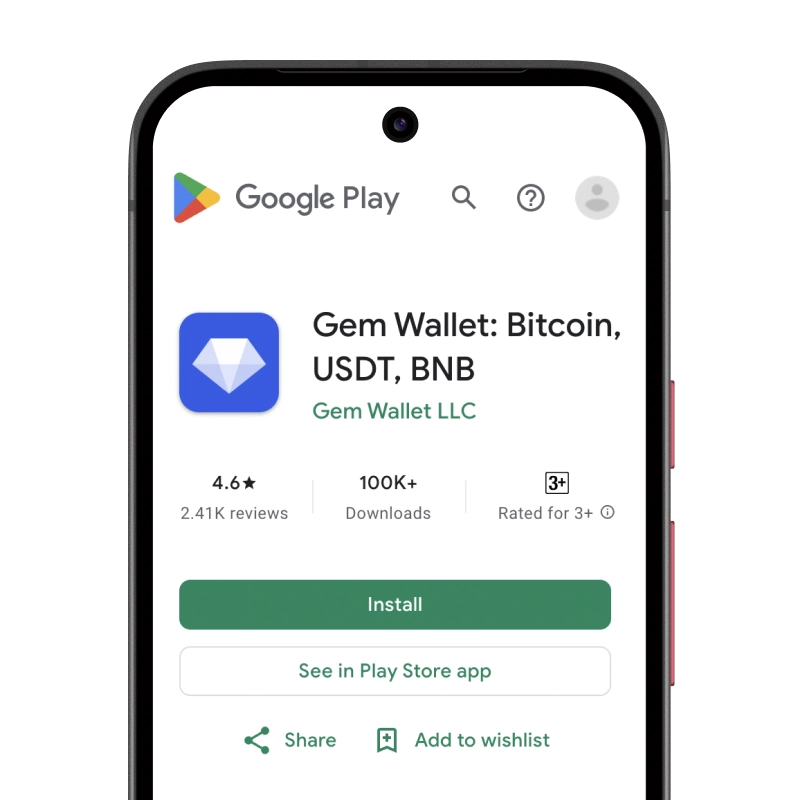
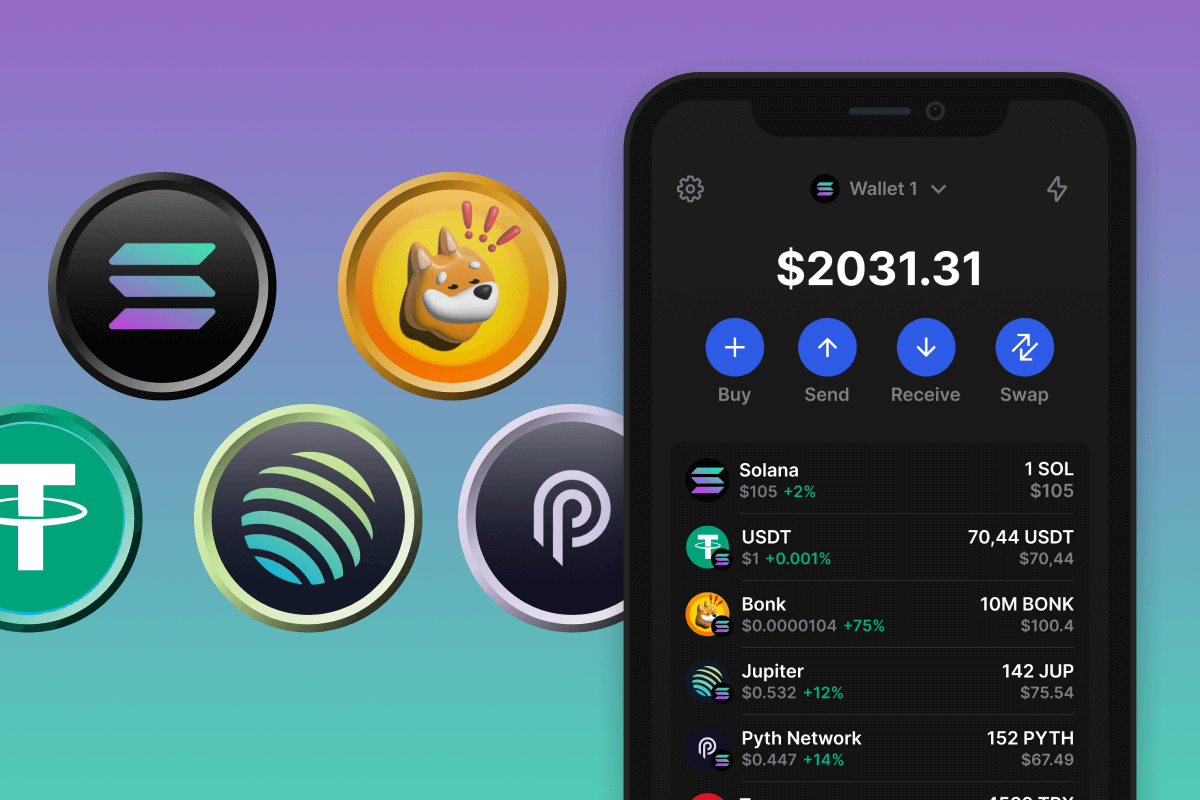
Gem Wallet is an SPL token wallet for iOS, Android, and APK. It keeps USDC, USDT, and every other Solana token under one address, includes the SOL network fee and any new token account cost in the amount you confirm, and swaps SPL tokens on Solana exchanges. Gem Wallet keeps your keys on your device, with no account.

SPL Wallet

What Are SPL Tokens?

SPL tokens are the fungible tokens of the Solana blockchain. The name comes from the Solana Program Library, the set of on-chain programs that includes the Token Program: one shared program that creates, mints, and transfers every standard Solana token. A token is defined by its mint account, whose address (the mint address) identifies it, and which records the supply, the decimals, and the authority allowed to mint more.

Solana has a second token program, Token-2022, also called Token Extensions. It works like the original one and adds optional features such as transfer fees, interest-bearing balances, and on-chain metadata. Stablecoins, governance tokens like JUP, and meme coins like BONK and TRUMP are all SPL tokens. More background is in our guide What Is SPL.

What Is an SPL Token Wallet?

An SPL token wallet holds the private key of a Solana address and signs token transfers with it. Unlike a SOL balance, an SPL token balance is not stored in your address account itself: each token you hold lives in a separate token account that belongs to your address. The wallet finds these accounts, shows their balances, and creates a new one when a token arrives for the first time.

Gem Wallet is an SPL token wallet built into a self-custodial multi-chain app. It derives your Solana address from a 12-word recovery phrase and keeps the key in your phone’s secure storage, so USDC, USDT, and every other SPL token stay under your control rather than in an exchange account. The same address also holds SOL; the native coin, staking, and network details are on the Solana wallet page.

Tokens you can keep in Gem Wallet include:

USDC and USDT on Solana

The main SPL tokens are stablecoins issued natively on Solana by their own issuers, not bridged copies from another network: USDC by Circle and USDT by Tether. Both use 6 decimals.

TokenIssuerOfficial mint address
USDCCircleEPjFWdd5AufqSSqeM2qN1xzybapC8G4wEGGkZwyTDt1v
USDTTetherEs9vMFrzaCERmJfrF4H2FYD4KCoNkY11McCe8BenwNYB

Data source: Circle developer docs and Tether supported protocols, as of November 2026.

Creating a token on Solana takes minutes, so fake tokens named USDC or USDT appear often, sometimes sent unasked to look like a payment. Only the mint address is proof: compare the first and last characters with the table before you accept a token as payment or buy it. Gem Wallet runs a token security check before you confirm a transfer or swap. The networks these stablecoins run on and how to pick one are covered on the USDT wallet and USDC wallet pages.

Token Accounts and Rent

A token account stores one token balance for one owner. Its address is derived from your Solana address and the token’s mint, so it is called an associated token account. You never need to share it: people and exchanges send tokens to your main Solana address, and the transfer finds the right token account.

Every Solana account must hold a minimum amount of SOL, called rent, to stay on chain. A token account takes 165 bytes, and the rent is (128 + 165) bytes x 5,080 lamports = 0.00148844 SOL as of November 2026. Solana lowers the rent in steps under SIMD-0437: a token account cost 0.00203928 SOL before September 2026, and further steps will reduce it again.

SituationWho pays the token account rent
You send a token to an address that already holds itNo rent, only the network fee
You send a token to an address that has never held itYou, the sender, about 0.0015 SOL
Someone sends you a new tokenThe sender
You swap into a token you do not hold yetYou, as part of the swap transaction

Data source: Solana rent rules and SIMD-0437, as of November 2026.

Rent is a deposit, not a fee. It stays in the token account, and when an empty token account is closed, the SOL in it goes back to the owner. When you send to a new recipient, Gem Wallet includes the token account amount in the network fee on the confirm screen, so you see the full cost before you sign.

Fees Are Paid in SOL

Every SPL transfer, swap, or approval is a Solana transaction, and Solana takes its fee only in SOL. The base fee is 5,000 lamports (0.000005 SOL) per signature; a priority fee on top raises the chance of fast inclusion when the network is busy. A wallet with USDT but no SOL cannot move the USDT.

Keep a small amount of SOL on the same address as your tokens. If you have none, buy SOL with a card in Gem Wallet, or withdraw some from an exchange together with your tokens. Gem Wallet shows the fee before you confirm, lets you choose Normal or Fast priority, and tells you how much SOL to add when the balance is too low.

Swap SPL Tokens in Gem Wallet

The built-in swap compares quotes from Solana’s own exchanges for the exact amount you enter: Jupiter, OKX DEX, Orca, Raydium, Meteora, and PumpSwap. Orca and Raydium quotes can also route in two hops through SOL or USDC when that pays more than a direct pool. The swap creates the token account for the token you receive in the same transaction.

  • Stablecoins to SOL and back: swap USDT to SOL or SOL to USDT when you need SOL for fees.
  • Between stablecoins: USDC to USDT and back on Solana, without leaving the network.
  • Meme coins and new tokens: pump.fun coins that have graduated to PumpSwap, with the security check before you confirm.
  • Across networks: Relay, THORChain, Mayan, and Chainflip swap tokens between Solana and other blockchains.

Download Gem Wallet to get your Solana address in under two minutes and keep USDC, USDT, and every SPL token under your own keys on iOS and Android.
Why Choose Gem Wallet as Your SPL Wallet

Gem Wallet is a SPL wallet where you control your keys and your funds. The code is publicly available on GitHub. Your activity is not tracked, and you can buy, swap, and use SPL directly from the app.

Control and Self-Custody

Full control of your private keys and secret phrase. No third party can access or restrict your SPL. Your SPL is truly yours.

Privacy Protection

No tracking, no personal information, no data collection. Complete privacy and control over your SPL.

Audited

Publicly available code on GitHub, independently audited by CertiK in April 2026 and Cure53 in October 2026.

Multi-Platform

Available on iOS, Android, and APK. Your SPL wallet works wherever you go.

SPL Wallet in Multiple Languages

Supporting 25+ languages including English, Spanish, Chinese, Russian, and Arabic. Fully localized for worldwide accessibility.

Built-In SPL Services

Buy SPL with 30+ payment methods. Swap SPL through integrated DEX aggregator. Manage all crypto assets in one secure place.

Comparison: Gem Wallet vs Exchange Wallets

See how storing SPL in Gem Wallet differs from keeping it on exchanges

FeatureGem WalletExchange Wallets (Binance, Coinbase)
Registration Required✅ None❌ Full KYC
Personal Data Collection✅ None❌ Extensive (ID, address, selfie)
Open-Source✅ Fully transparent❌ Closed source
Private Keys Control✅ Yes❌ No
Account Freezing✅ Impossible❌ Possible
Setup Time✅ 2 minutes⚠️ 1-7 days (KYC verification)

Professional Security Features

  1. Biometric Authentication: Use Face ID, Touch ID, or fingerprint to secure your wallet
  2. PIN Protection: Set a strong PIN code as an additional security layer
  3. Encrypted Backups: Your secret phrase is stored securely and never leaves your device
  4. Regular Security Audits: Independent security reviews ensure wallet integrity. Learn more about security →
Gem Wallet private key security and self-custody crypto wallet features

What SPL Users Say About Gem Wallet

How to Set Up a SPL Wallet in 2 Minutes

Quick Setup Guide (3 Steps)

Creating a SPL wallet is simpler than opening a bank account. Gem Wallet guides you through the entire process in minutes, making it accessible for complete beginners.

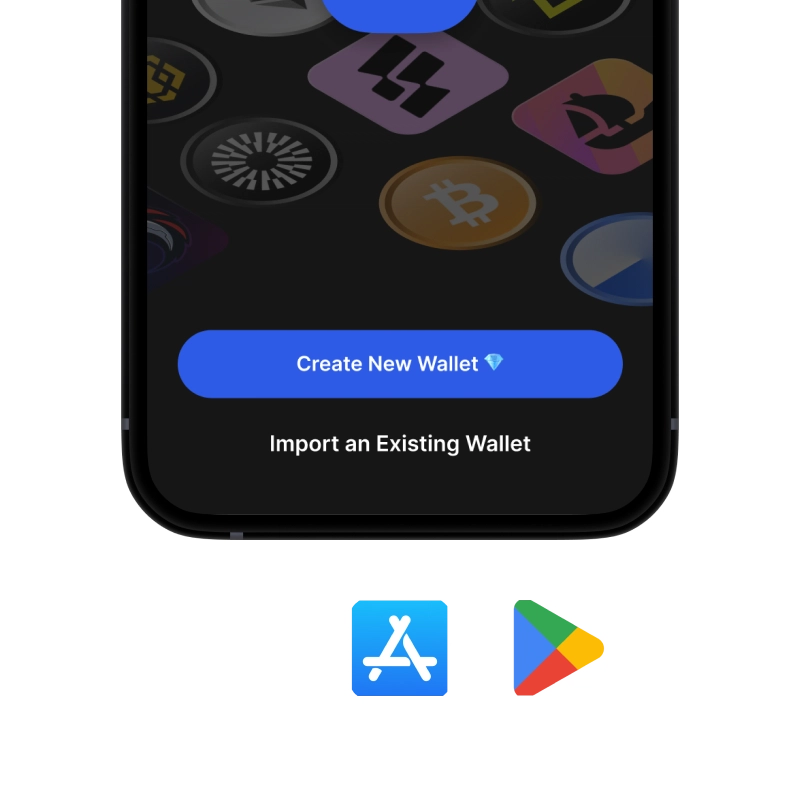
onboarding view

1. Download SPL Wallet

SPL Wallet: iOS, Android & APK

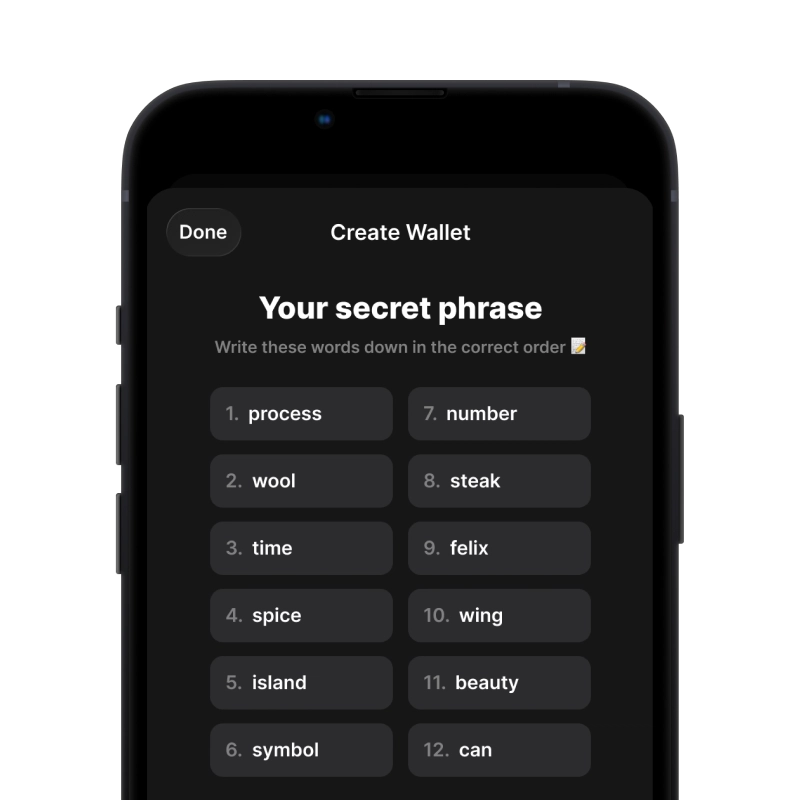
recovery phrase screen

2. Create SPL Wallet

Create a new wallet, save the secret phrase, and get your address in SPL.

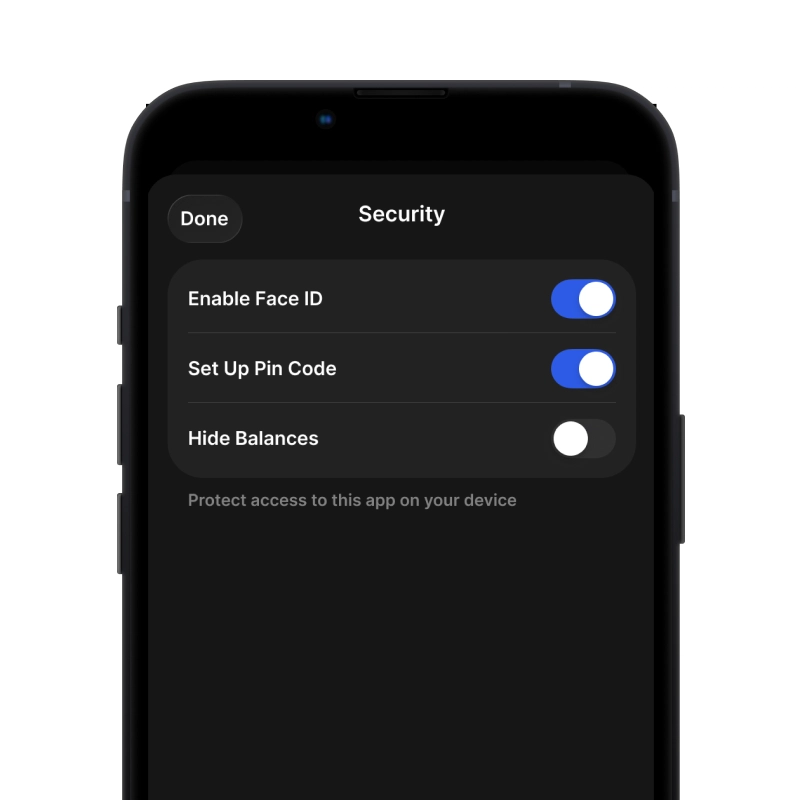
gem wallet security settings

3. Set Up Security for SPL

Enable PIN or biometric authentication and you're ready to go

Create SPL Wallet for iOS

Get your SPL wallet on iPhone (2 min):

  1. Open the App Store and search for "Gem Wallet"
  2. Download and install the app (it's free and under 50MB)
  3. Open Gem Wallet and tap "Create New Wallet"
  4. Write down your secret phrase on paper - this is your master backup
  5. Enable Face ID or set a PIN code for quick and secure access
  6. Done!
Download Gem Wallet for iOS
SPL wallet for iOS

Create SPL Wallet for Android

Get your SPL wallet on Android (2 min):

  1. Via Google Play: Search for “Gem Wallet” in the Play Store and install
  2. APK: Download the APK file for maximum privacy and control
  3. Open the app and select "Create New Wallet"
  4. Write down your 12-word secret phrase on paper
  5. Set up fingerprint or PIN authentication
  6. Done!

How to Get a SPL Address

To get a SPL wallet address, you first need to create or import a SPL wallet. After that, the app will generate addresses for you automatically.

1 Open Gem Wallet

Launch the app on your phone and select SPL (SPL) from your asset list.

2 Tap "Receive" Button

You'll see a large button at the bottom of the screen. Your SPL wallet address will be displayed both as text and as a QR code.

3 Copy Your Address

Copy the address to clipboard, share the QR code, or send it directly through messaging apps.

Get SPL wallet address in Gem Wallet
🔄 Unlimited Addresses

In Gem Wallet, you can generate unlimited SPL addresses for free. Each address is derived from your secret phrase and remains under your control forever.

📱 Using QR Codes
  • ✅ No Typing Errors - Scanning prevents copy-paste mistakes
  • ✅ Faster Transactions - Just show your phone screen
  • ✅ Perfect for in-person SPL payments

Frequently Asked Questions

An SPL token wallet is an app that holds the key to a Solana address and manages the tokens that belong to it, such as USDC, USDT, JUP, or BONK. It sends and receives tokens, creates token accounts when needed, and pays network fees in SOL. Gem Wallet is a self-custodial SPL token wallet for iOS and Android that keeps these tokens under one 12-word recovery phrase.
Every Solana transaction pays its network fee in SOL, whatever token it moves. The base fee is 5,000 lamports (0.000005 SOL) per signature, plus an optional priority fee. Without SOL on the same address, an SPL token transfer cannot be sent, so keep a small SOL balance next to your tokens.
On Solana, each token sits in a separate token account. If the recipient has never held that token, the transfer has to create a token account for them, and the sender funds its rent, about 0.0015 SOL as of November 2026. Gem Wallet adds this amount to the network fee before you confirm, so the total is shown up front.
Copy your Solana address from Gem Wallet, choose USDT and the Solana network (sometimes labelled SPL) in the exchange withdrawal form, and paste the address. The same address receives USDT, USDC, and SOL. Choosing another network, such as Tron or Ethereum, sends the tokens to a different chain where this address does not exist.
Anyone can create a Solana token with the ticker USDC or USDT, so the ticker proves nothing. The real token is identified by its mint address. Circle’s USDC uses EPjFWdd5AufqSSqeM2qN1xzybapC8G4wEGGkZwyTDt1v and Tether’s USDT uses Es9vMFrzaCERmJfrF4H2FYD4KCoNkY11McCe8BenwNYB. Gem Wallet runs a security check on the token before a transfer or swap.
Yes. Gem Wallet sends and receives tokens of both Solana token programs, the original SPL Token program and Token-2022 (Token Extensions). Its built-in swap routes Token-2022 tokens through Orca, Raydium, Meteora, and PumpSwap pools, with quotes net of any transfer fee the token charges.
Gem Wallet gives you a 12-word secret recovery phrase when you create a wallet. Write it down on paper and keep it offline. The phrase restores your Solana address together with every SPL token on it on any device. If you lose the phrase, no one can recover it for you.

Your SPL Wallet Is Ready

App Store 4.6 ★ on App Store Google Play 4.7 ★ on Google Play
Download Now