What Is USDT?
USDT (Tether) is the world’s first and most widely used stablecoin, created in 2014 by Tether Limited. Pegged 1:1 to the US dollar and backed by reserves, it ensures price stability and seamless transfers across blockchains. As of mid-2026, USDT has over 185 billion tokens in circulation and millions of users worldwide, making it the dominant stablecoin by market capitalization. USDT operates on multiple blockchains - including TRON, Ethereum, Solana, BNB Chain, and TON - and is widely used for payments, trading, remittances, and as a stable store of value. For a deeper look at how Tether maintains stability and what risks exist, see our guide on USDT safety and protection.
What Is a USDT Wallet?
A USDT wallet is an app that lets you create, import, and use blockchain addresses to hold and move Tether (USDT) tokens. Because USDT exists as the same token across multiple blockchains, a proper USDT wallet supports several network addresses at once - one for TRC20, one for ERC20, one for BEP20, and so on - with separate balances tied to the network each address lives on. The TRC20 USDT in your wallet is not the same balance as your ERC20 USDT; they share the name but live on different ledgers, and sending USDT between them requires a cross-chain swap rather than a regular transfer.
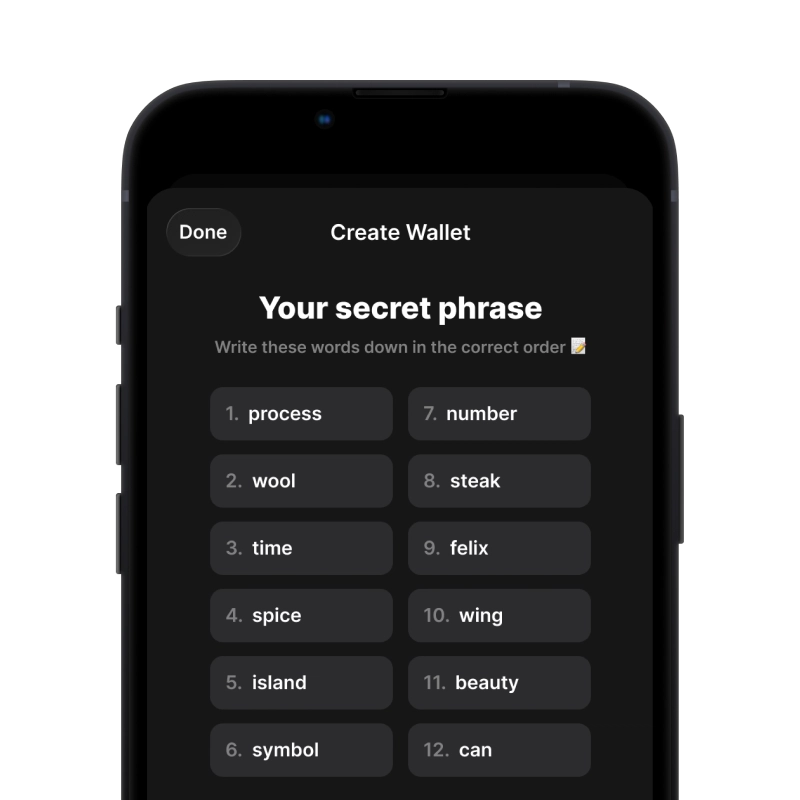
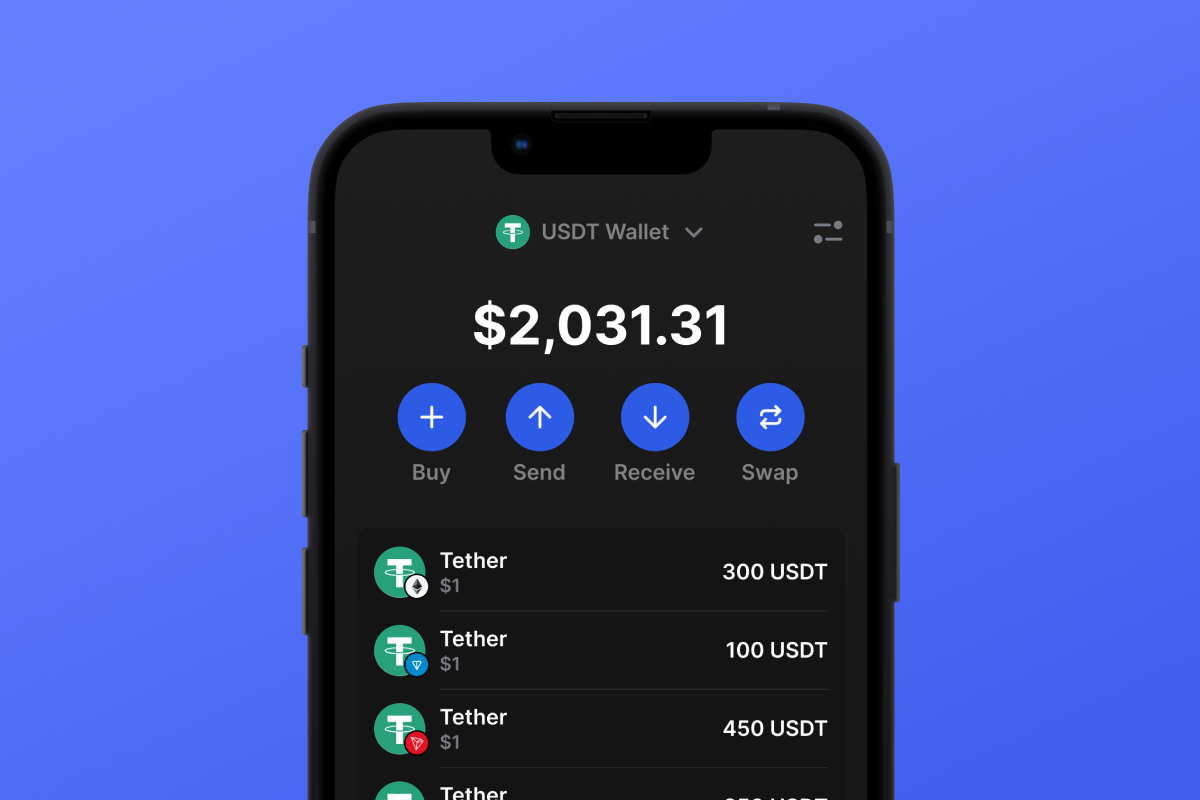
Gem Wallet is a self-custodial USDT wallet that gives you one app for all five networks where Tether is issued: TRON (TRC20), Ethereum (ERC20), BNB Chain (BEP20), Solana (SPL), and TON. Your private keys never leave your device, all networks share a single 12-word recovery phrase, and you can swap USDT between networks directly inside the app through a built-in DEX aggregator.
Why USDT Lives on Multiple Networks
USDT was originally issued on Bitcoin’s Omni layer in 2014, but as demand grew, Tether expanded it to faster and cheaper blockchains. Each network offers different trade-offs in fees, speed, and ecosystem reach. TRON became the cheapest and most popular network for everyday transfers; Ethereum stayed the home of institutional and DeFi USDT; BNB Chain captured the low-cost swap niche; Solana brought sub-second confirmations; and TON unlocked USDT for Telegram’s massive user base. The same Tether company stands behind every version, but each version is a separate on-chain asset with its own address format, fee currency, and use cases.
USDT on TRON (TRC20)
The TRON network hosts around 85 billion USDT - about 45% of the total supply and more than any other blockchain - making TRC20 the most used version of Tether for everyday transfers, merchant payments, and cross-border remittances. Transfers confirm in seconds, and fees are paid in TRX: up to a few dollars without staking, or close to $0 if you stake TRX for Energy. You’ll need a small amount of TRX in the wallet to send USDT on TRON.
Best for: users who need fast everyday USDT transfers and payments - especially those ready to stake TRX to reduce fees to near zero. For the TRC20 address format, Energy and Bandwidth mechanics, and the full TRON token ecosystem, see the dedicated TRC20 wallet page.
USDT ERC20 Wallet
The USDT ERC20 wallet operates on the Ethereum network, known for its unmatched security, decentralization, and the deepest DeFi ecosystem in crypto. Around 77 billion USDT circulate on Ethereum, making it one of the largest networks by USDT supply and the home of institutional adoption, major exchange liquidity, and battle-tested smart contracts. Gem Wallet is featured in the official Ethereum Foundation wallets directory, the curated list maintained on ethereum.org.
An ERC20 address is a 42-character Ethereum address that always starts with 0x, for example 0x742d35Cc6634C0532925a3b844Bc9e7595f0bEb1. The same address holds your ETH and every ERC20 token on that account, including USDT, USDC, DAI, and any other token. To send USDT ERC20, the wallet needs ETH to pay gas fees. A standard USDT ERC20 transfer consumes roughly 50,000-65,000 gas units, with the final cost depending on the current gas price in gwei and the ETH price. As of May 2026, a typical USDT ERC20 transfer costs around $0.10 in ETH under normal network conditions, with brief spikes during periods of high demand. You’ll need a small amount of ETH in the wallet to cover gas for every USDT ERC20 transaction.
Best for: users who want a secure USDT ERC20 wallet tied to the Ethereum ecosystem - institutions, DeFi users, NFT collectors, and traders who value deep liquidity and integrations alongside low fees.
USDT on Other Networks
USDT BEP20 (BNB Chain). The USDT BEP20 wallet runs on BNB Chain, which hosts around 6 billion USDT. Fees are typically below $0.10 per transfer with 3-5 second confirmations, making it well suited for low-cost swaps inside the BNB ecosystem. BEP20 uses 0x-prefixed Ethereum-style addresses, but the network and token contract are entirely separate from Ethereum - sending USDT ERC20 to a BEP20 address (or vice versa) results in lost funds. You’ll need BNB to pay network fees.
USDT SPL (Solana). USDT on Solana uses the SPL token standard and benefits from sub-second confirmations and fees below $0.01. Gem Wallet is featured in the official Solana Foundation wallets directory. Ideal for DEX trading, high-frequency transfers, and DeFi on Solana. You’ll need SOL for network fees.
USDT on TON. Tether launched USDT on TON in 2024, integrating with Telegram’s user base of over 900 million people. Fees are around $0.005 with near-instant settlement, making it well suited for P2P payments, micro-tips, and in-chat transfers. You’ll need TON for fees.
How to Choose: TRC20 vs ERC20
For most users sending USDT day-to-day, the choice comes down to TRC20 versus ERC20. Use this matrix to decide:
- Choose USDT TRC20 if you send USDT regularly to other people or merchants and are willing to stake TRX to bring fees close to $0. TRC20 has the largest USDT liquidity and broad acceptance on exchanges, but without staking, fees in TRX have grown noticeably in 2026.
- Choose USDT ERC20 if you use DeFi protocols (Uniswap, Aave, Curve, lending), trade NFTs, hold USDT alongside other ERC20 tokens, or interact with institutional services. ERC20 offers the deepest ecosystem and the most integrations, and fees have dropped significantly to around $0.10 per transfer in 2026.
- Choose USDT BEP20 if you mostly operate within the BNB ecosystem or want low-fee swaps without staking. Good middle ground between TRC20 liquidity and ERC20 ecosystem depth.
- Choose USDT SPL or TON if you need ultra-fast transfers for trading on Solana DEXs or Telegram-native P2P payments respectively. Liquidity is smaller than TRC20/ERC20 but growing - TON in particular offers near-zero fees.
When in doubt: USDT ERC20 or BEP20 for cheapest transfers, USDT TRC20 if you stake TRX, USDT ERC20 for DeFi. Inside Gem Wallet, you can swap USDT between networks at any time through the built-in DEX aggregator without using a centralized exchange.
USDT Wallet Networks Comparison
| USDT Format | Blockchain | Holders | Time & Cost | Use Case |
|---|---|---|---|---|
| USDT TRC20 | TRON | 68,087,643 | ~3 sec, up to $5 ($0 with staking) | Payments, remittances, fast transfers |
| USDT ERC20 | Ethereum | 8,392,340 | ~15 sec, ~$0.10 | DeFi, NFT, institutional trading |
| USDT BEP20 | BNB Chain | 35,586,411 | 3-5 sec, <$0.10 | Low-cost swaps and transfers |
| USDT SPL | Solana | 2,265,647 | 1-2 sec, <$0.01 | DEX trading, memecoins, fast payments |
Data source: Which Network Is Best for USDT?