


XRP Coin

XRP Wallet

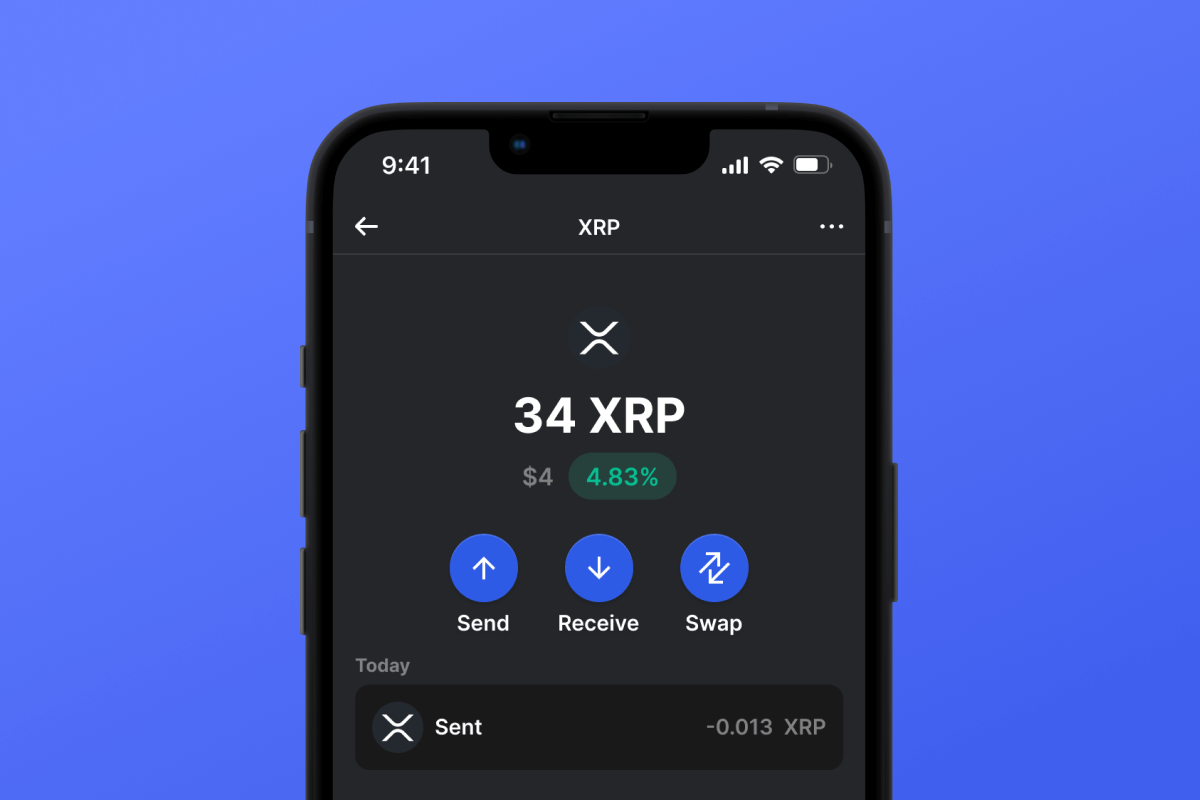
Gem Wallet is a self-custody XRP wallet for iOS, Android, and APK. It lets you create an XRP wallet in under two minutes, get your XRP address, and send, receive, swap, or buy XRP and XRP tokens like USDC and RLUSD. Gem Wallet keeps you in full control of your keys - no accounts, no KYC, no tracking.

XRP Wallet

What Is XRP?

XRP is the native cryptocurrency of the XRP Ledger (XRPL), an open-source layer-1 blockchain launched in 2012 by David Schwartz, Jed McCaleb, and Arthur Britto. XRP is designed for fast, low-cost cross-border payments and value transfer: transactions settle in 3-5 seconds with fees of just 0.00001 XRP (around $0.0001) per transaction. Unlike Bitcoin or Ethereum, the XRP Ledger uses a unique consensus protocol instead of energy-intensive mining or staking, and it includes a native decentralized exchange built directly into the protocol - so XRP and other XRPL-issued tokens can be traded on-ledger without third-party smart contracts. The protocol is maintained as open-source by an independent community alongside the XRP Ledger Foundation.

Requirements for XRP Wallet

The XRP Ledger requires every active wallet to hold a small amount of XRP as a base reserve. This reserve is locked on the account to prevent spam and is not a fee - it stays with the wallet as long as the account exists. The current network requirements (lowered by validator vote in December 2024) are:

  • Base reserve: 1 XRP per account (down from 10 XRP)
  • Owner reserve: 0.2 XRP per object (down from 2 XRP)

The owner reserve increases for each object your account holds on the ledger - the most common ones are trust lines (needed to hold non-XRP tokens like USDC or RLUSD), offers on the native DEX, NFT offers, and escrows. You can fund your XRP wallet by buying XRP in-app, withdrawing from an exchange, or receiving from another wallet. When sending XRP to a centralized exchange, always include the destination tag the exchange provides - sending without it can result in lost or unrecoverable funds.

What Makes XRP Unique?

The XRP Ledger is one of the fastest and cheapest public blockchains in operation. Transactions settle in 3-5 seconds, the network sustains around 1,500 transactions per second, and standard transaction fees are roughly $0.0001 - paid by burning XRP rather than paying it to validators. For comparison, Bitcoin transactions can take an hour or more to confirm and Ethereum transactions several minutes, often with fees orders of magnitude higher. The XRPL also has a built-in decentralized exchange at the protocol level, which lets users trade XRP and any XRPL-issued token without leaving the ledger - a design choice you won't find on most other layer-1 networks.

XRP Wallet Features in Gem Wallet

  • Listed on xrpl.org: Gem Wallet's mobile app is featured on xrpl.org, the official XRP Ledger website maintained by the XRPL community and the XRP Ledger Foundation.
  • Full XRP Asset Support: Hold XRP alongside major XRP tokens such as USDC, USDT, and RLUSD - manage all your XRPL assets in one wallet, with live prices and full transaction history. For a deeper look at XRPL tokens see our XRPL token wallet page.
  • Destination Tag Support: Gem Wallet shows the destination tag field whenever you send XRP, so you can safely deposit to centralized exchanges that require a tag - no risk of stuck transfers from a forgotten tag.
  • Cross-Chain Swaps: Swap XRP into BTC, ETH, SOL, USDC, and dozens of other assets directly from the wallet through our DEX aggregator powered by NEAR Intents and THORChain - no centralized exchange or bridge account needed.
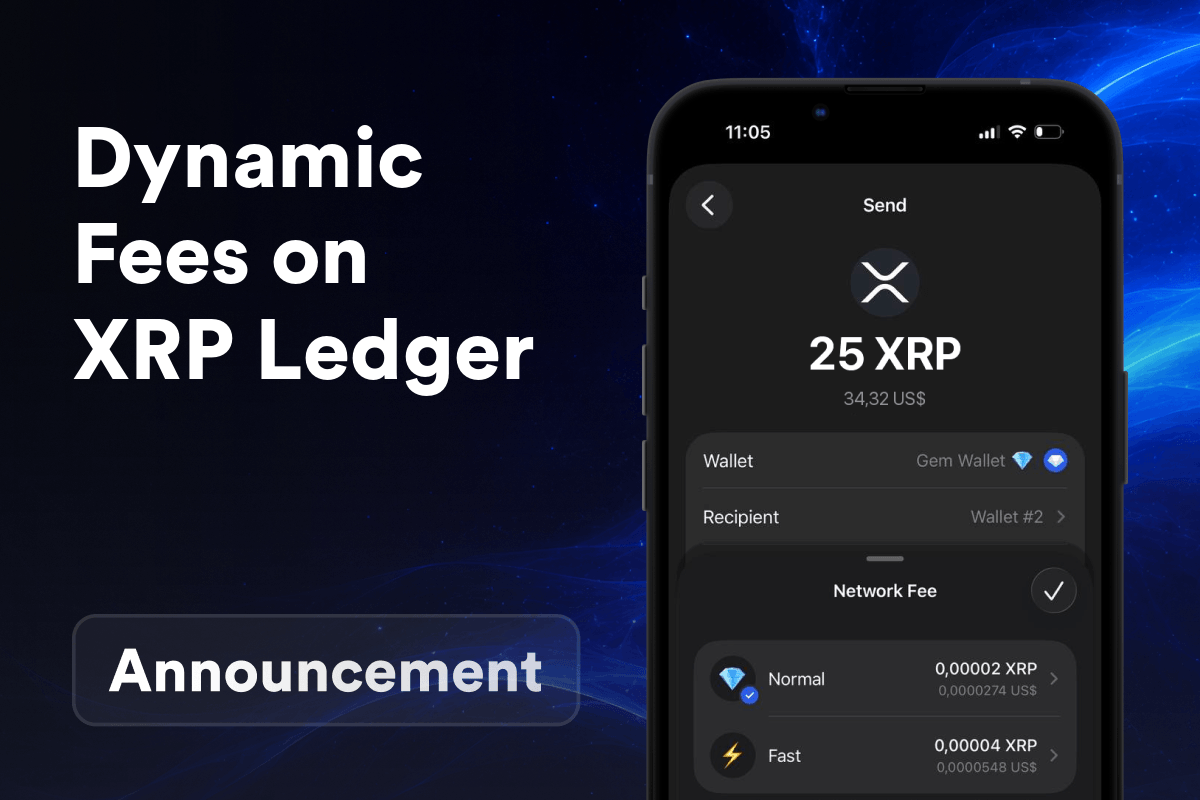
  • Adjustable Transaction Speed: Choose Slow, Normal, or Fast for every XRP transaction - Gem Wallet adjusts the network fee accordingly so transfers still go through quickly when the XRPL is under heavy load.
  • Buy XRP Easily: Purchase XRP with your card in just a few clicks - fund your first XRP wallet in minutes.
  • Mobile-Ready: A fast XRP wallet app for Android, iOS, and APK, so you can manage XRP and XRP tokens on the go.

Download your XRP wallet app with Gem Wallet today and use one of the best XRP wallet experiences for fast, low-cost on-chain payments and cross-chain swaps - all with full self-custodial control on mobile.
Why Gem XRP Wallet App Is the Best Choice?

Gem Wallet stands out as a leading XRP wallet solution, combining security, privacy, and usability in one powerful app. Here's why users choose Gem Wallet for their XRP needs:

Self-Custody

Control and Self-Custody

Full control of your private keys and secret phrase. No third party can access or restrict your XRP. Your XRP is truly yours.

Privacy

Privacy Protection

No tracking, no personal information, no data collection. Complete privacy and control over your XRP.

Open-Source

Audited

Publicly available code on GitHub, independently audited by CertiK in April 2026.

Staking

Multi-Platform

Available on iOS, Android, and APK. Your XRP wallet works wherever you go.

Pioneer

XRP Wallet in Multiple Languages

Supporting 25+ languages including English, Spanish, Chinese, Russian, and Arabic. Fully localized for worldwide accessibility.

Cross-chain

Built-In XRP Services

Buy XRP with 30+ payment methods. Swap XRP through integrated DEX aggregator. Manage all crypto assets in one secure place.

Comparison: Gem Wallet vs Exchange Wallets

See how storing XRP in Gem Wallet differs from keeping it on exchanges

FeatureGem WalletExchange Wallets (Binance, Coinbase)
Registration Required✅ None❌ Full KYC
Personal Data Collection✅ None❌ Extensive (ID, address, selfie)
Open-Source✅ Fully transparent❌ Closed source
Private Keys Control✅ Yes❌ No
Account Freezing✅ Impossible❌ Possible
Setup Time✅ 2 minutes⚠️ 1-7 days (KYC verification)

Professional Security Features

  1. Biometric Authentication: Use Face ID, Touch ID, or fingerprint to secure your wallet
  2. PIN Protection: Set a strong PIN code as an additional security layer
  3. Encrypted Backups: Your secret phrase is stored securely and never leaves your device
  4. Regular Security Audits: Independent security reviews ensure wallet integrity. Learn more about security →
Gem Wallet private key security and self-custody crypto wallet features

What Users Say About Gem XRP Wallet

How to Set Up a XRP Wallet in 2 Minutes

Quick Setup Guide (3 Steps)

Creating a XRP wallet is simpler than opening a bank account. Gem Wallet guides you through the entire process in minutes, making it accessible for complete beginners.

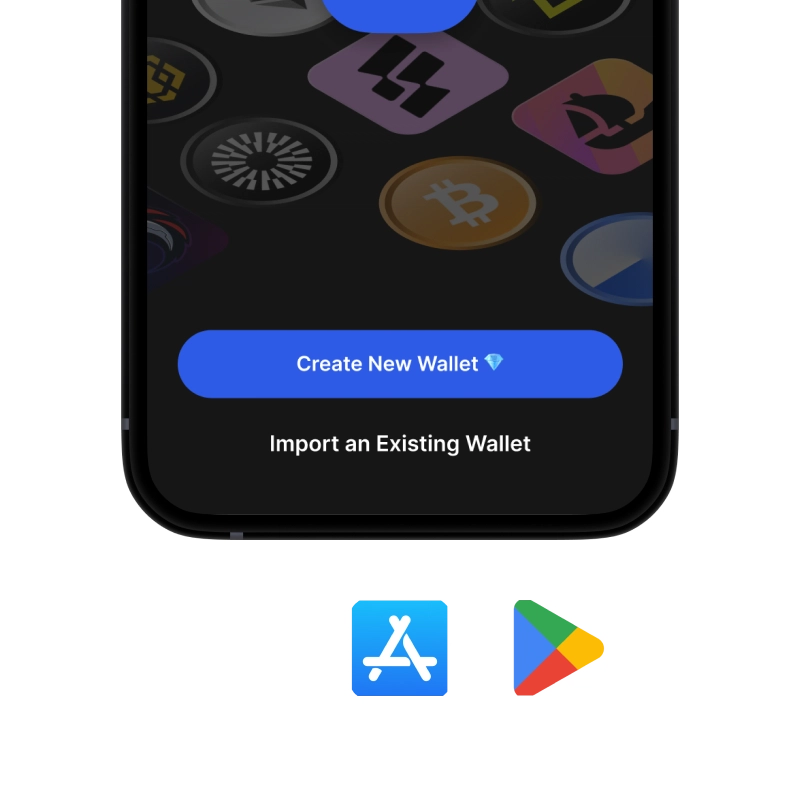
onboarding view

1. Download XRP Wallet

XRP Wallet: iOS, Android & APK

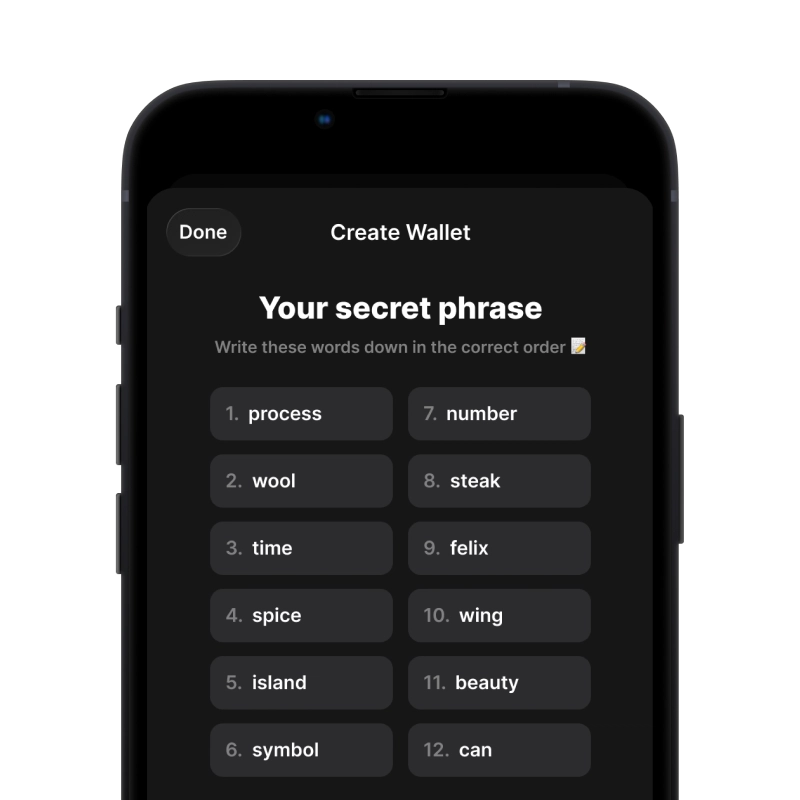
recovery phrase screen

2. Create XRP Wallet

Create a new wallet, save the secret phrase, and get your address in XRP.

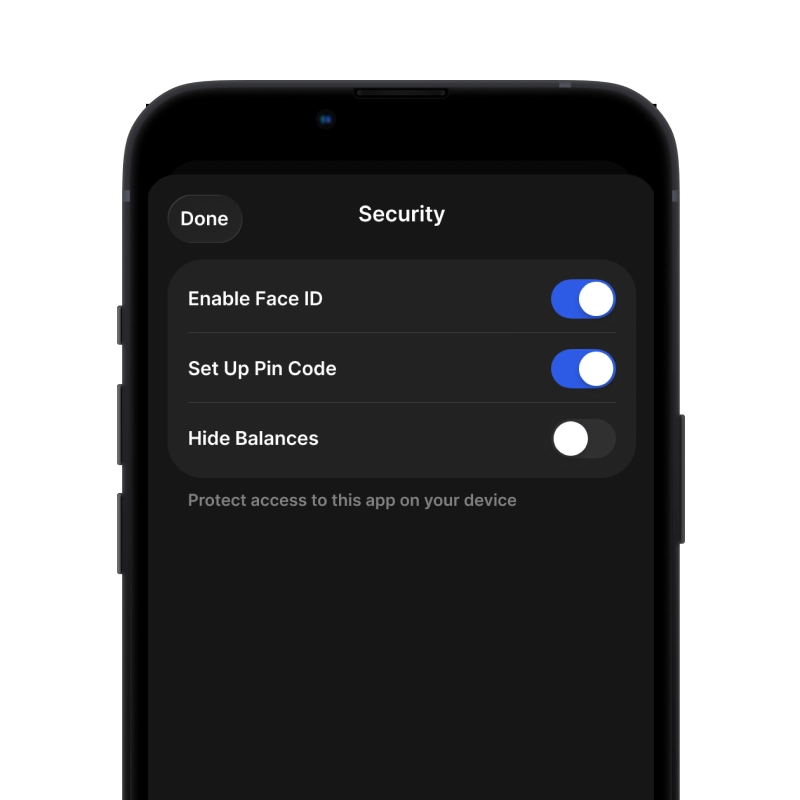
gem wallet security settings

3. Set Up Security for XRP

Enable PIN or biometric authentication and you're ready to go

Create XRP Wallet for iOS

Get your XRP wallet on iPhone (2 min):

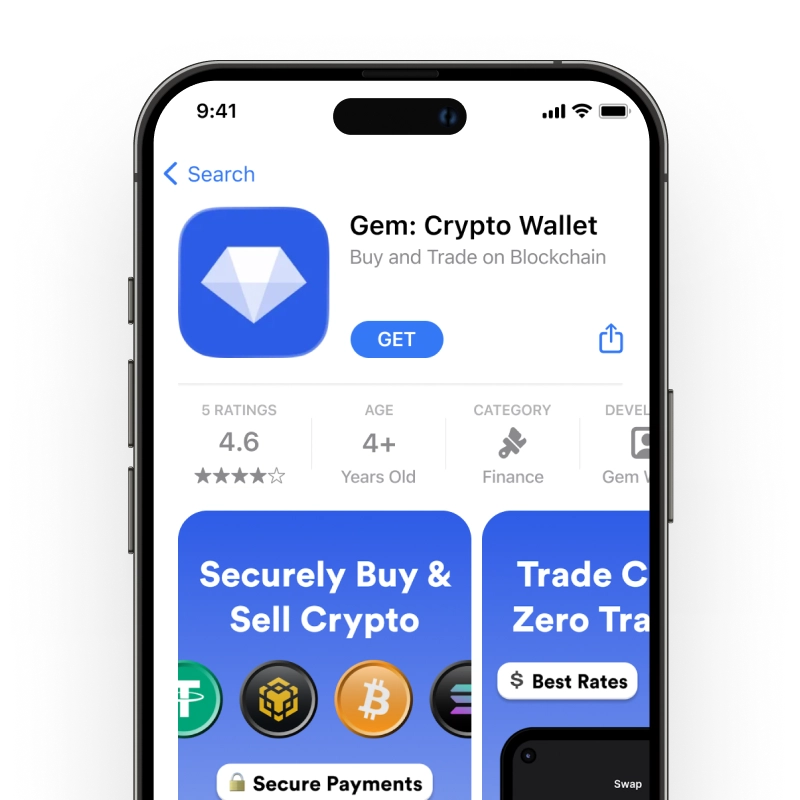
  1. Open the App Store and search for "Gem Wallet"
  2. Download and install the app (it's free and under 50MB)
  3. Open Gem Wallet and tap "Create New Wallet"
  4. Write down your secret phrase on paper - this is your master backup
  5. Enable Face ID or set a PIN code for quick and secure access
  6. Done!
Download Gem Wallet for iOS
XRP wallet for iOS

Create XRP Wallet for Android

Get your XRP wallet on Android (2 min):

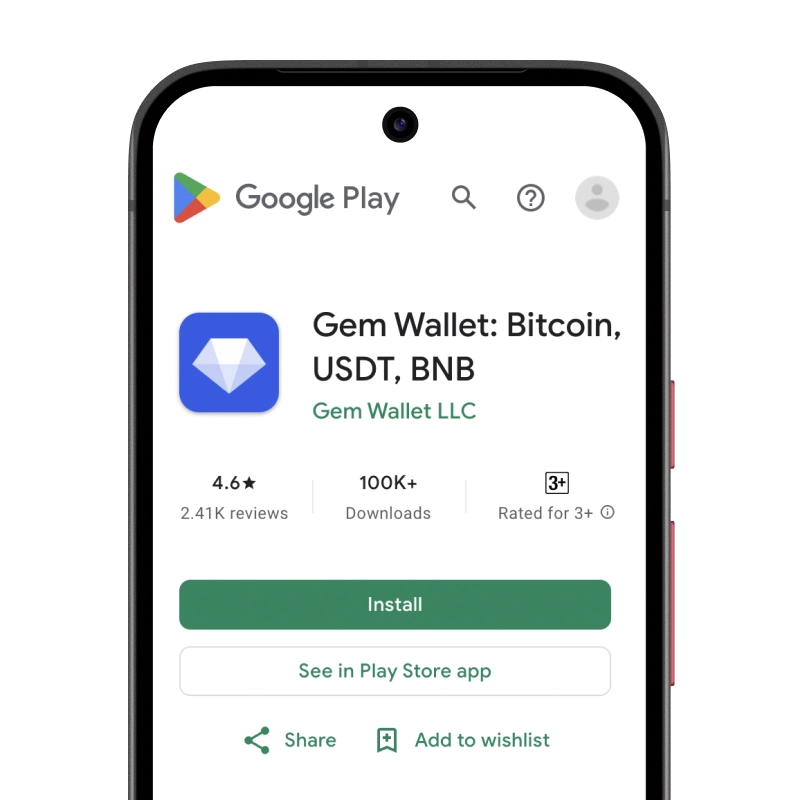
  1. Via Google Play: Search for "Gem Wallet" in the Play Store and install
  2. APK: Download the APK file for maximum privacy and control
  3. Open the app and select "Create New Wallet"
  4. Write down your 12-word secret phrase on paper
  5. Set up fingerprint or PIN authentication
  6. Done!
XRP wallet for Android

How to Get a XRP Address

To get a XRP wallet address, you first need to create or import a XRP wallet. After that, the app will generate addresses for you automatically.

1 Open Gem Wallet

Launch the app on your phone and select XRP (XRP) from your asset list.

2 Tap "Receive" Button

You'll see a large button at the bottom of the screen. Your XRP wallet address will be displayed both as text and as a QR code.

3 Copy Your Address

Copy the address to clipboard, share the QR code, or send it directly through messaging apps.

Get XRP wallet address in Gem Wallet
🔄 Unlimited Addresses

In Gem Wallet, you can generate unlimited XRP addresses for free. Each address is derived from your secret phrase and remains under your control forever.

📱 Using QR Codes
  • No Typing Errors - Scanning prevents copy-paste mistakes
  • Faster Transactions - Just show your phone screen
  • Perfect for in-person XRP payments

Frequently Asked Questions

A destination tag is a number that exchanges use to route incoming XRP to the right user, because they share one XRP address for everyone. If you send XRP to an exchange without the tag, your funds can be lost or stuck. Gem Wallet shows the destination tag field every time you send XRP, so you can paste the tag your exchange provides. Sending XRP to another self-custody wallet usually doesn't need a tag.
The XRP Ledger requires every account to keep 1 XRP as a base reserve, plus 0.2 XRP per ledger object (like a trust line, an offer, or an NFT offer). These amounts were lowered by validator vote in December 2024. The reserve isn't a fee - it stays locked on your account and becomes spendable again if you remove those objects. Gem Wallet shows your spendable balance with the reserve already accounted for.
Standard XRP transactions cost just 0.00001 XRP (10 drops) - well under $0.0001, regardless of how much you send. The fee is paid in XRP and burned by the network, not paid to validators. Inside Gem Wallet you can choose Slow, Normal, or Fast for each transaction so transfers still go through quickly when the XRPL is busy.
Yes. Copy your XRP address from Gem Wallet, paste it into the exchange withdrawal form, set the network to XRP / XRPL, and confirm. XRP usually arrives within seconds. Your Gem Wallet address doesn't need a destination tag (leave it blank or use 0). Never send assets from a different network like Ethereum or BNB Smart Chain to this address.
Gem Wallet is a self-custody mobile XRP wallet for iOS, Android, and APK - not a browser extension or an exchange account. The same app supports over 100 blockchains, so XRP and tokens like USDC and RLUSD live alongside your Bitcoin, Ethereum, and Solana under a single 12-word recovery phrase. Gem Wallet is listed on xrpl.org, open-source on GitHub, and independently audited.
When you create an XRP wallet in Gem Wallet, you'll get a 12-word secret recovery phrase. Write it down on paper and store it offline - never take a screenshot, type it into a website, or share it. This single phrase restores your full XRP wallet (and every other crypto address in Gem Wallet) on any device. If you lose the phrase, no one can recover it for you.

Your XRP Wallet Is Ready

App Store 4.9 ★ on App Store | Google Play 4.8 ★ on Google Play
Download Now