Avalanche (AVAX) Coin

Avalanche (AVAX) Wallet

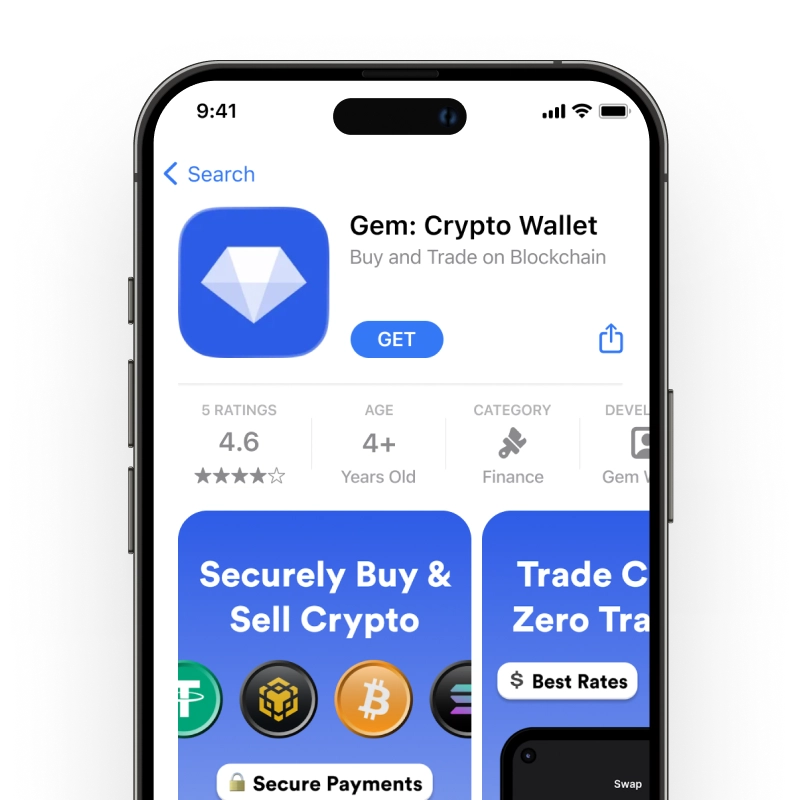
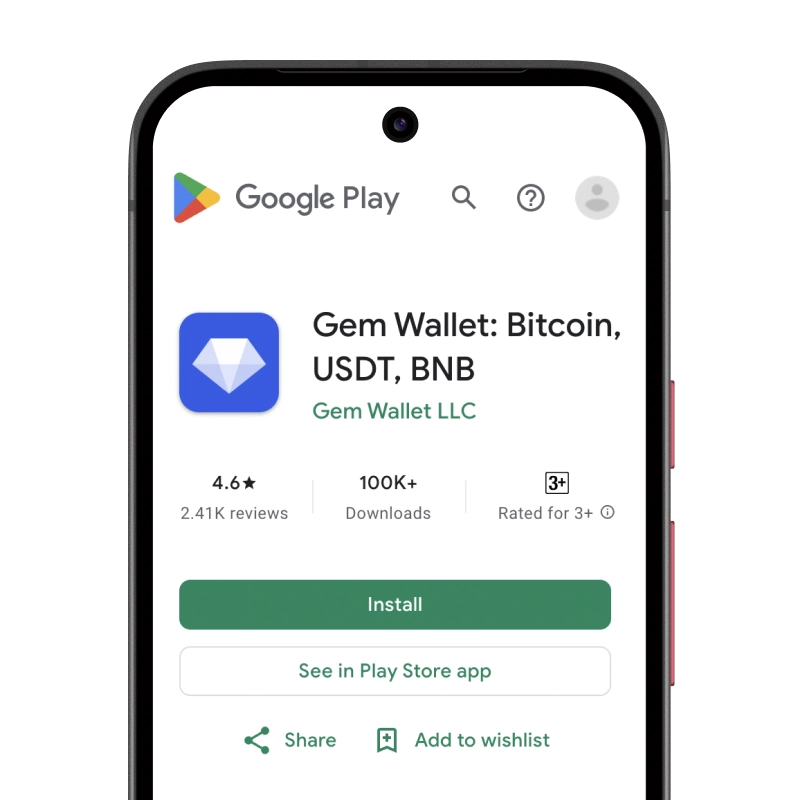
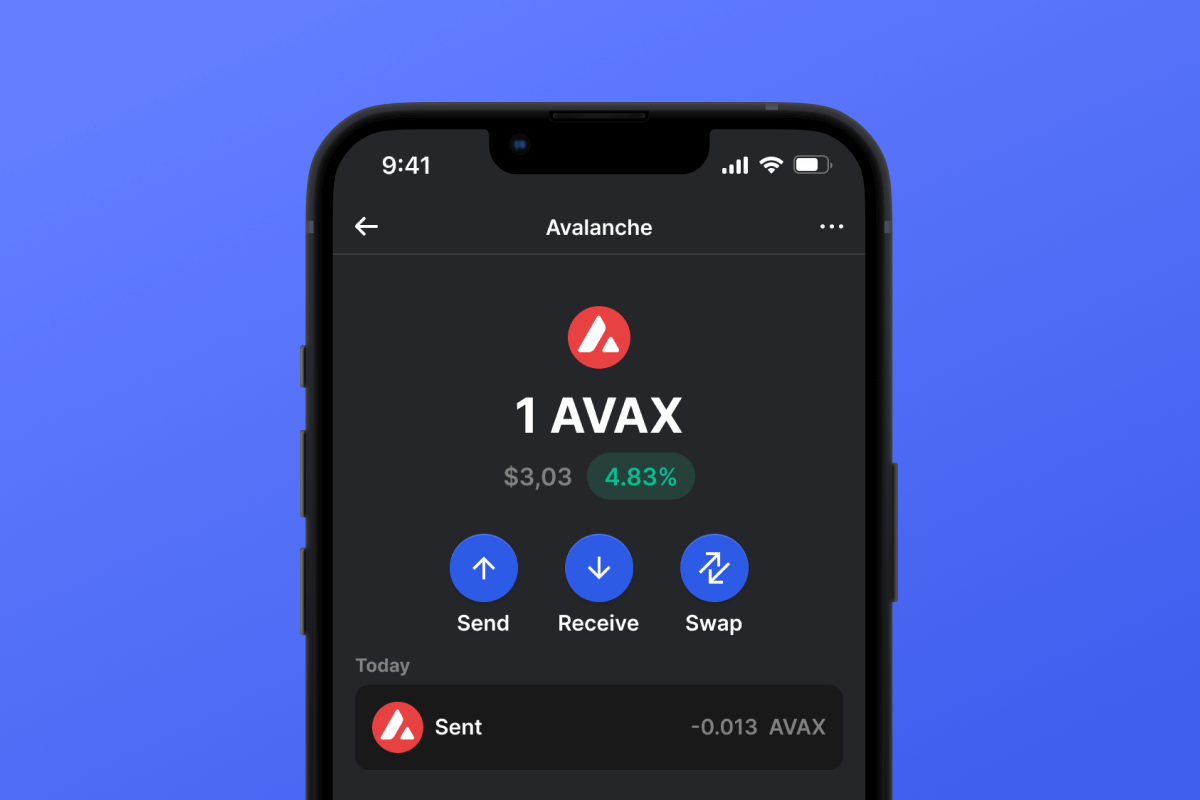
Gem Wallet is an Avalanche wallet on iOS, Android, and APK. It gives you an AVAX address on the Avalanche C-Chain in under two minutes and lets you send, receive, swap, or buy AVAX, USDT, and USDC. Your keys stay on your phone, and you need no account, email, or phone number.

Avalanche (AVAX) Wallet

What Is Avalanche?

Avalanche is a layer-1 blockchain developed by Ava Labs, with a mainnet that launched in September 2020. It runs its own validators, and a confirmed transaction is final, usually within a few seconds. For a longer introduction, read the guide to the Avalanche blockchain.

AVAX is the native token of Avalanche. It pays transaction fees, secures the network through staking, and works as the unit of account between Avalanche L1s, the independent blockchains built on the platform. According to the AVAX token documentation, supply is capped at 720 million AVAX, 360 million of it minted at genesis, and fees are burned, which removes them from circulation for good.

The Avalanche Primary Network runs three chains, and each one has its own job and its own address format:

ChainWhat it doesAddress starts with
C-Chain (Contract Chain)Runs the Ethereum Virtual Machine: smart contracts, dApps, and tokens0x
X-Chain (Exchange Chain)Sends and receives AVAX and Avalanche Native TokensX-avax
P-Chain (Platform Chain)Coordinates validators and staking, creates Avalanche L1sP-avax

Data source: Avalanche Primary Network docs and Avalanche Support, checked November 5, 2026.

Most people only ever touch the C-Chain, the chain that Avalanche dApps use most.

What Is an Avalanche Wallet?

An Avalanche wallet holds the keys that control your C-Chain address and signs each transaction for you. Your AVAX stays on the blockchain, and the keys are what prove it belongs to you. A self-custodial wallet keeps those keys with you, so no company can move or freeze your funds, and no company can recover them if you lose your keys.

Because the C-Chain runs the Ethereum Virtual Machine, an Avalanche wallet on this chain works like an Ethereum wallet: the same type of 0x address, the same ERC20 token standard, and gas paid in the coin of the network. The guide to EVM wallets explains how one address works across these networks.

Gem Wallet is a self-custodial Avalanche wallet for the C-Chain. Your keys stay on the phone, in Apple Keychain or Google Tink, and one 12-word recovery phrase restores your AVAX address together with your addresses on every other network in the app.

How AVAX Transfers and Fees Work on the C-Chain

Every C-Chain transaction pays gas in AVAX, including transfers of USDT or USDC. The fee is the gas used multiplied by the gas price, and the gas price is made up of a base fee and an optional priority fee. The base fee rises when the network is busy and falls when it is quiet, and on Avalanche both parts of the fee are burned.

Sending AVAX uses 21,000 gas and an ERC20 transfer uses about 55,000 gas. Both cost well under one US cent as of November 2026, and the amounts grow when the base fee rises.

Before you confirm, Gem Wallet shows the fee and offers a choice of transaction speeds. On EVM networks you can also set a custom Base Fee and Priority Fee. A wallet that holds only USDT or USDC cannot send them until it also holds some AVAX, so keep a small AVAX balance for gas.

Avalanche Address Format

A C-Chain address has 42 characters: 0x followed by 40 hexadecimal characters, shortened in many apps to a form like 0x1f9a...c3d2. X-Chain addresses begin with X-avax and P-Chain addresses with P-avax. These formats are not interchangeable.

Gem Wallet gives you a C-Chain address. Two things follow from that:

  • Choose the C-Chain when you withdraw. On an exchange, select Avalanche C-Chain as the withdrawal network and paste your 0x address.
  • One address, several networks. Gem Wallet uses the same 0x address on Avalanche, Ethereum, Base, and its other EVM networks. The address is shared, but balances are not: AVAX or USDT sent over another network arrives on that network, not on the C-Chain.

Hold AVAX and C-Chain Tokens in One Wallet

Tokens on the C-Chain follow the ERC20 standard and share your one AVAX address. Gem Wallet lists these tokens among others, and you can add any other token by its contract address:

  • USDT: The official Tether stablecoin on Avalanche, contract 0x9702230A8Ea53601f5cD2dc00fDBc13d4dF4A8c7.
  • USDC: The native Circle stablecoin on Avalanche, contract 0xB97EF9Ef8734C71904D8002F8b6Bc66Dd9c48a6E.
  • QI: The token of BENQI, contract 0x8729438EB15e2C8B576fCc6AeCdA6A148776C0F5.

Buy, Swap, and Use dApps on Avalanche in Gem Wallet

Gem Wallet lets you buy AVAX with a card through its on-ramp partners, and sell it back to fiat through providers in the app. The coins arrive directly at your own address.

Gem Wallet also lets you swap AVAX and C-Chain tokens through a built-in DEX aggregator. Swaps inside the C-Chain can route through Uniswap and OKX DEX, and swaps to other networks through Relay, Across, or THORChain. It connects to C-Chain dApps through WalletConnect.

Get a self-custodial AVAX address on the C-Chain with Gem Wallet for iOS, Android, or APK.
Why Choose Gem Wallet as Your Avalanche (AVAX) Wallet

Gem Wallet is a Avalanche (AVAX) wallet where you control your keys and your funds. The code is publicly available on GitHub. Your activity is not tracked, and you can buy, swap, and use Avalanche (AVAX) directly from the app.

Control and Self-Custody

Full control of your private keys and secret phrase. No third party can access or restrict your AVAX. Your AVAX is truly yours.

Privacy Protection

No tracking, no personal information, no data collection. Complete privacy and control over your Avalanche (AVAX).

Audited

Publicly available code on GitHub, independently audited by CertiK in April 2026 and Cure53 in October 2026.

Multi-Platform

Available on iOS, Android, and APK. Your Avalanche (AVAX) wallet works wherever you go.

Avalanche (AVAX) Wallet in Multiple Languages

Supporting 25+ languages including English, Spanish, Chinese, Russian, and Arabic. Fully localized for worldwide accessibility.

Built-In Avalanche (AVAX) Services

Buy Avalanche (AVAX) with 30+ payment methods. Swap AVAX through integrated DEX aggregator. Manage all crypto assets in one secure place.

Comparison: Gem Wallet vs Exchange Wallets

See how storing Avalanche (AVAX) in Gem Wallet differs from keeping it on exchanges

FeatureGem WalletExchange Wallets (Binance, Coinbase)
Registration Required✅ None❌ Full KYC
Personal Data Collection✅ None❌ Extensive (ID, address, selfie)
Open-Source✅ Fully transparent❌ Closed source
Private Keys Control✅ Yes❌ No
Account Freezing✅ Impossible❌ Possible
Setup Time✅ 2 minutes⚠️ 1-7 days (KYC verification)

Professional Security Features

  1. Biometric Authentication: Use Face ID, Touch ID, or fingerprint to secure your wallet
  2. PIN Protection: Set a strong PIN code as an additional security layer
  3. Encrypted Backups: Your secret phrase is stored securely and never leaves your device
  4. Regular Security Audits: Independent security reviews ensure wallet integrity. Learn more about security →
Gem Wallet private key security and self-custody crypto wallet features

What Avalanche (AVAX) Users Say About Gem Wallet

How to Set Up a Avalanche (AVAX) Wallet in 2 Minutes

Quick Setup Guide (3 Steps)

Creating a Avalanche (AVAX) wallet is simpler than opening a bank account. Gem Wallet guides you through the entire process in minutes, making it accessible for complete beginners.

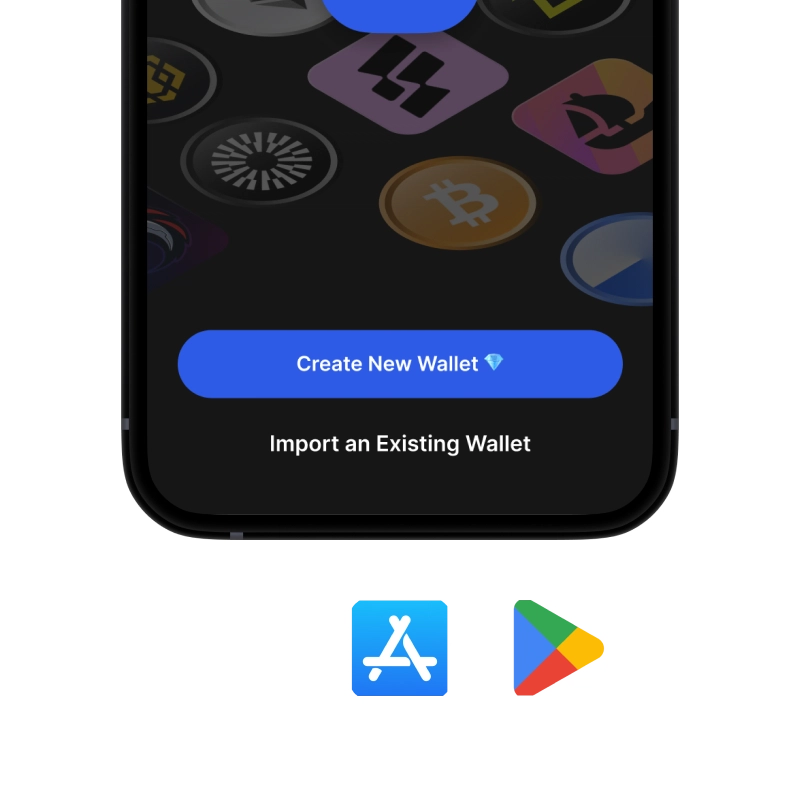
onboarding view

1. Download Avalanche (AVAX) Wallet

Avalanche (AVAX) Wallet: iOS, Android & APK

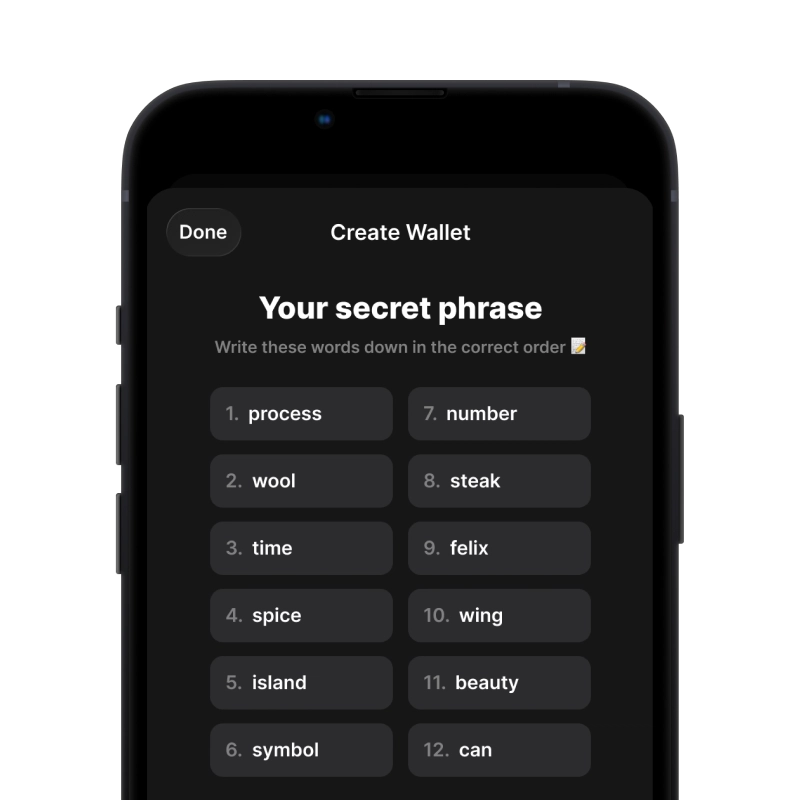
recovery phrase screen

2. Create Avalanche (AVAX) Wallet

Create a new wallet, save the secret phrase, and get your address in Avalanche (AVAX).

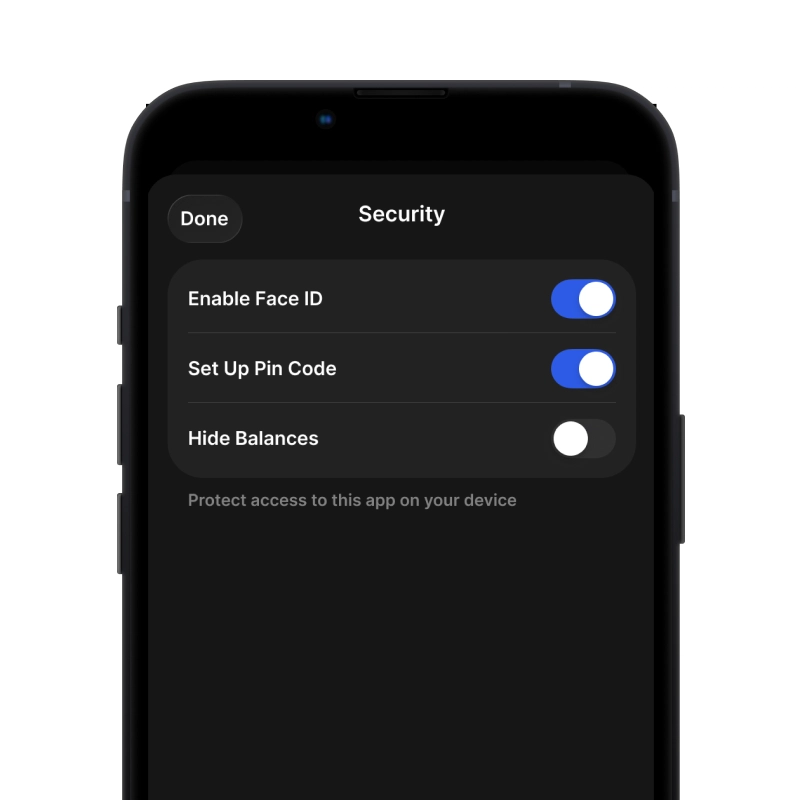
gem wallet security settings

3. Set Up Security for AVAX

Enable PIN or biometric authentication and you're ready to go

Create Avalanche (AVAX) Wallet for iOS

Get your AVAX wallet on iPhone (2 min):

  1. Open the App Store and search for "Gem Wallet"
  2. Download and install the app (it's free and under 50MB)
  3. Open Gem Wallet and tap "Create New Wallet"
  4. Write down your secret phrase on paper - this is your master backup
  5. Enable Face ID or set a PIN code for quick and secure access
  6. Done!
Download Gem Wallet for iOS
Avalanche (AVAX) wallet for iOS

Create Avalanche (AVAX) Wallet for Android

Get your AVAX wallet on Android (2 min):

  1. Via Google Play: Search for “Gem Wallet” in the Play Store and install
  2. APK: Download the APK file for maximum privacy and control
  3. Open the app and select "Create New Wallet"
  4. Write down your 12-word secret phrase on paper
  5. Set up fingerprint or PIN authentication
  6. Done!

How to Get a Avalanche (AVAX) Address

To get a Avalanche (AVAX) wallet address, you first need to create or import a Avalanche (AVAX) wallet. After that, the app will generate addresses for you automatically.

1 Open Gem Wallet

Launch the app on your phone and select Avalanche (AVAX) (AVAX) from your asset list.

2 Tap "Receive" Button

You'll see a large button at the bottom of the screen. Your Avalanche (AVAX) wallet address will be displayed both as text and as a QR code.

3 Copy Your Address

Copy the address to clipboard, share the QR code, or send it directly through messaging apps.

Get Avalanche (AVAX) wallet address in Gem Wallet
🔄 Unlimited Addresses

In Gem Wallet, you can generate unlimited Avalanche (AVAX) addresses for free. Each address is derived from your secret phrase and remains under your control forever.

📱 Using QR Codes
  • ✅ No Typing Errors - Scanning prevents copy-paste mistakes
  • ✅ Faster Transactions - Just show your phone screen
  • ✅ Perfect for in-person AVAX payments

Frequently Asked Questions

AVAX is the native token of the Avalanche blockchain. It pays transaction fees, secures the network through staking, and has a supply capped at 720 million.
Use the C-Chain unless you have a specific reason not to. It is the chain most Avalanche dApps and tokens run on, and its addresses start with 0x. X-Chain addresses start with X-avax and P-Chain addresses with P-avax. Your AVAX address in Gem Wallet is a C-Chain address, so choose Avalanche C-Chain when someone sends you funds.
On the C-Chain, a plain AVAX transfer uses 21,000 gas and an ERC20 token transfer about 55,000 gas, and the fee is paid in AVAX. Both cost well under one US cent as of November 2026. The fee rises when the network is busy, and Gem Wallet shows it before you confirm.
Copy your AVAX address from Gem Wallet, paste it into the withdrawal form on the exchange, and select Avalanche C-Chain as the network. Do not pick X-Chain or P-Chain, because those chains use different address formats. Your Gem Wallet address also exists on other EVM networks, so a withdrawal sent over another network arrives on that network, not on Avalanche.
Yes. Gem Wallet lets you swap AVAX for USDT, USDC, and other C-Chain tokens through a built-in DEX aggregator, and for assets on other networks as well. The network fee is paid in AVAX.
When you create a wallet in Gem Wallet, you receive a 12-word recovery phrase. Write it down on paper and keep it offline - never screenshot it, type it into a website, or share it with anyone. The phrase restores your Avalanche address and all your other addresses on any phone. If you lose it, no one, including Gem Wallet, can restore it for you.

Your Avalanche (AVAX) Wallet Is Ready

App Store 4.6 ★ on App Store Google Play 4.7 ★ on Google Play
Download Now