ERC20 Coin

ERC20 Wallet

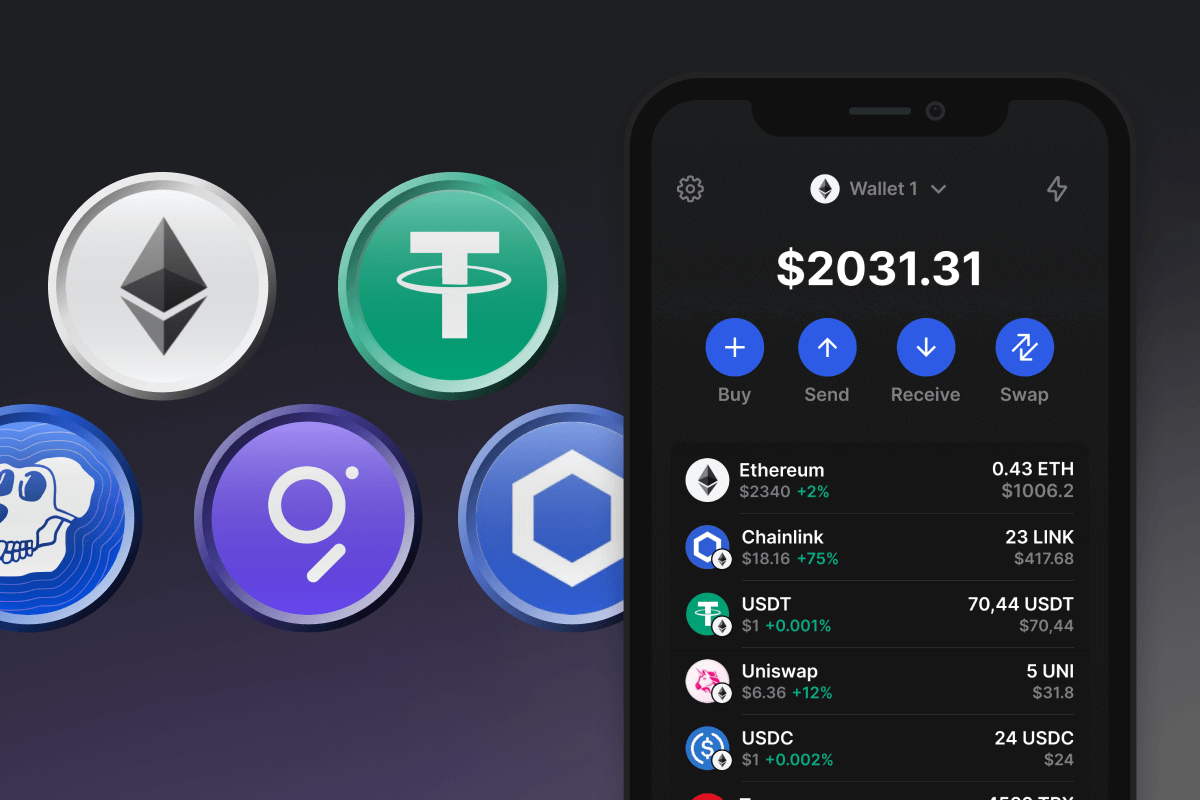
Gem Wallet is a self-custodial ERC20 wallet for iOS, Android, and APK. It lets you create an Ethereum address in under two minutes and send, receive, swap, or buy ETH, USDT, USDC, and thousands of ERC20 tokens through a built-in DEX aggregator. Gem Wallet keeps you in full control of your keys - no accounts, no tracking.

ERC20 Wallet

What Is ERC20?

ERC20 is the technical standard for fungible tokens issued on the Ethereum blockchain, defined in the official EIP-20 specification. It sets a common rulebook that every token contract follows - the same transfer, balance, and approval functions - so wallets, exchanges, and smart contracts can interact with any ERC20 token in exactly the same way. Sometimes the standard is written as ERC-20; both refer to the same specification.

ERC20 tokens cover most of the tokenized economy on Ethereum, including stablecoins like USDT, USDC, and DAI; DeFi tokens like LINK, UNI, and AAVE; wrapped assets like WETH; and memecoins like SHIB and PEPE. ETH itself is not an ERC20 token - it predates the standard and lives as the native currency of Ethereum - which is why WETH exists as a 1:1 ERC20 wrapper, used across DeFi protocols that expect every asset to follow the same rules.

What Is an ERC20 Wallet And Why Do You Need One?

An ERC20 wallet is an app that lets you create, import, and use an Ethereum address to hold and move ERC20 tokens. The same address holds your ETH and every ERC20 token you receive, so one wallet gives you full access to the Ethereum economy: stablecoin transfers, DeFi protocols, NFT collections, governance voting, and on-chain payments. Interacting with DeFi typically involves approve transactions that grant a smart contract permission to spend a specific token amount on your behalf - a built-in ERC20 mechanic that keeps you in control instead of giving unlimited access by default. Whether you trade tokens, hold stablecoins for savings, or interact with smart contracts, an ERC20 wallet keeps your assets in your control instead of on an exchange. You'll need a small amount of ETH in the wallet at all times, since gas fees for every ERC20 transaction are paid in ETH on the Ethereum network.

ERC20 Address Format

An ERC20 address is a 42-character Ethereum address that always starts with 0x, for example 0x742d35C...........c9e7595f0bEb1. This is the same address format used for native ETH - one Ethereum address holds your ETH balance and every ERC20 token sitting on that account, including USDT, USDC, DAI, and any other token. There is no separate "USDT address" or "USDC address" - the token contract keeps the balance, and your address is the key that controls it.

ERC20 addresses work only on the Ethereum network. They are not compatible with Bitcoin addresses, Solana addresses, or TRC20 addresses on TRON - sending ERC20 tokens to a wrong-network address typically results in permanent loss of funds. In Gem Wallet, your Ethereum address is shown once on the ETH screen and serves as the single deposit address for all ERC20 tokens.

ERC20 Transfers and Gas Fees

Every ERC20 transaction on Ethereum consumes a specific amount of gas, a unit of computation paid for in ETH. A native ETH transfer uses 21,000 gas; a standard ERC20 transfer uses roughly 50,000-65,000 gas; and the approve call that grants a smart contract permission to spend your tokens consumes around 46,000 gas. The total fee in ETH is calculated as gas units × gas price (in gwei) × ETH price, where gas price moves with network demand and is set per transaction.

Following the Pectra upgrade (May 2025), Ethereum gas markets have generally stabilized at lower levels than in earlier years. In spring 2026, a typical ERC20 transfer costs between $0.50 and $3 in network fees during normal conditions, with brief spikes during periods of high demand. Pectra also introduced EIP-7702, which lets standard Ethereum accounts batch multiple operations - for example, an approve and a swap - into a single transaction.

In Gem Wallet, you can choose Slow, Normal, or Fast for every ERC20 transaction - the wallet adjusts the gas price accordingly so transfers still confirm quickly when the Ethereum network is busy.

ERC20 Wallet Features in Gem Wallet

  • Listed on ethereum.org: Gem Wallet is featured in the official Ethereum wallets directory on ethereum.org, the curated list maintained by the Ethereum Foundation.
  • Full ERC20 Support: Hold ETH alongside major ERC20 tokens like USDT, USDC, DAI, LINK, UNI, AAVE, WETH, SHIB, and PEPE in one place, with live prices, full transaction history, and NFT previews built in.
  • Built-In DEX Aggregator: Seamlessly swap ETH and ERC20 tokens right inside the app using the integrated decentralized exchange aggregator - routes through Uniswap, Thorchain, and other DEX protocols, with token approvals handled automatically in a single tap.
  • Adjustable Transaction Speed: Choose Slow, Normal, or Fast for every Ethereum transaction - Gem Wallet adjusts the gas fee accordingly so transfers still go through quickly when the Ethereum network is busy.
  • Buy ETH Easily: Purchase ETH and other tokens with your card in just a few clicks - get your first Ethereum wallet funded quickly.
  • DeFi & Staking: Put your tokens to work: access Ethereum DeFi and stake ETH directly from the app. Learn more in our Ethereum staking guide.
  • NFTs & Memecoins: Store and send Ethereum NFTs or trade trending memecoins like SHIB, PEPE, and other ERC20 tokens quickly and simply.

Download your ERC20 wallet app with Gem Wallet today and use one of the best ERC20 wallet experiences for DeFi, NFTs, memecoins, and fast on-chain payments - all with full self-custodial control on mobile.

Why Gem ERC20 Wallet App Is the Best Choice?

Gem Wallet stands out as a leading ERC20 wallet solution, combining security, privacy, and usability in one powerful app. Here's why users choose Gem Wallet for their ERC20 needs:

Self-Custody

Control and Self-Custody

Full control of your private keys and secret phrase. No third party can access or restrict your ERC20. Your ERC20 is truly yours.

Privacy

Privacy Protection

No tracking, no personal information, no data collection. Complete privacy and control over your ERC20.

Open-Source

Audited

Publicly available code on GitHub, independently audited by CertiK in April 2026.

Staking

Multi-Platform

Available on iOS, Android, and APK. Your ERC20 wallet works wherever you go.

Pioneer

ERC20 Wallet in Multiple Languages

Supporting 25+ languages including English, Spanish, Chinese, Russian, and Arabic. Fully localized for worldwide accessibility.

Cross-chain

Built-In ERC20 Services

Buy ERC20 with 30+ payment methods. Swap ERC20 through integrated DEX aggregator. Manage all crypto assets in one secure place.

Comparison: Gem Wallet vs Exchange Wallets

See how storing ERC20 in Gem Wallet differs from keeping it on exchanges

FeatureGem WalletExchange Wallets (Binance, Coinbase)
Registration Required✅ None❌ Full KYC
Personal Data Collection✅ None❌ Extensive (ID, address, selfie)
Open-Source✅ Fully transparent❌ Closed source
Private Keys Control✅ Yes❌ No
Account Freezing✅ Impossible❌ Possible
Setup Time✅ 2 minutes⚠️ 1-7 days (KYC verification)

Professional Security Features

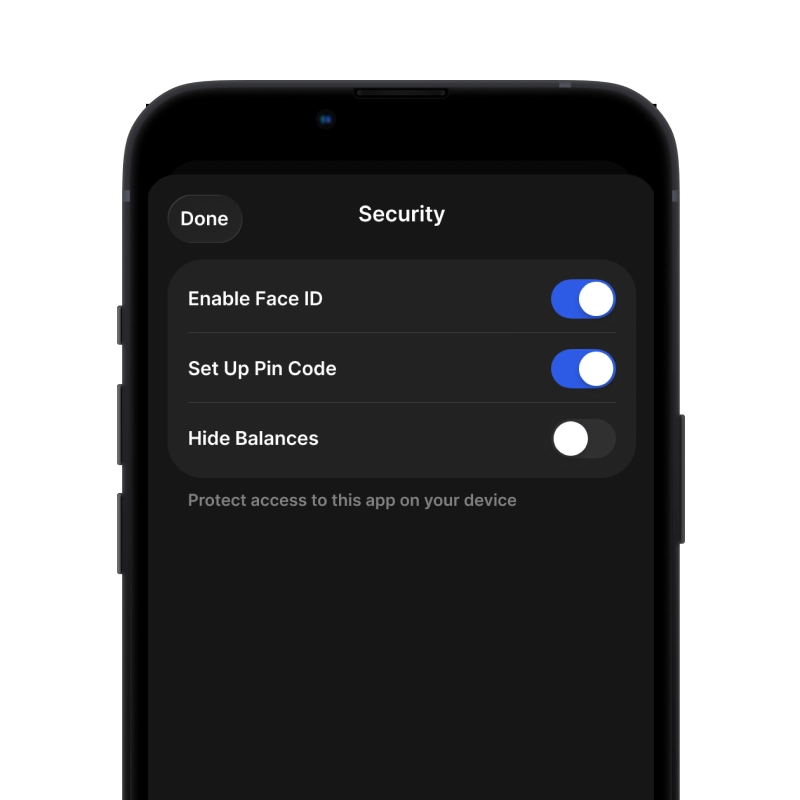
  1. Biometric Authentication: Use Face ID, Touch ID, or fingerprint to secure your wallet
  2. PIN Protection: Set a strong PIN code as an additional security layer
  3. Encrypted Backups: Your secret phrase is stored securely and never leaves your device
  4. Regular Security Audits: Independent security reviews ensure wallet integrity. Learn more about security →
Gem Wallet private key security and self-custody crypto wallet features

What Users Say About Gem ERC20 Wallet

How to Set Up a ERC20 Wallet in 2 Minutes

Quick Setup Guide (3 Steps)

Creating a ERC20 wallet is simpler than opening a bank account. Gem Wallet guides you through the entire process in minutes, making it accessible for complete beginners.

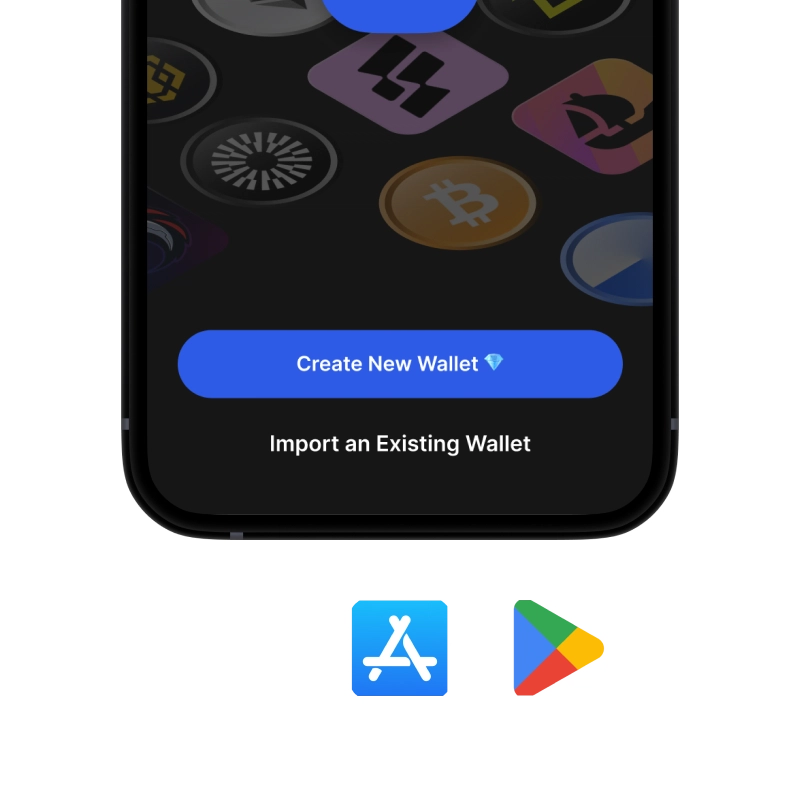
onboarding view

1. Download ERC20 Wallet

ERC20 Wallet: iOS, Android & APK

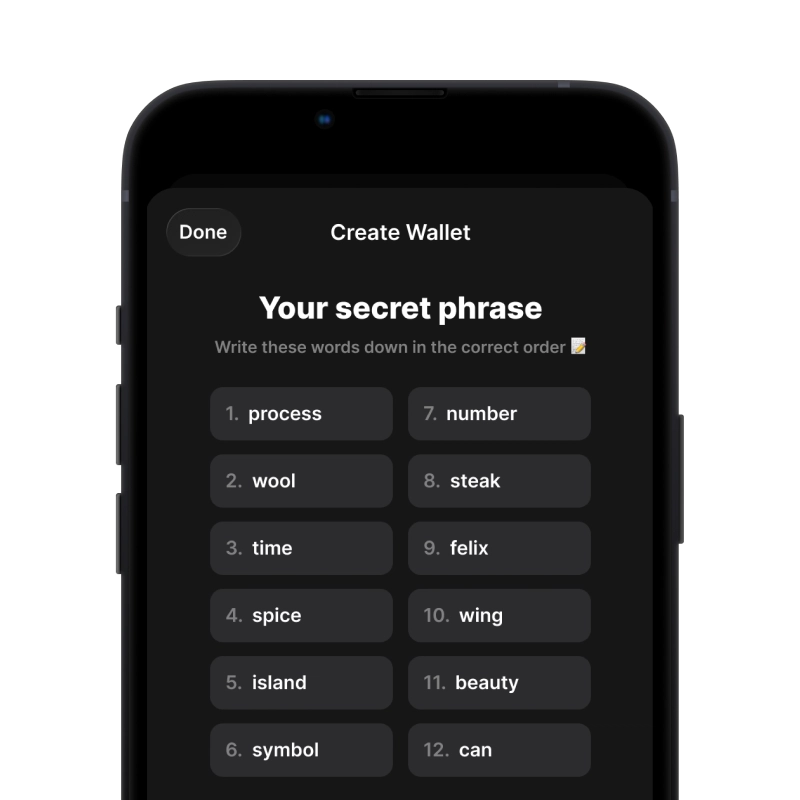
recovery phrase screen

2. Create ERC20 Wallet

Create a new wallet, save the secret phrase, and get your address in ERC20.

gem wallet security settings

3. Set Up Security for ERC20

Enable PIN or biometric authentication and you're ready to go

Create ERC20 Wallet for iOS

Get your ERC20 wallet on iPhone (2 min):

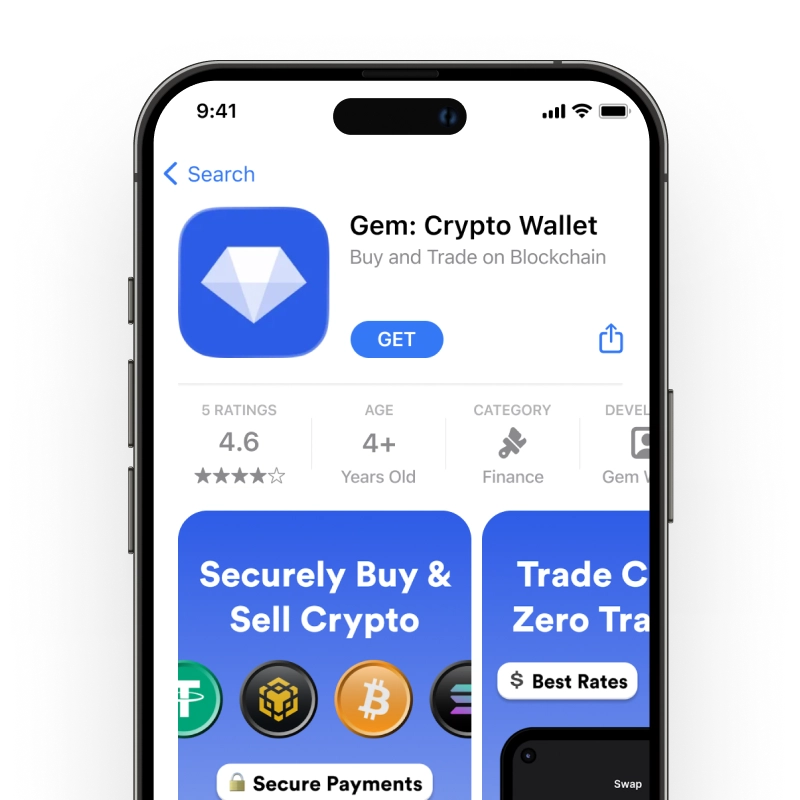
  1. Open the App Store and search for "Gem Wallet"
  2. Download and install the app (it's free and under 50MB)
  3. Open Gem Wallet and tap "Create New Wallet"
  4. Write down your secret phrase on paper - this is your master backup
  5. Enable Face ID or set a PIN code for quick and secure access
  6. Done!
Download Gem Wallet for iOS
ERC20 wallet for iOS

Create ERC20 Wallet for Android

Get your ERC20 wallet on Android (2 min):

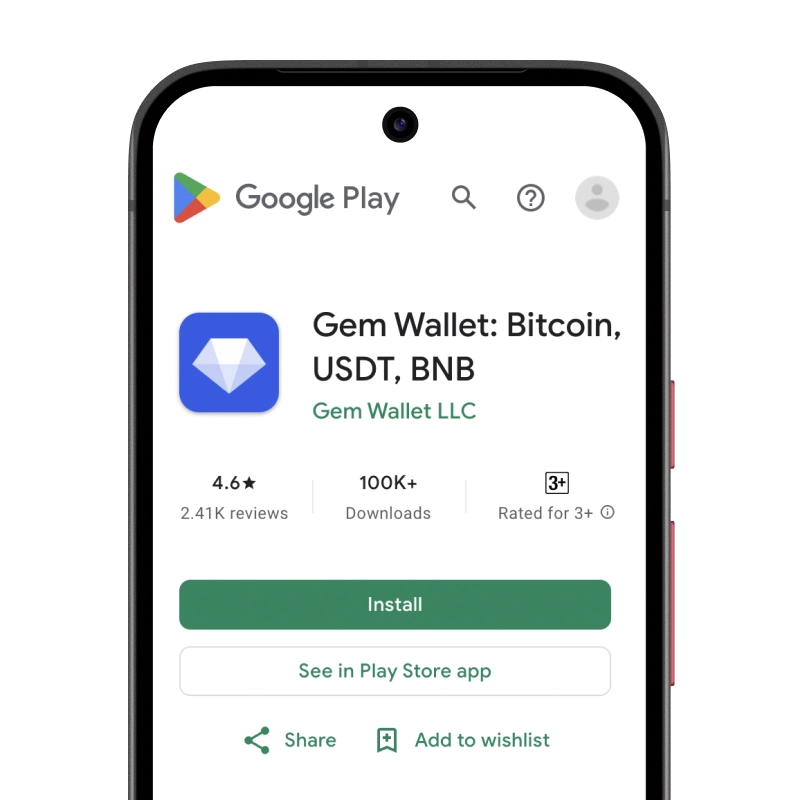
  1. Via Google Play: Search for "Gem Wallet" in the Play Store and install
  2. APK: Download the APK file for maximum privacy and control
  3. Open the app and select "Create New Wallet"
  4. Write down your 12-word secret phrase on paper
  5. Set up fingerprint or PIN authentication
  6. Done!
ERC20 wallet for Android

How to Get a ERC20 Address

To get a ERC20 wallet address, you first need to create or import a ERC20 wallet. After that, the app will generate addresses for you automatically.

1 Open Gem Wallet

Launch the app on your phone and select ERC20 (ERC20) from your asset list.

2 Tap "Receive" Button

You'll see a large button at the bottom of the screen. Your ERC20 wallet address will be displayed both as text and as a QR code.

3 Copy Your Address

Copy the address to clipboard, share the QR code, or send it directly through messaging apps.

Get ERC20 wallet address in Gem Wallet
🔄 Unlimited Addresses

In Gem Wallet, you can generate unlimited ERC20 addresses for free. Each address is derived from your secret phrase and remains under your control forever.

📱 Using QR Codes
  • No Typing Errors - Scanning prevents copy-paste mistakes
  • Faster Transactions - Just show your phone screen
  • Perfect for in-person ERC20 payments

Frequently Asked Questions

Sending ERC20 tokens on Ethereum requires gas fees paid in ETH, not in the token you're sending. A standard ERC20 transfer consumes roughly 50,000-65,000 gas units, with the final cost depending on the gas price in gwei and the current ETH price. In spring 2026, a typical ERC20 transfer costs between $0.50 and $3 during normal network conditions. Inside Gem Wallet you can choose Slow, Normal, or Fast for each transaction - the wallet adjusts the gas price so transfers still go through quickly even when the Ethereum network is busy. Always keep a small amount of ETH in your wallet to cover gas, even if you're only holding ERC20 tokens like USDT or USDC.
Yes. Open Gem Wallet, copy your Ethereum address from the ETH screen, and paste it into the withdrawal form on your exchange. Make sure the withdrawal network is set to Ethereum (ERC20), then confirm the transaction. The same address works for ETH and any ERC20 token sent on the Ethereum network - USDT, USDC, DAI, LINK, and thousands of others. Never use this address for assets on a different network like TRC20 on TRON, BNB Chain, or Solana - sending to the wrong network typically results in permanent loss of funds.
No. ETH is the native currency of the Ethereum blockchain and predates the ERC20 standard, so it doesn't follow ERC20 rules. That's why WETH (Wrapped Ethereum) exists - it's a 1:1 ERC20 wrapper around ETH used in DeFi protocols that expect every asset to follow the same standard. In Gem Wallet, both ETH and ERC20 tokens are held on the same Ethereum address, and you can wrap or unwrap WETH directly through the built-in DEX aggregator whenever a protocol requires it.
Gem Wallet is a self-custodial ERC20 wallet - your private keys never leave your device and are never shared with Gem Wallet or any third party. The app is fully open-source (published on GitHub for public review) and has been independently audited. Biometric unlock, encrypted local storage, and per-transaction confirmation help protect funds even if your phone is lost or stolen. When you sign approve transactions for DeFi protocols, Gem Wallet shows you exactly which contract is being authorized and which token amount it can spend, so you keep control over what each smart contract can access.
When you create an ERC20 wallet in Gem Wallet, you'll be given a 12-word secret recovery phrase. Write it down on paper and store it offline in a safe place - never take a screenshot, type it into a website, or share it with anyone. This single recovery phrase restores your full Ethereum wallet (and every other crypto address inside Gem Wallet) on any device. If you lose your phone, you can reinstall Gem Wallet on a new device and use the phrase to recover access to your ETH, ERC20 tokens, and NFTs. If you lose the phrase, no one - including Gem Wallet - can restore it for you.
ERC20, TRC20, and BEP20 are token standards on different blockchains - ERC20 on Ethereum, TRC20 on TRON, and BEP20 on BNB Chain. The same token (like USDT) often exists as a separate version on each network, with different addresses, different transfer fees, and zero compatibility between networks. ERC20 tokens use Ethereum addresses starting with 0x and pay gas fees in ETH; TRC20 uses TRON addresses starting with T and pays fees mostly in Bandwidth and Energy; BEP20 uses BNB Smart Chain addresses (also 0x-prefixed but on a different network) and pays fees in BNB. Gem Wallet supports all three standards in the same app, but you must always match the network when sending or receiving - never send ERC20 tokens to a TRC20 or BEP20 address.

Your ERC20 Wallet Is Ready

App Store 4.9 ★ on App Store | Google Play 4.8 ★ on Google Play
Download Now