

What Is Chainlink (LINK)?
Chainlink is a decentralized oracle network: independent node operators fetch data from outside a blockchain, such as asset prices, and deliver it to smart contracts that cannot read it on their own. Its whitepaper was published in September 2017 by Sergey Nazarov, Steve Ellis, and Ari Juels, and the network went live on Ethereum mainnet on May 30, 2019. Lending, derivatives, and other on-chain applications use Chainlink price feeds to settle positions at market prices.
LINK is the token of the Chainlink network. Applications use it to pay for oracle services, and node operators receive it as payment for the data they deliver. The total supply is capped at 1 billion LINK, and one LINK divides into 10^18 juels. LINK was first issued on Ethereum as an ERC-677 token, an extension of ERC20 that can send tokens and call the receiving contract in one transaction, so every ERC20 wallet can hold it. More background is in our guide to the Chainlink network.
What Is a Chainlink Wallet?
A Chainlink wallet is an app that holds the private key of an Ethereum address and signs LINK transfers with it. The LINK itself is recorded in the LINK token contract on Ethereum, which keeps a balance for every address; the wallet reads your balance there and sends the signed transfers to the network.
In a self-custodial wallet, the key is created and kept on your phone. In an exchange account, the exchange controls the key and your LINK sits in its pooled address, so a withdrawal depends on the exchange.
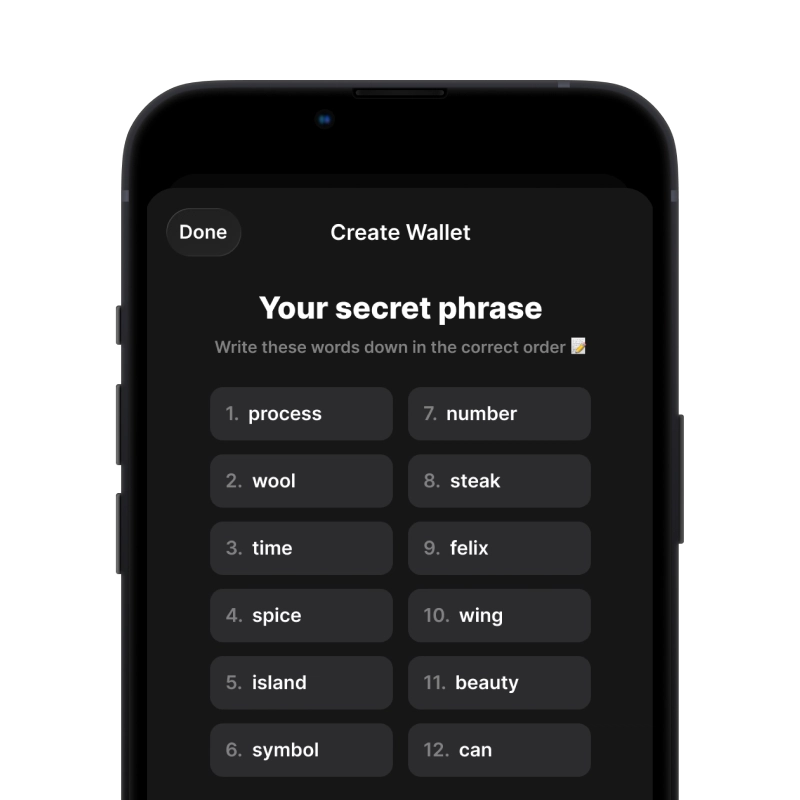
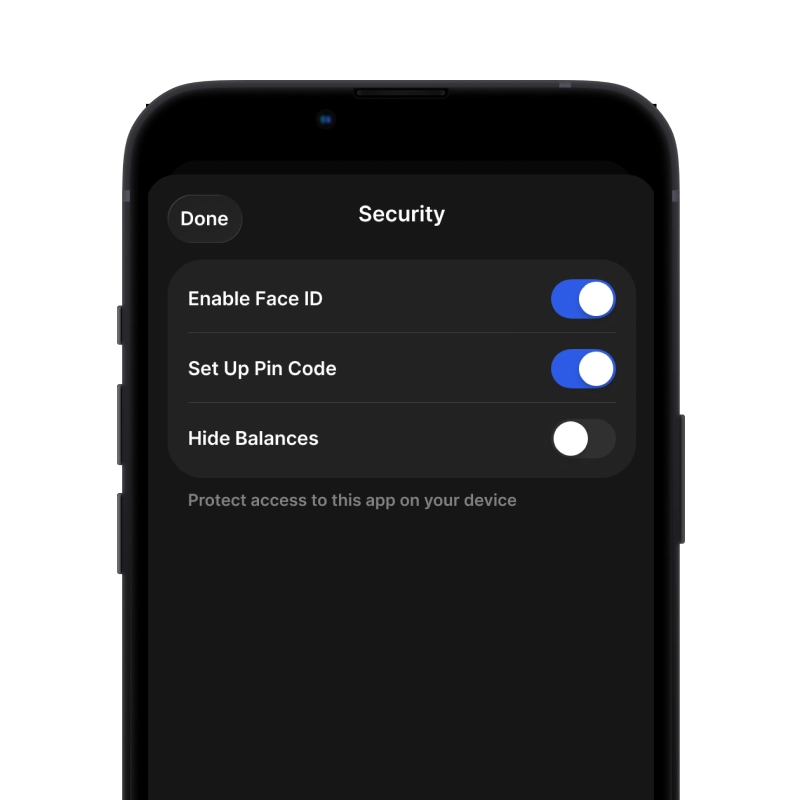
Gem Wallet is a self-custodial Chainlink wallet: it derives your Ethereum address from a 12-word recovery phrase and keeps the key in your phone’s secure storage. The same address holds LINK, ETH, and every other ERC20 token, and the same phrase restores them together with every other network in the app.
How LINK Transfer Fees Work
LINK does not pay its own transfer fees. On Ethereum every transaction pays gas in ETH: the fee equals the gas a transaction uses multiplied by the gas price, quoted in gwei (one billionth of an ETH). A LINK transfer runs code in the token contract, so it uses more gas than a plain ETH transfer.
| Transaction on Ethereum | Gas used |
|---|---|
| Plain ETH transfer | 21,000 |
| LINK transfer | about 53,000 |
Data source: Ethereum protocol (ETH transfer) and a gas estimate for a LINK transfer from an Ethereum node, as of November 2026.
The gas price changes with network demand. At the price of about 0.06 gwei on November 13, 2026, a LINK transfer cost about 0.0000034 ETH. On other networks the fee is paid in that network’s coin: ETH on Arbitrum and Base, BNB on BNB Chain.
Gem Wallet calculates the fee and shows it before you confirm, and lets you choose how fast the transfer goes: a higher fee gets the transfer into a block sooner.
LINK Address Format
LINK on Ethereum uses a standard Ethereum address: 0x followed by 40 hexadecimal characters, 42 characters in total (for example 0x3f5C…9aE1). The mix of upper and lower case letters is a checksum that helps catch typing errors. The same address receives ETH, LINK, and every ERC20 token, and needs no memo or tag.
The LINK token contract on Ethereum is 0x514910771AF9Ca656af840dff83E8264EcF986CA. Gem Wallet already lists it, so you do not need to add it by hand. Never send LINK to the contract address itself: tokens sent there are lost.
Gem Wallet uses one 0x address for all EVM networks, including Arbitrum, Base, and BNB Chain. LINK sent over one of these networks arrives at the same address but on that network, not on Ethereum. Do not send LINK to an address of a non-EVM network, such as a Bitcoin or Tron address: a transfer across the wrong network can be lost.
Send, Swap, Buy, and Sell LINK in Gem Wallet
Gem Wallet holds LINK on Ethereum together with the official LINK tokens on other networks, such as Arbitrum, Base, BNB Chain, Optimism, Polygon, and Avalanche C-Chain, each shown as its own balance.
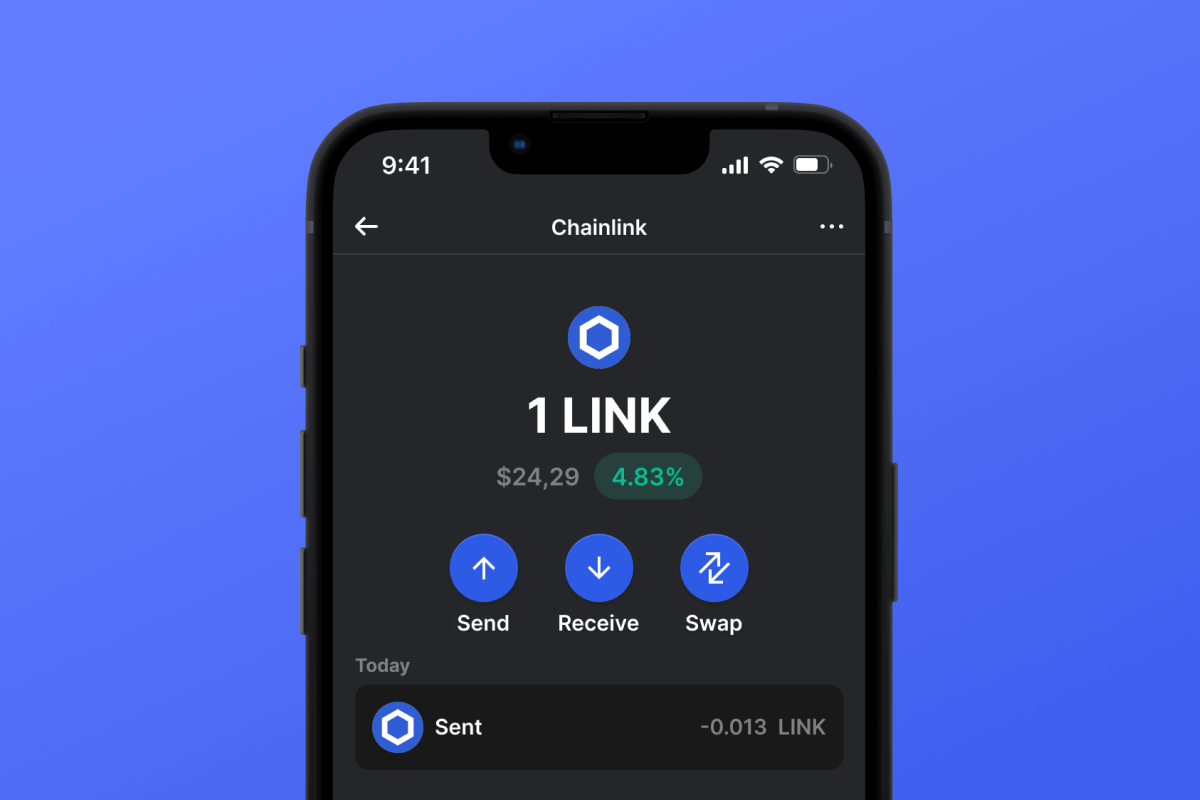
- Send and receive: LINK transfers to any Ethereum address, with the network fee shown before you confirm.
- Swap: the built-in swap compares on-chain and cross-chain providers and takes the quote that gives you the most, so LINK can become ETH, USDC, or USDT on Ethereum, or coins on other networks, without an exchange account. Gem Wallet charges 0.5% per swap, included in the quote.
- Buy and sell: buy crypto with a bank card, Apple Pay, or Google Pay through the providers in the app, and sell LINK for money the same way.
To move LINK you already hold in another wallet, import that wallet into Gem Wallet with its recovery phrase or private key. Gem Wallet does not store your personal data and needs no account or email.
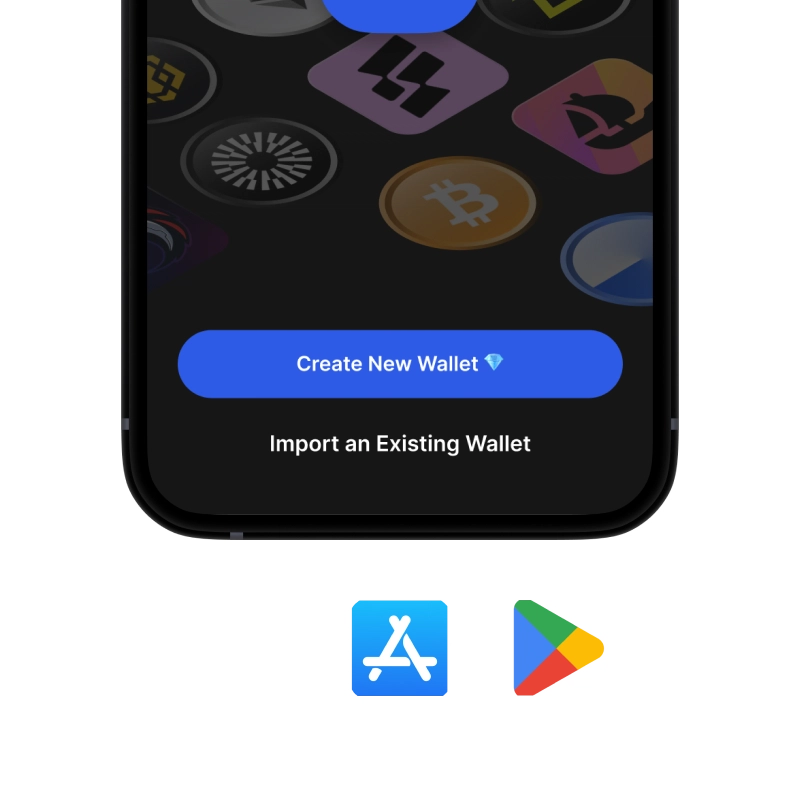
Download Gem Wallet to get your Ethereum address in under two minutes and keep LINK under your own keys on iOS and Android.