


Uniswap (UNI) Coin

Uniswap (UNI) Wallet

Unlock seamless crypto trading with Uniswap. Dive into its history, learn about its protocol, and understand its significance in the DeFi landscape. Ready for the next step? Download the Uniswap wallet now!

Uniswap (UNI) Wallet

What Is Uniswap?

Uniswap, commonly referred to as UNI, stands as a beacon in the Decentralized Finance (DeFi) realm. It's a decentralized crypto exchange built on the Ethereum blockchain, empowering users to trade tokens without intermediaries. With its unique automated market maker system and smart contracts, it represents a paradigm shift in how we view exchanges.

UNI Wallet Benefits

Step into the future of decentralized trading with the Uniswap wallet. Here's what you stand to gain:

  • Security: Keep your assets safe with top-tier encryption, ensuring peace of mind.

  • Versatility: Whether you're on iOS or Android, our wallet has got you covered.

  • User-Friendly: Navigate with ease, whether you're a newbie or a seasoned crypto enthusiast.

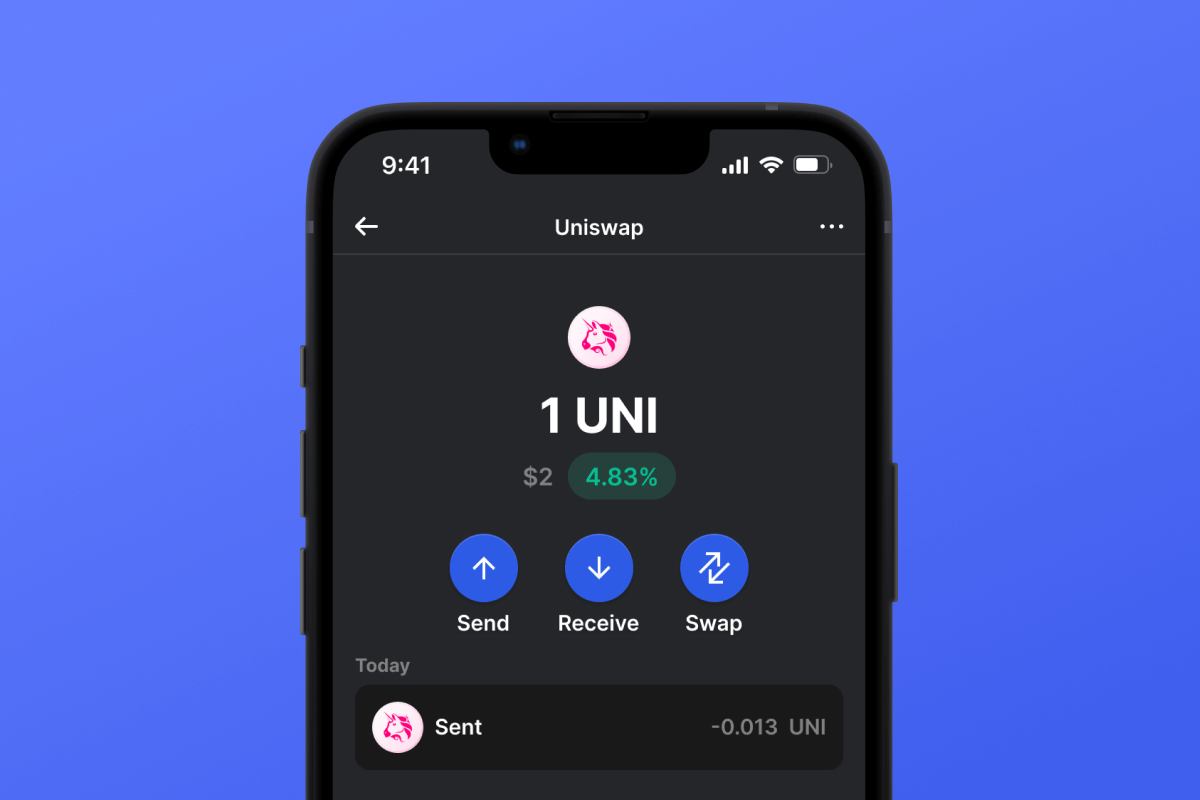
  • Instant Access: With the best Uniswap wallet, enjoy swift trades, check balances, and manage your portfolio on the go.

  • Open-Source Security: Revel in unparalleled safety with our Uniswap wallet. By being open-source, we offer transparency and an added layer of protection, letting you trade with confidence and without intermediaries.

Join the movement. Take control of your crypto journey with the most comprehensive wallet for Uniswap!

Why Gem Uniswap (UNI) Wallet App Is the Best Choice?

Gem Wallet stands out as a leading Uniswap (UNI) wallet solution, combining security, privacy, and usability in one powerful app. Here's why users choose Gem Wallet for their Uniswap (UNI) needs:

Control and Self-Custody

Full control of your private keys and secret phrase. No third party can access or restrict your Uniswap (UNI). Your Uniswap (UNI) is truly yours.

Privacy Protection

No tracking, no personal information, no data collection. Complete privacy and control over your Uniswap (UNI).

Open-Source

Publicly available code on GitHub, allowing anyone to verify security and functionality.

Multi-Platform

Available on iOS, Android, and APK. Your Uniswap (UNI) wallet works wherever you go.

Uniswap (UNI) Wallet in Multiple Languages

Supporting 25+ languages including English, Spanish, Chinese, Russian, and Arabic. Fully localized for worldwide accessibility.

Built-In Uniswap (UNI) Services

Buy Uniswap (UNI) with 30+ payment methods. Swap UNI through integrated DEX aggregator. Manage all crypto assets in one secure place.

Comparison: Gem Wallet vs Exchange Wallets

See how storing Uniswap (UNI) in Gem Wallet differs from keeping it on exchanges

FeatureGem WalletExchange Wallets (Binance, Coinbase)
Registration Required✅ None❌ Full KYC
Personal Data Collection✅ None❌ Extensive (ID, address, selfie)
Open-Source✅ Fully transparent❌ Closed source
Private Keys Control✅ Yes❌ No
Account Freezing✅ Impossible❌ Possible
Setup Time✅ 2 minutes⚠️ 1-7 days (KYC verification)

Professional Security Features

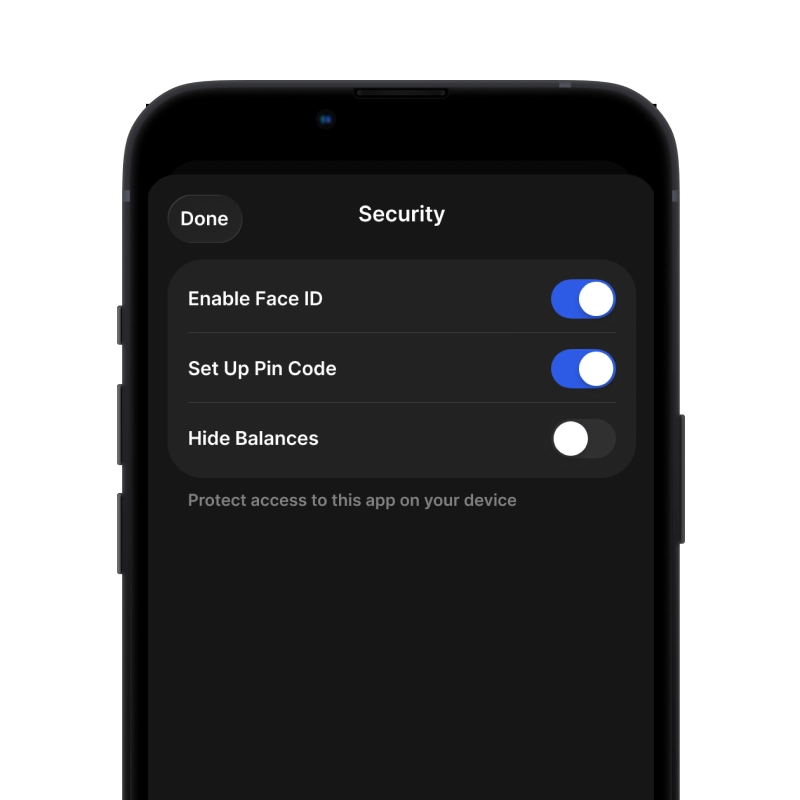
  1. Biometric Authentication: Use Face ID, Touch ID, or fingerprint to secure your wallet
  2. PIN Protection: Set a strong PIN code as an additional security layer
  3. Encrypted Backups: Your secret phrase is stored securely and never leaves your device
  4. Regular Security Audits: Independent security reviews ensure wallet integrity. Learn more about security →
Gem Wallet private key security and self-custody crypto wallet features

What Users Say About Gem Uniswap (UNI) Wallet

How to Set Up a Uniswap (UNI) Wallet in 2 Minutes

Quick Setup Guide (3 Steps)

Creating a Uniswap (UNI) wallet is simpler than opening a bank account. Gem Wallet guides you through the entire process in minutes, making it accessible for complete beginners.

onboarding view

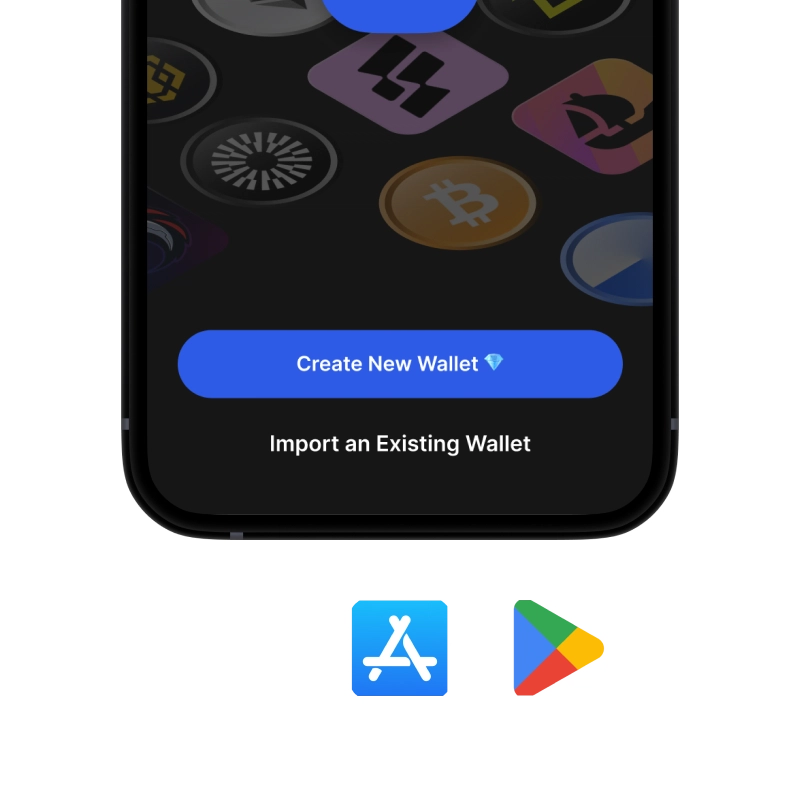
1. Download Uniswap (UNI) Wallet

Uniswap (UNI) Wallet: iOS, Android & APK

recovery phrase screen

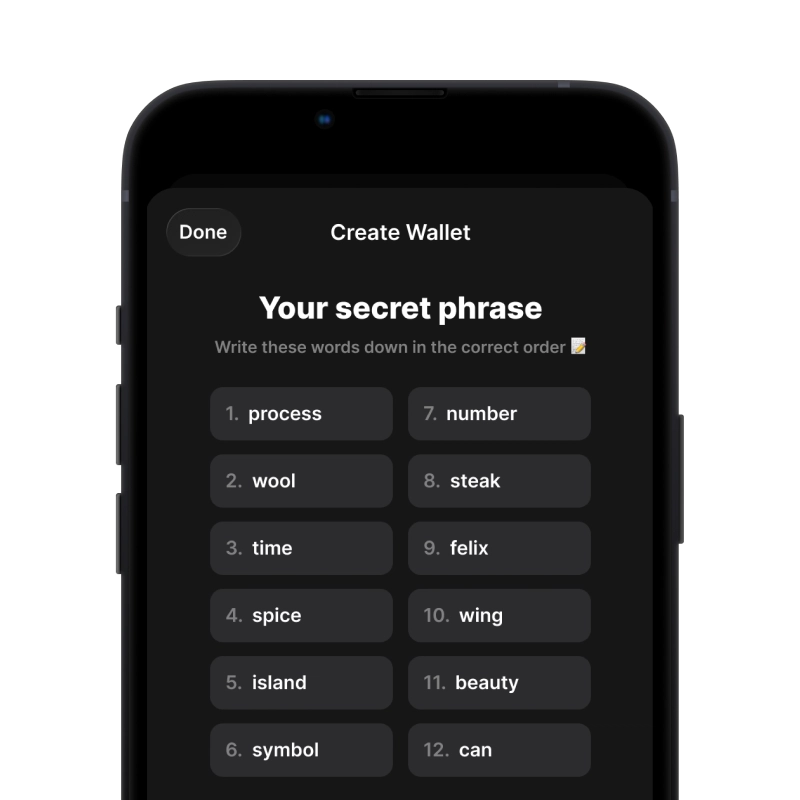
2. Create Uniswap (UNI) Wallet

Create a new wallet, save the secret phrase, and get your address in Uniswap (UNI).

gem wallet security settings

3. Set Up Security for UNI

Enable PIN or biometric authentication and you're ready to go

Create Uniswap (UNI) Wallet for iOS

Creating a Uniswap (UNI) wallet on iPhone (2 min):

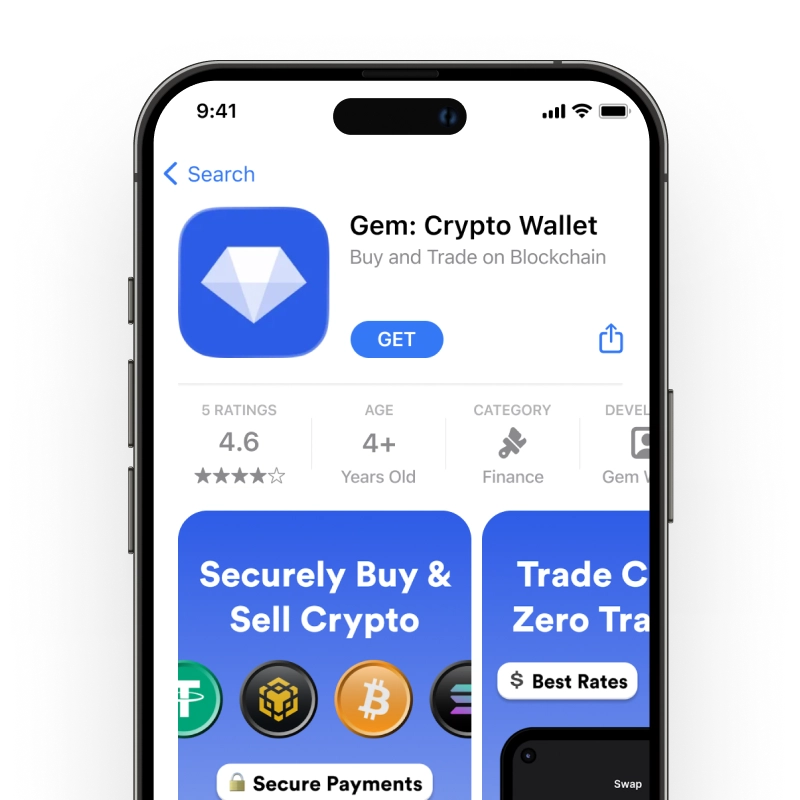
  1. Open the App Store and search for "Gem Wallet"
  2. Download and install the app (it's free and under 50MB)
  3. Open Gem Wallet and tap "Create New Wallet"
  4. Write down your seed phrase on paper - this is your master backup
  5. Enable Face ID or set a PIN code for quick and secure access
  6. Done! Your Uniswap (UNI) wallet address is now active
Download Gem Wallet for iOS
iOS Uniswap (UNI) wallet

Create Uniswap (UNI) Wallet for Android

Creating a Uniswap (UNI) wallet on Android (2 min):

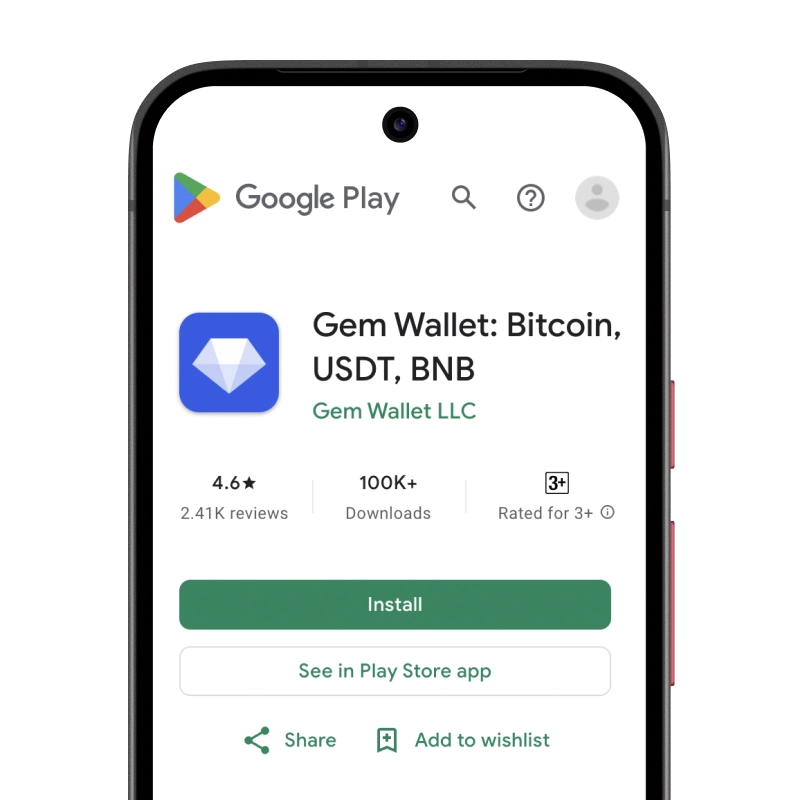
  1. Via Google Play: Search for "Gem Wallet" in the Play Store and install
  2. Via Direct APK: Download the APK file for maximum privacy and control
  3. Open the app and select "Create New Wallet"
  4. Write down your 12-word seed phrase on paper
  5. Set up fingerprint or PIN authentication
  6. Your Uniswap (UNI) wallet is ready to use
Android Uniswap (UNI) wallet

Uniswap (UNI) Wallet Without Registration

One of Uniswap (UNI)'s core principles is financial freedom and privacy. Gem Wallet embodies this philosophy by offering a Uniswap (UNI) wallet without registration - no email, no phone number, no identity verification required.

Why No-Registration Wallets Matter

Custodial Uniswap (UNI) wallets and centralized exchanges (Coinbase, Binance) require extensive personal information through KYC (Know Your Customer) verification. Unlike self-custodial wallets, this creates several problems:

  • Privacy Risks: Your financial activity is tracked and can be sold to third parties or accessed by bad actors
  • Data Breaches: Centralized databases of personal information are prime targets for hackers
  • Censorship: Accounts can be frozen or restricted based on location, political views, or arbitrary decisions
  • Time-Consuming: KYC processes can take days or weeks to complete

Gem Wallet: True Private Uniswap (UNI) Wallet

With Gem Wallet, you can create and use a Uniswap (UNI) wallet with complete privacy:

  • No email address required
  • No phone number needed
  • No identity documents or selfies
  • No IP address tracking
  • No mandatory account creation

Simply download the app, create your wallet, and start using Uniswap (UNI) within minutes. Your privacy is protected from the moment you install the app.

How to Get a Uniswap (UNI) Address

To get a Uniswap (UNI) wallet address, you first need to create or import a Uniswap (UNI) wallet. After that, the app will generate addresses for you automatically.

1 Open Gem Wallet

Launch the app on your phone and select Uniswap (UNI) (UNI) from your asset list.

2 Tap "Receive" Button

You'll see a large button at the bottom of the screen. Your Uniswap (UNI) wallet address will be displayed both as text and as a QR code.

3 Copy Your Address

Copy the address to clipboard, share the QR code, or send it directly through messaging apps.

Get Uniswap (UNI) wallet address in Gem Wallet
🔄 Unlimited Addresses

In Gem Wallet, you can generate unlimited Uniswap (UNI) addresses for free. Each address is derived from your secret phrase and remains under your control forever.

📱 Using QR Codes
  • No Typing Errors - Scanning prevents copy-paste mistakes
  • Faster Transactions - Just show your phone screen
  • Perfect for in-person Uniswap (UNI) payments