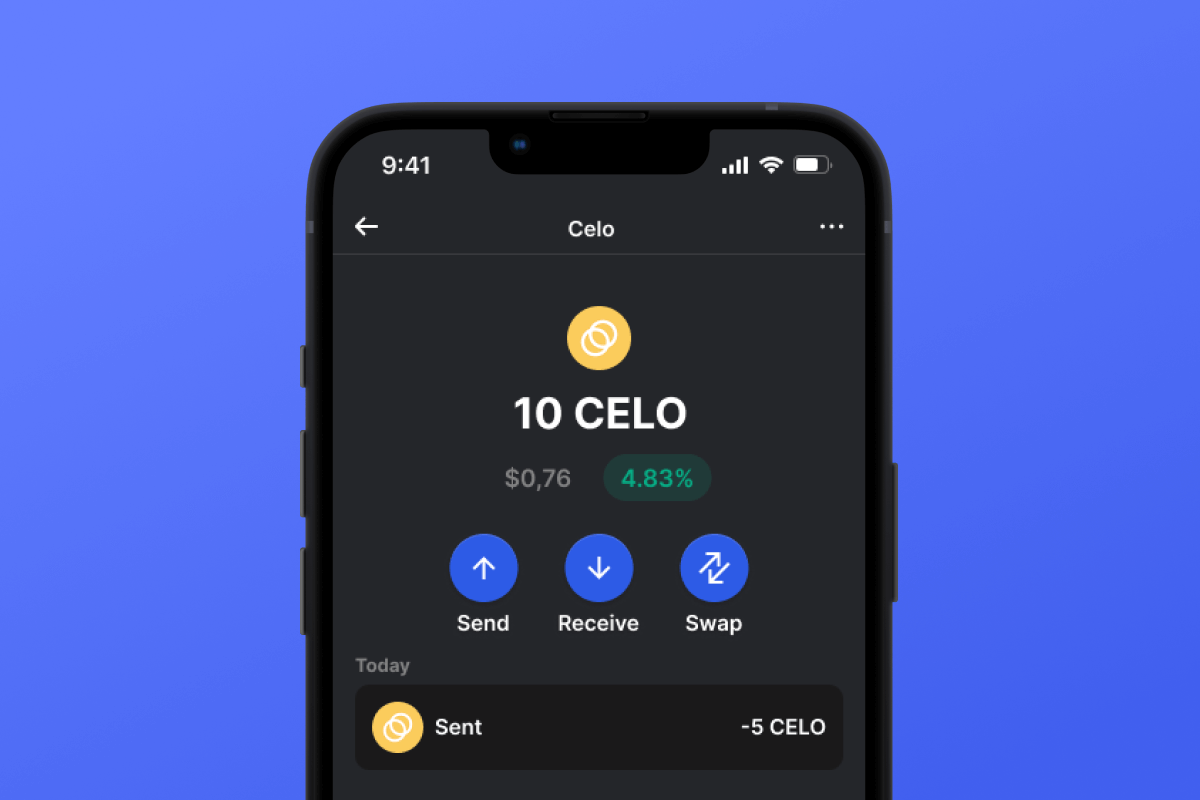



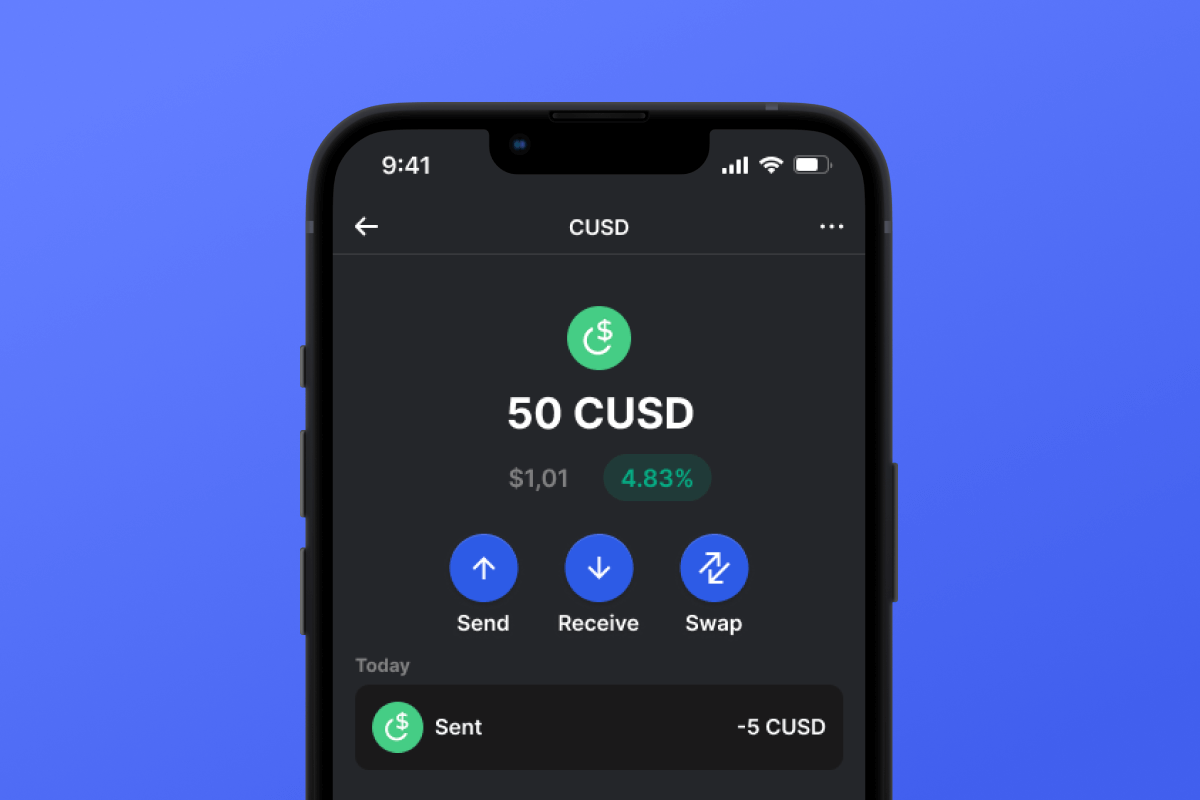
CUSD Coin

CUSD Peněženka

By choosing the CUSD wallet and the CUSD stablecoin, you gain convenient, secure, and fast mobile transfers worldwide. No need to wait for business hours or weekends to end; CUSD operates continuously so you can make transactions when you need to. Download the CUSD wallet today, and you'll forget about outdated alternatives!

CUSD Peněženka

What Is CUSD?

CUSD is a stablecoin built on the CELO blockchain. Stablecoins were created to simplify the connection between cryptocurrencies and fiat money. A stablecoin does not have its own inherent value - it is pegged 1:1 to a fiat currency - in this case, to the USD. By purchasing CUSD, you can easily interact with the cryptocurrency world - exchanging your digital dollar for desired crypto assets. It’s simple and convenient - and thanks to the low fees of the CELO blockchain, it’s also cost-effective.

What Is CELO Blockchain?

CELO is a blockchain launched in April 2020 with the main ideological mission of providing everyone, especially those without access to banking services, with a convenient and simple tool for exchanging assets and values. In this context, the issuance of their own stablecoin, CUSD, appears to be a very logical and well-thought-out solution.

CUSD Wallet Benefits:

  • Security: By choosing the CUSD wallet, you can rest assured about the security of your crypto assets. The wallet is constantly updated and keeps pace with the latest advancements in computer security systems. It also operates as a self-custodian, meaning that the key to your assets remains only with you and is not stored/transferred from your device.

  • Privacy: The CUSD wallet does not store personalized data. You can trust that your information will remain with you.

  • Transparency: The CUSD wallet is open-source, meaning that the application’s source code is open to everyone. Such transparency positively impacts both user peace of mind (the code can be checked for compliance with the claimed functionality) and overall functionality since any issues can be noticed and fixed quickly.

  • Accessibility: The CUSD wallet allows you to easily purchase CUSD with a credit card in just a couple of clicks. This simple function will facilitate your initial acquaintance with cryptocurrencies and will always provide a backup when you urgently need a certain amount of CUSD stablecoin.

  • Cross-Platform Compatibility: Regardless of whether you have an Android or iOS device, the CUSD wallet will always be available to you.

  • Multiple Blockchain Support: The CUSD wallet supports not only CUSD or CELO but also virtually all popular blockchains and tokens. Therefore, you can easily swap your CUSD for other cryptocurrencies directly within the application in just a few clicks.

  • User-Friendly Design: A convenient and pleasant interface will make your cryptocurrency experience enjoyable and straightforward!

Discover the CELO blockchain and its CUSD stablecoin today! And the first step - download the wallet.

Proč je CUSD Wallet Gem tou nejlepší volbou?

Peněženka Gem Wallet je předním CUSD peněženkovým řešením, které kombinuje bezpečnost, soukromí a použitelnost v jedné výkonné aplikaci. Zde jsou důvody, proč si uživatelé pro své CUSD potřeby vybírají peněženku Gem Wallet:

Plná kontrola

Plná kontrola nad vašimi soukromými klíči a secret frází. Žádná třetí strana nemá přístup k vašemu CUSD ani jej nemůže omezit. Váš CUSD je skutečně váš.

Ochrana soukromí

Žádné sledování, žádné osobní údaje, žádný sběr dat. Naprosté soukromí a kontrola nad vaší CUSD.

Open-source

Veřejně dostupný kód na GitHub, což umožňuje komukoli ověřit bezpečnost a funkčnost.

Multiplatformní

K dispozici pro iOS, Android a APK. Vaše peněženka CUSD funguje, ať jste kdekoli.

Peněženka CUSD ve více jazycích

Podpora více než 25 jazyků včetně angličtiny, španělštiny, čínštiny, ruštiny a arabštiny. Plně lokalizováno pro celosvětovou dostupnost.

Vestavěné služby CUSD

Kupte si CUSD s více než 30 platebními metodami. Vyměňte CUSD prostřednictvím integrovaného agregátoru DEX. Spravujte všechna krypto aktiva na jednom bezpečném místě.

Srovnání: Peněženka Gem vs. peněženky Exchange

Podívejte se, jak se liší ukládání CUSD v Gem Wallet od uchovávání na burzách

FunkceGem WalletBurzovní peněženky (Binance, Coinbase)
Registrace nutná✅ Žádné❌ Kompletní KYC
Shromažďování osobních údajů✅ Žádné❌ Rozsáhlý (občanský průkaz, adresa, selfie)
Open-source✅ Plně průhledné❌ Uzavřený zdroj
Řízení soukromých klíčů✅ Ano❌ Ne
Zmrazení účtu✅ Nemožné❌ Možné
Čas nastavení✅ 2 minuty⚠️ 1–7 dní (ověření KYC)

Profesionální bezpečnostní funkce

  1. Biometrické ověřování: Zabezpečte si peněženku pomocí Face ID, Touch ID nebo otisku prstu
  2. Ochrana PINem: Nastavte silný PIN kód jako další vrstvu zabezpečení
  3. Šifrované zálohyVaše počáteční fráze je bezpečně uložena a nikdy neopouští vaše zařízení.
  4. Pravidelné bezpečnostní audityNezávislé bezpečnostní kontroly zajišťují integritu peněženky. Zjistěte více o zabezpečení →
Gem Wallet private key security and self-custody crypto wallet features

Co říkají uživatelé o peněžence Gem CUSD

Jak si založit peněženku CUSD za 2 minuty

Stručný návod k nastavení (3 kroky)

Vytvoření peněženky CUSD je jednodušší než otevření bankovního účtu. Gem Wallet vás provede celým procesem během několika minut, takže je přístupná i úplným začátečníkům.

onboarding view

1. Získejte CUSD Peněženka

CUSD Peněženka: iOS , Android & APK

recovery phrase screen

2. Vytvořte CUSD Peněženka

Vytvořte si novou peněženku, uložte si tajnou frázi a získejte do ní svou adresu. CUSD.

gem wallet security settings

3. Set Up Security for CUSD

Enable PIN or biometric authentication and you're ready to go

Create CUSD Wallet for iOS

Creating a CUSD wallet on iPhone (2 min):

  1. Open the App Store and search for "Gem Wallet"
  2. Download and install the app (it's free and under 50MB)
  3. Open Gem Wallet and tap "Create New Wallet"
  4. Write down your seed phrase on paper - this is your master backup
  5. Enable Face ID or set a PIN code for quick and secure access
  6. Done! Your CUSD wallet address is now active
Stáhněte si Peněženka Gem pro iOS
iOS CUSD wallet

Create CUSD Wallet for Android

Creating a CUSD wallet on Android (2 min):

  1. Via Google Play: Search for "Gem Wallet" in the Play Store and install
  2. Via Direct APK: Download the APK file for maximum privacy and control
  3. Open the app and select "Create New Wallet"
  4. Write down your 12-word seed phrase on paper
  5. Set up fingerprint or PIN authentication
  6. Your CUSD wallet is ready to use
Android CUSD wallet

CUSD Wallet Without Registration

One of CUSD's core principles is financial freedom and privacy. Gem Wallet embodies this philosophy by offering a CUSD wallet without registration - no email, no phone number, no identity verification required.

Why No-Registration Wallets Matter

Custodial CUSD wallets and centralized exchanges (Coinbase, Binance) require extensive personal information through KYC (Know Your Customer) verification. Unlike self-custodial wallets, this creates several problems:

  • Privacy Risks: Your financial activity is tracked and can be sold to third parties or accessed by bad actors
  • Data Breaches: Centralized databases of personal information are prime targets for hackers
  • Censorship: Accounts can be frozen or restricted based on location, political views, or arbitrary decisions
  • Time-Consuming: KYC processes can take days or weeks to complete

Gem Wallet: True Private CUSD Wallet

With Gem Wallet, you can create and use a CUSD wallet with complete privacy:

  • No email address required
  • No phone number needed
  • No identity documents or selfies
  • No IP address tracking
  • No mandatory account creation

Simply download the app, create your wallet, and start using CUSD within minutes. Your privacy is protected from the moment you install the app.

Jak získat adresu CUSD

Chcete-li získat adresu peněženky CUSD, musíte si nejprve vytvořit nebo importovat peněženku CUSD. Poté vám aplikace automaticky vygeneruje adresy.

1 OTEVŘENO Peněženka Gem

Spusťte aplikaci v telefonu a vyberte ze seznamu aktiv CUSD (CUSD).

2 Klepněte na tlačítko „Přijmout“

V dolní části obrazovky uvidíte velké tlačítko. Adresa vaší peněženky CUSD se zobrazí jako text i jako QR kód.

3 Zkopírujte svou adresu

Zkopírujte adresu do schránky, sdílejte QR kód nebo ji odešlete přímo prostřednictvím aplikací pro zasílání zpráv.

Get CUSD wallet address in Gem Wallet
🔄 Neomezené adresy

V Gem Wallet si můžete zdarma vygenerovat neomezený počet adres CUSD. Každá adresa je odvozena z vaší secret fráze a zůstává navždy pod vaší kontrolou.

📱 Používání QR kódů
  • Žádné chyby při psaní - Skenování zabraňuje chybám při kopírování a vkládání
  • Rychlejší transakce - Stačí ukázat obrazovku telefonu
  • Ideální pro osobní setkání Platby CUSD