



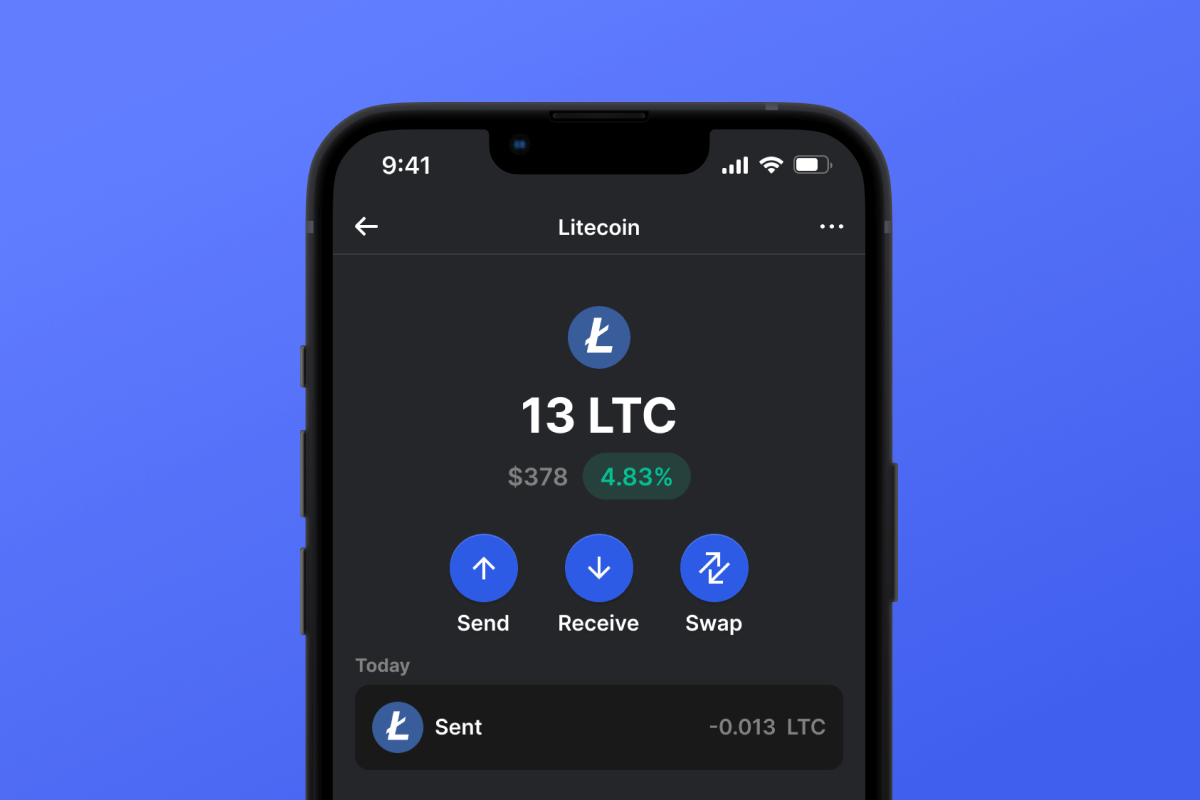
Litecoin (LTC) Coin

Litecoin (LTC) 錢包

萊特幣是一種著名的加密貨幣,多年來引起了廣泛關注。了解萊特幣錢包應用程式如何徹底改變您的數位交易,提供快速、安全的解決方案。立即下載體驗未來!

Litecoin (LTC) 錢包

什麼是萊特幣?

萊特幣是一種去中心化數位貨幣,旨在作為比特幣更快、更有效率的替代品。它由 Charles Lee 於 2011 年推出,使用萊特幣錢包技術來提供更快的交易確認。數位愛好者的創新和有前途的選擇!

萊特幣有何獨特之處?

萊特幣是僅次於比特幣的第二大流行的純加密貨幣。這一成功很大程度上歸功於其簡單性和明顯的實用優勢。

截至 2021 年 1 月,萊特幣是最廣泛接受的加密貨幣之一,目前全球有 2,000 多家商家和商店接受 LTC。

它的主要好處來自於速度和成本效益。萊特幣交易通常只需幾分鐘即可確認,交易費用幾乎可以忽略不計。這使得它在發展中國家成為比特幣的有吸引力的替代品,在發展中國家,交易費用可能是支持哪種加密貨幣的決定因素。

2020 年末,萊特幣也發布了 MimbleWimble (MW) 測試網,該測試網用於測試萊特幣上基於 Mimblewimble 的機密交易。一旦主網上提供此功能,萊特幣用戶也將受益於大大增強的隱私性和可替代性。

萊特幣錢包優勢

使用萊特幣錢包,您將進入一個充滿加密優勢的世界。以下是您得到的結果:

  • 速度: 萊特幣確保更快的交易,平均只需2.5 分鐘即可確認,明顯比許多其他加密貨幣快。
  • 安全性: 利用 scrypt 工作量證明演算法,抑制硬體可擴展性,確保去中心化並最大限度降低集中控制的風險。
  • 可擴充性: 即使交易量較大,萊特幣的系統也能無縫處理交易,非常適合用戶和商家。
  • 直接購買 LTC: 只需三個步驟即可在我們的應用程式中輕鬆購買萊特幣,並將自動存入您的錢包。在我們的購買萊特幣頁面上探索詳細信息,或在錢包中親自體驗!
  • 輔助功能: 我們的萊特幣錢包應用程式提供用戶友好的介面,使其成為初學者和經驗豐富的加密用戶的理想選擇。無論您使用的是 iOS 還是 Android,您只需點擊一下即可取得資產。
  • 經濟優勢: 由於萊特幣數量有限,確切地說是 8400 萬枚,因此價值主張仍然強勁,因為稀缺性往往會推動需求。
  • 有彈性的社群: 在熱情的社群和敬業的開發團隊的支持下,您不僅獲得了錢包,還獲得了回報。您正在成為不斷成長的加密貨幣家族的一員。

無論您是將其視為投資還是出於交易目的,最好的萊特幣錢包都能確保您的資產保持安全、易於訪問和管理。

Why Gem Litecoin (LTC) Wallet App Is the Best Choice?

Gem Wallet stands out as a leading Litecoin (LTC) wallet solution, combining security, privacy, and usability in one powerful app. Here's why users choose Gem Wallet for their Litecoin (LTC) needs:

Complete Control and Self-Custody

Full control of your private keys and seed phrase. No third party can access or restrict your Litecoin (LTC). Your Litecoin (LTC) is truly yours.

Maximum Privacy Protection

No tracking, no personal information, no data collection. Complete privacy and control over your Litecoin (LTC).

Open-Source Transparency

Publicly available code on GitHub. Anyone can verify security and functionality, ensuring no hidden backdoors or vulnerabilities.

Multi-Platform Availability

Available on iOS, Android, and APK. Your Litecoin (LTC) wallet works wherever you go.

Litecoin (LTC) Wallet in Multiple Languages

Supporting 25+ languages including English, Russian, Spanish, Chinese, and Arabic. Fully localized for worldwide accessibility.

Built-In Litecoin (LTC) Services

Buy Litecoin (LTC) with 30+ payment methods. Swap LTC through integrated DEX aggregator. Manage all crypto assets in one secure place.

Comparison: Gem Wallet vs Exchange Wallets

See how storing Litecoin (LTC) in Gem Wallet differs from keeping it on exchanges

FeatureGem WalletExchange Wallets (Binance, Coinbase)
Registration Required❌ No✅ Yes (Full KYC)
Personal Data Collection❌ None✅ Extensive (ID, address, selfie)
Private Keys Control✅ You own them❌ Exchange controls
Account Can Be Frozen❌ Impossible✅ Yes
Setup Time2 minutes1-7 days (KYC verification)

Professional Security Features

  1. Biometric Authentication: Use Face ID, Touch ID, or fingerprint to secure your wallet
  2. PIN Protection: Set a strong PIN code as an additional security layer
  3. Encrypted Backups: Your seed phrase is stored securely and never leaves your device
  4. Regular Security Audits: Independent security reviews ensure wallet integrity
Gem Wallet private key security and self-custody crypto wallet features

What Users Say About Gem Litecoin (LTC) Wallet

Quick Setup Guide (3 Steps)

How to Set Up a Litecoin (LTC) Wallet in 2 Minutes

Creating a Litecoin (LTC) wallet is simpler than opening a bank account. Gem Wallet guides you through the entire process in minutes, making it accessible for complete beginners.

onboarding view

1. 獲取 Litecoin (LTC) 錢包

Litecoin (LTC) 錢包: iOS & APK

recovery phrase screen

2. 創建 Litecoin (LTC) 錢包

建立新錢包,保存密碼,並取得你的地址 Litecoin (LTC).

3. Set Up Security for LTC

Enable PIN or biometric authentication and you're ready to go

Create Litecoin (LTC) Wallet for iOS

Creating a Litecoin (LTC) wallet on iPhone (2 min):

  1. Open the App Store and search for "Gem Wallet"
  2. Download and install the app (it's free and under 50MB)
  3. Open Gem Wallet and tap "Create New Wallet"
  4. Write down your seed phrase on paper - this is your master backup
  5. Enable Face ID or set a PIN code for quick and secure access
  6. Done! Your Litecoin (LTC) wallet address is now active

Create Litecoin (LTC) Wallet for Android

Creating a Litecoin (LTC) wallet on Android (2 min):

  1. Via Google Play: Search for "Gem Wallet" in the Play Store and install
  2. Via Direct APK: Download the APK file for maximum privacy and control
  3. Open the app and select "Create New Wallet"
  4. Write down your 12-word seed phrase on paper
  5. Set up fingerprint or PIN authentication
  6. Your Litecoin (LTC) wallet is ready to use

Litecoin (LTC) Wallet Without Registration

One of Litecoin (LTC)'s core principles is financial freedom and privacy. Gem Wallet embodies this philosophy by offering a Litecoin (LTC) wallet without registration - no email, no phone number, no identity verification required.

Why No-Registration Wallets Matter

Custodial Litecoin (LTC) wallets and centralized exchanges (Coinbase, Binance) require extensive personal information through KYC (Know Your Customer) verification. Unlike self-custodial wallets, this creates several problems:

  • Privacy Risks: Your financial activity is tracked and can be sold to third parties or accessed by bad actors
  • Data Breaches: Centralized databases of personal information are prime targets for hackers
  • Censorship: Accounts can be frozen or restricted based on location, political views, or arbitrary decisions
  • Time-Consuming: KYC processes can take days or weeks to complete

Gem Wallet: True Private Litecoin (LTC) Wallet

With Gem Wallet, you can create and use a Litecoin (LTC) wallet with complete privacy:

  • No email address required
  • No phone number needed
  • No identity documents or selfies
  • No IP address tracking
  • No mandatory account creation

Simply download the app, create your wallet, and start using Litecoin (LTC) within minutes. Your privacy is protected from the moment you install the app.

How to Get a Litecoin (LTC) Address

To get a Litecoin (LTC) wallet address, you first need to create or import a LTC wallet. After that, the app will generate addresses for you automatically.

1 Open Gem Wallet

Launch the app on your phone and select Litecoin (LTC) (LTC) from your asset list.

2 Tap "Receive" Button

You'll see a large button at the bottom of the screen. Your Litecoin (LTC) wallet address will be displayed both as text and as a QR code.

3 Copy Your Address

Copy the address to clipboard, share the QR code, or send it directly through messaging apps.

Get Litecoin (LTC) wallet address in Gem Wallet
🔄 Unlimited Addresses

In Gem Wallet, you can generate unlimited Litecoin (LTC) addresses for free. Each address is derived from your seed phrase and remains under your control forever.

📱 Using QR Codes

No Typing Errors - Scanning prevents copy-paste mistakes

Faster Transactions - Just show your phone screen

Perfect for in-person Litecoin (LTC) payments


















