



BOME Coin

BOME ウォレット

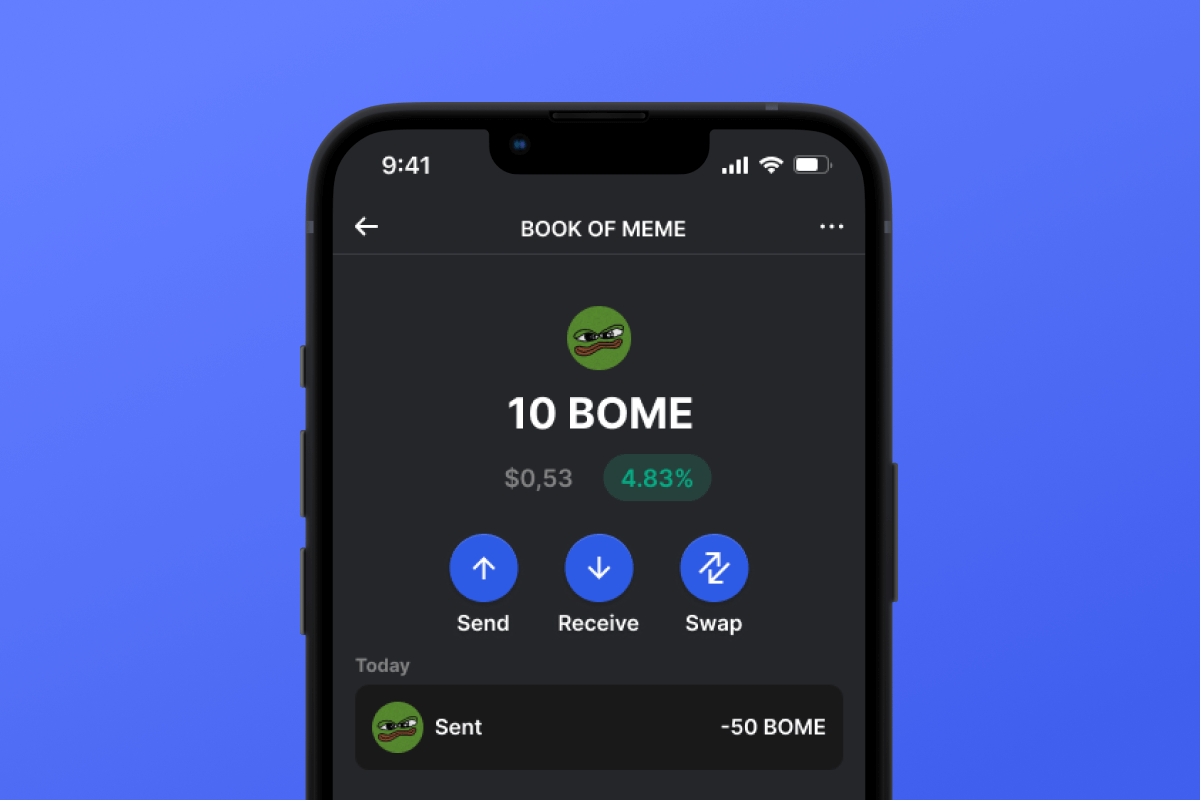
Dive into the dynamic realm of Bome, a revolutionary memecoin on Solana! Our Bome wallet, compatible with Android and iOS, makes it easy and secure to participate in the memecoin craze. Download now for a secure, cutting-edge crypto journey.

BOME ウォレット

What Is Book of Meme?

Bome is a groundbreaking Solana-based memecoin revolutionizing web3 culture by integrating memes, decentralized storage, and degenerate shitcoin trading. At its core, Bome powers the BOOK OF MEME, an experimental project immortalizing meme culture on the blockchain. With links to images stored on IPFS, Arweave, and on-chain metadata, Bome fosters a decentralized social media ecosystem while offering tools to create memes and a CC0 Meme Clipart Collection. Discover Bome - the ultimate memecoin on the most degenerate chain.

What Makes Bome Unique?

Bome stands out among other memecoins with a more global approach. Unlike classic memecoins that are centered around a single meme, Bome adheres ideologically to the concept of a meme collection, allowing for the storage and creation of memes on the blockchain. Another important distinguishing feature of Bome from other memecoins is that it is built on the Solana blockchain in the form of SPL tokens. While Solana is a progressive blockchain, it is relatively young compared to the memecoin cornerstone, Ethereum.

Bome Wallet Benefits

The best Bome wallet for your memes!

  • Self-Custodial: Bome Wallet ensures full and sole access to your assets. No one else has access to the key.

  • Open Source: Bome Wallet has open-source code, essential for maintaining high security and transparency standards for users.

  • Security: We continuously improve and monitor all current trends in computer security. By choosing Bome Wallet, you get a secure wallet with a high level of privacy for your personal data.

  • Solana Friendly: Bome Wallet is not just a wallet for Bome; it’s a full-fledged multi-currency crypto wallet that works well with the Solana ecosystem and SPL tokens. Make transfers, swaps, authorizations in dApps, and much more.

  • User-Friendly Interface: The convenient and simple interface of Bome Wallet will delight you with its powerful functionality - whether it’s swapping, purchasing with a credit card, or simple transfers, all functions work intuitively and simply.

  • Accessibility: Bome Wallet is always available to you regardless of your device. Whether it’s Android or iOS, your wallet will always be with you.

Become part of the Solana community and Bome in particular - download Bome Wallet today

BOME Wallet Gem が最良の選択である理由

Gem Walletは、セキュリティ、プライバシー、そして使いやすさを1つの強力なアプリに統合した、BOME ウォレットソリューションのリーディングカンパニーとして際立っています。ユーザーがBOMEのニーズにGem Walletを選ぶ理由は次のとおりです。

フルコントロール

秘密鍵とシードフレーズを完全に管理できます。第三者があなたのBOMEにアクセスしたり、制限したりすることはできません。あなたのBOMEは真にあなたのものです。

プライバシー保護

追跡、個人情報の収集、データ収集は一切ありません。BOME のプライバシーとコントロールを完全に保護します。

オープンソース

公開されているコード GitHub誰でもセキュリティと機能を検証できます。

クロスプラットフォーム

iOS、Android、APKでご利用いただけます。BOMEウォレットはどこにいてもご利用いただけます。

BOME ウォレット(多言語対応)

英語、スペイン語、中国語、ロシア語、アラビア語を含む25以上の言語に対応。世界中でご利用いただけるよう、完全にローカライズされています。

組み込みの BOME サービス

30 種類以上の支払い方法で BOME を購入できます。 BOME を交換する 統合型DEXアグリゲーターを通じて、すべての暗号資産を一元的に安全に管理できます。

比較: Gem Wallet vs Exchange Wallet

Gem WalletでBOMEを保管することと取引所で保管することの違いをご覧ください

特徴Gem Wallet取引所ウォレット(Binance、Coinbase)
登録が必要です✅ なし❌ 完全なKYC
個人データの収集✅ なし❌ 詳細(ID、住所、自撮り写真)
オープンソース✅ 完全に透明❌ クローズドソース
秘密鍵の管理✅ はい❌ いいえ
アカウント凍結✅ 不可能❌ 可能
セットアップ時間✅ 2分⚠️ 1~7日(KYC認証)

プロフェッショナルなセキュリティ機能

  1. 生体認証: Face ID、Touch ID、または指紋を使用してウォレットを保護します
  2. PIN保護: 追加のセキュリティ層として強力なPINコードを設定する
  3. 暗号化されたバックアップ: シードフレーズは安全に保存され、デバイスから外に出ることはありません
  4. 定期的なセキュリティ監査: 独立したセキュリティレビューによりウォレットの整合性が保証されます。 セキュリティについて詳しくはこちら→
Gem Wallet private key security and self-custody crypto wallet features

Gem BOME ウォレットに関するユーザーの声

2分でBOMEウォレットを設定する方法

クイックセットアップガイド(3ステップ)

BOME ウォレットの作成は銀行口座を開設するよりも簡単です。Gem Wallet は、数分ですべてのプロセスをガイドするので、初心者でも簡単にご利用いただけます。

onboarding view

1. 入手 BOME ウォレット

BOME ウォレット: iOS Android & APK

recovery phrase screen

2. 作成する BOME ウォレット

新しいウォレットを作成し、秘密のフレーズを保存して、アドレスを取得します BOME.

gem wallet security settings

3. Set Up Security for BOME

Enable PIN or biometric authentication and you're ready to go

iOS用BOMEウォレットを作成する

iPhone で BOME ウォレットを入手する (2 分):

  1. App Storeを開いて「Gem Wallet」を検索してください
  2. アプリをダウンロードしてインストールします(無料、50MB未満)
  3. Gem Walletを開き、「新しいウォレットを作成」をタップします。
  4. 秘密のフレーズを紙に書き留めてください。これがマスターバックアップになります。
  5. 素早く安全にアクセスするために、Face ID を有効にするか、PIN コードを設定します
  6. 終わり!
ダウンロードGem ウォレット for iOS
iOS用BOMEウォレット

Android 用 BOME ウォレットを作成する

Android で BOME ウォレットを入手する (2 分):

  1. Google Play経由Playストアで「Gem Wallet」を検索してインストールします
  2. APK: 最大限のプライバシーとコントロールのためにAPKファイルをダウンロードしてください
  3. アプリを開いて「新しいウォレットを作成」を選択します
  4. 12語の秘密のフレーズを紙に書きましょう
  5. 指紋認証またはPIN認証を設定する
  6. 終わり!
Android用BOMEウォレット

BOME アドレスを取得する方法

BOME ウォレットアドレスを取得するには、まずBOME ウォレットを作成またはインポートする必要があります。その後、アプリが自動的にアドレスを生成します。

1 開ける Gem ウォレット

携帯電話でアプリを起動し、資産リストから BOME (BOME) を選択します。

2 「受信」ボタンをタップ

画面下部に大きなボタンが表示されます。BOME ウォレットアドレスがテキストとQRコードの両方で表示されます。

3 住所をコピー

アドレスをクリップボードにコピーしたり、QR コードを共有したり、メッセージング アプリを通じて直接送信したりできます。

Get BOME wallet address in Gem Wallet
🔄 無制限のアドレス

Gem Walletでは、BOMEアドレスを無制限に無料で生成できます。各アドレスはシードフレーズから生成され、永久にあなたの管理下にあります。

📱 QRコードの使用
  • 入力ミスなし - スキャンすることでコピー&ペーストのミスを防ぐことができます
  • より高速な取引 - 携帯電話の画面を見せるだけ
  • 対面に最適 BOME 支払い



















