


BOME Coin

BOME Billetera

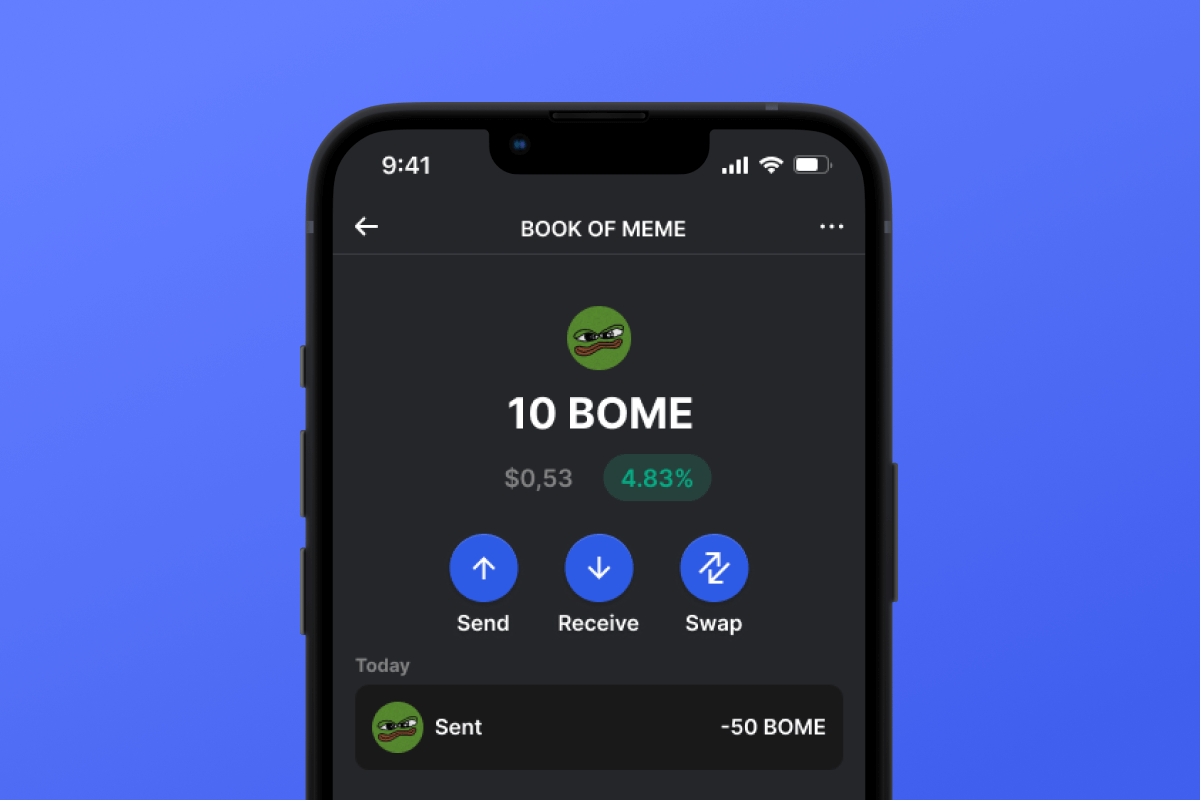
Dive into the dynamic realm of Bome, a revolutionary memecoin on Solana! Our Bome wallet, compatible with Android and iOS, makes it easy and secure to participate in the memecoin craze. Download now for a secure, cutting-edge crypto journey.

BOME Billetera

What Is Book of Meme?

Bome is a groundbreaking Solana-based memecoin revolutionizing web3 culture by integrating memes, decentralized storage, and degenerate shitcoin trading. At its core, Bome powers the BOOK OF MEME, an experimental project immortalizing meme culture on the blockchain. With links to images stored on IPFS, Arweave, and on-chain metadata, Bome fosters a decentralized social media ecosystem while offering tools to create memes and a CC0 Meme Clipart Collection. Discover Bome - the ultimate memecoin on the most degenerate chain.

What Makes Bome Unique?

Bome stands out among other memecoins with a more global approach. Unlike classic memecoins that are centered around a single meme, Bome adheres ideologically to the concept of a meme collection, allowing for the storage and creation of memes on the blockchain. Another important distinguishing feature of Bome from other memecoins is that it is built on the Solana blockchain in the form of SPL tokens. While Solana is a progressive blockchain, it is relatively young compared to the memecoin cornerstone, Ethereum.

Bome Wallet Benefits

The best Bome wallet for your memes!

  • Self-Custodial: Bome Wallet ensures full and sole access to your assets. No one else has access to the key.

  • Open Source: Bome Wallet has open-source code, essential for maintaining high security and transparency standards for users.

  • Security: We continuously improve and monitor all current trends in computer security. By choosing Bome Wallet, you get a secure wallet with a high level of privacy for your personal data.

  • Solana Friendly: Bome Wallet is not just a wallet for Bome; it’s a full-fledged multi-currency crypto wallet that works well with the Solana ecosystem and SPL tokens. Make transfers, swaps, authorizations in dApps, and much more.

  • User-Friendly Interface: The convenient and simple interface of Bome Wallet will delight you with its powerful functionality - whether it’s swapping, purchasing with a credit card, or simple transfers, all functions work intuitively and simply.

  • Accessibility: Bome Wallet is always available to you regardless of your device. Whether it’s Android or iOS, your wallet will always be with you.

Become part of the Solana community and Bome in particular - download Bome Wallet today

¿Por qué elegir? Gem Wallet como tu BOME billetera

Gem Wallet es una billetera BOME en la que tú controlas tus claves y tus fondos. El código está disponible públicamente en GitHub. Tu actividad no se rastrea y puedes comprar, intercambiar y usar BOME directamente desde la aplicación.

Self-Custody

Control total

Control total de tus claves privadas y frase semilla. Ningún tercero puede acceder ni restringir tu BOME. Tu BOME es totalmente tuyo.

Privacy

Protección de la privacidad

Sin seguimiento, sin información personal, sin recopilación de datos. Privacidad y control total sobre tus BOME.

Open-Source

Auditado

Código disponible públicamente en GitHub, de forma independiente auditado por CertiK en abril de 2026.

Staking

Multiplataforma

Disponible en iOS, Android y APK. Tu billetera BOME funciona dondequiera que vayas.

Pioneer

Monedero BOME en varios idiomas

Disponible en más de 25 idiomas, incluyendo inglés, español, chino, ruso y árabe. Totalmente localizado para accesibilidad global.

Cross-chain

Servicios integrados de BOME

Compre BOME con más de 30 métodos de pago. Intercambio BOME A través del agregador DEX integrado, gestione todos sus criptoactivos en un solo lugar seguro.

Comparación: Monedero Gem vs. Monederos de Exchange

Vea cómo almacenar BOME en Gem Wallet se diferencia de mantenerlo en exchanges

CaracterísticaGem WalletMonederos de intercambio (Binance, Coinbase)
Se requiere registro✅ Ninguno❌ KYC completo
Recopilación de datos personales✅ Ninguno❌ Extenso (ID, dirección, selfie)
Código abierto✅ Totalmente transparente❌ Código cerrado
Control de claves privadas✅ Sí❌ No
Congelación de cuentas✅ Imposible❌ Posible
Tiempo de configuración✅ 2 minutos⚠️ 1-7 días (verificación KYC)

Funciones de seguridad profesionales

  1. Autenticación biométrica:Utilice Face ID, Touch ID o huella digital para proteger su billetera
  2. Protección con PIN:Establezca un código PIN seguro como capa de seguridad adicional
  3. Copias de seguridad cifradas:Su frase inicial se almacena de forma segura y nunca sale de su dispositivo.
  4. Auditorías de seguridad periódicasLas revisiones de seguridad independientes garantizan la integridad de la billetera. Obtenga más información sobre seguridad →
Gem Wallet private key security and self-custody crypto wallet features

Lo que dicen los usuarios de BOME sobre Gem Wallet

Cómo configurar una billetera BOME en 2 minutos

Guía de configuración rápida (3 pasos)

Crear una billetera BOME es más sencillo que abrir una cuenta bancaria. Gem Wallet te guía por todo el proceso en minutos, haciéndolo accesible incluso para principiantes.

onboarding view

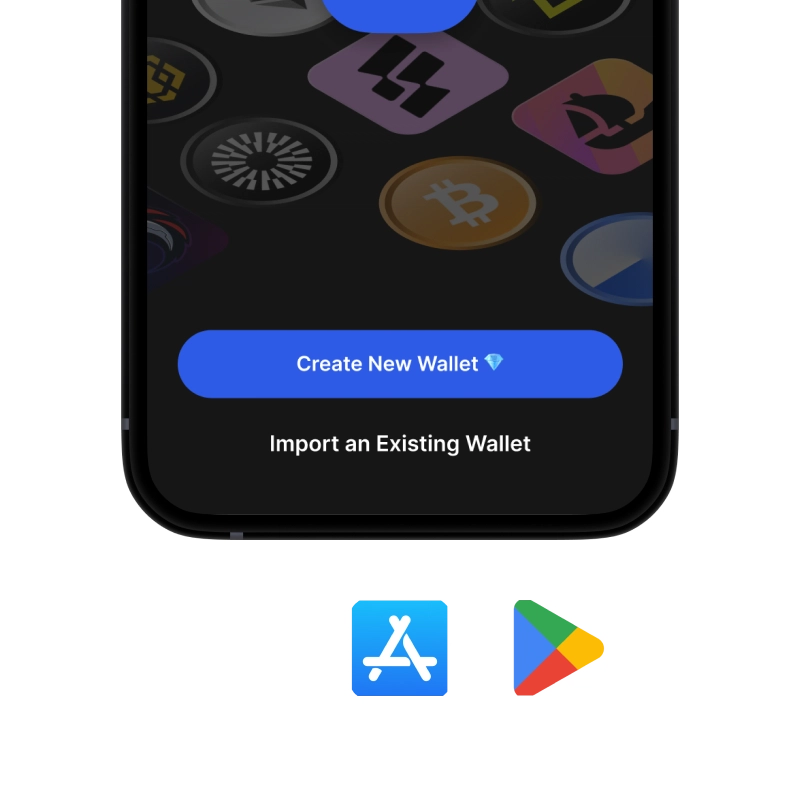
1. Obtener BOME Billetera

BOME &

recovery phrase screen

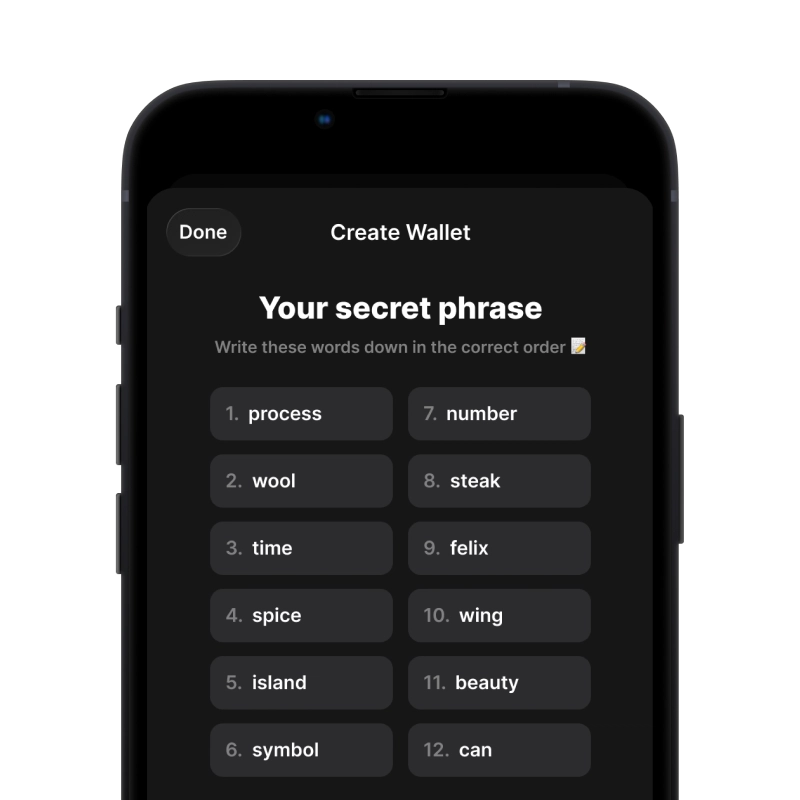
2. Crear BOME Billetera

Crea una nueva billetera, guarda la frase secreta y obtén tu dirección BOME.

gem wallet security settings

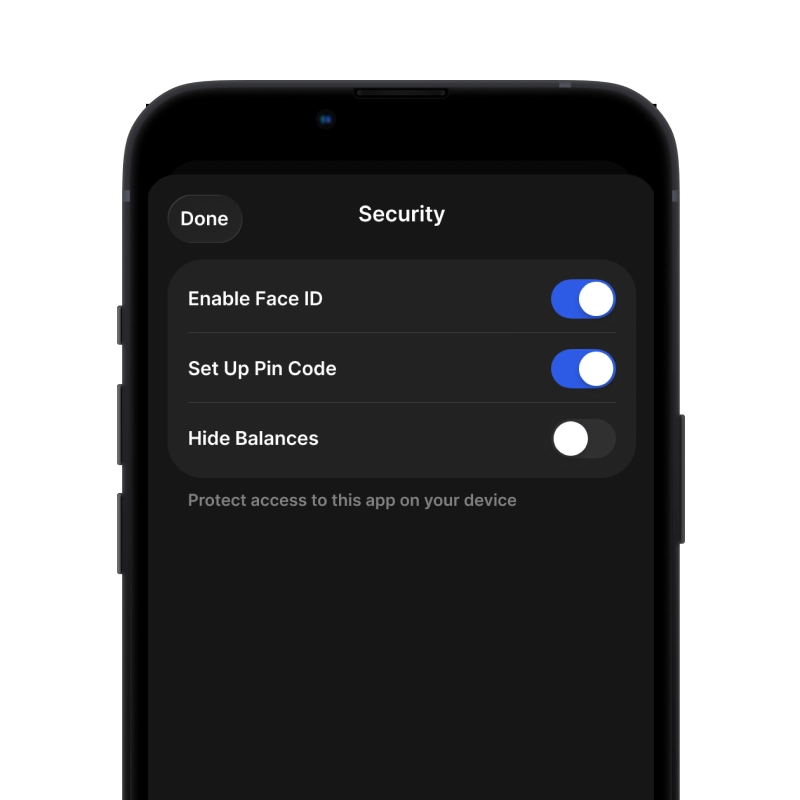
3. Configurar la seguridad para BOME

Habilita la autenticación mediante PIN o biométrica y estarás listo para comenzar.

Crear una billetera BOME para iOS

Obtén tu billetera BOME en iPhone (2 min):

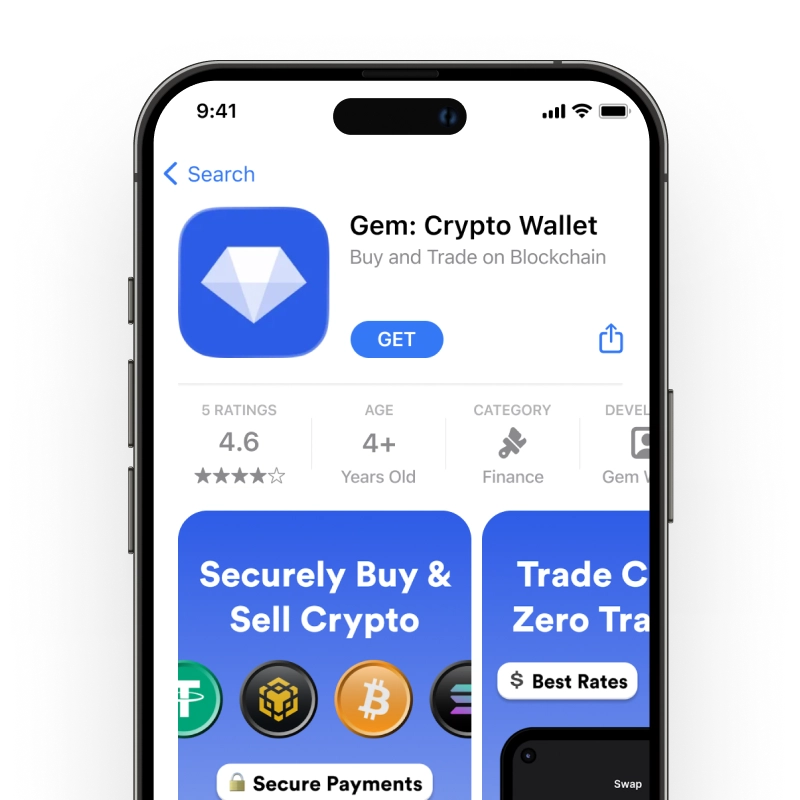
  1. Abre la App Store y busca "Gem Wallet".
  2. Descargue e instale la aplicación (es gratuita y pesa menos de 50 MB)
  3. Abre Gem Wallet y pulsa "Crear nueva billetera".
  4. Escribe tu frase secreta en un papel: esta es tu copia de seguridad maestra.
  5. Habilite Face ID o configure un código PIN para un acceso rápido y seguro
  6. ¡Hecho!
Descargar Gem Wallet para iOS
Monedero BOME para iOS

Crear una billetera BOME para Android

Obtén tu billetera BOME en Android (2 min):

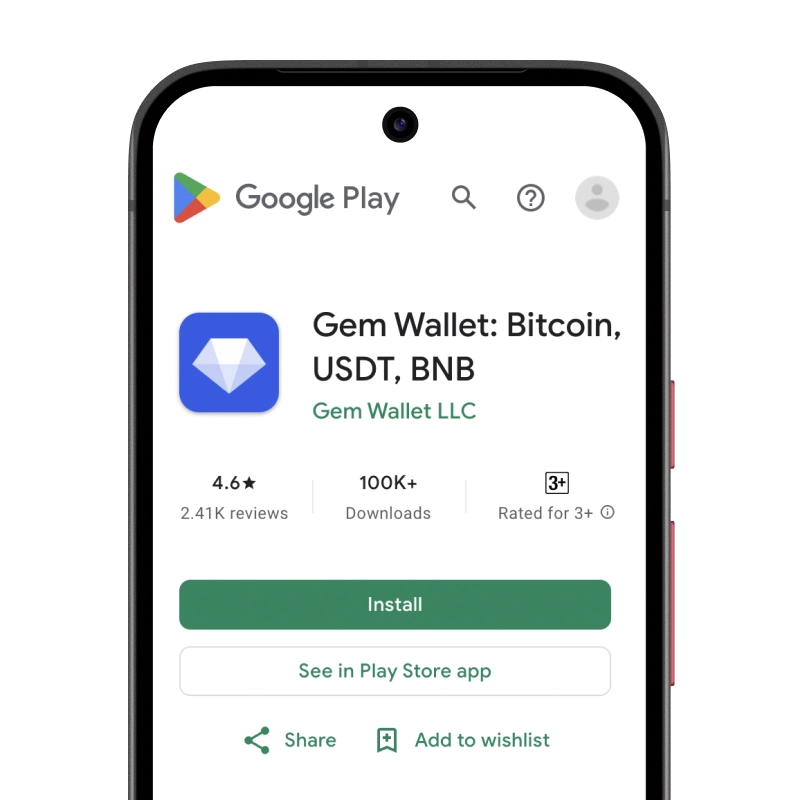
  1. A través de Google Play: Busque "Gem Wallet" en Play Store e instálelo
  2. APK:Descargue el archivo APK para obtener máxima privacidad y control
  3. Abra la aplicación y seleccione "Crear nueva billetera".
  4. Escribe tu frase secreta de 12 palabras en un papel.
  5. Configurar la autenticación mediante huella digital o PIN
  6. ¡Hecho!
Monedero BOME para Android

Cómo obtener una dirección BOME

Para obtener una dirección de billetera BOME, primero debes crear o importar una billetera BOME. Después, la aplicación generará direcciones automáticamente.

1 Abierto Gem Wallet

Inicie la aplicación en su teléfono y seleccione BOME (BOME) de su lista de activos.

2 Toque el botón "Recibir"

Verás un botón grande en la parte inferior de la pantalla. La dirección de tu billetera BOME se mostrará como texto y como código QR.

3 Copia tu dirección

Copia la dirección al portapapeles, comparte el código QR o envíalo directamente a través de aplicaciones de mensajería.

Get BOME wallet address in Gem Wallet
🔄 Direcciones ilimitadas

En Gem Wallet, puedes generar direcciones BOME ilimitadas gratis. Cada dirección se deriva de tu frase semilla y permanece bajo tu control para siempre.

📱 Uso de códigos QR
  • Sin errores tipográficos - El escaneo evita errores de copiar y pegar
  • Transacciones más rápidas - Simplemente muestra la pantalla de tu teléfono
  • Perfecto para presencial Pagos BOME

Tu BOME billetera está lista

App Store 4.9 ★ on App Store | Google Play 4.8 ★ on Google Play
Descargar ahora