


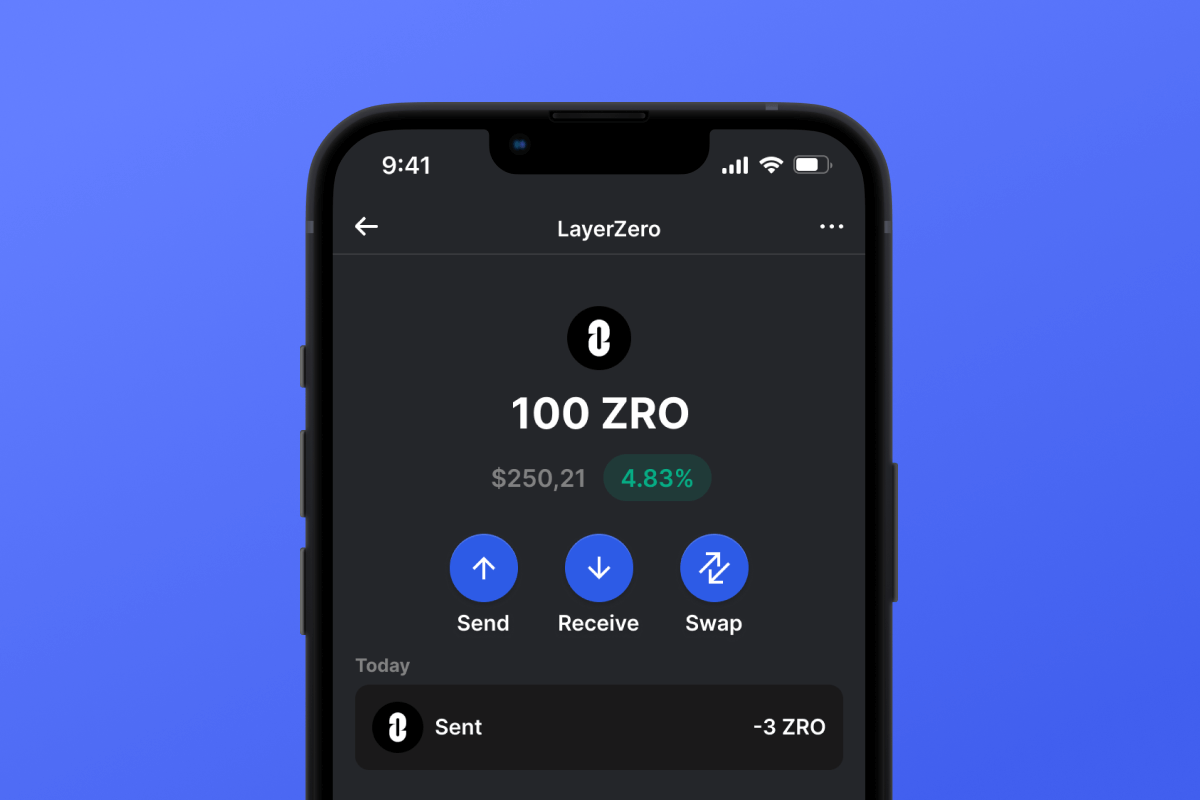
LayerZero (ZRO) Coin

LayerZero (ZRO) Portemonnee

LayerZero Wallet zorgt voor veilige en gemakkelijke interactie met het protocol. Met self-custody, open-source code en ondersteuning voor tokens in verschillende blockchains biedt het een uitgebreid scala aan voordelen. Download de ZRO Wallet vandaag nog en geniet van naadloze cross-chain interacties.

LayerZero (ZRO) Portemonnee

Wat is LayerZero?

LayerZero is een interoperabiliteitsprotocol dat is ontworpen om naadloze communicatie tussen verschillende blockchainnetwerken mogelijk te maken. Het protocol faciliteert cross-chain-interacties, waardoor gebruikers moeiteloos activa en gegevens over meerdere blockchains kunnen overdragen. Een gebruiker kan bijvoorbeeld activa overdragen van Ethereum naar BASE-blockchain zonder tussenpersonen. LayerZero streeft ernaar het gefragmenteerde blockchain-ecosysteem te verenigen door een betrouwbare, veilige en schaalbare oplossing te bieden voor cross-chain-communicatie. Door innovatieve technologieën te benutten, verbetert LayerZero de efficiëntie en toegankelijkheid van gedecentraliseerde applicaties (DApps) en services.

Waarom heb ik een speciale LayerZero-wallet nodig?

Om het protocol volledig te benutten, hebt u een wallet nodig die niet alleen de ZRO-token ondersteunt, maar ook volledig compatibel is met de functionaliteit van het protocol. Als u cross-chain transfers wilt uitvoeren of wilt communiceren met verschillende DApps op verschillende blockchains, kies dan de juiste wallet!

Voordelen van LayerZero Wallet

Met de LayerZero wallet krijgt u betrouwbare en veilige toegang tot alle protocolfuncties en het bredere blockchain-ecosysteem.

  • Open source: De LayerZero wallet is open source, wat transparantie voor gebruikers garandeert. Iedereen kan verifiëren of de functionaliteit overeenkomt met de claims.
  • Zelfbewaring: U bezit de sleutel tot uw crypto-activa. Ga er voorzichtig mee om, want als u het verliest, kan dat uw activa in gevaar brengen.
  • Privacy en beveiliging: De LayerZero-portemonnee geeft om uw privacy en beveiliging. Er worden regelmatig beveiligingsaudits uitgevoerd en gebruikersgegevens worden niet opgeslagen.
  • Universaliteit: Of u nu een iOS- of Android-apparaat hebt, de LayerZero-portemonnee is er voor u!
  • Gemak: De eenvoudige en intuïtieve interface van de LayerZero-portemonnee maakt uw interactie met het LayerZero-protocol gemakkelijk en comfortabel.
  • Multitool: De LayerZero-portemonnee is niet alleen voor het beheer van de ZRO-tokens en het protocol. Het is een uitgebreide wallet voor het beheren van tokens in verschillende blockchains, interactie met DApps, staking, het kopen van ZRO en andere tokens rechtstreeks in de wallet met een creditcard en vele andere handige functies.

Installeer de LayerZero wallet en duik in de wereld van naadloze cross-chain interacties! Geavanceerde gebruikers kunnen ook verdienen door deel te nemen aan liquiditeitsvoorziening in meerdere netwerken.

Why Gem LayerZero (ZRO) Wallet App Is the Best Choice?

Gem Wallet stands out as a leading LayerZero (ZRO) wallet solution, combining security, privacy, and usability in one powerful app. Here's why users choose Gem Wallet for their LayerZero (ZRO) needs:

Complete Control and Self-Custody

Full control of your private keys and seed phrase. No third party can access or restrict your LayerZero (ZRO). Your LayerZero (ZRO) is truly yours.

Maximum Privacy Protection

No tracking, no personal information, no data collection. Complete privacy and control over your LayerZero (ZRO).

Open-Source Transparency

Publicly available code on GitHub. Anyone can verify security and functionality, ensuring no hidden backdoors or vulnerabilities.

Multi-Platform Availability

Available on iOS, Android, and APK. Your LayerZero (ZRO) wallet works wherever you go.

LayerZero (ZRO) Wallet in Multiple Languages

Supporting 25+ languages including English, Russian, Spanish, Chinese, and Arabic. Fully localized for worldwide accessibility.

Built-In LayerZero (ZRO) Services

Buy LayerZero (ZRO) with 30+ payment methods. Swap ZRO through integrated DEX aggregator. Manage all crypto assets in one secure place.

Comparison: Gem Wallet vs Exchange Wallets

See how storing LayerZero (ZRO) in Gem Wallet differs from keeping it on exchanges

FeatureGem WalletExchange Wallets (Binance, Coinbase)
Registration Required❌ No✅ Yes (Full KYC)
Personal Data Collection❌ None✅ Extensive (ID, address, selfie)
Private Keys Control✅ You own them❌ Exchange controls
Account Can Be Frozen❌ Impossible✅ Yes
Setup Time2 minutes1-7 days (KYC verification)

Professional Security Features

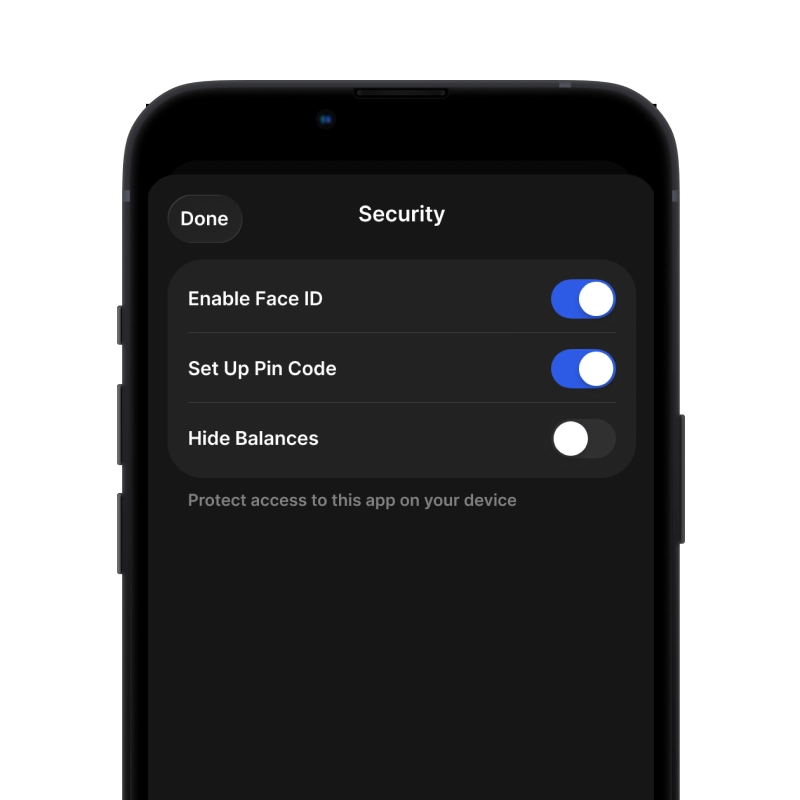
  1. Biometric Authentication: Use Face ID, Touch ID, or fingerprint to secure your wallet
  2. PIN Protection: Set a strong PIN code as an additional security layer
  3. Encrypted Backups: Your seed phrase is stored securely and never leaves your device
  4. Regular Security Audits: Independent security reviews ensure wallet integrity
Gem Wallet private key security and self-custody crypto wallet features

What Users Say About Gem LayerZero (ZRO) Wallet

Quick Setup Guide (3 Steps)

How to Set Up a LayerZero (ZRO) Wallet in 2 Minutes

Creating a LayerZero (ZRO) wallet is simpler than opening a bank account. Gem Wallet guides you through the entire process in minutes, making it accessible for complete beginners.

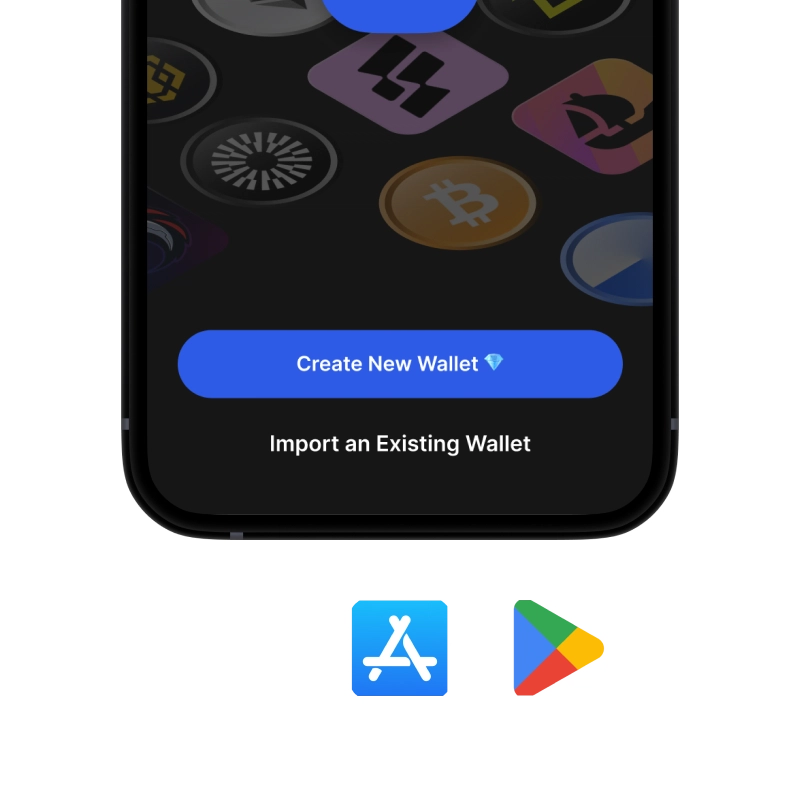
onboarding view

1. Krijgen LayerZero (ZRO) Portemonnee

LayerZero (ZRO) Portemonnee: iOS , Android & APK

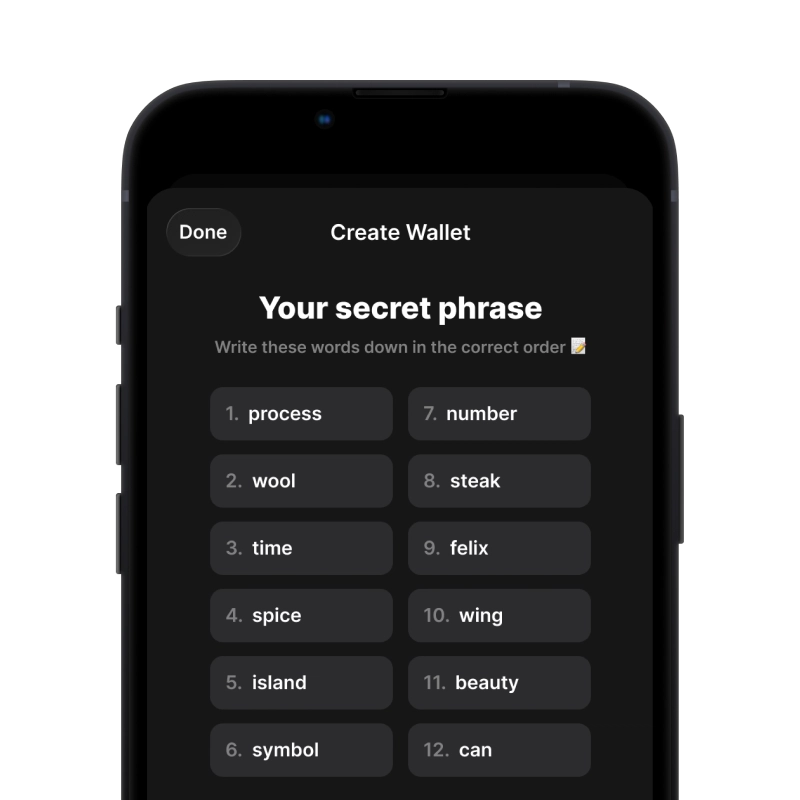
recovery phrase screen

2. Creëren LayerZero (ZRO) Portemonnee

Maak een nieuwe portemonnee, bewaar de geheime zin en ontvang uw adres in LayerZero (ZRO).

3. Set Up Security for ZRO

Enable PIN or biometric authentication and you're ready to go

Create LayerZero (ZRO) Wallet for iOS

Creating a LayerZero (ZRO) wallet on iPhone (2 min):

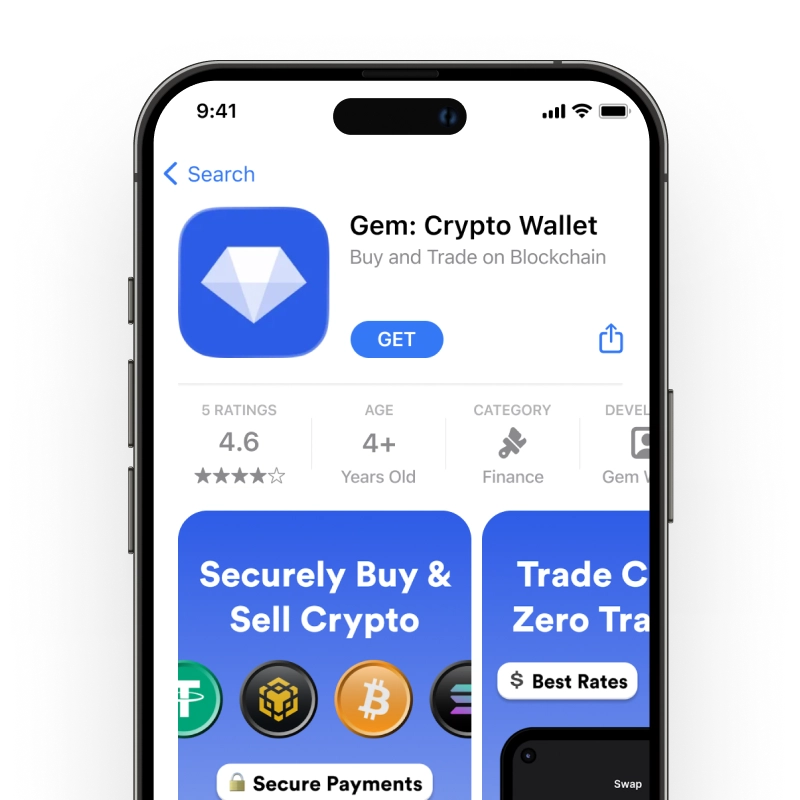
  1. Open the App Store and search for "Gem Wallet"
  2. Download and install the app (it's free and under 50MB)
  3. Open Gem Wallet and tap "Create New Wallet"
  4. Write down your seed phrase on paper - this is your master backup
  5. Enable Face ID or set a PIN code for quick and secure access
  6. Done! Your LayerZero (ZRO) wallet address is now active

Create LayerZero (ZRO) Wallet for Android

Creating a LayerZero (ZRO) wallet on Android (2 min):

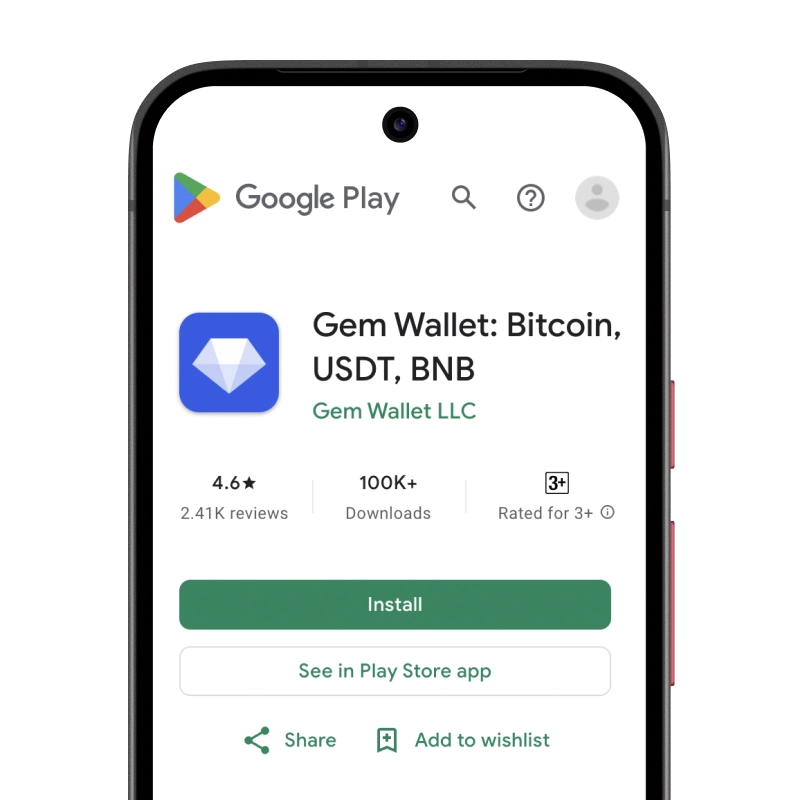
  1. Via Google Play: Search for "Gem Wallet" in the Play Store and install
  2. Via Direct APK: Download the APK file for maximum privacy and control
  3. Open the app and select "Create New Wallet"
  4. Write down your 12-word seed phrase on paper
  5. Set up fingerprint or PIN authentication
  6. Your LayerZero (ZRO) wallet is ready to use

LayerZero (ZRO) Wallet Without Registration

One of LayerZero (ZRO)'s core principles is financial freedom and privacy. Gem Wallet embodies this philosophy by offering a LayerZero (ZRO) wallet without registration - no email, no phone number, no identity verification required.

Why No-Registration Wallets Matter

Custodial LayerZero (ZRO) wallets and centralized exchanges (Coinbase, Binance) require extensive personal information through KYC (Know Your Customer) verification. Unlike self-custodial wallets, this creates several problems:

  • Privacy Risks: Your financial activity is tracked and can be sold to third parties or accessed by bad actors
  • Data Breaches: Centralized databases of personal information are prime targets for hackers
  • Censorship: Accounts can be frozen or restricted based on location, political views, or arbitrary decisions
  • Time-Consuming: KYC processes can take days or weeks to complete

Gem Wallet: True Private LayerZero (ZRO) Wallet

With Gem Wallet, you can create and use a LayerZero (ZRO) wallet with complete privacy:

  • No email address required
  • No phone number needed
  • No identity documents or selfies
  • No IP address tracking
  • No mandatory account creation

Simply download the app, create your wallet, and start using LayerZero (ZRO) within minutes. Your privacy is protected from the moment you install the app.

How to Get a LayerZero (ZRO) Address

To get a LayerZero (ZRO) wallet address, you first need to create or import a ZRO wallet. After that, the app will generate addresses for you automatically.

1 Open Gem Wallet

Launch the app on your phone and select LayerZero (ZRO) (ZRO) from your asset list.

2 Tap "Receive" Button

You'll see a large button at the bottom of the screen. Your LayerZero (ZRO) wallet address will be displayed both as text and as a QR code.

3 Copy Your Address

Copy the address to clipboard, share the QR code, or send it directly through messaging apps.

Get LayerZero (ZRO) wallet address in Gem Wallet
🔄 Unlimited Addresses

In Gem Wallet, you can generate unlimited LayerZero (ZRO) addresses for free. Each address is derived from your seed phrase and remains under your control forever.

📱 Using QR Codes

No Typing Errors - Scanning prevents copy-paste mistakes

Faster Transactions - Just show your phone screen

Perfect for in-person LayerZero (ZRO) payments