



XRPL Coin

XRPL 錢包

使用 XRPL 錢包完全控制 XRP 分類帳上的 XRPL 代幣。安全地存取 XRP、RLUSD 和數百種其他代幣,釋放廣泛的投資和商業機會。立即下載 XRPL 錢包並加入下一代區塊鏈生態系統!

XRPL 錢包

什麼是 XRP 分類帳?

XRP 帳本 (XRPL) 是一種無需許可的開源區塊鏈,以其極快的交易速度和超低費用而聞名。它支援原生代幣(XRP)和用戶發行代幣(IOU),任何人都可以創建穩定幣、忠誠度積分或其他數位資產。 XRPL 的共識機制可提供近乎即時的最終性,使其成為支付、匯款和代幣化資產發行的理想選擇。

什麼是 XRPL 錢包?

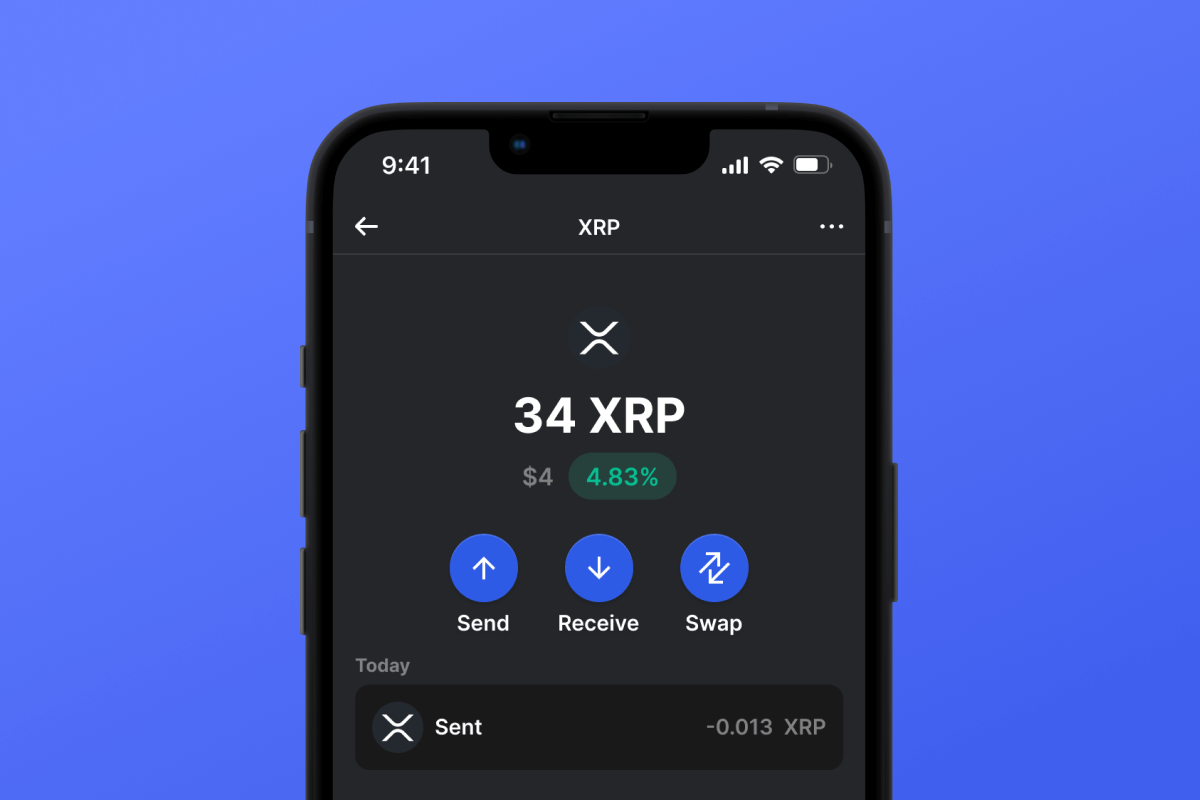
XRPL 錢包是一種專門用於與 XRP 分類帳互動的數位錢包。透過安裝一個 XRPL 錢包,您可以透過一個應用程式存取整個 XRPL 生態系統 - 數百個代幣和功能。 XRPL 錢包讓您可以安全地發送、接收和管理 XRP 以及任何用戶發行的代幣,讓您在 XRPL 上進行交易時能夠自我保管並安心無憂。

您的 XRPL 錢包中最受歡迎的代幣

雖然 XRPL 上有數百種代幣,但以下是一些最廣泛使用的代幣:

  • XRP – XRPL 的原生貨幣,用於費用和流動性。
  • RLUSD – 由美元支持的穩定幣 IOU,為交易和支付提供穩定性。
  • IOU 穩定幣 – 包含由可信任閘道在 XRPL 上發行的 USDT 和 USDC 等系留代幣。

不要忘記 XRP

要與 XRPL 上的任何代幣進行交互,您需要少量 XRP 來支付交易費用和儲備要求。直接在您的錢包內或交易所購買 XRP,然後轉入您的 XRPL 錢包即可開始使用。 購買 XRP 並在下一代 Ledger 上為您的交易提供支援。

為什麼 XRPL Wallet Gem 是最佳選擇?

Gem Wallet 是一款領先的加密貨幣錢包解決方案,它將安全性、隱私性和易用性完美整合在一個強大的應用程式中。以下是用戶選擇 Gem Wallet 來滿足其加密貨幣需求的原因:

完全控制

您完全掌控自己的私鑰和助記詞。任何第三方都無法存取或限制您的 XRPL。您的 XRPL 完全屬於您。

隱私保護

不追踪,不收集個人信息,不收集資料。完全保護您的 XRPL 的隱私和控制權。

開源

公開可用的程式碼 GitHub允許任何人驗證安全性和功能性。

跨平台

適用於 iOS、Android 和 APK。您的 XRPL 錢包隨時隨地可用。

XRPL 多語言錢包

支援包括英語、西班牙語、中文、俄語和阿拉伯語在內的25種以上語言。完全本地化,全球通用。

內建 XRPL 服務

使用 30 多種付款方式購買 XRPL。 交換 XRPL 透過整合的去中心化交易所聚合器,在一個安全的地方管理所有加密資產。

比較:Gem錢包 vs 交易所錢包

了解將 XRPL 儲存在 Gem Wallet 中與將其儲存在交易所中有何不同。

特徵Gem Wallet交易所錢包(幣安、Coinbase)
需註冊✅ 無❌ 完整 KYC 流程
個人資料收集✅ 無❌ 要求詳盡(身分證明文件、地址、自拍照)
開源✅ 完全透明❌ 閉源
私鑰控制✅ 是的❌ 否
帳戶凍結✅ 不可能❌ 可能
設定時間✅ 2分鐘⚠️ 1-7天(KYC驗證)

專業安全功能

  1. 生物特徵認證使用面容 ID、觸控 ID 或指紋來保護您的錢包
  2. PIN碼保護設定強密碼作為額外的安全保障。
  3. 加密備份您的助記詞已安全存儲,絕不會離開您的設備。
  4. 定期安全審計獨立安全審查確保錢包完整性
Gem Wallet private key security and self-custody crypto wallet features

用戶對 Gem XRPL 錢包的評價

如何在2分鐘內設定一個XRPL錢包

快速設定指南(3 個步驟)

創建 XRPL 錢包比開銀行帳戶還簡單。 Gem Wallet 會在幾分鐘內引導您完成整個過程,即使是完全的新手也能輕鬆上手。

onboarding view

1. 獲取 XRPL 錢包

XRPL 錢包: iOS & APK

recovery phrase screen

2. 創建 XRPL 錢包

建立新錢包,保存密碼,並取得你的地址 XRPL.

gem wallet security settings

3. Set Up Security for XRPL

Enable PIN or biometric authentication and you're ready to go

Create XRPL Wallet for iOS

Creating a XRPL wallet on iPhone (2 min):

  1. Open the App Store and search for "Gem Wallet"
  2. Download and install the app (it's free and under 50MB)
  3. Open Gem Wallet and tap "Create New Wallet"
  4. Write down your seed phrase on paper - this is your master backup
  5. Enable Face ID or set a PIN code for quick and secure access
  6. Done! Your XRPL wallet address is now active

Create XRPL Wallet for Android

Creating a XRPL wallet on Android (2 min):

  1. Via Google Play: Search for "Gem Wallet" in the Play Store and install
  2. Via Direct APK: Download the APK file for maximum privacy and control
  3. Open the app and select "Create New Wallet"
  4. Write down your 12-word seed phrase on paper
  5. Set up fingerprint or PIN authentication
  6. Your XRPL wallet is ready to use

XRPL Wallet Without Registration

One of XRPL's core principles is financial freedom and privacy. Gem Wallet embodies this philosophy by offering a XRPL wallet without registration - no email, no phone number, no identity verification required.

Why No-Registration Wallets Matter

Custodial XRPL wallets and centralized exchanges (Coinbase, Binance) require extensive personal information through KYC (Know Your Customer) verification. Unlike self-custodial wallets, this creates several problems:

  • Privacy Risks: Your financial activity is tracked and can be sold to third parties or accessed by bad actors
  • Data Breaches: Centralized databases of personal information are prime targets for hackers
  • Censorship: Accounts can be frozen or restricted based on location, political views, or arbitrary decisions
  • Time-Consuming: KYC processes can take days or weeks to complete

Gem Wallet: True Private XRPL Wallet

With Gem Wallet, you can create and use a XRPL wallet with complete privacy:

  • No email address required
  • No phone number needed
  • No identity documents or selfies
  • No IP address tracking
  • No mandatory account creation

Simply download the app, create your wallet, and start using XRPL within minutes. Your privacy is protected from the moment you install the app.

如何取得 XRPL 位址

要取得 XRPL 錢包位址,您首先需要建立或匯入一個 XRPL 錢包。之後,應用程式將自動為您產生地址。

1 打開 Gem 錢包

在手機上啟動應用程序,然後從資產清單中選擇 XRPL (XRPL)。

2 點擊“接收”按鈕

螢幕底部會顯示一個大按鈕。您的 XRPL 錢包位址將以文字和二維碼兩種形式顯示。

3 複製您的地址

複製位址到剪貼板,分享二維碼,或直接透過即時通訊應用程式發送。

Get XRPL wallet address in Gem Wallet
🔄 無限地址

在 Gem Wallet 中,您可以免費產生無限量的 XRPL 位址。每個地址都源自於您的助記詞,並永久由您掌控。

📱 使用二維碼
  • 沒有拼字錯誤 掃描可以防止複製貼上錯誤
  • 更快的交易 只需展示你的手機螢幕
  • 非常適合面對面交流 XRPL 支付

常見問題

XRPL 由 Jed McCaleb 和 David Schwartz 於 2012 年 1 月創建,並於 2012 年 3 月正式推出。
XRPL 錢包啟動是存入至少 10 XRP 作為網路儲備要求的過程,之後錢包將變為活躍狀態並準備好進行交易。


















