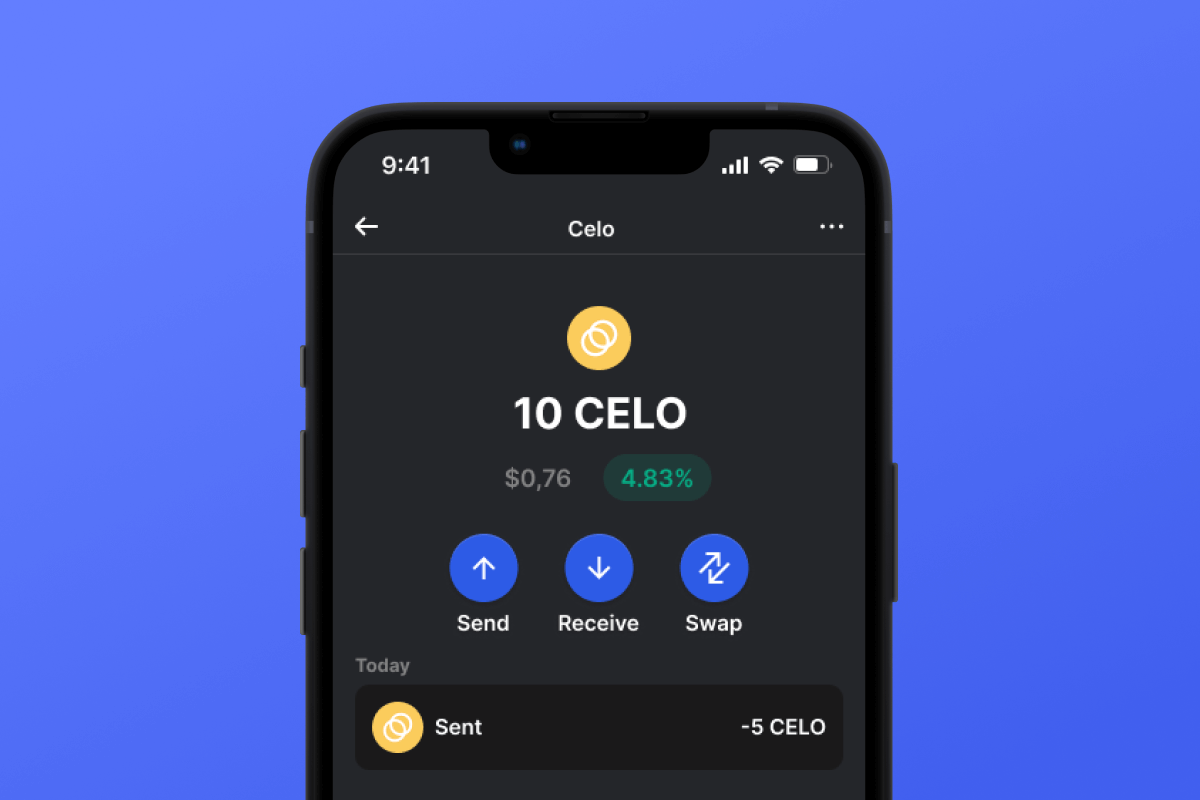



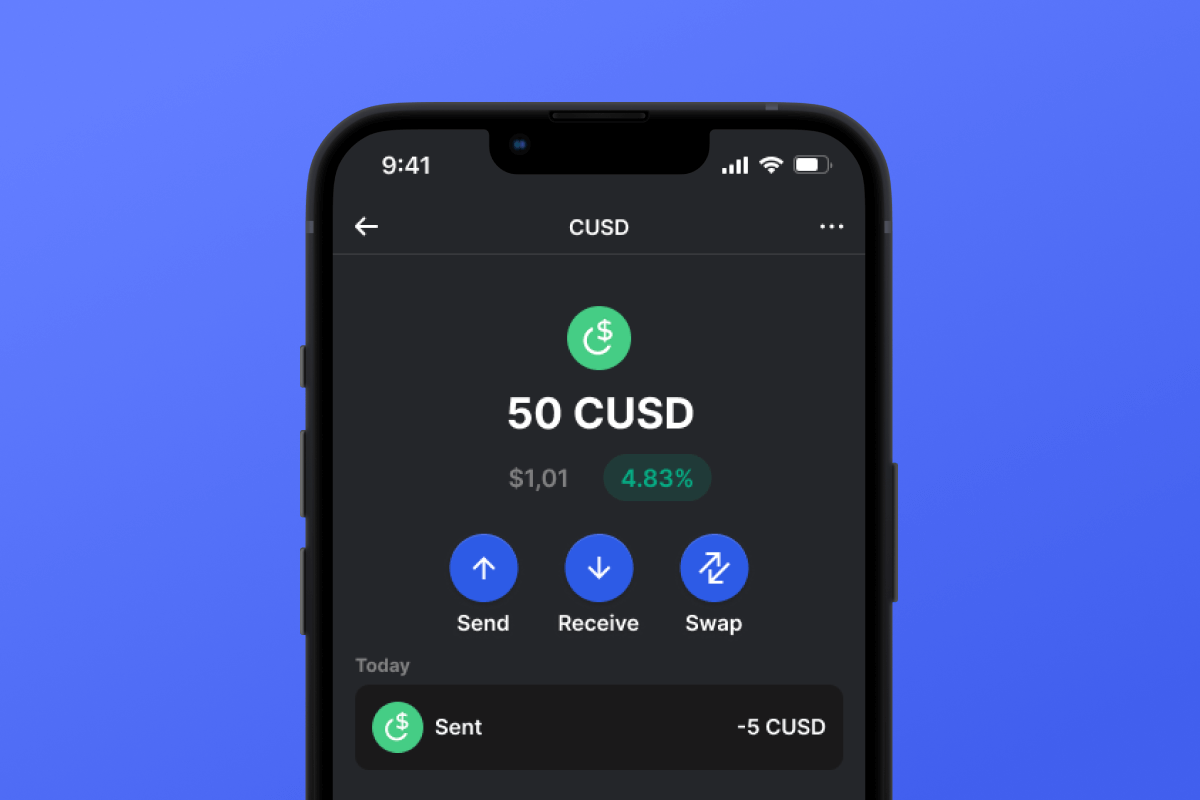
CUSD Coin

CUSD 钱包

By choosing the CUSD wallet and the CUSD stablecoin, you gain convenient, secure, and fast mobile transfers worldwide. No need to wait for business hours or weekends to end; CUSD operates continuously so you can make transactions when you need to. Download the CUSD wallet today, and you'll forget about outdated alternatives!

CUSD 钱包

What Is CUSD?

CUSD is a stablecoin built on the CELO blockchain. Stablecoins were created to simplify the connection between cryptocurrencies and fiat money. A stablecoin does not have its own inherent value - it is pegged 1:1 to a fiat currency - in this case, to the USD. By purchasing CUSD, you can easily interact with the cryptocurrency world - exchanging your digital dollar for desired crypto assets. It’s simple and convenient - and thanks to the low fees of the CELO blockchain, it’s also cost-effective.

What Is CELO Blockchain?

CELO is a blockchain launched in April 2020 with the main ideological mission of providing everyone, especially those without access to banking services, with a convenient and simple tool for exchanging assets and values. In this context, the issuance of their own stablecoin, CUSD, appears to be a very logical and well-thought-out solution.

CUSD Wallet Benefits:

  • Security: By choosing the CUSD wallet, you can rest assured about the security of your crypto assets. The wallet is constantly updated and keeps pace with the latest advancements in computer security systems. It also operates as a self-custodian, meaning that the key to your assets remains only with you and is not stored/transferred from your device.

  • Privacy: The CUSD wallet does not store personalized data. You can trust that your information will remain with you.

  • Transparency: The CUSD wallet is open-source, meaning that the application’s source code is open to everyone. Such transparency positively impacts both user peace of mind (the code can be checked for compliance with the claimed functionality) and overall functionality since any issues can be noticed and fixed quickly.

  • Accessibility: The CUSD wallet allows you to easily purchase CUSD with a credit card in just a couple of clicks. This simple function will facilitate your initial acquaintance with cryptocurrencies and will always provide a backup when you urgently need a certain amount of CUSD stablecoin.

  • Cross-Platform Compatibility: Regardless of whether you have an Android or iOS device, the CUSD wallet will always be available to you.

  • Multiple Blockchain Support: The CUSD wallet supports not only CUSD or CELO but also virtually all popular blockchains and tokens. Therefore, you can easily swap your CUSD for other cryptocurrencies directly within the application in just a few clicks.

  • User-Friendly Design: A convenient and pleasant interface will make your cryptocurrency experience enjoyable and straightforward!

Discover the CELO blockchain and its CUSD stablecoin today! And the first step - download the wallet.

为什么 CUSD Wallet Gem 是最佳选择?

Gem Wallet 是一款领先的加密货币钱包解决方案,它将安全性、隐私性和易用性完美融合在一个强大的应用程序中。以下是用户选择 Gem Wallet 来满足其加密货币需求的原因:

完全控制

您完全掌控自己的私钥和助记词。任何第三方都无法访问或限制您的 CUSD。您的 CUSD 完全属于您。

隐私保护

不追踪,不收集个人信息,不收集数据。完全保护您的 CUSD 的隐私和控制权。

开源

公开可用的代码 GitHub允许任何人验证安全性和功能性。

跨平台

适用于 iOS、Android 和 APK。您的 CUSD 钱包随时随地可用。

CUSD 多语言钱包

支持包括英语、西班牙语、中文、俄语和阿拉伯语在内的25种以上语言。完全本地化,全球通用。

内置 CUSD 服务

使用 30 多种支付方式购买 CUSD。 交换 CUSD 通过集成的去中心化交易所聚合器,在一个安全的地方管理所有加密资产。

对比:Gem钱包 vs 交易所钱包

了解将 CUSD 存储在 Gem Wallet 中与将其存储在交易所中有何不同。

特征Gem Wallet交易所钱包(币安、Coinbase)
需注册✅ 无❌ 完整 KYC 流程
个人数据收集✅ 无❌ 要求详尽(身份证件、地址、自拍照)
开源✅ 完全透明❌ 闭源
私钥控制✅ 是的❌ 否
账户冻结✅ 不可能❌ 可能
设置时间✅ 2分钟⚠️ 1-7天(KYC验证)

专业安全功能

  1. 生物特征认证使用面容 ID、触控 ID 或指纹来保护您的钱包
  2. PIN码保护设置强密码作为额外的安全保障。
  3. 加密备份您的助记词已安全存储,绝不会离开您的设备。
  4. 定期安全审计独立的安全审查确保钱包的完整性。 了解更多安全信息 →
Gem Wallet private key security and self-custody crypto wallet features

用户对 Gem CUSD 钱包的评价

如何在2分钟内设置一个CUSD钱包

快速设置指南(3 个步骤)

创建 CUSD 钱包比开银行账户还简单。Gem Wallet 会在几分钟内引导您完成整个过程,即使是完全的新手也能轻松上手。

onboarding view

1. 获取 CUSD 钱包

CUSD 钱包: iOS Android & APK

recovery phrase screen

2. 创建 CUSD 钱包

创建新钱包,保存密码,并获取你的地址 CUSD.

gem wallet security settings

3. Set Up Security for CUSD

Enable PIN or biometric authentication and you're ready to go

Create CUSD Wallet for iOS

Creating a CUSD wallet on iPhone (2 min):

  1. Open the App Store and search for "Gem Wallet"
  2. Download and install the app (it's free and under 50MB)
  3. Open Gem Wallet and tap "Create New Wallet"
  4. Write down your seed phrase on paper - this is your master backup
  5. Enable Face ID or set a PIN code for quick and secure access
  6. Done! Your CUSD wallet address is now active
下载Gem 钱包 for iOS
iOS CUSD wallet

Create CUSD Wallet for Android

Creating a CUSD wallet on Android (2 min):

  1. Via Google Play: Search for "Gem Wallet" in the Play Store and install
  2. Via Direct APK: Download the APK file for maximum privacy and control
  3. Open the app and select "Create New Wallet"
  4. Write down your 12-word seed phrase on paper
  5. Set up fingerprint or PIN authentication
  6. Your CUSD wallet is ready to use
Android CUSD wallet

CUSD Wallet Without Registration

One of CUSD's core principles is financial freedom and privacy. Gem Wallet embodies this philosophy by offering a CUSD wallet without registration - no email, no phone number, no identity verification required.

Why No-Registration Wallets Matter

Custodial CUSD wallets and centralized exchanges (Coinbase, Binance) require extensive personal information through KYC (Know Your Customer) verification. Unlike self-custodial wallets, this creates several problems:

  • Privacy Risks: Your financial activity is tracked and can be sold to third parties or accessed by bad actors
  • Data Breaches: Centralized databases of personal information are prime targets for hackers
  • Censorship: Accounts can be frozen or restricted based on location, political views, or arbitrary decisions
  • Time-Consuming: KYC processes can take days or weeks to complete

Gem Wallet: True Private CUSD Wallet

With Gem Wallet, you can create and use a CUSD wallet with complete privacy:

  • No email address required
  • No phone number needed
  • No identity documents or selfies
  • No IP address tracking
  • No mandatory account creation

Simply download the app, create your wallet, and start using CUSD within minutes. Your privacy is protected from the moment you install the app.

如何获取 CUSD 地址

要获取 CUSD 钱包地址,您首先需要创建或导入一个 CUSD 钱包。之后,应用程序将自动为您生成地址。

1 打开 Gem 钱包

在手机上启动应用程序,然后从资产列表中选择 CUSD (CUSD)。

2 点击“接收”按钮

屏幕底部会显示一个大按钮。您的 CUSD 钱包地址将以文本和二维码两种形式显示。

3 复制您的地址

复制地址到剪贴板,分享二维码,或直接通过即时通讯应用发送。

Get CUSD wallet address in Gem Wallet
🔄 无限地址

在 Gem Wallet 中,您可以免费生成无限量的 CUSD 地址。每个地址都源自您的助记词,并永久由您掌控。

📱 使用二维码
  • 没有拼写错误 扫描可以防止复制粘贴错误
  • 更快的交易 只需展示你的手机屏幕
  • 非常适合面对面交流 CUSD 支付