



Lightning Network Coin

Lightning Network Ví

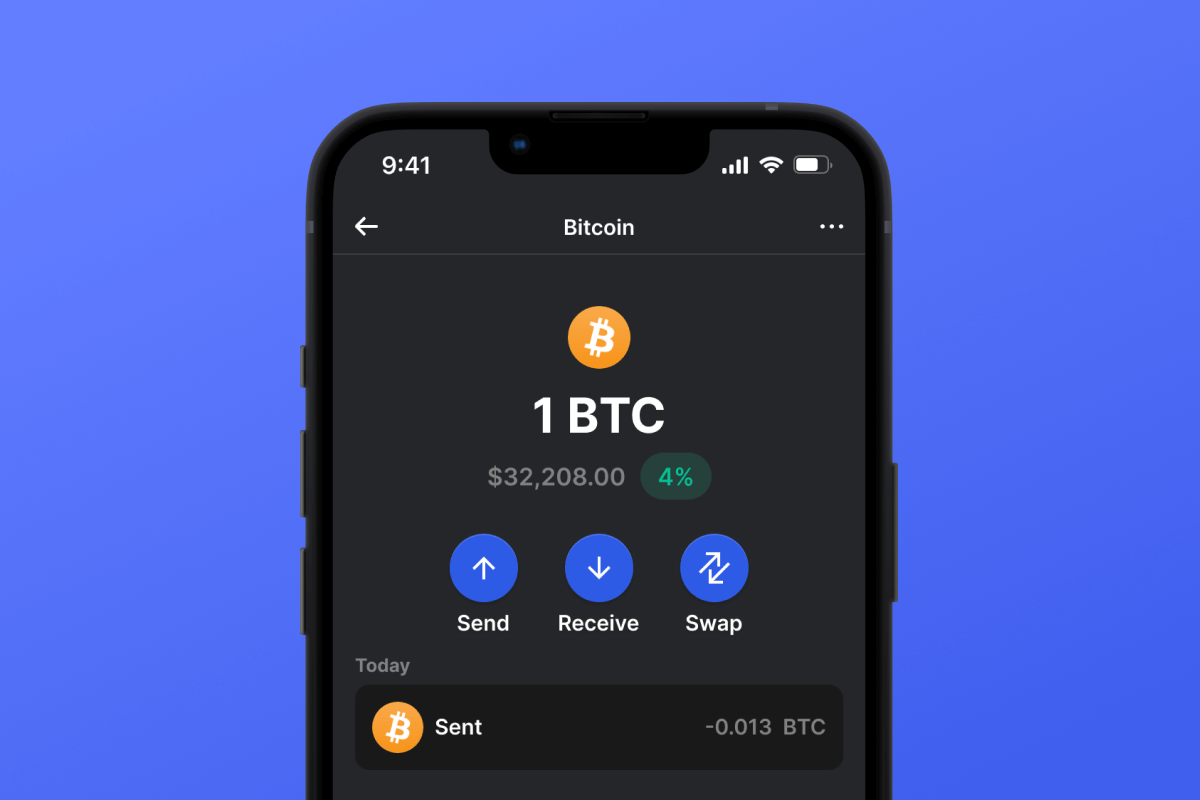
The Lightning Network Wallet is your key to the L2 network based on the Bitcoin blockchain, which will make your micropayments instant and with low network fees. Download the wallet and try the Lightning Network - a truly lightning-fast solution!

Lightning Network Ví

What Is Lightning Network?

The Lightning Network (LN) is an addition to Bitcoin that allows for fast transactions with minimal fees. It works by allowing users to open special payment channels through which they can instantly transfer money to each other without the delays and complexities associated with the main Bitcoin network. This system is particularly useful for small payments, such as buying a cup of tea or coffee in a cafe.

What Is Lightning Network Wallet?

A Lightning Network Wallet is a special wallet that allows you to use the LN for payments and asset storage. Not every wallet that works with Bitcoin will also work with the LN. The Lightning Network is an L2 (layer 2) extension for the Bitcoin blockchain, therefore it requires additional support from the wallet developers.

Lightning Network Wallet Benefits

A LN Wallet offers several important features and aspects that will make your interaction with the network both comfortable and secure:

  1. Open Source: The LN Wallet is open source, supporting transparency and openness for its users.

  2. Self-Custody: Your Bitcoins and other crypto assets are accessible only to you. No one else has access to your private key.

  3. Privacy and Security: The Lightning Network Wallet adheres to high standards of security and privacy.

  4. Universality: Your wallet is available on both Android and iOS, providing easy access to your assets regardless of your mobile device choice.

  5. Convenience: A simple and intuitive interface ensures easy and productive management of your assets.

  6. Micropayments: The LN helps avoid the high fees associated with Bitcoin blockchain for small payments.

Download the Gem Wallet and experience all the benefits of the LN today!

Tại sao ứng dụng Lightning Network ví Gem là lựa chọn tốt nhất?

Gem Wallet nổi bật như một giải pháp ví Lightning Network hàng đầu, kết hợp bảo mật, quyền riêng tư và tính dễ sử dụng trong một ứng dụng mạnh mẽ. Dưới đây là lý do tại sao người dùng chọn Gem Wallet cho nhu cầu Lightning Network của họ:

Kiểm soát hoàn toàn

Bạn hoàn toàn kiểm soát khóa riêng tư và cụm từ hạt giống của mình. Không bên thứ ba nào có thể truy cập hoặc hạn chế Lightning Network của bạn. Lightning Network của bạn thực sự thuộc về bạn.

Bảo vệ quyền riêng tư

Không theo dõi, không thông tin cá nhân, không thu thập dữ liệu. Hoàn toàn riêng tư và kiểm soát Lightning Network của bạn.

Mã nguồn mở

Mã nguồn công khai trên GitHub, cho phép bất kỳ ai cũng có thể xác minh tính bảo mật và chức năng.

Đa nền tảng

Có sẵn trên iOS, Android và APK. Ví Lightning Network của bạn hoạt động mọi lúc mọi nơi.

Ví Lightning Network hỗ trợ nhiều ngôn ngữ

Hỗ trợ hơn 25 ngôn ngữ, bao gồm tiếng Anh, tiếng Tây Ban Nha, tiếng Trung Quốc, tiếng Nga và tiếng Ả Rập. Được bản địa hóa hoàn toàn để đảm bảo khả năng truy cập trên toàn thế giới.

Các dịch vụ Lightning Network tích hợp sẵn

Mua Lightning Network với hơn 30 phương thức thanh toán. Trao đổi Lightning Network Thông qua công cụ tổng hợp DEX tích hợp. Quản lý tất cả tài sản tiền điện tử tại một nơi an toàn duy nhất.

So sánh: Ví Gem Wallet so với Ví Exchange Wallet

Xem sự khác biệt giữa việc lưu trữ Lightning Network trong Gem Wallet so với việc lưu trữ trên các sàn giao dịch.

Tính năngGem WalletVí điện tử cho sàn giao dịch (Binance, Coinbase)
Cần đăng ký✅ Không có❌ Xác minh danh tính đầy đủ
Thu thập dữ liệu cá nhân✅ Không có❌ Thông tin chi tiết (CMND, địa chỉ, ảnh tự chụp)
Mã nguồn mở✅ Hoàn toàn trong suốt❌ Mã nguồn đóng
Kiểm soát khóa riêng tư✅ Có❌ Không
Đóng băng tài khoản✅ Không thể❌ Có thể
Thời gian thiết lập✅ 2 phút⚠️ 1-7 ngày (xác minh KYC)

Các tính năng bảo mật chuyên nghiệp

  1. Xác thực sinh trắc họcSử dụng Face ID, Touch ID hoặc dấu vân tay để bảo mật ví của bạn.
  2. Bảo vệ mã PINĐặt mã PIN mạnh làm lớp bảo mật bổ sung.
  3. Sao lưu được mã hóaCụm từ hạt giống của bạn được lưu trữ an toàn và không bao giờ rời khỏi thiết bị của bạn.
  4. Kiểm tra an ninh định kỳCác đánh giá bảo mật độc lập đảm bảo tính toàn vẹn của ví.
Gem Wallet private key security and self-custody crypto wallet features

Người dùng nói gì về ví Gem Lightning Network?

Hướng dẫn thiết lập ví Lightning Network chỉ trong 2 phút

Hướng dẫn thiết lập nhanh (3 bước)

Việc tạo ví Lightning Network đơn giản hơn cả việc mở tài khoản ngân hàng. Gem Wallet sẽ hướng dẫn bạn toàn bộ quy trình chỉ trong vài phút, giúp người mới bắt đầu cũng có thể sử dụng dễ dàng.

onboarding view

1. Nhận Lightning Network Ví

Lightning Network Ví: iOS , Android & APK

recovery phrase screen

2. Tạo Lightning Network Ví

Tạo ví mới, lưu cụm từ bí mật và nhập địa chỉ của bạn vào Lightning Network.

gem wallet security settings

3. Set Up Security for Lightning Network

Enable PIN or biometric authentication and you're ready to go

Create Lightning Network Wallet for iOS

Creating a Lightning Network wallet on iPhone (2 min):

  1. Open the App Store and search for "Gem Wallet"
  2. Download and install the app (it's free and under 50MB)
  3. Open Gem Wallet and tap "Create New Wallet"
  4. Write down your seed phrase on paper - this is your master backup
  5. Enable Face ID or set a PIN code for quick and secure access
  6. Done! Your Lightning Network wallet address is now active

Create Lightning Network Wallet for Android

Creating a Lightning Network wallet on Android (2 min):

  1. Via Google Play: Search for "Gem Wallet" in the Play Store and install
  2. Via Direct APK: Download the APK file for maximum privacy and control
  3. Open the app and select "Create New Wallet"
  4. Write down your 12-word seed phrase on paper
  5. Set up fingerprint or PIN authentication
  6. Your Lightning Network wallet is ready to use

Lightning Network Wallet Without Registration

One of Lightning Network's core principles is financial freedom and privacy. Gem Wallet embodies this philosophy by offering a Lightning Network wallet without registration - no email, no phone number, no identity verification required.

Why No-Registration Wallets Matter

Custodial Lightning Network wallets and centralized exchanges (Coinbase, Binance) require extensive personal information through KYC (Know Your Customer) verification. Unlike self-custodial wallets, this creates several problems:

  • Privacy Risks: Your financial activity is tracked and can be sold to third parties or accessed by bad actors
  • Data Breaches: Centralized databases of personal information are prime targets for hackers
  • Censorship: Accounts can be frozen or restricted based on location, political views, or arbitrary decisions
  • Time-Consuming: KYC processes can take days or weeks to complete

Gem Wallet: True Private Lightning Network Wallet

With Gem Wallet, you can create and use a Lightning Network wallet with complete privacy:

  • No email address required
  • No phone number needed
  • No identity documents or selfies
  • No IP address tracking
  • No mandatory account creation

Simply download the app, create your wallet, and start using Lightning Network within minutes. Your privacy is protected from the moment you install the app.

Cách lấy địa chỉ Lightning Network

Để có được địa chỉ ví Lightning Network, trước tiên bạn cần tạo hoặc nhập ví Lightning Network. Sau đó, ứng dụng sẽ tự động tạo địa chỉ cho bạn.

1 Mở Ví Gem

Khởi chạy ứng dụng trên điện thoại của bạn và chọn Lightning Network (Lightning Network) từ danh sách tài sản của bạn.

2 Nhấn vào nút "Nhận"

Bạn sẽ thấy một nút lớn ở cuối màn hình. Địa chỉ ví Lightning Network của bạn sẽ được hiển thị cả dưới dạng văn bản và mã QR.

3 Sao chép địa chỉ của bạn

Sao chép địa chỉ vào clipboard, chia sẻ mã QR hoặc gửi trực tiếp qua các ứng dụng nhắn tin.

Get Lightning Network wallet address in Gem Wallet
🔄 Địa chỉ không giới hạn

Trong Gem Wallet, bạn có thể tạo không giới hạn địa chỉ Lightning Network miễn phí. Mỗi địa chỉ được tạo từ cụm từ hạt giống của bạn và luôn nằm dưới sự kiểm soát của bạn.

📱 Sử dụng mã QR
  • Không có lỗi đánh máy - Quét giúp tránh lỗi sao chép-dán.
  • Giao dịch nhanh hơn - Chỉ cần cho xem màn hình điện thoại của bạn
  • Hoàn hảo cho các cuộc gặp trực tiếp thanh toán Lightning Network


















