


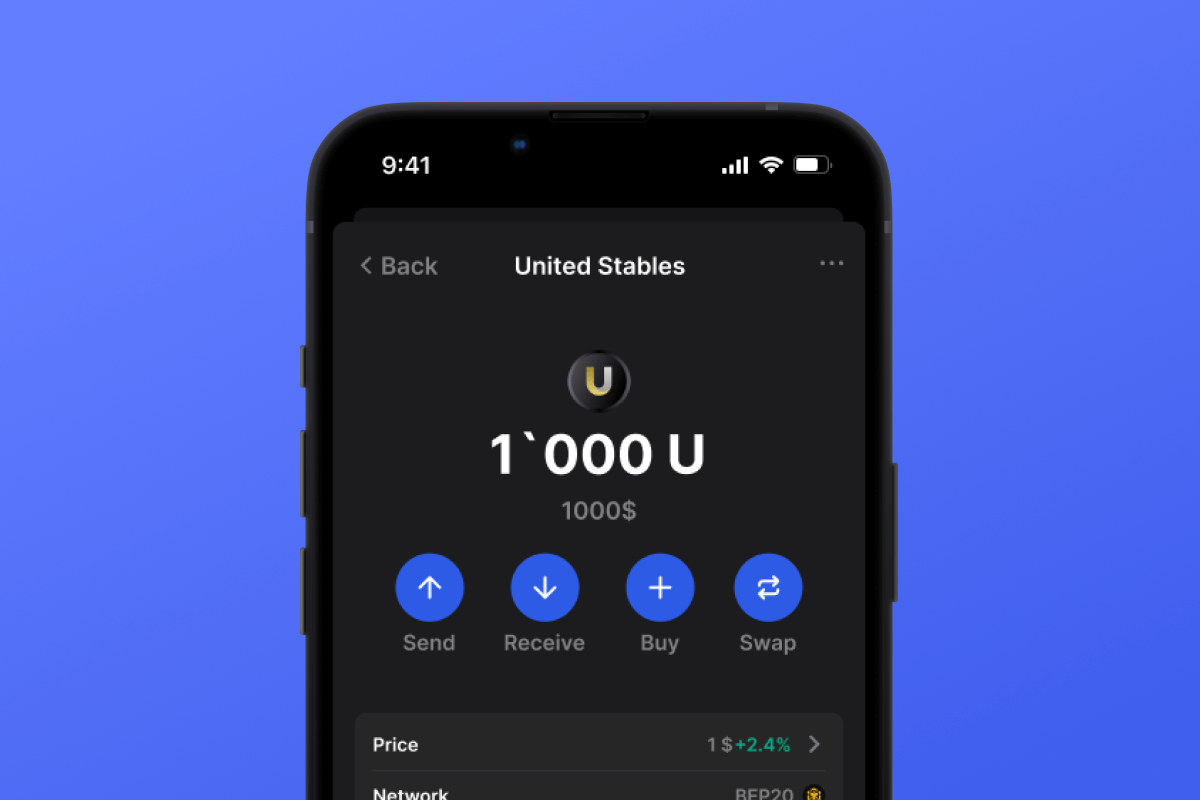
United Stables Coin

United Stables Wallet

Create the best United Stables wallet for storing, purchasing, exchanging and controlling your U tokens. Features full self-custody, complete privacy, open-source transparency, and native support for both Android and iOS platforms. Keep your United Stables assets protected!

United Stables Wallet

United Stables (U): The Universal Stablecoin Layer

$U represents the next generation of stablecoins - a unified financial layer connecting exchanges, DeFi protocols, payment systems, and AI agents. Developed by United Stables Limited, this dollar-pegged digital asset solves the fragmentation problem plaguing today's stablecoin ecosystem.

Unlike traditional stablecoins operating in isolation, $U creates bridges between platforms. Each token maintains 1:1 USD backing through segregated reserves combining fiat currency and premium stablecoins - all verified through regular attestation reports.

Gem Wallet: Your Gateway to United Stables

Managing $U requires a wallet that matches its innovative vision. Gem Wallet delivers self-custodial access to United Stables with enterprise-grade security and consumer-friendly design. As one of the leading stablecoin wallets, it combines the stability of dollar-pegged assets with complete user control.

What Makes Gem Different

  • Zero Registration: Start using $U instantly without email, phone, or identity documents
  • Your Keys, Your Assets: Maintain complete ownership through self-custody - no company can touch your funds
  • Verified Code: Every line of code is public on GitHub for community inspection
  • Privacy First: No tracking, no data collection, no surveillance
  • Seamless Integration: Purchase, exchange, and transfer $U without leaving the app
  • Universal Access: Works on iOS, Android, plus direct APK for maximum control

Getting Started with $U on Gem Wallet

Creating your United Stables wallet takes less time than making coffee:

  1. Get the App: Visit gemwallet.com or your device's app store
  2. Generate Wallet: Tap "Create" and save your recovery phrase offline (write it on paper, never digitally)
  3. Secure Access: Enable fingerprint or face recognition

That's it. No forms, no waiting, no verification process. Your $U wallet is ready.

Security Without Compromise

Self-custody means responsibility. Your 12-word recovery phrase is the master key - protect it properly:

  • Write on paper or engrave on metal - never save digitally
  • Store copies in separate physical locations
  • Never photograph, email, or upload to cloud storage
  • Don't share with anyone claiming to be "support" - it's always a scam

Lost phone? No problem. Download Gem Wallet on any device, enter your recovery phrase, and regain full access to your $U holdings.

Why United Stables Needs Gem Wallet

$U represents programmable money designed for the intelligent economy. Gem Wallet provides the infrastructure to leverage this potential:

  • DeFi Integration: Use $U in lending protocols, yield strategies, and liquidity pools
  • Cross-Border Speed: Send value internationally in minutes instead of days
  • AI Compatibility: Built for autonomous agent transactions and microtransactions
  • Institutional Quality: Transparent reserves and audit-ready settlement
  • No Intermediaries: Direct peer-to-peer transfers without banks or payment processors

Start Using United Stables Today

The future of money is unified, accessible, and censorship-resistant. Gem Wallet puts United Stables in your pocket with complete privacy and control.

Download now from gemwallet.com - your $U wallet will be active in under two minutes. No registration barriers, no corporate gatekeepers, no compromise on security or privacy.

Join the movement toward truly universal money.

Why Gem United Stables Wallet App Is the Best Choice?

Gem Wallet stands out as a leading United Stables wallet solution, combining security, privacy, and usability in one powerful app. Here's why users choose Gem Wallet for their United Stables needs:

Control and Self-Custody

Full control of your private keys and seed phrase. No third party can access or restrict your United Stables. Your United Stables is truly yours.

Privacy Protection

No tracking, no personal information, no data collection. Complete privacy and control over your United Stables.

Open-Source

Publicly available code on GitHub, allowing anyone to verify security and functionality.

Multi-Platform

Available on iOS, Android, and APK. Your United Stables wallet works wherever you go.

United Stables Wallet in Multiple Languages

Supporting 25+ languages including English, Spanish, Chinese, Russian, and Arabic. Fully localized for worldwide accessibility.

Built-In United Stables Services

Buy United Stables with 30+ payment methods. Swap U through integrated DEX aggregator. Manage all crypto assets in one secure place.

Comparison: Gem Wallet vs Exchange Wallets

See how storing United Stables in Gem Wallet differs from keeping it on exchanges

FeatureGem WalletExchange Wallets (Binance, Coinbase)
Registration Required✅ None❌ Full KYC
Personal Data Collection✅ None❌ Extensive (ID, address, selfie)
Open-Source✅ Fully transparent❌ Closed source
Private Keys Control✅ Yes❌ No
Account Freezing✅ Impossible❌ Possible
Setup Time✅ 2 minutes⚠️ 1-7 days (KYC verification)

Professional Security Features

  1. Biometric Authentication: Use Face ID, Touch ID, or fingerprint to secure your wallet
  2. PIN Protection: Set a strong PIN code as an additional security layer
  3. Encrypted Backups: Your seed phrase is stored securely and never leaves your device
  4. Regular Security Audits: Independent security reviews ensure wallet integrity
Gem Wallet private key security and self-custody crypto wallet features

What Users Say About Gem United Stables Wallet

How to Set Up a United Stables Wallet in 2 Minutes

Quick Setup Guide (3 Steps)

Creating a United Stables wallet is simpler than opening a bank account. Gem Wallet guides you through the entire process in minutes, making it accessible for complete beginners.

onboarding view

1. Download United Stables Wallet

United Stables Wallet: iOS, Android & APK

recovery phrase screen

2. Create United Stables Wallet

Create a new wallet, save the secret phrase, and get your address in United Stables.

gem wallet security settings

3. Set Up Security for U

Enable PIN or biometric authentication and you're ready to go

Create United Stables Wallet for iOS

Creating a United Stables wallet on iPhone (2 min):

  1. Open the App Store and search for "Gem Wallet"
  2. Download and install the app (it's free and under 50MB)
  3. Open Gem Wallet and tap "Create New Wallet"
  4. Write down your seed phrase on paper - this is your master backup
  5. Enable Face ID or set a PIN code for quick and secure access
  6. Done! Your United Stables wallet address is now active

Create United Stables Wallet for Android

Creating a United Stables wallet on Android (2 min):

  1. Via Google Play: Search for "Gem Wallet" in the Play Store and install
  2. Via Direct APK: Download the APK file for maximum privacy and control
  3. Open the app and select "Create New Wallet"
  4. Write down your 12-word seed phrase on paper
  5. Set up fingerprint or PIN authentication
  6. Your United Stables wallet is ready to use

United Stables Wallet Without Registration

One of United Stables's core principles is financial freedom and privacy. Gem Wallet embodies this philosophy by offering a United Stables wallet without registration - no email, no phone number, no identity verification required.

Why No-Registration Wallets Matter

Custodial United Stables wallets and centralized exchanges (Coinbase, Binance) require extensive personal information through KYC (Know Your Customer) verification. Unlike self-custodial wallets, this creates several problems:

  • Privacy Risks: Your financial activity is tracked and can be sold to third parties or accessed by bad actors
  • Data Breaches: Centralized databases of personal information are prime targets for hackers
  • Censorship: Accounts can be frozen or restricted based on location, political views, or arbitrary decisions
  • Time-Consuming: KYC processes can take days or weeks to complete

Gem Wallet: True Private United Stables Wallet

With Gem Wallet, you can create and use a United Stables wallet with complete privacy:

  • No email address required
  • No phone number needed
  • No identity documents or selfies
  • No IP address tracking
  • No mandatory account creation

Simply download the app, create your wallet, and start using United Stables within minutes. Your privacy is protected from the moment you install the app.

How to Get a United Stables Address

To get a United Stables wallet address, you first need to create or import a United Stables wallet. After that, the app will generate addresses for you automatically.

1 Open Gem Wallet

Launch the app on your phone and select United Stables (U) from your asset list.

2 Tap "Receive" Button

You'll see a large button at the bottom of the screen. Your United Stables wallet address will be displayed both as text and as a QR code.

3 Copy Your Address

Copy the address to clipboard, share the QR code, or send it directly through messaging apps.

Get United Stables wallet address in Gem Wallet
🔄 Unlimited Addresses

In Gem Wallet, you can generate unlimited United Stables addresses for free. Each address is derived from your seed phrase and remains under your control forever.

📱 Using QR Codes
  • No Typing Errors - Scanning prevents copy-paste mistakes
  • Faster Transactions - Just show your phone screen
  • Perfect for in-person United Stables payments



















