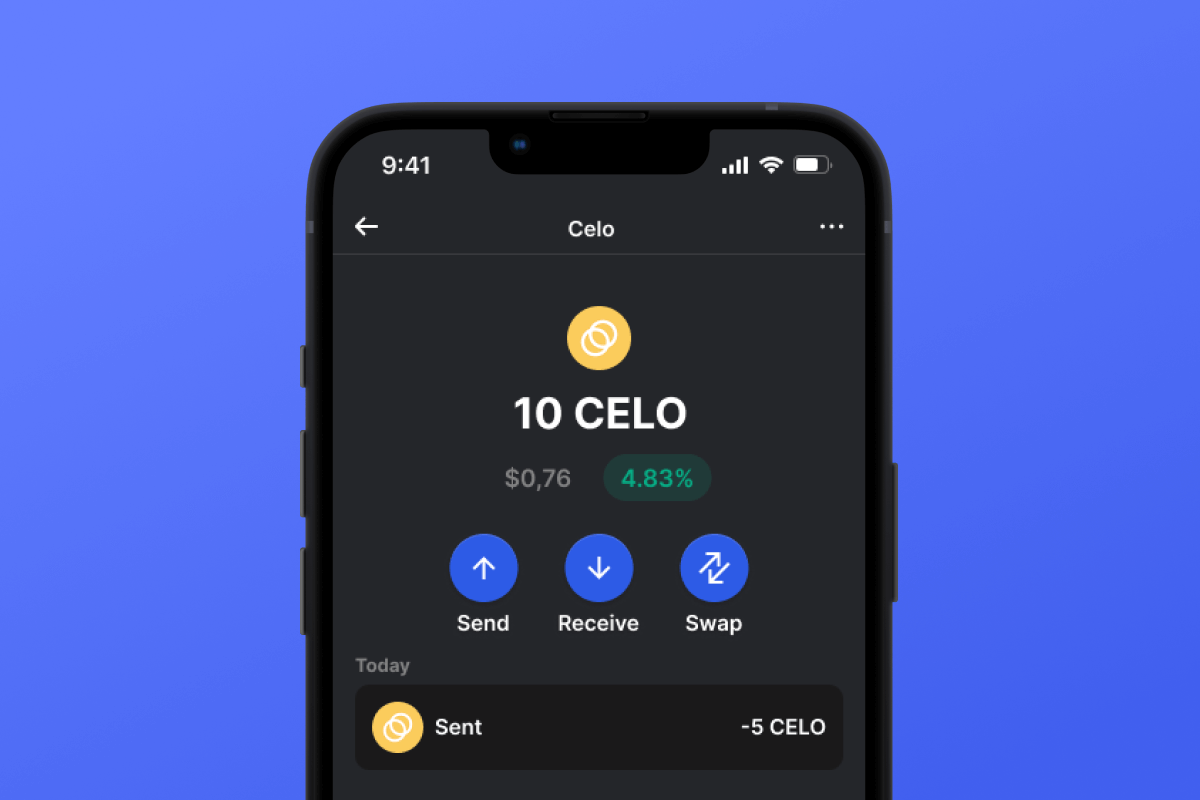



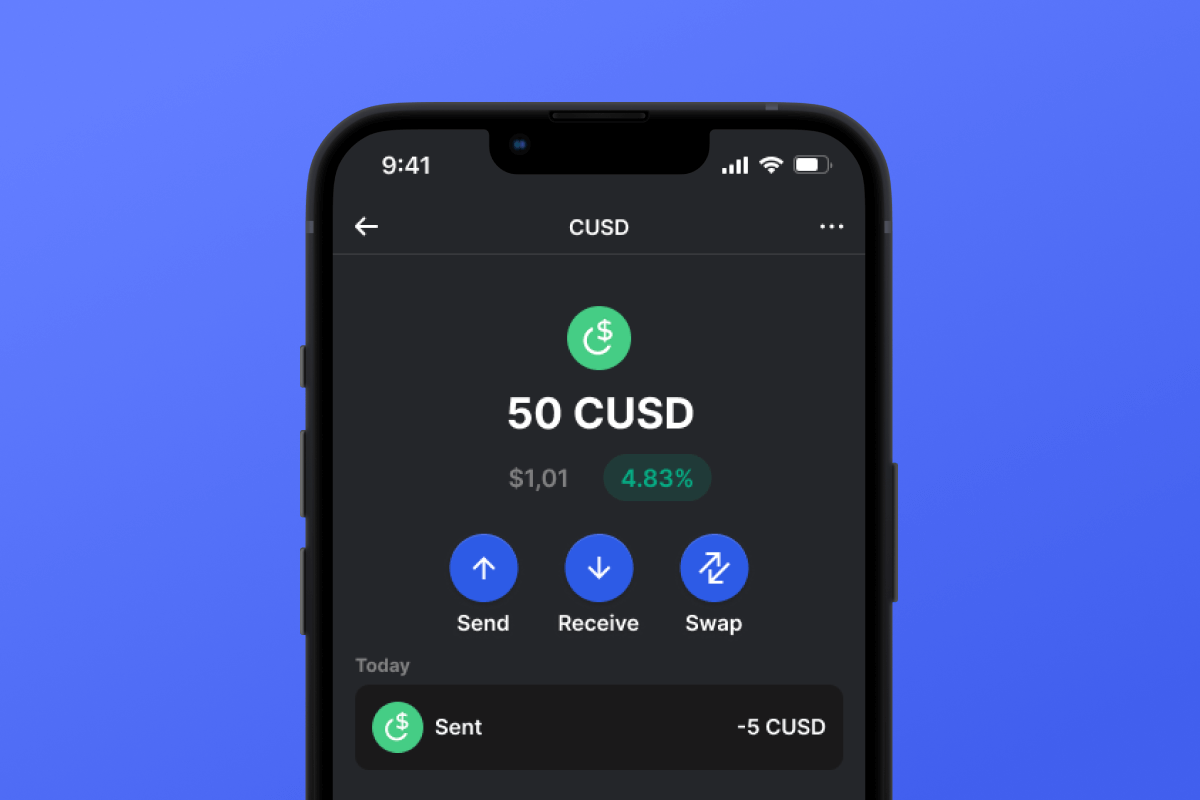
CUSD Coin

CUSD Cüzdan

By choosing the CUSD wallet and the CUSD stablecoin, you gain convenient, secure, and fast mobile transfers worldwide. No need to wait for business hours or weekends to end; CUSD operates continuously so you can make transactions when you need to. Download the CUSD wallet today, and you'll forget about outdated alternatives!

CUSD Cüzdan

What Is CUSD?

CUSD is a stablecoin built on the CELO blockchain. Stablecoins were created to simplify the connection between cryptocurrencies and fiat money. A stablecoin does not have its own inherent value - it is pegged 1:1 to a fiat currency - in this case, to the USD. By purchasing CUSD, you can easily interact with the cryptocurrency world - exchanging your digital dollar for desired crypto assets. It’s simple and convenient - and thanks to the low fees of the CELO blockchain, it’s also cost-effective.

What Is CELO Blockchain?

CELO is a blockchain launched in April 2020 with the main ideological mission of providing everyone, especially those without access to banking services, with a convenient and simple tool for exchanging assets and values. In this context, the issuance of their own stablecoin, CUSD, appears to be a very logical and well-thought-out solution.

CUSD Wallet Benefits:

  • Security: By choosing the CUSD wallet, you can rest assured about the security of your crypto assets. The wallet is constantly updated and keeps pace with the latest advancements in computer security systems. It also operates as a self-custodian, meaning that the key to your assets remains only with you and is not stored/transferred from your device.

  • Privacy: The CUSD wallet does not store personalized data. You can trust that your information will remain with you.

  • Transparency: The CUSD wallet is open-source, meaning that the application’s source code is open to everyone. Such transparency positively impacts both user peace of mind (the code can be checked for compliance with the claimed functionality) and overall functionality since any issues can be noticed and fixed quickly.

  • Accessibility: The CUSD wallet allows you to easily purchase CUSD with a credit card in just a couple of clicks. This simple function will facilitate your initial acquaintance with cryptocurrencies and will always provide a backup when you urgently need a certain amount of CUSD stablecoin.

  • Cross-Platform Compatibility: Regardless of whether you have an Android or iOS device, the CUSD wallet will always be available to you.

  • Multiple Blockchain Support: The CUSD wallet supports not only CUSD or CELO but also virtually all popular blockchains and tokens. Therefore, you can easily swap your CUSD for other cryptocurrencies directly within the application in just a few clicks.

  • User-Friendly Design: A convenient and pleasant interface will make your cryptocurrency experience enjoyable and straightforward!

Discover the CELO blockchain and its CUSD stablecoin today! And the first step - download the wallet.

Neden Gem CUSD Cüzdan Uygulaması En İyi Seçim mi?

Gem Wallet, güvenlik, gizlilik ve kullanım kolaylığını güçlü bir uygulamada birleştiren önde gelen bir CUSD cüzdan çözümü olarak öne çıkıyor. İşte kullanıcıların CUSD ihtiyaçları için Gem Wallet'ı seçme nedenleri:

Tam Kontrol

Özel anahtarlarınız ve kurtarma kelime öbeğiniz üzerinde tam kontrol sizde. Hiçbir üçüncü taraf CUSD'inize erişemez veya onu kısıtlayamaz. CUSD'iniz gerçekten size aittir.

Gizlilik Koruması

Takip yok, kişisel bilgi yok, veri toplama yok. CUSD'iniz üzerinde tam gizlilik ve kontrol.

Açık Kaynak

Herkese açık kod GitHubBu sayede herkes güvenliği ve işlevselliği doğrulayabilir.

Çapraz platform

iOS, Android ve APK'da kullanılabilir. CUSD cüzdanınız nereye giderseniz gidin çalışır.

CUSD Cüzdanı Çoklu Dil Desteği

İngilizce, İspanyolca, Çince, Rusça ve Arapça dahil olmak üzere 25'ten fazla dili desteklemektedir. Dünya çapında erişilebilirlik için tamamen yerelleştirilmiştir.

Dahili CUSD Hizmetleri

30'dan fazla ödeme yöntemiyle CUSD satın alın. Takas et CUSD Entegre DEX toplayıcısı aracılığıyla. Tüm kripto varlıklarınızı tek bir güvenli yerde yönetin.

Karşılaştırma: Gem Cüzdanı ve Borsa Cüzdanları

CUSD'i Gem Wallet'ta saklamanın, onu borsalarda tutmaktan nasıl farklı olduğunu görün.

ÖzellikGem WalletBorsa Cüzdanları (Binance, Coinbase)
Kayıt Gereklidir✅ Yok❌ Tam Kimlik Doğrulama (KYC)
Kişisel Veri Toplama✅ Yok❌ Kapsamlı bilgiler (kimlik, adres, özçekim)
Açık Kaynak✅ Tamamen şeffaf❌ Kapalı kaynak
Özel Anahtarların Kontrolü✅ Evet❌ Hayır
Hesap Dondurma✅ İmkansız❌ Mümkün
Kurulum Süresi✅ 2 dakika⚠️ 1-7 gün (KYC doğrulama)

Profesyonel Güvenlik Özellikleri

  1. Biyometrik Kimlik DoğrulamaCüzdanınızı güvence altına almak için Face ID, Touch ID veya parmak izi kullanın.
  2. PIN KorumasıEk bir güvenlik katmanı olarak güçlü bir PIN kodu belirleyin.
  3. Şifrelenmiş YedeklemelerArama kurtarma kelime öbeğiniz güvenli bir şekilde saklanır ve asla cihazınızdan ayrılmaz.
  4. Düzenli Güvenlik DenetimleriBağımsız güvenlik incelemeleri cüzdanın bütünlüğünü sağlar. Güvenlik hakkında daha fazla bilgi edinin →
Gem Wallet private key security and self-custody crypto wallet features

Kullanıcılar Gem CUSD Cüzdanı Hakkında Ne Diyor?

2 Dakikada CUSD Cüzdanı Nasıl Kurulur

Hızlı Kurulum Kılavuzu (3 Adım)

Bir CUSD cüzdanı oluşturmak, banka hesabı açmaktan daha kolaydır. Gem Wallet, tüm süreci dakikalar içinde size rehberlik ederek, tamamen yeni başlayanlar için bile erişilebilir hale getirir.

onboarding view

1. Almak CUSD Cüzdan

CUSD Cüzdan: iOS , Android & APK

recovery phrase screen

2. Oluştur CUSD Cüzdan

Yeni bir cüzdan oluşturun, gizli ifadeyi kaydedin ve adresinizi alın CUSD.

gem wallet security settings

3. Set Up Security for CUSD

Enable PIN or biometric authentication and you're ready to go

Create CUSD Wallet for iOS

Creating a CUSD wallet on iPhone (2 min):

  1. Open the App Store and search for "Gem Wallet"
  2. Download and install the app (it's free and under 50MB)
  3. Open Gem Wallet and tap "Create New Wallet"
  4. Write down your seed phrase on paper - this is your master backup
  5. Enable Face ID or set a PIN code for quick and secure access
  6. Done! Your CUSD wallet address is now active
IOS için Gem Cüzdan adresini indirin
iOS CUSD wallet

Create CUSD Wallet for Android

Creating a CUSD wallet on Android (2 min):

  1. Via Google Play: Search for "Gem Wallet" in the Play Store and install
  2. Via Direct APK: Download the APK file for maximum privacy and control
  3. Open the app and select "Create New Wallet"
  4. Write down your 12-word seed phrase on paper
  5. Set up fingerprint or PIN authentication
  6. Your CUSD wallet is ready to use
Android CUSD wallet

CUSD Wallet Without Registration

One of CUSD's core principles is financial freedom and privacy. Gem Wallet embodies this philosophy by offering a CUSD wallet without registration - no email, no phone number, no identity verification required.

Why No-Registration Wallets Matter

Custodial CUSD wallets and centralized exchanges (Coinbase, Binance) require extensive personal information through KYC (Know Your Customer) verification. Unlike self-custodial wallets, this creates several problems:

  • Privacy Risks: Your financial activity is tracked and can be sold to third parties or accessed by bad actors
  • Data Breaches: Centralized databases of personal information are prime targets for hackers
  • Censorship: Accounts can be frozen or restricted based on location, political views, or arbitrary decisions
  • Time-Consuming: KYC processes can take days or weeks to complete

Gem Wallet: True Private CUSD Wallet

With Gem Wallet, you can create and use a CUSD wallet with complete privacy:

  • No email address required
  • No phone number needed
  • No identity documents or selfies
  • No IP address tracking
  • No mandatory account creation

Simply download the app, create your wallet, and start using CUSD within minutes. Your privacy is protected from the moment you install the app.

CUSD Adresi Nasıl Alınır?

Bir CUSD cüzdan adresi almak için öncelikle bir CUSD cüzdanı oluşturmanız veya içe aktarmanız gerekir. Bundan sonra uygulama sizin için adresleri otomatik olarak oluşturacaktır.

1 Açık Gem Cüzdan

Telefonunuzda uygulamayı başlatın ve varlık listenizden CUSD (CUSD) öğesini seçin.

2 "Al" düğmesine dokunun.

Ekranın alt kısmında büyük bir düğme göreceksiniz. CUSD cüzdan adresiniz hem metin hem de QR kodu olarak görüntülenecektir.

3 Adresinizi Kopyalayın

Adresi panoya kopyalayın, QR kodunu paylaşın veya mesajlaşma uygulamaları aracılığıyla doğrudan gönderin.

Get CUSD wallet address in Gem Wallet
🔄 Sınırsız Adres

Gem Wallet'ta sınırsız sayıda CUSD adresini ücretsiz olarak oluşturabilirsiniz. Her adres, kurtarma cümlenizden türetilir ve sonsuza kadar sizin kontrolünüz altında kalır.

📱 QR Kodlarını Kullanma
  • Yazım hatası yok - Tarama, kopyala-yapıştır hatalarını önler.
  • Daha Hızlı İşlemler - Sadece telefonunuzun ekranını gösterin.
  • Yüz yüze görüşmeler için mükemmel. CUSD ödemeleri