Table of Contents
ETH vs WETH: What's the Difference?
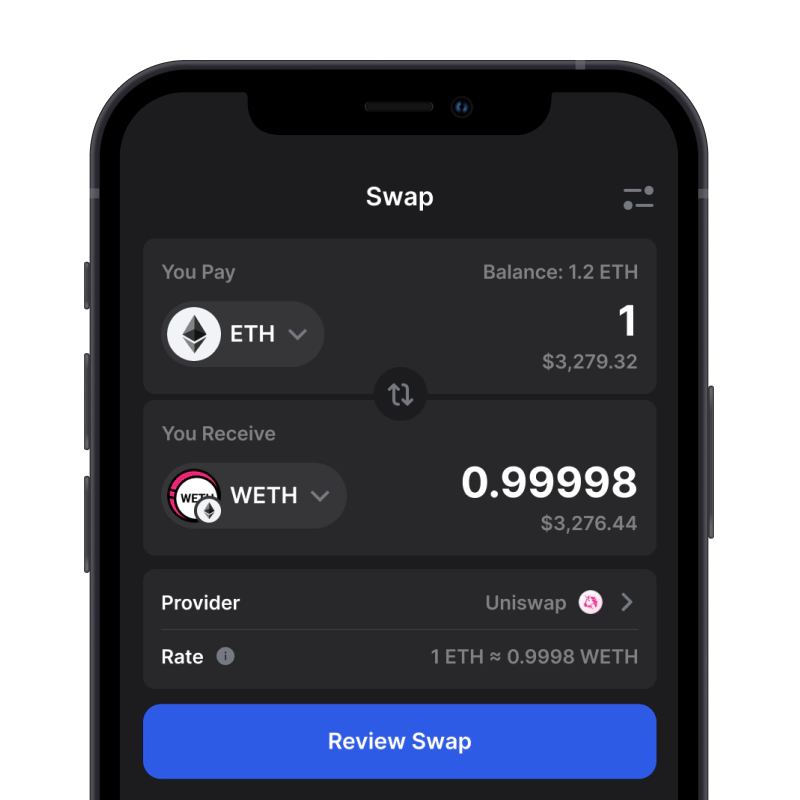
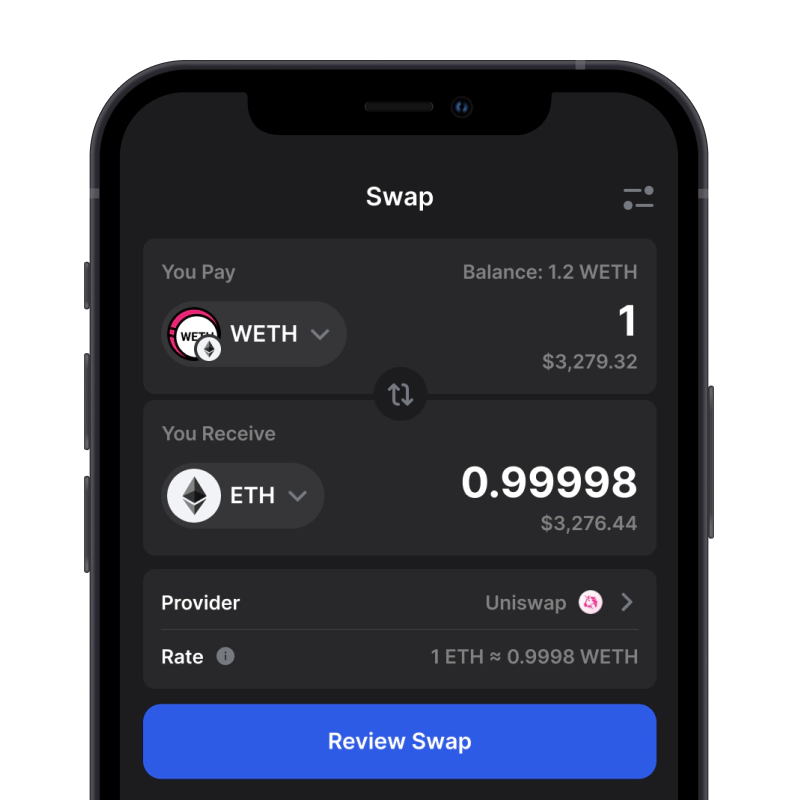
ETH is Ethereum's native asset for gas fees (average 20-50 Gwei in 2025) and value transfer. WETH mirrors ETH's price but follows ERC-20 standards for dApp compatibility. Key diffs: ETH pays network fees (e.g., 0.001 ETH per tx); WETH enables DeFi yields (up to 5-10% APY in pools). Use WETH for 95% of Ethereum-based trades.
| Property | ETH | WETH |
|---|---|---|
| Type | Native coin of Ethereum | ERC-20 token mirroring ETH 1:1 |
| Standard | Not an ERC-20 | ERC-20 compatible |
| Primary Use | Pay gas, secure the network | DEX/DeFi/NFT compatibility |
| Gas Payment | Paid in ETH | Still paid in ETH |
| Price Relation | — | Pegged 1:1 to ETH |
| Approvals Needed | No | Yes, standard ERC-20 allowance |
| Typical Actions | Send, receive, pay fees | Wrap/unwrap, swap, LP, lend |
WETH Contract Address (Ethereum Mainnet)
| Network | Contract | Explorer | Notes |
|---|---|---|---|
| Ethereum (Mainnet) | 0xC02aaA39b223FE8D0A0e5C4F27eAD9083C756Cc2 | Etherscan | Canonical WETH on L1 |
| Arbitrum One | 0x82aF49447D8a07e3bd95BD0d56f35241523fBab1 | Arbiscan | Native WETH for Arbitrum |
| Optimism (OP Mainnet) | 0x4200000000000000000000000000000000000006 | OP Explorer | OP's canonical WETH |
| Base | 0x4200000000000000000000000000000000000006 | BaseScan | Base canonical WETH |
| Polygon (PoS) | 0x7ceB23fD6bC0adD59E62ac25578270cFf1b9f619 | PolygonScan | Bridged WETH on Polygon PoS |
Always verify checksummed addresses on the official explorer. Do not reuse mainnet addresses on L2s.
Verify before you add or send: explorers above are the canonical sources for each network. Addresses differ across L2s; do not reuse the Ethereum mainnet address on other networks. Beware of look-alike tokens and always check the checksummed address on the official explorer.
Security and Risks: Contract, Approvals, and Phishing
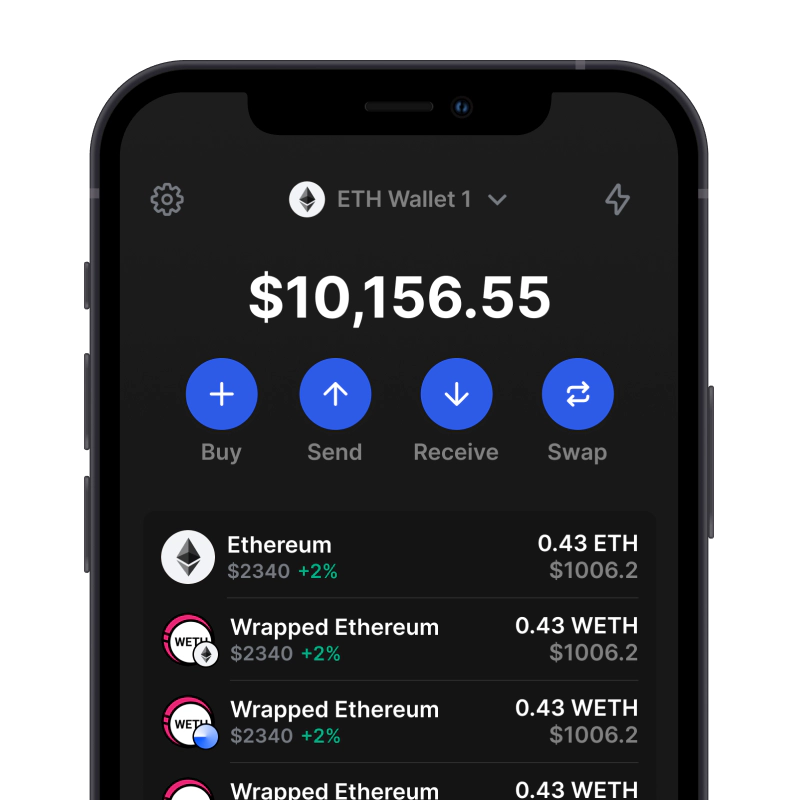
WETH is simple to use, but a quick check up front goes a long way. You can verify the token's checksummed contract and the active network in Gem Wallet (open token details or add the token by contract address, and confirm the network in the selector). If a signer prompt looks unusual, pause and re-check before proceeding.
- Verify the token: use the contract address, not the name; don't reuse Ethereum mainnet addresses on L2s.
- Right network: make sure the wallet is on the expected chain before you wrap, unwrap, send, or swap.
- Small approvals: approve only what you plan to spend; review and clean up old allowances in your wallet.
- Be cautious with prompts: unexpected "permit/approval" requests or links from DMs are a red flag.
- Start small for safety: test with a small amount first; consider hardware-backed signing for large transfers.
Tip: In Gem Wallet, paste the contract address to add WETH explicitly and confirm the network before taking action.