



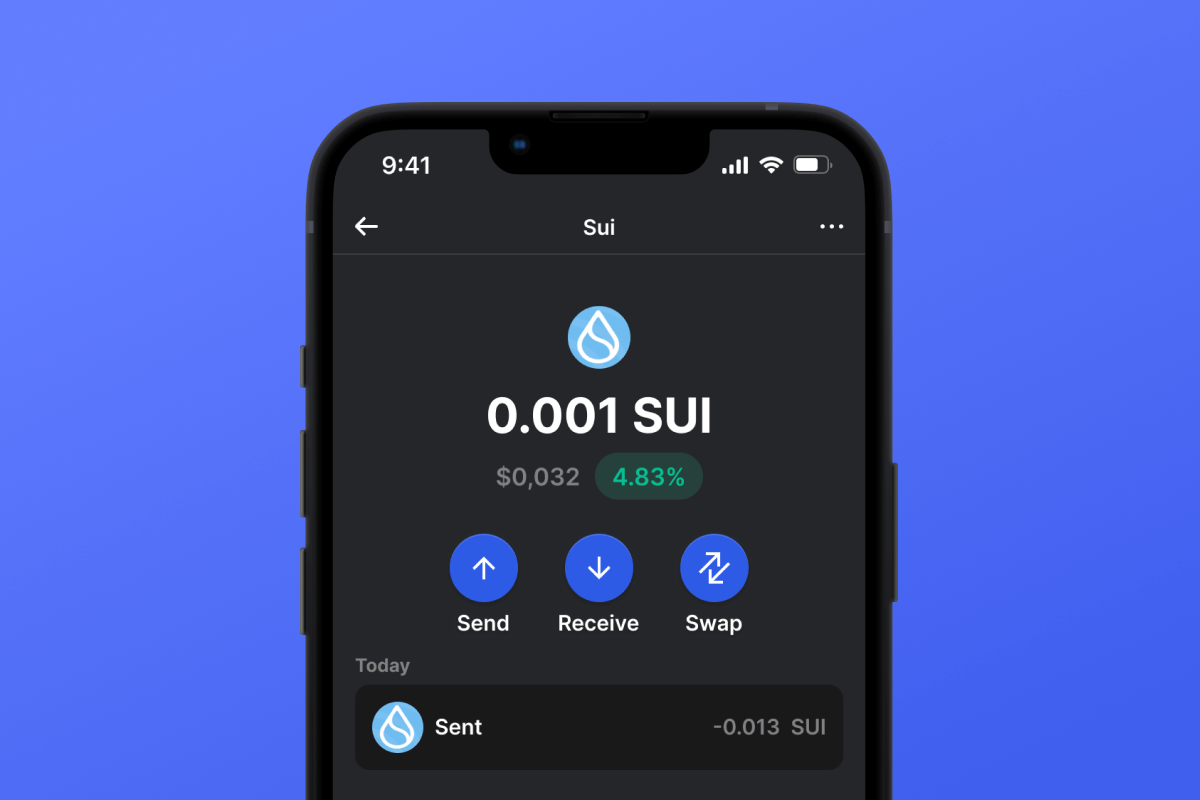
Sui Coin

Sui กระเป๋าสตางค์

สัมผัสประสบการณ์กระเป๋าสตางค์ Sui ที่ดีที่สุด! สัมผัสการทำธุรกรรม SUI ได้อย่างราบรื่นทุกที่ทุกเวลา เพลิดเพลินกับฟีเจอร์และความปลอดภัยที่ดีที่สุดด้วยแอปกระเป๋าสตางค์ Sui ของเรา ก้าวสู่อนาคตของสกุลเงินดิจิทัลด้วยกระเป๋าสตางค์เครือข่าย Sui ที่เชื่อถือได้ที่สุดสำหรับ iOS และ Android

Sui กระเป๋าสตางค์

Sui คืออะไร?

ก้าวเข้าสู่ยุคใหม่ด้วยกระเป๋าสตางค์คริปโต Sui Sui ซึ่งเป็นบล็อคเชนชั้นนำระดับ Layer 1 มอบความเร็วที่ไม่มีใครเทียบได้และความปลอดภัยระดับสูงสุด ขับเคลื่อนด้วยภาษา Move และนำคำแนะนำจาก Diem ของ Meta มาใช้ จึงเป็นผู้นำด้านความสามารถในการปรับขนาดสูงสุดและการโต้ตอบกับผู้ใช้ที่ไม่ต้องใช้ความพยายาม นำทางสินทรัพย์ของคุณได้อย่างง่ายดายโดยใช้กระเป๋าสตางค์มือถือ Sui ของเรา ซึ่งออกแบบมาสำหรับความรวดเร็วในปัจจุบัน

ประโยชน์ของกระเป๋าสตางค์ Sui

ก้าวเข้าสู่ยุคใหม่ของสกุลเงินดิจิทัลด้วย Sui ซึ่งเป็นบล็อคเชนระดับ Layer 1 ที่บุกเบิกการเปลี่ยนแปลงด้านการเงิน ศิลปะ โลจิสติกส์ และเกม เหตุใดจึงควรเลือกกระเป๋าสตางค์ Gem สำหรับสินทรัพย์ Sui ของคุณ?

ทำไมต้องรอ? สัมผัสประสบการณ์แห่งอนาคตได้แล้ววันนี้ ดาวน์โหลดและติดตั้งแอปกระเป๋าสตางค์ Sui ผ่าน Gem Wallet และควบคุมการลงทุนใน Sui ของคุณอย่างเต็มรูปแบบ ยกระดับการเดินทางสู่สกุลเงินดิจิทัลของคุณด้วย Gem

เหตุใด Sui Wallet Gem จึงเป็นตัวเลือกที่ดีที่สุด?

Gem Wallet โดดเด่นในฐานะโซลูชันกระเป๋าเงินดิจิทัล Sui ชั้นนำ ที่ผสานรวมความปลอดภัย ความเป็นส่วนตัว และความสะดวกในการใช้งานไว้ในแอปเดียวที่ทรงพลัง นี่คือเหตุผลที่ผู้ใช้เลือก Gem Wallet สำหรับความต้องการ Sui ของพวกเขา:

ควบคุมได้อย่างเต็มที่

คุณควบคุมคีย์ส่วนตัวและวลีเริ่มต้นของคุณได้อย่างสมบูรณ์ บุคคลที่สามไม่สามารถเข้าถึงหรือจำกัด Sui ของคุณได้ Sui ของคุณเป็นของคุณอย่างแท้จริง

การคุ้มครองความเป็นส่วนตัว

ไม่มีการติดตาม ไม่มีข้อมูลส่วนบุคคล ไม่มีการเก็บรวบรวมข้อมูล ความเป็นส่วนตัวและการควบคุมอย่างสมบูรณ์สำหรับ Sui ของคุณ

โอเพนซอร์ส

โค้ดที่เปิดเผยต่อสาธารณะบน กิตฮับทำให้ทุกคนสามารถตรวจสอบความปลอดภัยและการใช้งานได้

ข้ามแพลตฟอร์ม

ใช้งานได้บน iOS, Android และ APK กระเป๋าเงิน Sui ของคุณใช้งานได้ทุกที่ที่คุณไป

กระเป๋าเงินดิจิทัล Sui ในหลายภาษา

รองรับมากกว่า 25 ภาษา รวมถึงภาษาอังกฤษ สเปน จีน รัสเซีย และอาหรับ ปรับให้เข้ากับท้องถิ่นอย่างสมบูรณ์เพื่อให้เข้าถึงได้ทั่วโลก

บริการ Sui ในตัว

ซื้อ Sui ด้วยวิธีการชำระเงินมากกว่า 30 วิธี สลับ SUI ผ่านระบบรวมศูนย์ DEX แบบครบวงจร จัดการสินทรัพย์คริปโตทั้งหมดในที่เดียวอย่างปลอดภัย

เปรียบเทียบ: กระเป๋าเงิน Gem กับ กระเป๋าเงิน Exchange

ดูว่าการเก็บ Sui ไว้ใน Gem Wallet แตกต่างจากการเก็บไว้ในเว็บเทรดอย่างไร

คุณสมบัติGem Walletกระเป๋าเงินดิจิทัลสำหรับแลกเปลี่ยน (Binance, Coinbase)
ต้องลงทะเบียนก่อน✅ ไม่มี❌ การตรวจสอบข้อมูลลูกค้าอย่างครบถ้วน (Full KYC)
การเก็บรวบรวมข้อมูลส่วนบุคคล✅ ไม่มี❌ ข้อมูลครบถ้วน (บัตรประชาชน ที่อยู่ รูปเซลฟี่)
โอเพนซอร์ส✅ โปร่งใสอย่างสมบูรณ์❌ ซอฟต์แวร์ปิด
การควบคุมคีย์ส่วนตัว✅ คุณเป็นเจ้าของพวกมัน❌ การควบคุมการแลกเปลี่ยน
การระงับบัญชี✅ เป็นไปไม่ได้❌ เป็นไปได้
เวลาในการตั้งค่า✅ 2 นาที⚠️ 1-7 วัน (การตรวจสอบ KYC)

คุณสมบัติการรักษาความปลอดภัยระดับมืออาชีพ

  1. การตรวจสอบยืนยันด้วยไบโอเมตริกใช้ Face ID, Touch ID หรือลายนิ้วมือเพื่อรักษาความปลอดภัยกระเป๋าสตางค์ของคุณ
  2. การป้องกันด้วยรหัส PINตั้งรหัส PIN ที่ปลอดภัยเพื่อเพิ่มชั้นความปลอดภัยอีกชั้นหนึ่ง
  3. การสำรองข้อมูลที่เข้ารหัสวลีรหัสของคุณจะถูกจัดเก็บอย่างปลอดภัยและจะไม่ถูกส่งออกจากอุปกรณ์ของคุณ
  4. การตรวจสอบความปลอดภัยเป็นประจำการตรวจสอบความปลอดภัยโดยอิสระช่วยรับประกันความปลอดภัยของกระเป๋าเงินดิจิทัล
Gem Wallet private key security and self-custody crypto wallet features

ความคิดเห็นของผู้ใช้เกี่ยวกับกระเป๋าเงิน Gem Sui

Quick Setup Guide (3 Steps)

How to Set Up a Sui Wallet in 2 Minutes

Creating a Sui wallet is simpler than opening a bank account. Gem Wallet guides you through the entire process in minutes, making it accessible for complete beginners.

onboarding view

1.รับ Sui กระเป๋าสตางค์

Sui กระเป๋าเงิน: iOS , Android & APK

recovery phrase screen

2. สร้าง Sui กระเป๋าสตางค์

สร้างกระเป๋าเงินใหม่ บันทึกวลีลับ และรับที่อยู่ของคุณใน Sui.

3. Set Up Security for SUI

Enable PIN or biometric authentication and you're ready to go

Create Sui Wallet for iOS

Creating a Sui wallet on iPhone (2 min):

  1. Open the App Store and search for "Gem Wallet"
  2. Download and install the app (it's free and under 50MB)
  3. Open Gem Wallet and tap "Create New Wallet"
  4. Write down your seed phrase on paper - this is your master backup
  5. Enable Face ID or set a PIN code for quick and secure access
  6. Done! Your Sui wallet address is now active

Create Sui Wallet for Android

Creating a Sui wallet on Android (2 min):

  1. Via Google Play: Search for "Gem Wallet" in the Play Store and install
  2. Via Direct APK: Download the APK file for maximum privacy and control
  3. Open the app and select "Create New Wallet"
  4. Write down your 12-word seed phrase on paper
  5. Set up fingerprint or PIN authentication
  6. Your Sui wallet is ready to use

Sui Wallet Without Registration

One of Sui's core principles is financial freedom and privacy. Gem Wallet embodies this philosophy by offering a Sui wallet without registration - no email, no phone number, no identity verification required.

Why No-Registration Wallets Matter

Custodial Sui wallets and centralized exchanges (Coinbase, Binance) require extensive personal information through KYC (Know Your Customer) verification. Unlike self-custodial wallets, this creates several problems:

  • Privacy Risks: Your financial activity is tracked and can be sold to third parties or accessed by bad actors
  • Data Breaches: Centralized databases of personal information are prime targets for hackers
  • Censorship: Accounts can be frozen or restricted based on location, political views, or arbitrary decisions
  • Time-Consuming: KYC processes can take days or weeks to complete

Gem Wallet: True Private Sui Wallet

With Gem Wallet, you can create and use a Sui wallet with complete privacy:

  • No email address required
  • No phone number needed
  • No identity documents or selfies
  • No IP address tracking
  • No mandatory account creation

Simply download the app, create your wallet, and start using Sui within minutes. Your privacy is protected from the moment you install the app.

How to Get a Sui Address

To get a Sui wallet address, you first need to create or import a SUI wallet. After that, the app will generate addresses for you automatically.

1 Open Gem Wallet

Launch the app on your phone and select Sui (SUI) from your asset list.

2 Tap "Receive" Button

You'll see a large button at the bottom of the screen. Your Sui wallet address will be displayed both as text and as a QR code.

3 Copy Your Address

Copy the address to clipboard, share the QR code, or send it directly through messaging apps.

Get Sui wallet address in Gem Wallet
🔄 Unlimited Addresses

In Gem Wallet, you can generate unlimited Sui addresses for free. Each address is derived from your seed phrase and remains under your control forever.

📱 Using QR Codes

No Typing Errors - Scanning prevents copy-paste mistakes

Faster Transactions - Just show your phone screen

Perfect for in-person Sui payments


















