



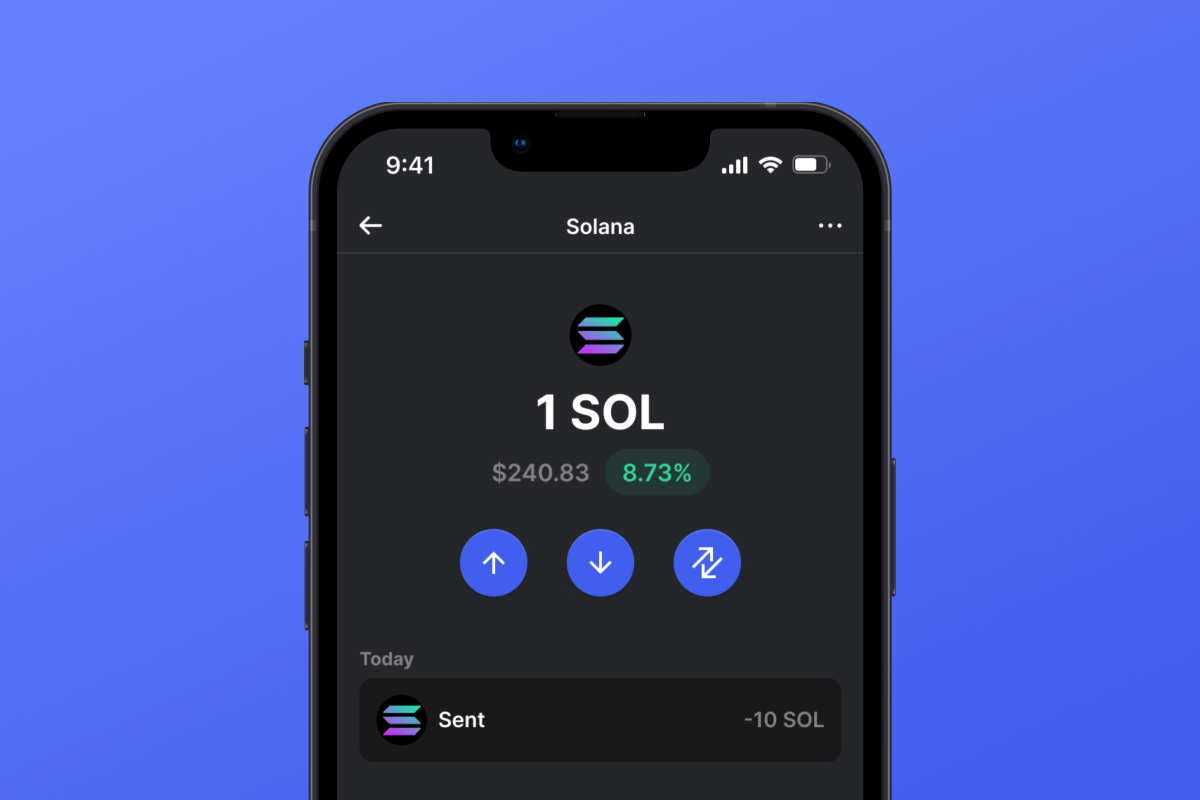
Solana (SOL) Coin

Solana (SOL) กระเป๋าสตางค์

ดาวน์โหลด Solana Wallet แอปโอเพนซอร์สที่ให้ความสำคัญกับความเป็นส่วนตัวเป็นอันดับแรกสำหรับโทเค็น SOL และ Solana ซื้อ ถือครอง และจัดการสินทรัพย์ของคุณอย่างปลอดภัยบน Android หรือ iOS และใช้ประโยชน์จากตัวรวบรวม DEX ในตัวเพื่อแลกเปลี่ยนโทเค็นในราคาตลาดที่ดีที่สุด มาร่วมกับเราวันนี้!

Solana (SOL) กระเป๋าสตางค์

บล็อกเชน Solana คืออะไร?

Solana คือบล็อกเชนเลเยอร์ 1 ประสิทธิภาพสูง สร้างขึ้นเพื่อความเร็ว ความสามารถในการปรับขนาด และราคาที่เข้าถึงได้ เปิดตัวในปี 2020 โดย Anatoly Yakovenko และทีมงาน Solana Labs สามารถประมวลผลธุรกรรมได้มากกว่า 65,000 ธุรกรรมต่อวินาที ด้วยค่าธรรมเนียมที่ต่ำมาก — บ่อยครั้งน้อยกว่า 0.01 ดอลลาร์ ด้วยกลไก Proof of History (PoH) ที่เป็นนวัตกรรม Solana จึงกลายเป็นหนึ่งในเครือข่ายที่ถูกใช้มากที่สุดในวงการคริปโต ขับเคลื่อน DeFi, NFT, เกม และมีมคอยน์ ด้วยผลลัพธ์ที่รวดเร็วทันใจ

ทำไมคุณถึงต้องการกระเป๋าสตางค์ Solana?

กระเป๋าเงิน Solana ช่วยให้คุณ จัดเก็บ รับ และจัดการโทเค็น SOL และโทเค็นที่ใช้ Solana ได้อย่างปลอดภัย รวมถึง โทเค็น SPL และ NFT ไม่ว่าคุณจะสะสมงานศิลปะดิจิทัล ซื้อขาย เหรียญมีม หรือสร้างรายได้ด้วยแอป DeFi — กระเป๋าเงิน Solana ของคุณจะกลายเป็นประตูสู่หนึ่งในระบบนิเวศที่น่าตื่นเต้นที่สุดของคริปโต ช่วยให้คุณควบคุมสินทรัพย์ดิจิทัลของคุณได้อย่างเต็มที่ ทุกที่ทุกเวลา

ทำไมต้องเลือกกระเป๋าเงิน Solana ของเรา?

  • ความเป็นส่วนตัวต้องมาก่อน: ไม่จำเป็นต้องมีข้อมูลส่วนบุคคล เพียงดาวน์โหลด สำรองวลีลับของคุณ แล้วคุณก็พร้อมใช้งานได้เลย
  • ความปลอดภัยที่แข็งแกร่ง: การเข้ารหัสขั้นสูงและแนวปฏิบัติด้านความปลอดภัยทางไซเบอร์ที่ดีที่สุดในอุตสาหกรรมจะช่วยปกป้องทรัพย์สินของคุณให้ปลอดภัย
  • การเป็นเจ้าของอย่างสมบูรณ์: กระเป๋าเงินโอเพนซอร์สที่เก็บรักษาด้วยตนเองอย่างแท้จริง ทรัพย์สินของคุณอยู่ภายใต้การควบคุมของคุณ 100%
  • ตัวรวบรวม DEX ในตัว: แลกเปลี่ยนโทเค็นนับพันได้อย่างราบรื่นภายในแอปโดยใช้ตัวรวบรวมการแลกเปลี่ยนแบบกระจายศูนย์ในตัว
  • รองรับมือถือ: ใช้งานได้กับทั้งอุปกรณ์ Android และ iOS คุณจึงสามารถจัดการกระเป๋าเงินของคุณได้ทุกที่ทุกเวลา
  • ซื้อ SOL ได้ง่ายๆ: ซื้อ SOL และโทเค็นอื่นๆ ด้วยบัตรเครดิตของคุณได้ในไม่กี่คลิก — สำรวจวิธีการ
  • DeFi และ Staking: นำโทเค็นของคุณไปใช้งาน: Stake SOL, เข้าถึงโปรโตคอล DeFi และรับรางวัล เรียนรู้เพิ่มเติมเกี่ยวกับ Solana staking
  • NFT และ Memecoins: ไม่ว่าคุณจะชอบสะสม NFT หรือชอบพลิก memecoins ที่กำลังได้รับความนิยม เช่น TRUMP — มันรวดเร็ว สนุก และง่ายดาย

ดาวน์โหลด Solana Wallet วันนี้และเข้าร่วมกับผู้ใช้หลายล้านคนที่ได้สัมผัสโลกอันทรงพลังของ Solana และอนาคตของการเงินแบบกระจายอำนาจแล้ว

Why Gem Solana (SOL) Wallet App Is the Best Choice?

Gem Wallet stands out as a leading Solana (SOL) wallet solution, combining security, privacy, and usability in one powerful app. Here's why users choose Gem Wallet for their Solana (SOL) needs:

Complete Control and Self-Custody

Full control of your private keys and seed phrase. No third party can access or restrict your Solana (SOL). Your Solana (SOL) is truly yours.

Maximum Privacy Protection

No tracking, no personal information, no data collection. Complete privacy and control over your Solana (SOL).

Open-Source Transparency

Publicly available code on GitHub. Anyone can verify security and functionality, ensuring no hidden backdoors or vulnerabilities.

Multi-Platform Availability

Available on iOS, Android, and APK. Your Solana (SOL) wallet works wherever you go.

Solana (SOL) Wallet in Multiple Languages

Supporting 25+ languages including English, Russian, Spanish, Chinese, and Arabic. Fully localized for worldwide accessibility.

Built-In Solana (SOL) Services

Buy Solana (SOL) with 30+ payment methods. Swap SOL through integrated DEX aggregator. Manage all crypto assets in one secure place.

Comparison: Gem Wallet vs Exchange Wallets

See how storing Solana (SOL) in Gem Wallet differs from keeping it on exchanges

FeatureGem WalletExchange Wallets (Binance, Coinbase)
Registration Required❌ No✅ Yes (Full KYC)
Personal Data Collection❌ None✅ Extensive (ID, address, selfie)
Private Keys Control✅ You own them❌ Exchange controls
Account Can Be Frozen❌ Impossible✅ Yes
Setup Time2 minutes1-7 days (KYC verification)

Professional Security Features

  1. Biometric Authentication: Use Face ID, Touch ID, or fingerprint to secure your wallet
  2. PIN Protection: Set a strong PIN code as an additional security layer
  3. Encrypted Backups: Your seed phrase is stored securely and never leaves your device
  4. Regular Security Audits: Independent security reviews ensure wallet integrity
Gem Wallet private key security and self-custody crypto wallet features

What Users Say About Gem Solana (SOL) Wallet

Quick Setup Guide (3 Steps)

How to Set Up a Solana (SOL) Wallet in 2 Minutes

Creating a Solana (SOL) wallet is simpler than opening a bank account. Gem Wallet guides you through the entire process in minutes, making it accessible for complete beginners.

onboarding view

1.รับ Solana (SOL) กระเป๋าสตางค์

Solana (SOL) กระเป๋าเงิน: iOS , Android & APK

recovery phrase screen

2. สร้าง Solana (SOL) กระเป๋าสตางค์

สร้างกระเป๋าเงินใหม่ บันทึกวลีลับ และรับที่อยู่ของคุณใน Solana (SOL).

3. Set Up Security for SOL

Enable PIN or biometric authentication and you're ready to go

Create Solana (SOL) Wallet for iOS

Creating a Solana (SOL) wallet on iPhone (2 min):

  1. Open the App Store and search for "Gem Wallet"
  2. Download and install the app (it's free and under 50MB)
  3. Open Gem Wallet and tap "Create New Wallet"
  4. Write down your seed phrase on paper - this is your master backup
  5. Enable Face ID or set a PIN code for quick and secure access
  6. Done! Your Solana (SOL) wallet address is now active

Create Solana (SOL) Wallet for Android

Creating a Solana (SOL) wallet on Android (2 min):

  1. Via Google Play: Search for "Gem Wallet" in the Play Store and install
  2. Via Direct APK: Download the APK file for maximum privacy and control
  3. Open the app and select "Create New Wallet"
  4. Write down your 12-word seed phrase on paper
  5. Set up fingerprint or PIN authentication
  6. Your Solana (SOL) wallet is ready to use

Solana (SOL) Wallet Without Registration

One of Solana (SOL)'s core principles is financial freedom and privacy. Gem Wallet embodies this philosophy by offering a Solana (SOL) wallet without registration - no email, no phone number, no identity verification required.

Why No-Registration Wallets Matter

Custodial Solana (SOL) wallets and centralized exchanges (Coinbase, Binance) require extensive personal information through KYC (Know Your Customer) verification. Unlike self-custodial wallets, this creates several problems:

  • Privacy Risks: Your financial activity is tracked and can be sold to third parties or accessed by bad actors
  • Data Breaches: Centralized databases of personal information are prime targets for hackers
  • Censorship: Accounts can be frozen or restricted based on location, political views, or arbitrary decisions
  • Time-Consuming: KYC processes can take days or weeks to complete

Gem Wallet: True Private Solana (SOL) Wallet

With Gem Wallet, you can create and use a Solana (SOL) wallet with complete privacy:

  • No email address required
  • No phone number needed
  • No identity documents or selfies
  • No IP address tracking
  • No mandatory account creation

Simply download the app, create your wallet, and start using Solana (SOL) within minutes. Your privacy is protected from the moment you install the app.

How to Get a Solana (SOL) Address

To get a Solana (SOL) wallet address, you first need to create or import a SOL wallet. After that, the app will generate addresses for you automatically.

1 Open Gem Wallet

Launch the app on your phone and select Solana (SOL) (SOL) from your asset list.

2 Tap "Receive" Button

You'll see a large button at the bottom of the screen. Your Solana (SOL) wallet address will be displayed both as text and as a QR code.

3 Copy Your Address

Copy the address to clipboard, share the QR code, or send it directly through messaging apps.

Get Solana (SOL) wallet address in Gem Wallet
🔄 Unlimited Addresses

In Gem Wallet, you can generate unlimited Solana (SOL) addresses for free. Each address is derived from your seed phrase and remains under your control forever.

📱 Using QR Codes

No Typing Errors - Scanning prevents copy-paste mistakes

Faster Transactions - Just show your phone screen

Perfect for in-person Solana (SOL) payments

คำถามที่พบบ่อย

กระเป๋าเงิน Solana เป็นแอปพลิเคชันมือถือที่ช่วยให้คุณจัดเก็บ ส่ง รับ แลกเปลี่ยน และซื้อโทเค็น SOL และ SPL ภายในบล็อคเชน Solana ได้อย่างปลอดภัย
ใช่ กระเป๋าสตางค์นั้นฟรี อย่างไรก็ตาม ในการทำธุรกรรมบนบล็อคเชน Solana คุณจะต้องมี SOL ในปริมาณเล็กน้อยเพื่อครอบคลุมค่าธรรมเนียมเครือข่าย หากจำเป็น คุณสามารถซื้อ SOL ได้โดยตรงภายในกระเป๋าสตางค์โดยใช้บัตรเครดิต
แน่นอน! คุณสามารถโอนโทเค็น SOL และ SPL จากการแลกเปลี่ยนเช่น Binance, OKX และ Bybit ไปยังกระเป๋าเงิน Solana ที่คุณดูแลเองได้โดยตรง
ความปลอดภัยคือสิ่งสำคัญที่สุดสำหรับเรา กระเป๋าสตางค์นี้เป็นโอเพ่นซอร์สและเก็บรักษาด้วยตัวเองอย่างสมบูรณ์ ทำให้คุณมั่นใจได้ว่ามีเพียงคุณเท่านั้นที่สามารถเข้าถึงเงินของคุณได้
เมื่อคุณสร้างกระเป๋าเงินแล้ว คุณจะได้รับที่อยู่บล็อคเชน Solana เฉพาะตัวโดยอัตโนมัติ ซึ่งจะทำให้คุณสามารถจัดเก็บและจัดการ SOL, โทเค็น SPL และ NFT ที่ใช้ Solana ได้
ควรเก็บ Seed Phrase ไว้ในสถานที่ที่ปลอดภัยเสมอ หากคุณทำหายหรือมีคนอื่นเข้าถึงได้ ทรัพย์สินของคุณอาจสูญหายไปอย่างถาวร

















