

BTC coin
TRX coin

Swap BTC to TRX in Minutes - No Account Needed

Gem Wallet lets you swap BTC to TRX without an exchange - to buy the coin that pays for energy and bandwidth on TRON, to stake it or to hold it next to your Bitcoin. You sign one Bitcoin transaction, and native TRX is paid to your TRON address, which comes from the same 12-word phrase as your bc1 address. Gem Wallet compares live quotes from 20+ swap providers, needs no sign-up and no exchange account, and your keys never leave your device.

App Store 4.6 ★ on App Store Google Play 4.7 ★ on Google Play
BTC
TRX
1 BTC = 193,950 TRX -3.15%

You send You receive (estimate)
0.00168 BTC ≈ $100
326 TRX
0.0168 BTC ≈ $1,000
3,258 TRX
0.168 BTC ≈ $10,000
32,584 TRX

Market rate, before fees

Get the exact quote in Gem Wallet

Settles within your slippage tolerance - or funds return automatically

What Is a Cross-Chain BTC to TRX Swap?

A BTC to TRX swap pays with Bitcoin for TRX, the native coin of TRON. The two chains share nothing: Bitcoin keeps coins as unspent outputs at bc1 addresses, TRON keeps accounts at addresses that start with T and runs smart contracts such as the TRC20 tokens. So the swap is always cross-chain, and a provider takes your BTC on Bitcoin and pays TRX on TRON from its own liquidity, with no wrapped coin in between. Most people make it because TRON runs on TRX: every transfer spends bandwidth, a token transfer also spends energy, and an account without either burns TRX to pay. BTC holders use this swap to fund a TRON address for USDT TRC20 payments, or to buy TRX to stake and vote. Both coins sit in one Gem Wallet, at two addresses made from the same phrase.

How Gem Wallet Finds the Best Rate

Bitcoin runs no contracts, so the swap starts with a plain Bitcoin transaction to the deposit target the quote names. THORChain gives the address of the Bitcoin vault it uses at that moment; Relay creates a deposit address for this one swap. Both trade whatever amount arrives, and both answer in the same quote round with other cross-chain providers. THORChain is an on-chain provider, so Gem Wallet ranks it first whenever it comes within 0.1% of the best TRX amount. A BTC to TRX swap is often small, since a few dollars of TRX already covers a run of TRON fees, and here every provider has a minimum: when your amount is below it, Gem Wallet shows the smallest BTC that works instead of an error. Out of 20+ swap providers, the one picked shows its rate, the estimated time and the minimum TRX, with Gem Wallet’s fee already counted in it.

BTC to TRX Networks & Fees

Both ends are fixed: BTC leaves from Bitcoin, TRX arrives on TRON. The only network fee you pay is on Bitcoin; the third row is what the TRX is usually bought for:

NetworkIts partNetwork feeTypical time
BitcoinYou send BTC to the provider’s deposit targetAbout $0.17 at Normal, about $0.26 at FastAbout 10 minutes per block, plus the confirmations the provider waits for
TRONThe provider pays native TRX to your T addressNothing for you to pay - it is in the quoteAbout 3 seconds per block
TRON, after the swapA USDT TRC20 transfer from an account with no energyAbout $2.51 (8.1 TRX); a plain TRX transfer about $0.09About 3 seconds per block

From your Bitcoin transaction to TRX at your T address, a BTC to TRX swap usually takes about 10-30 minutes, most of it waiting for Bitcoin blocks.

Network fees: Gem Wallet gas tracker, 2026-11-24 UTC; typical cross-chain times: completed Gem Wallet swaps, September-November 2026.

Live network fees for every chain: Gem Wallet gas tracker.

On the Bitcoin side, the fee depends on the size of your transaction in virtual bytes, not on how much BTC it carries, so a one-input transaction costs the same fee whether it moves $10 or $1,000. That is why it pays to swap once for the TRX you need over the coming weeks rather than send a new small swap before every USDT payment. You can lower the Bitcoin rate when you are in no hurry; the swap simply starts once your transaction confirms.

On the TRON side, the TRX you receive is spent in two ways: it burns for energy and bandwidth on each transfer, or you freeze it in staking and get energy and bandwidth that renew instead. Gem Wallet shows the fee of each TRON send on the Confirm screen before you sign. The way back to Bitcoin is TRX to BTC.
Why Swap in Gem Wallet

Best decentralized rates, no accounts and full self-custody - Gem Wallet puts every swap under your control

Best BTC to TRX Swap Rate

Gem Wallet aggregates real-time BTC quotes from 20+ swap providers such as THORChain and Relay - you compare and choose the best BTC to TRX swap rate yourself

No Account Needed

You swap BTC to TRX directly from your wallet - Gem Wallet requires no sign-up and no exchange account

Self-Custody

Your keys stay on your device and your BTC and TRX stay under your control - the swap runs through decentralized protocols with no middleman, so Gem Wallet never holds your funds

Open-Source & Audited

The entire Gem Wallet codebase is open-source on GitHub and audited by CertiK - anyone can verify how the app handles your keys and your swaps

Swap Any Amount of BTC

Swap $1 or a million - Gem Wallet has no tiers, no caps and no one to ask for permission

Swap Protection

Gem Wallet has several layers of swap protection built in - you set your own slippage tolerance, the funds come back automatically if the rate slips past it, and MEV protection keeps front-running bots out

How to Swap BTC to TRX in Gem Wallet

From install to TRX at your T address - you wait for Bitcoin, TRON itself adds a block every 3 seconds

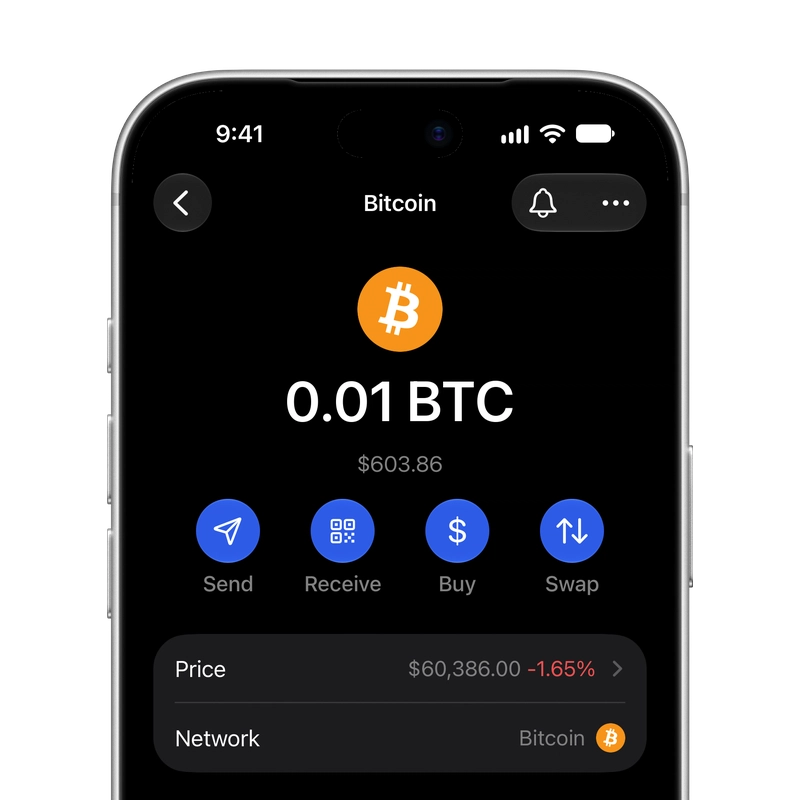
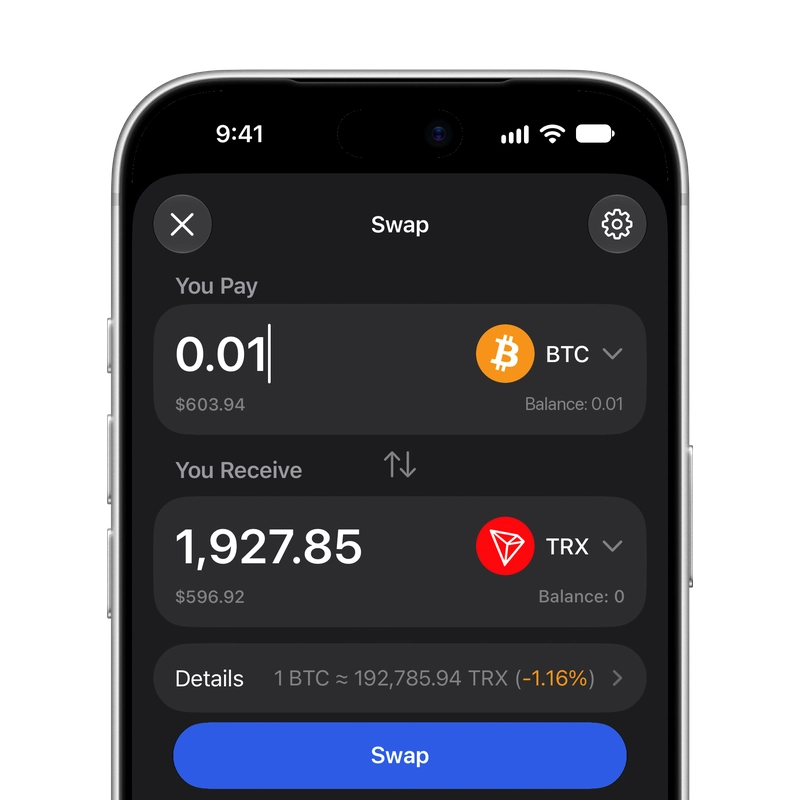
Open BTC in Gem Wallet - Gem Wallet Swap BTC to TRX - Gem Wallet Receive TRX - Gem Wallet

Download Gem Wallet on iOS, Android or as APK, create or import your wallet - then open Bitcoin, the coin you pay with

Choose TRON as the coin you receive and type the BTC amount, or tap Use minimum amount for a small top-up - Details shows the provider, the rate, the estimated time and the least TRX you get

Once the provider has seen your Bitcoin deposit confirm, native TRX is paid to your TRON address and is ready to spend on energy, bandwidth or staking

What You Can Do with TRX in Gem Wallet

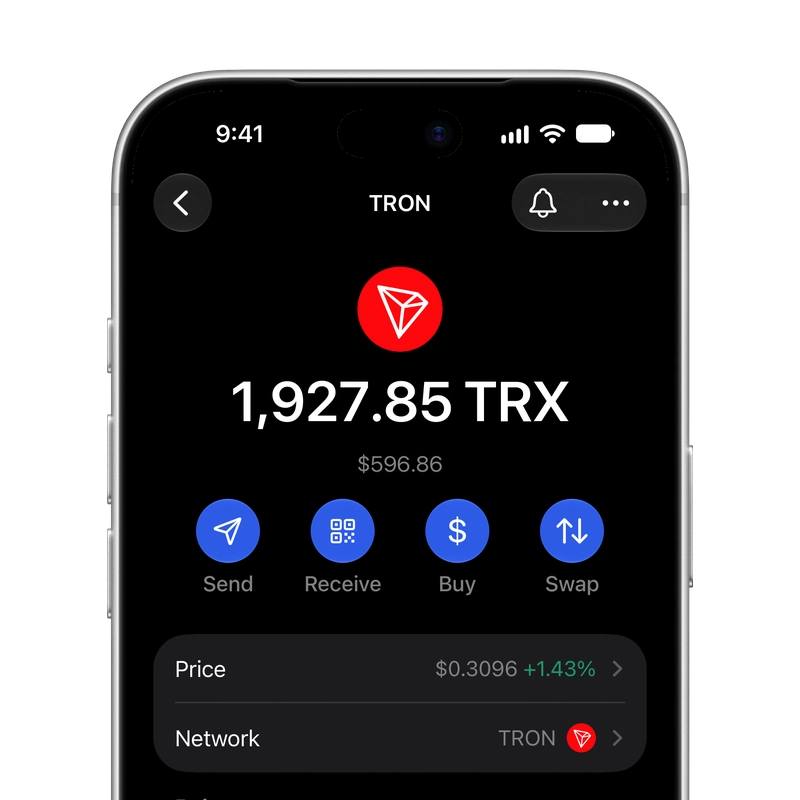
Send, swap, buy and track TRX - everything happens in your wallet, under your keys

Action Description Available
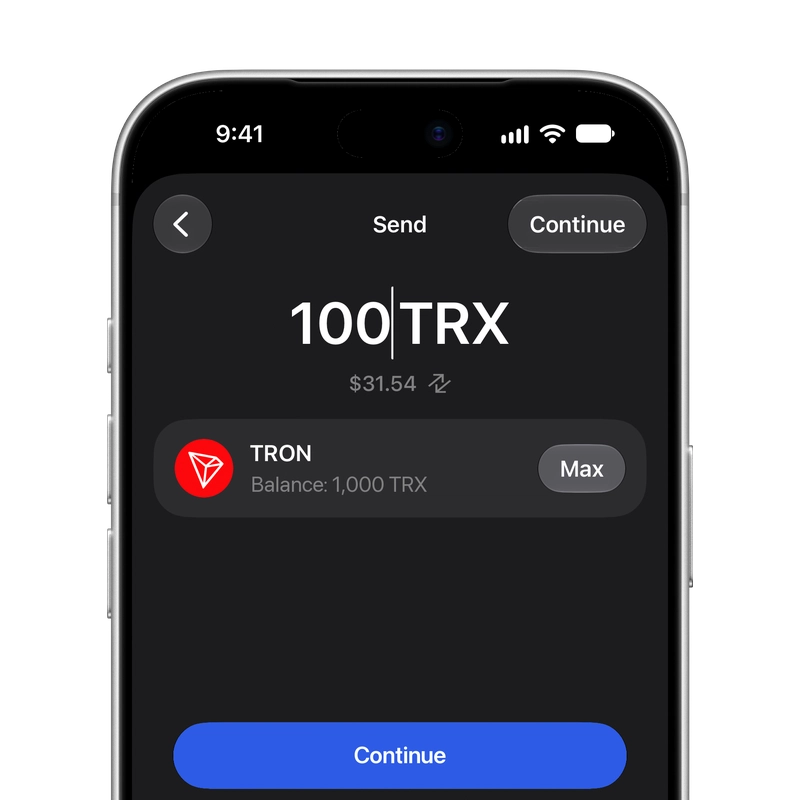
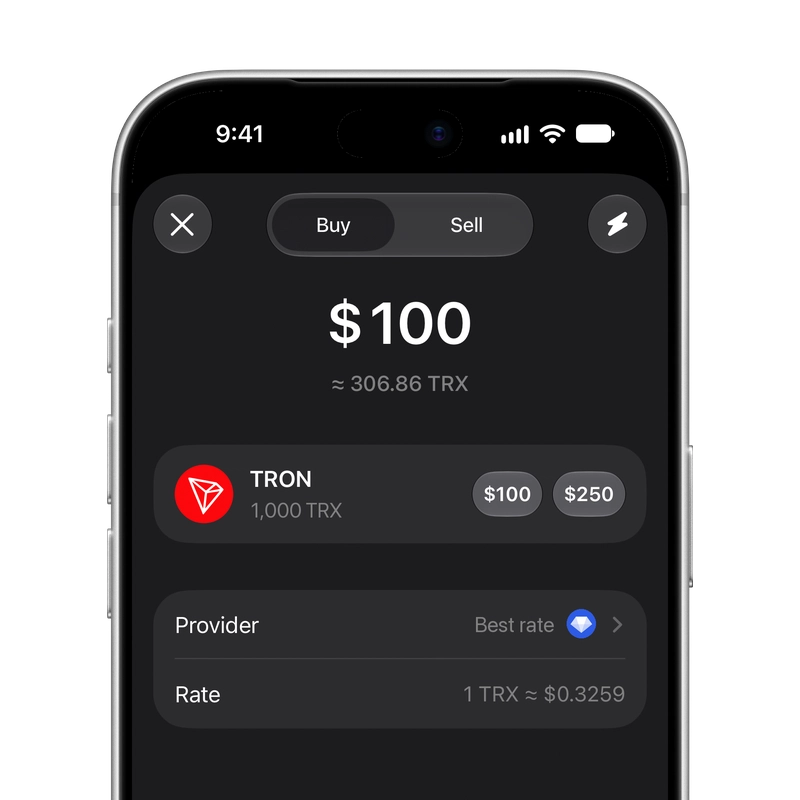
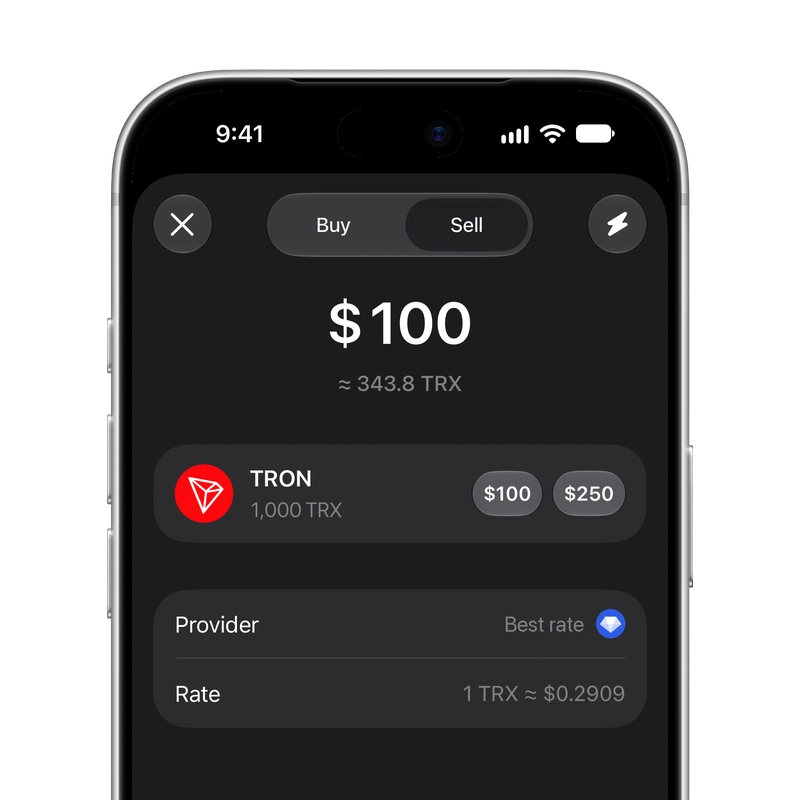
Send TRX - Gem Wallet Swap TRX - Gem Wallet Buy TRX - Gem Wallet Sell TRX - Gem Wallet Set Price Alerts - Gem Wallet

Gem Wallet sends TRX to any TRON address - the network fee is shown before you confirm

You swap TRX to any other asset at the best decentralized rate - right in Gem Wallet

You can top up TRX with a card right in Gem Wallet

Buy TRX

You convert TRX to fiat with integrated off-ramp providers - without leaving Gem Wallet

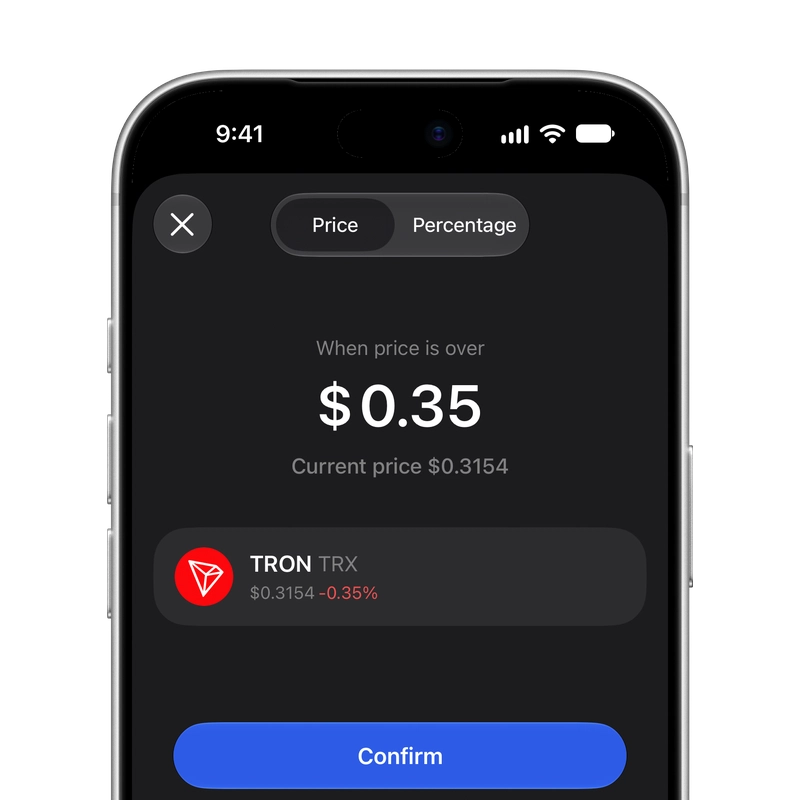
Gem Wallet alerts you when BTC or TRX hits your target price - so you can time your next swap

Frequently Asked Questions

Yes, straight from your own wallet. In Gem Wallet you open Bitcoin, tap Swap and choose TRX: your BTC leaves your bc1 address in one Bitcoin transaction, a cross-chain provider such as THORChain or Relay trades it, and native TRX arrives at the TRON address of the same wallet. You deposit nothing to an exchange and open no account.
It depends on the energy your account already has. On November 24, 2026, one USDT TRC20 transfer from an account with no energy burned about 8.1 TRX, about $2.51, so a small BTC swap covers a few transfers. If the amount you type is under what the provider accepts, Gem Wallet shows that minimum instead of a quote, and Use minimum amount fills it in for you.
No. You pay the whole swap from your Bitcoin, and the TRX payout comes from the provider. On TRON, a fresh address appears on the chain with its first incoming transfer, and the network charges the sender for creating it, so a wallet that has never used TRON can receive TRX straight away.
Almost all of the time goes to Bitcoin. A Bitcoin block comes about every 10 minutes, and the provider pays out only after your deposit has the confirmations it waits for. After that the TRON side is a matter of seconds, since TRON adds a block about every 3 seconds. Gem Wallet shows the swap as in progress until the TRX is on your balance.
Yes. Open TRX, then Stake, and freeze the amount you want: Gem Wallet then shows your Energy and Bandwidth as available / total, and you vote for validators from the same screen. A vote uses only frozen TRX, but its network fee burns liquid TRX, so leave a little unfrozen.

Try Gem Wallet now!

Self-custody wallet for 100+ blockchains

App Store 4.6 ★ on App Store Google Play 4.7 ★ on Google Play
Download Now