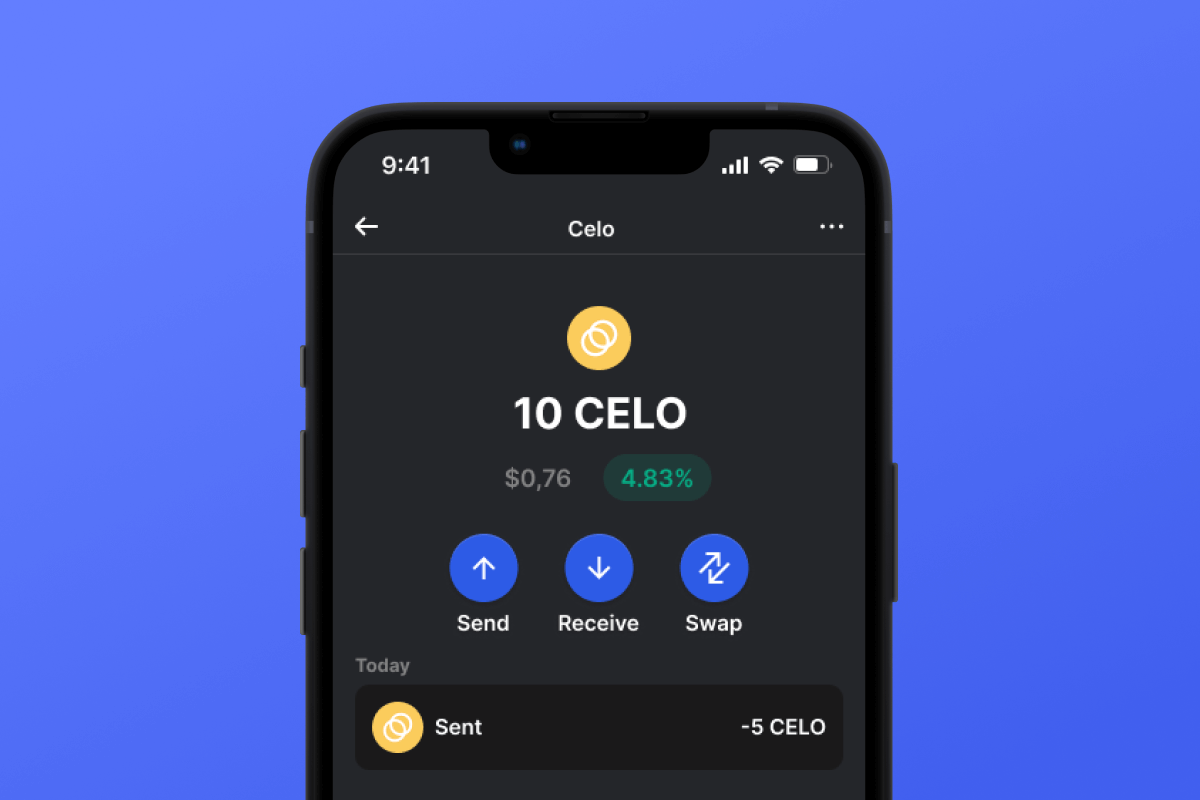



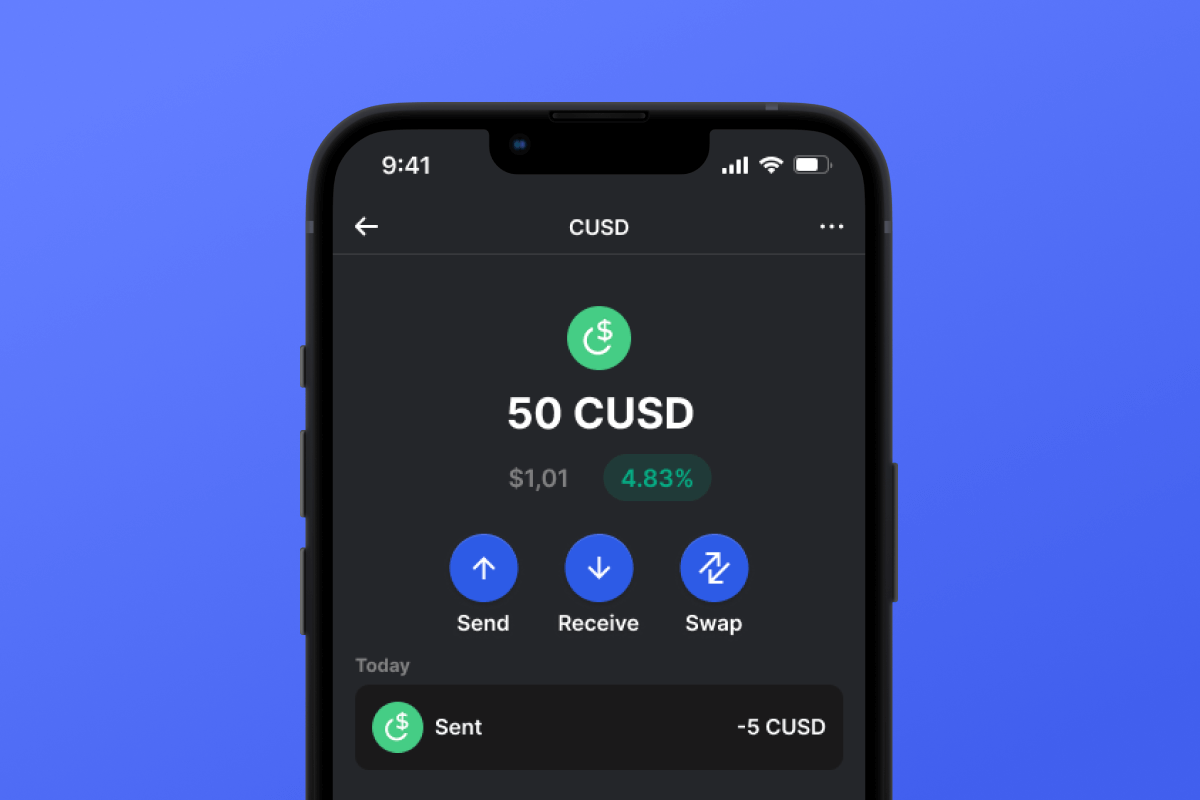
CUSD Coin

CUSD Mkoba

By choosing the CUSD wallet and the CUSD stablecoin, you gain convenient, secure, and fast mobile transfers worldwide. No need to wait for business hours or weekends to end; CUSD operates continuously so you can make transactions when you need to. Download the CUSD wallet today, and you'll forget about outdated alternatives!

CUSD Mkoba

What Is CUSD?

CUSD is a stablecoin built on the CELO blockchain. Stablecoins were created to simplify the connection between cryptocurrencies and fiat money. A stablecoin does not have its own inherent value - it is pegged 1:1 to a fiat currency - in this case, to the USD. By purchasing CUSD, you can easily interact with the cryptocurrency world - exchanging your digital dollar for desired crypto assets. It’s simple and convenient - and thanks to the low fees of the CELO blockchain, it’s also cost-effective.

What Is CELO Blockchain?

CELO is a blockchain launched in April 2020 with the main ideological mission of providing everyone, especially those without access to banking services, with a convenient and simple tool for exchanging assets and values. In this context, the issuance of their own stablecoin, CUSD, appears to be a very logical and well-thought-out solution.

CUSD Wallet Benefits:

  • Security: By choosing the CUSD wallet, you can rest assured about the security of your crypto assets. The wallet is constantly updated and keeps pace with the latest advancements in computer security systems. It also operates as a self-custodian, meaning that the key to your assets remains only with you and is not stored/transferred from your device.

  • Privacy: The CUSD wallet does not store personalized data. You can trust that your information will remain with you.

  • Transparency: The CUSD wallet is open-source, meaning that the application’s source code is open to everyone. Such transparency positively impacts both user peace of mind (the code can be checked for compliance with the claimed functionality) and overall functionality since any issues can be noticed and fixed quickly.

  • Accessibility: The CUSD wallet allows you to easily purchase CUSD with a credit card in just a couple of clicks. This simple function will facilitate your initial acquaintance with cryptocurrencies and will always provide a backup when you urgently need a certain amount of CUSD stablecoin.

  • Cross-Platform Compatibility: Regardless of whether you have an Android or iOS device, the CUSD wallet will always be available to you.

  • Multiple Blockchain Support: The CUSD wallet supports not only CUSD or CELO but also virtually all popular blockchains and tokens. Therefore, you can easily swap your CUSD for other cryptocurrencies directly within the application in just a few clicks.

  • User-Friendly Design: A convenient and pleasant interface will make your cryptocurrency experience enjoyable and straightforward!

Discover the CELO blockchain and its CUSD stablecoin today! And the first step - download the wallet.

Kwa Nini CUSD Kito cha Pochi Ndio Chaguo Bora Zaidi?

Gem Wallet inajitokeza kama suluhisho kuu la CUSD pochi, ikichanganya usalama, faragha, na urahisi wa matumizi katika programu moja yenye nguvu. Hii ndiyo sababu watumiaji huchagua Gem Wallet kwa mahitaji yao ya CUSD:

Udhibiti Kamili

Udhibiti kamili wa funguo zako za kibinafsi na kifungu cha maneno. Hakuna mtu wa tatu anayeweza kufikia au kuzuia CUSD yako. CUSD yako ni yako kweli.

Ulinzi wa Faragha

Hakuna ufuatiliaji, hakuna taarifa binafsi, hakuna ukusanyaji wa data. Faragha kamili na udhibiti wa CUSD yako.

Chanzo Huria

Nambari inayopatikana hadharani imewashwa GitHub, kuruhusu mtu yeyote kuthibitisha usalama na utendaji kazi.

Jukwaa la msalaba

Inapatikana kwenye iOS, Android, na APK. Pochi yako ya CUSD inafanya kazi popote uendapo.

CUSD Pochi katika Lugha Nyingi

Inasaidia lugha zaidi ya 25 ikijumuisha Kiingereza, Kihispania, Kichina, Kirusi, na Kiarabu. Imebinafsishwa kikamilifu kwa ufikiaji wa kimataifa.

Huduma za CUSD Zilizojengewa Ndani

Nunua CUSD kwa kutumia njia zaidi ya 30 za malipo. Badilisha CUSD kupitia kikusanyaji cha DEX kilichojumuishwa. Dhibiti mali zote za crypto katika sehemu moja salama.

Ulinganisho: Pochi ya Gem dhidi ya Pochi za Kubadilishana

Tazama jinsi kuhifadhi CUSD katika Gem Wallet kunavyotofautiana na kuiweka kwenye soko la hisa

KipengeleGem WalletPochi za Kubadilishana (Binance, Coinbase)
Usajili Unahitajika✅ Hakuna❌ KYC Kamili
Ukusanyaji wa Data Binafsi✅ Hakuna❌ Kina (kitambulisho, anwani, selfie)
Chanzo Huria✅ Uwazi kamili❌ Chanzo kilichofungwa
Udhibiti wa Funguo za Kibinafsi✅ Ndiyo❌ Hapana
Kufungia Akaunti✅ Haiwezekani❌ Inawezekana
Muda wa Kuweka✅ dakika 2⚠️ Siku 1-7 (Uthibitisho wa KYC)

Vipengele vya Usalama wa Kitaalamu

  1. Uthibitishaji wa biometrikiTumia Kitambulisho cha Uso, Kitambulisho cha Kugusa, au alama ya vidole ili kulinda pochi yako
  2. Ulinzi wa PIN: Weka msimbo thabiti wa PIN kama safu ya ziada ya usalama
  3. Hifadhi Nakala Zilizosimbwa kwa Njia Fiche: Kifungu chako cha mbegu kimehifadhiwa salama na hakiondoki kamwe kwenye kifaa chako
  4. Ukaguzi wa Usalama wa Kawaida: Mapitio huru ya usalama yanahakikisha uadilifu wa pochi. Jifunze zaidi kuhusu usalama →
Gem Wallet private key security and self-custody crypto wallet features

Watumiaji Wanasema Nini Kuhusu Pochi ya Gem CUSD

Jinsi ya Kuweka Pochi ya CUSD kwa Dakika 2

Mwongozo wa Usanidi wa Haraka (Hatua 3)

Kuunda pochi ya CUSD ni rahisi kuliko kufungua akaunti ya benki. Gem Pochi inakuongoza katika mchakato mzima kwa dakika chache, na kuifanya iweze kufikiwa na wanaoanza kikamilifu.

onboarding view

1. Pata CUSD Mkoba

CUSD Wallet: iOS , & APK

recovery phrase screen

2. Unda CUSD Mkoba

Unda pochi mpya, hifadhi kifungu cha siri, na upate anwani yako CUSD.

gem wallet security settings

3. Set Up Security for CUSD

Enable PIN or biometric authentication and you're ready to go

Create CUSD Wallet for iOS

Creating a CUSD wallet on iPhone (2 min):

  1. Open the App Store and search for "Gem Wallet"
  2. Download and install the app (it's free and under 50MB)
  3. Open Gem Wallet and tap "Create New Wallet"
  4. Write down your seed phrase on paper - this is your master backup
  5. Enable Face ID or set a PIN code for quick and secure access
  6. Done! Your CUSD wallet address is now active
Pakua Mkoba Gem kwa iOS
iOS CUSD wallet

Create CUSD Wallet for Android

Creating a CUSD wallet on Android (2 min):

  1. Via Google Play: Search for "Gem Wallet" in the Play Store and install
  2. Via Direct APK: Download the APK file for maximum privacy and control
  3. Open the app and select "Create New Wallet"
  4. Write down your 12-word seed phrase on paper
  5. Set up fingerprint or PIN authentication
  6. Your CUSD wallet is ready to use
Android CUSD wallet

CUSD Wallet Without Registration

One of CUSD's core principles is financial freedom and privacy. Gem Wallet embodies this philosophy by offering a CUSD wallet without registration - no email, no phone number, no identity verification required.

Why No-Registration Wallets Matter

Custodial CUSD wallets and centralized exchanges (Coinbase, Binance) require extensive personal information through KYC (Know Your Customer) verification. Unlike self-custodial wallets, this creates several problems:

  • Privacy Risks: Your financial activity is tracked and can be sold to third parties or accessed by bad actors
  • Data Breaches: Centralized databases of personal information are prime targets for hackers
  • Censorship: Accounts can be frozen or restricted based on location, political views, or arbitrary decisions
  • Time-Consuming: KYC processes can take days or weeks to complete

Gem Wallet: True Private CUSD Wallet

With Gem Wallet, you can create and use a CUSD wallet with complete privacy:

  • No email address required
  • No phone number needed
  • No identity documents or selfies
  • No IP address tracking
  • No mandatory account creation

Simply download the app, create your wallet, and start using CUSD within minutes. Your privacy is protected from the moment you install the app.

Jinsi ya Kupata Anwani ya CUSD

Ili kupata anwani ya pochi ya CUSD, kwanza unahitaji kuunda au kuingiza pochi ya CUSD. Baada ya hapo, programu itakutengenezea anwani kiotomatiki.

1 Fungua Mkoba Gem

Anzisha programu kwenye simu yako na uchague CUSD (CUSD) kutoka kwenye orodha yako ya mali.

2 Gusa Kitufe cha "Pokea"

Utaona kitufe kikubwa chini ya skrini. Anwani yako ya pochi ya CUSD itaonyeshwa kama maandishi na kama msimbo wa QR.

3 Nakili Anwani Yako

Nakili anwani kwenye ubao wa kunakili, shiriki msimbo wa QR, au utume moja kwa moja kupitia programu za kutuma ujumbe.

Get CUSD wallet address in Gem Wallet
🔄 Anwani Zisizo na Kikomo

Katika Gem Pollet, unaweza kutoa anwani zisizo na kikomo za CUSD bila malipo. Kila anwani inatokana na kifungu chako cha mbegu na inabaki chini ya udhibiti wako milele.

📱 Kutumia Misimbo ya QR
  • Hakuna Makosa ya Kuandika - Kuchanganua huzuia makosa ya kunakili na kubandika
  • Miamala ya Haraka Zaidi - Onyesha tu skrini ya simu yako
  • Inafaa kwa ajili ya kukutana ana kwa ana Malipo ya CUSD