
Coin

Sell Tron

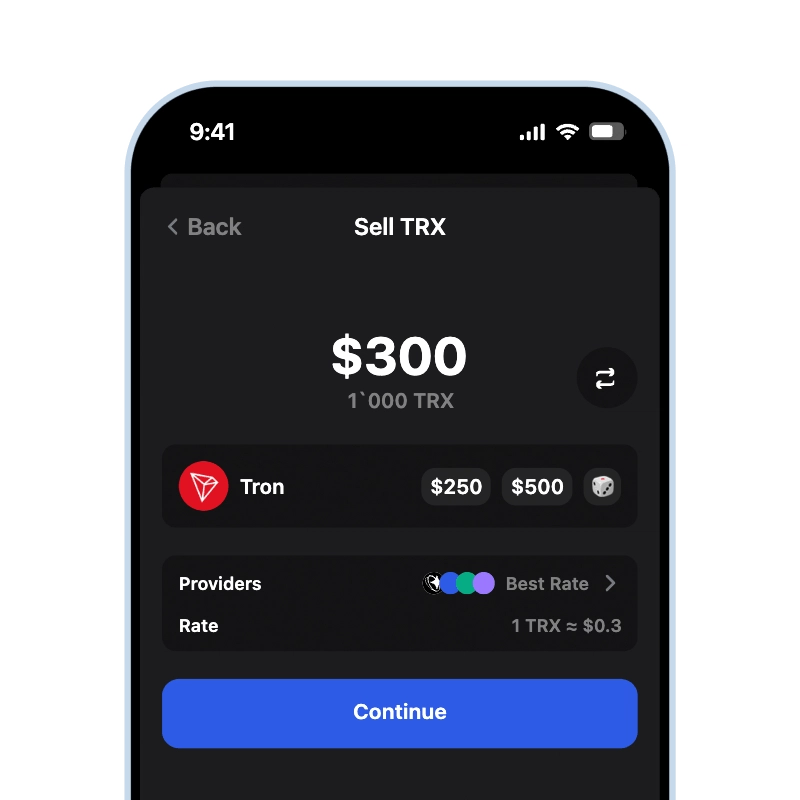
Gem Wallet lets you sell TRON (TRX) for cash right from your self-custodial wallet. It converts your TRX to USD, EUR, or your local currency and sends the money to your card or bank account, with the exact amount shown before you confirm.

App Store 4.9 ★ on App Store | Google Play 4.8 ★ on Google Play
Sell Tron
Current price Loading... • Credit & Debit Card • SEPA • Bank Transfer
Sell Tron (TRX) for cash using Gem Wallet

Sell TRX Straight From Your Wallet

Selling TRON in Gem Wallet does not require an exchange account. Your TRX and private keys stay on your device - held by you, never by Gem Wallet - until you approve the sale yourself. You are not parking money in an account balance and withdrawing it later the way an exchange works; you sell straight from your own wallet through a licensed off-ramp provider, and the fiat is paid out to your card or bank account. Gem Wallet is open-source, with code publicly audited by CertiK in April 2026.

Selling TRX If You Hold USDT on Tron

TRX is the coin that pays network fees on Tron, including transfers of TRC20 tokens. If you sell your entire TRX balance, any USDT you keep on Tron stays yours but cannot move until you top TRX back up - so leave a small amount of TRX if you plan to keep using the network. If you are cashing out completely, the cleaner order is the opposite: sell your USDT first while you still hold TRX for the fees, and sell the remaining TRX last. Either way, the balance in your USDT wallet stays untouched until you decide.

How Much TRX Can You Sell

Selling starts from about $20, and you choose the exact amount of TRX to sell - the rest stays in your wallet. Current limits for your region and payout method are always visible in the app.

When You Get Paid

Card payouts usually arrive within minutes after the sale completes; bank transfers, including SEPA, take 1-3 business days. Tron produces blocks about every three seconds, so the transfer side of the sale confirms almost immediately - the payout rail, not the blockchain, sets the overall timing. Sales started on a weekend or bank holiday begin paying out on the next business day.

Fees When You Sell TRX

The amount you receive is the market price minus the off-ramp provider fee, the exchange-rate spread, and the Tron network fee. Tron is one of the cheaper networks to transact on - transfers consume Bandwidth and cost little TRX - but on very small sales even a low fee is worth counting, so a small balance is better sold in one transaction than in several. Gem Wallet shows the exact amount you will receive before you confirm; see the full fee breakdown on the sell crypto page.

Not ready to cash out completely? You can swap TRX to USDT and 100+ other cryptocurrencies while staying in crypto, or keep the rest safe in your Tron wallet.
How to Sell Tron in Gem Wallet

Sell TRX by following these 3 simple steps:

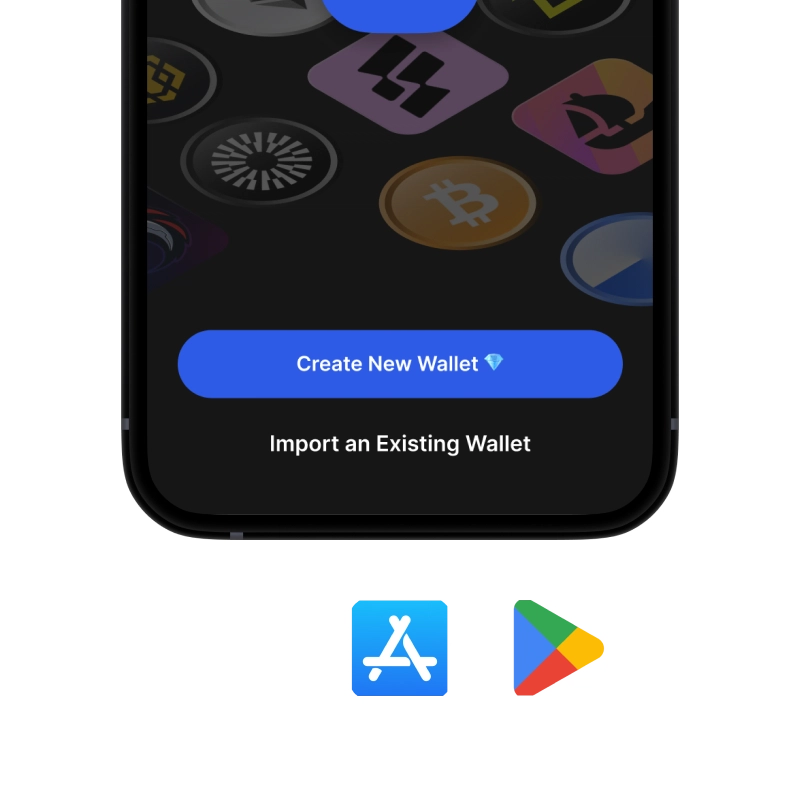
onboarding view

1. Download Gem Wallet

Install Gem Wallet on iOS, Android & APK.

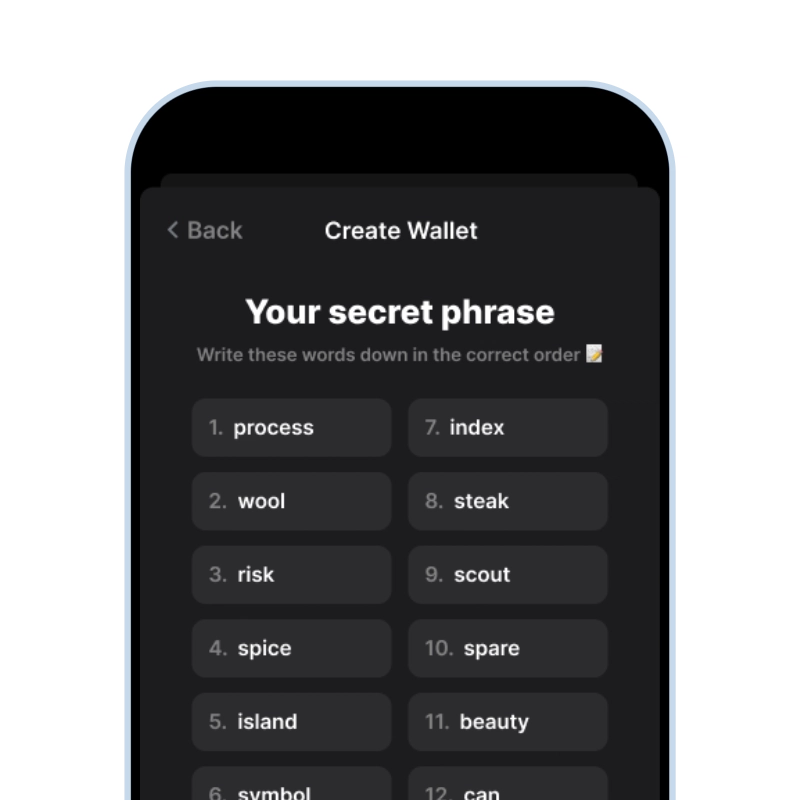
recovery phrase screen

2. Import or Fund

Open the fiat screen through the Buy button.

sell crypto for cash

3. Sell Tron

Switch to Sell and complete the flow.

Min. ~$20
Fast payout
1,000+ coins
170+ countries

What You Can Do With Tron Besides Selling

Not ready to cash out everything? Gem Wallet gives you full control over your TRX with built-in features

ActionDescriptionAvailable
🔒 HoldTron stored securely - only you hold the keys
📤 SendSend Tron to any wallet - you choose the speed and cost
🔄 SwapTron swappable to USDT and 100+ cryptocurrencies using built-in DEX aggregator
💸 PayPay or send Tron to anyone, anywhere

Frequently Asked Questions

Card payouts usually arrive within minutes after the sale completes, while bank transfers, including SEPA, take 1-3 business days. TRX transfers confirm on Tron in seconds, so the payout method sets the overall timing. If the quote timer runs out before you confirm, nothing is sent - you simply get a new quote at the current price.
Yes, but keep a small amount of TRX if you plan to keep using your TRC20 USDT - network fees on Tron are paid in TRX, and with a zero TRX balance your USDT stays yours but cannot move. If you are cashing out everything, sell the USDT first and the remaining TRX last.
Yes, though on Tron it is one of the lowest among major networks - transfers consume Bandwidth and cost little TRX. The fee still weighs most on very small sales, so it is cheaper to sell a small balance in one transaction than in several.
Yes. Selling TRX in the app converts it to USD, EUR, or your local currency, and the money is paid out to your card or bank account. If you need physical cash, withdraw it from your bank or card afterwards - the sale itself is fully online, with the exact payout shown before you confirm.
In many countries, converting TRX to fiat counts as a taxable event, similar to realizing a capital gain, and rules differ by country. Keep a record of when you bought and sold and at what price, and check your local rules or a tax professional before larger sales.

Ready to Sell Tron?

App Store 4.9 ★ on App Store | Google Play 4.8 ★ on Google Play
Sell Tron
Credit & Debit Card • SEPA • Bank Transfer