
Coin

Sell Dash

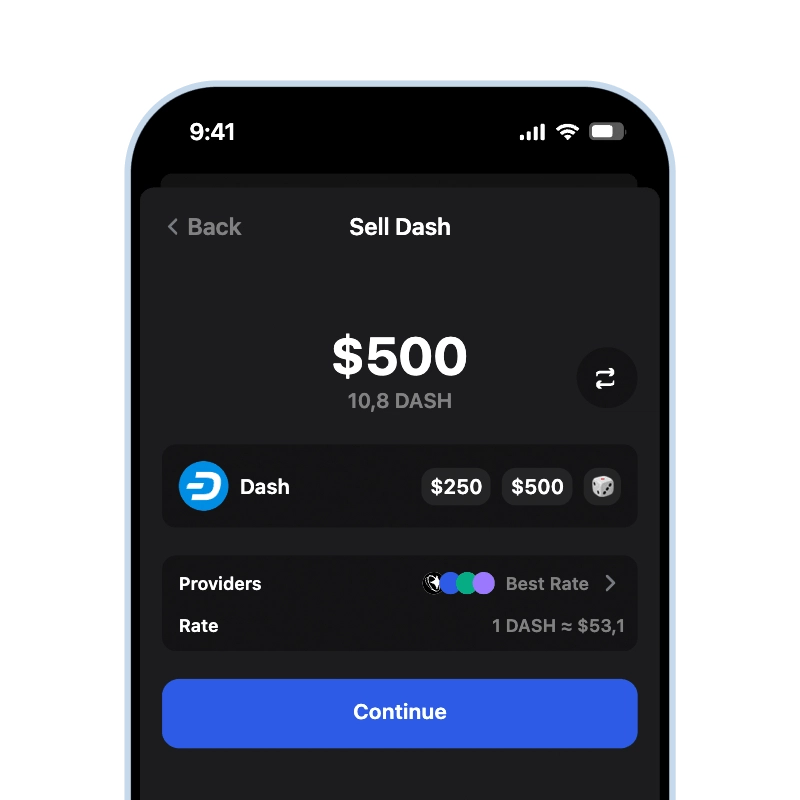
Gem Wallet lets you sell DASH straight from a wallet you control, with no exchange account and no balance to withdraw later. It sends the DASH to a licensed off-ramp provider only when you sign the sale, and the money goes to your card or bank account.

App Store 4.9 ★ on App Store | Google Play 4.8 ★ on Google Play
Sell Dash
Current price Loading... • Credit & Debit Card • SEPA • Bank Transfer
Sell Dash (DASH) for cash using Gem Wallet

Sell DASH Straight From Your Wallet

Selling Dash in Gem Wallet does not require an exchange account. Your DASH and private keys stay on your device until you approve the sale yourself. The sale is a regular Dash transfer to the address of a licensed off-ramp provider - the app fills in that address for you, so there is nothing to copy by hand. There is no account balance to withdraw from later: the provider pays the fiat straight to your card or bank account.

How Much Dash Can You Sell

One DASH is divisible into 100,000,000 duffs, so you never need to sell a whole coin. You choose exactly how much DASH to sell, starting from about $20, and the rest stays in your wallet. Current limits for your region and payout method are always shown in the app.

When You Get Paid

Card payouts usually arrive within minutes after the sale completes; bank transfers, including SEPA, take 1-3 business days. The DASH first has to reach the provider: InstantSend locks the transfer in about 2 seconds, and the network adds it to a block in about 2.5 minutes, so the wait on the Dash side is short (how InstantSend and blocks work is covered in the Dash blockchain guide). Gem Wallet shows the transfer as pending until it is in a block - details are in the Gem Wallet documentation for Dash. Sales started on a weekend or bank holiday begin paying out by bank on the next business day.

Fees When You Sell Dash

The amount you receive is the market price minus the off-ramp provider fee, the exchange-rate spread, and the Dash network fee. The network fee is the smallest part: about 0.0000023 DASH per regular transfer, and it depends on the size of the transaction, not on the amount you sell. Gem Wallet shows the exact amount you will receive before you confirm; the full fee breakdown is on the sell crypto page.

Not ready to cash out completely? You can swap DASH to USDT to step away from volatility while staying in crypto, or keep the rest in your Dash wallet. If you need more DASH later, you can buy DASH with a card in the same app.
How to Sell Dash in Gem Wallet

Sell DASH by following these 3 simple steps:

onboarding view

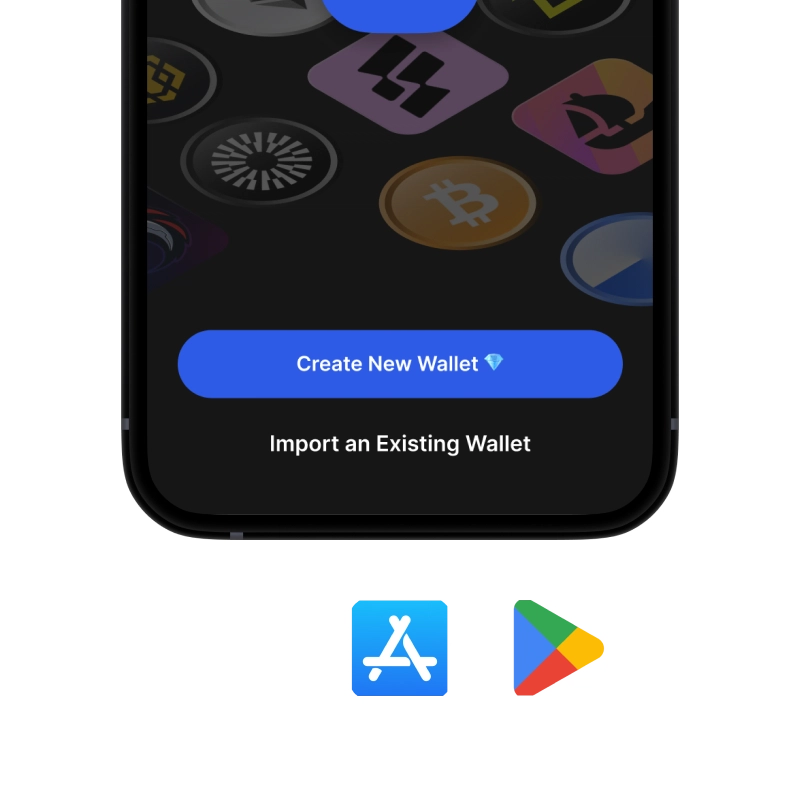
1. Download Gem Wallet

Install Gem Wallet on iOS, Android & APK.

recovery phrase screen

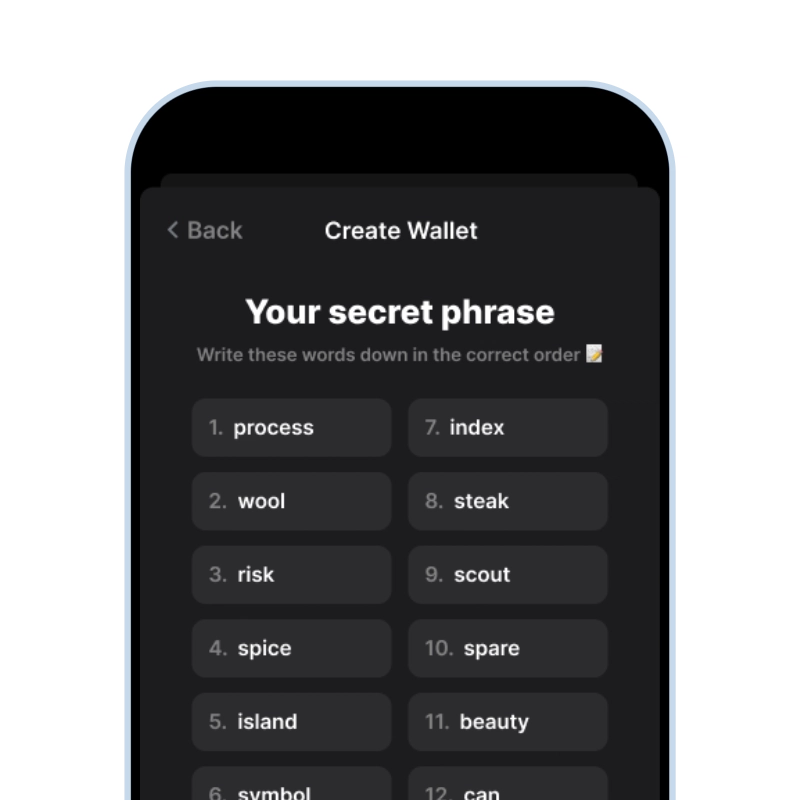
2. Import or Fund

Open the fiat screen through the Buy button.

sell crypto for cash

3. Sell Dash

Switch to Sell and complete the flow.

Min. ~$20
Fast payout
1,000+ coins
170+ countries

What You Can Do With Dash Besides Selling

Not ready to cash out everything? Gem Wallet gives you full control over your DASH with built-in features

ActionDescriptionAvailable
🔒 HoldDash stored securely - only you hold the keys✓
📤 SendSend Dash to any wallet - you choose the speed and cost✓
🔄 SwapDash swappable to USDT and 100+ cryptocurrencies using built-in DEX aggregator✓
💸 PayPay or send Dash to anyone, anywhere✓

Frequently Asked Questions

The DASH transfer to the provider is locked by InstantSend in about 2 seconds and added to a block in about 2.5 minutes. After the provider receives it, card payouts usually arrive within minutes, and bank transfers, including SEPA, take 1-3 business days.
Yes. One DASH is divisible into 100,000,000 duffs, so selling a fraction of a coin is a normal transaction. You choose the exact amount, starting from about $20, and the rest stays in your wallet.
A regular Dash transfer costs about 0.0000023 DASH, which is about $0.00014 (September 2026). The fee depends on the size of the transaction, not on the amount, so it barely affects the payout even on a small sale.
Yes. Selling DASH in the app converts it to USD, EUR, or your local currency, and the money is paid out to your card or bank account. If you need physical cash, withdraw it from your bank or card afterwards.
In many countries, converting DASH to fiat counts as a taxable event, and the rules differ by country. Keep a record of when you bought and sold and at what price, and check your local rules or a tax professional before larger sales.

Ready to Sell Dash?

App Store 4.9 ★ on App Store | Google Play 4.8 ★ on Google Play
Sell Dash
Credit & Debit Card • SEPA • Bank Transfer