


What Is a Self-Custody Wallet?
A self-custody wallet - also called a non-custodial wallet or self-custodial wallet - is a crypto wallet where you hold your own private keys and secret phrase on your device, rather than trusting a third party to hold them for you. Gem Wallet is a self-custody wallet for iOS and Android that gives you full control over your assets on 100+ blockchains. Only you can access your funds, and only you are responsible for backing up your secret phrase. No company, exchange, or service holds your keys.
Custodial vs Self-Custody Wallet
| Exchange / Custodial Wallet | Gem Wallet (Self-Custody) | |
|---|---|---|
| Who holds your keys | The exchange or service | You (on your device) |
| Account / verification | Required | No account, no personal data |
| Can freeze or restrict withdrawals | Yes | No - you control your assets |
| Can be hacked as a pool | Yes - exchange breaches affect all users | Your wallet is isolated on your device |
| Recovery | Possible via account support | Your secret phrase is the only backup |
| Who sees your activity | The service tracks all transactions | Your activity is not tracked (Gem Wallet contains no third-party analytics SDKs) |
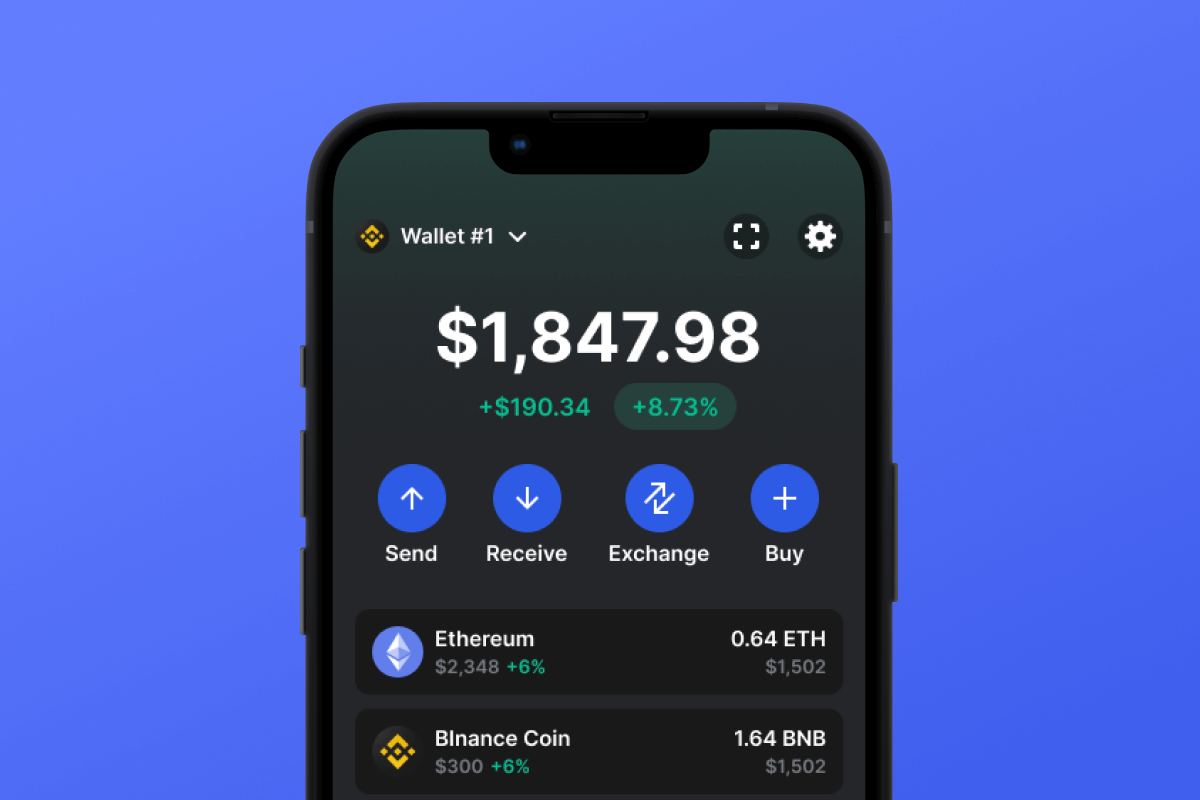
Gem Wallet is designed to give you the benefits of self-custody without sacrificing ease of use. You can swap tokens via DEX aggregators, stake assets, and connect to dApps - all without leaving self-custody.
How Gem Wallet Keeps You in Control
Keys on your device. Your private keys are generated and stored only on your device, never on a server. Gem Wallet has no access to your keys or funds.
No account, no personal data. Gem Wallet requires no sign-up, email, or identity verification. You create a wallet locally and start using it immediately.
Fully open-source. The entire Gem Wallet app is fully open-source and verifiable on GitHub. Anyone can audit the code to see exactly how Gem Wallet handles your keys.
Import any seed phrase. You can import an existing secret phrase from MetaMask, Trust Wallet, Phantom, or any BIP39-compatible wallet in minutes. Your wallet, your choice.
100+ chains, one phrase. Gem Wallet supports over 100 blockchains under a single secret phrase - Bitcoin, Ethereum, Solana, Cosmos, Polkadot, TRON, and many more. No need for separate wallets.
Swap and stake without leaving self-custody. Gem Wallet aggregates and displays swap rates from decentralized exchanges, and shows staking options for Solana, BNB, Cosmos, Celestia, SEI, Injective, and TRON - all while you keep full control of your keys.
Is Gem Wallet a Self-Custody Wallet?
Yes. Gem Wallet is a fully self-custody (non-custodial) crypto wallet. Your private keys stay on your device, Gem Wallet never has access to your funds or secret phrase, and the app requires no account or personal data. The entire codebase is open-source and verifiable on GitHub, so anyone can confirm that Gem Wallet does not send keys or phrases to any server. You control your assets on 100+ blockchains, and only you hold the backup phrase.
Risks and Responsibilities of Self-Custody
Your secret phrase is the only backup. If you lose your secret phrase and your device breaks or is lost, your wallet cannot be recovered - not by Gem Wallet, not by anyone. There is no password reset or account support. Always write down your secret phrase and store it in a safe place.
No one can reverse a transaction. Because you control your wallet, you are responsible for double-checking addresses and amounts before sending. A transaction on the blockchain cannot be undone.
Phishing and fake apps. Always download Gem Wallet from official sources - the App Store, Google Play, or gemwallet.com. Never share your secret phrase with anyone, and verify URLs before entering sensitive information.
Gem Wallet helps you stay safe with on-device encryption, backup prompts during wallet creation, and a fully open-source codebase. The app does not upload your secret phrase to any cloud - the backup is yours to make and keep.
How to Set Up a Self-Custody Wallet in 2 Minutes
Download Gem Wallet. Install Gem Wallet from the App Store, Google Play, or as an APK.
Create or import your wallet. Open the app and choose “Create new wallet” to generate a new secret phrase, or “Import wallet” to restore an existing phrase from another wallet.
Back up your secret phrase and start. Gem Wallet will show you a 12-word secret phrase. Write it down and store it safely - this is your only backup. Once backed up, you can receive, send, swap, stake, and connect to dApps.
Switch to Self-Custody from an Exchange or Another Wallet
Import from MetaMask, Trust Wallet, Phantom, or Rabby. Gem Wallet supports BIP39 secret phrases, so you can import your existing wallet in seconds: open Gem Wallet, tap “Import wallet” and enter your 12-word secret phrase - your accounts and assets appear immediately. Step-by-step guides: MetaMask, Phantom, Rabby, Bybit Wallet.
Withdraw from an exchange to your own address. If your crypto is currently on Coinbase, Binance, Kraken, or another exchange, you can withdraw it to an address in Gem Wallet that you fully control. Gem Wallet displays receive addresses for over 100 blockchains - just copy the address for the chain you need and paste it into the exchange’s withdrawal form.
Gem Wallet keeps migration guides for 20+ wallets in the documentation.