



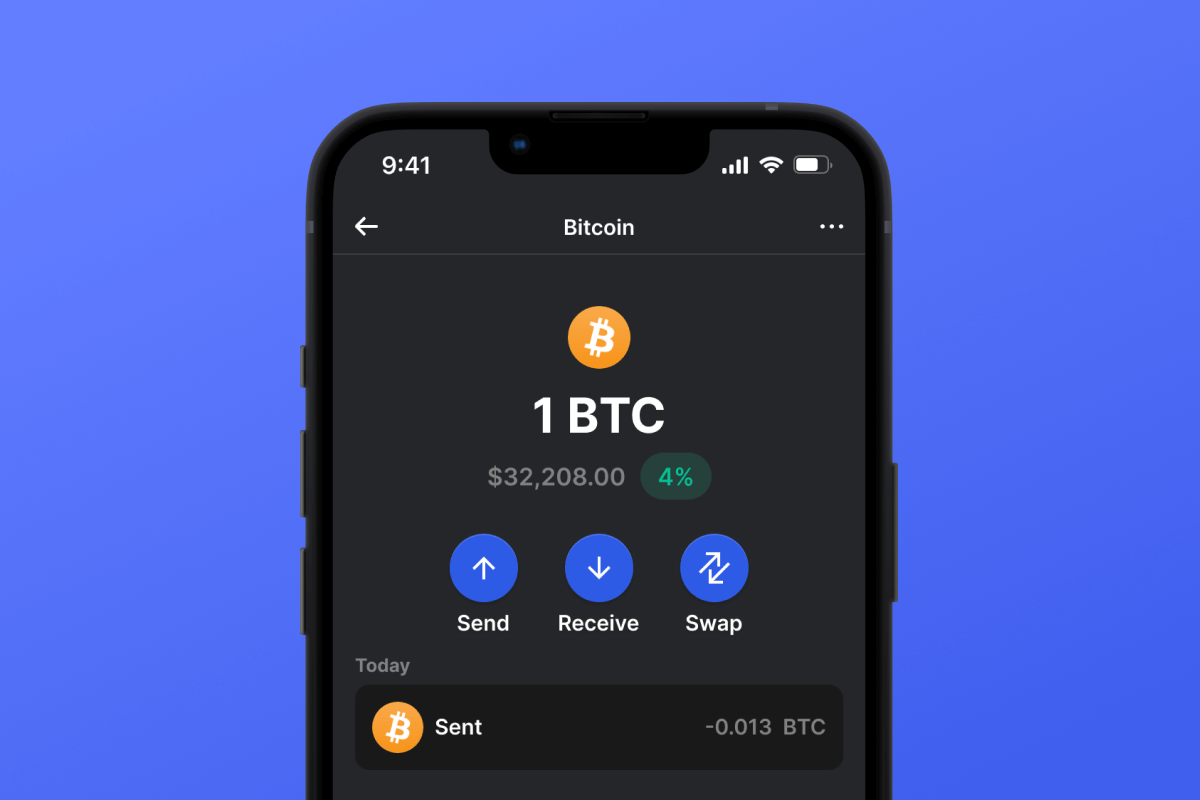
Lightning Network Coin

Lightning Network Кошелек

The Lightning Network Wallet is your key to the L2 network based on the Bitcoin blockchain, which will make your micropayments instant and with low network fees. Download the wallet and try the Lightning Network - a truly lightning-fast solution!

Lightning Network Кошелек

What Is Lightning Network?

The Lightning Network (LN) is an addition to Bitcoin that allows for fast transactions with minimal fees. It works by allowing users to open special payment channels through which they can instantly transfer money to each other without the delays and complexities associated with the main Bitcoin network. This system is particularly useful for small payments, such as buying a cup of tea or coffee in a cafe.

What Is Lightning Network Wallet?

A Lightning Network Wallet is a special wallet that allows you to use the LN for payments and asset storage. Not every wallet that works with Bitcoin will also work with the LN. The Lightning Network is an L2 (layer 2) extension for the Bitcoin blockchain, therefore it requires additional support from the wallet developers.

Lightning Network Wallet Benefits

A LN Wallet offers several important features and aspects that will make your interaction with the network both comfortable and secure:

  1. Open Source: The LN Wallet is open source, supporting transparency and openness for its users.

  2. Self-Custody: Your Bitcoins and other crypto assets are accessible only to you. No one else has access to your private key.

  3. Privacy and Security: The Lightning Network Wallet adheres to high standards of security and privacy.

  4. Universality: Your wallet is available on both Android and iOS, providing easy access to your assets regardless of your mobile device choice.

  5. Convenience: A simple and intuitive interface ensures easy and productive management of your assets.

  6. Micropayments: The LN helps avoid the high fees associated with Bitcoin blockchain for small payments.

Download the Gem Wallet and experience all the benefits of the LN today!

Почему Lightning Network кошелек Gem - лучший выбор?

Gem Wallet является ведущим решением для Lightning Network кошельков, сочетающим безопасность, конфиденциальность и удобство использования в одном мощном приложении. Вот почему пользователи выбирают Gem Wallet для своих Lightning Network потребностей:

Полный контроль

Полный контроль над вашими приватными ключами и seed фразой. Ни одна третья сторона не может получить доступ к вашим Lightning Network активам или ограничить их. Ваш Lightning Network принадлежит только вам.

Конфиденциальность

Никакого отслеживания, никакой личной информации, никакого сбора данных. Полная конфиденциальность и ваш контроль над Lightning Network.

Открытый исходный код

Общедоступный код на GitHub, что позволяет любому проверить безопасность и функциональность.

Кроссплатформенный

Доступно для iOS, Android и APK. Ваш кошелек Lightning Network работает везде, где бы вы ни находились.

Кошелек Lightning Network на разных языках

Поддерживается более 25 языков, включая английский, испанский, китайский, русский и арабский. Полностью локализовано для доступности по всему миру.

Встроенные сервисы Lightning Network

Купите Lightning Network, используя более 30 способов оплаты. Обмен Lightning Network Благодаря встроенному агрегатору DEX. Управляйте всеми криптоактивами в одном безопасном месте.

Сравнение: Gem Wallet и кошельки бирж.

Узнайте, чем хранение Lightning Network в Gem Wallet отличается от хранения его на биржах.

ОсобенностьGem WalletБиржевые кошельки (Binance, Coinbase)
Требуется регистрация✅ Нет❌ Полная верификация личности (KYC)
Сбор персональных данных✅ Нет❌ Подробный пакет документов (удостоверение личности, адрес, селфи)
Открытый исходный код✅ Полностью прозрачный❌ Закрытый исходный код
Управление закрытыми ключами✅ Да❌ Нет
Замораживание аккаунта✅ Невозможно❌ Возможно
Время настройки✅ 2 минуты⚠️ 1-7 дней (верификация KYC)

Профессиональные функции безопасности

  1. Биометрическая аутентификация Используйте Face ID, Touch ID или отпечаток пальца для защиты своего кошелька.
  2. Защита PIN-кодом: Установите надежный PIN-код в качестве дополнительного уровня безопасности
  3. Зашифрованные резервные копии: Ваша секретная фраза хранится в безопасном месте и никогда не покидает ваше устройство.
  4. Регулярные проверки безопасности: Независимые проверки безопасности обеспечивают целостность кошелька
Gem Wallet private key security and self-custody crypto wallet features

Что говорят пользователи о Lightning Network кошельке Gem

Как создать кошелек Lightning Network за 2 минуты

Краткое руководство по созданию кошелька (3 шага)

Создать кошелек Lightning Network проще, чем открыть банковский счет. Gem Wallet проведет вас через весь процесс за считанные минуты, что делает его доступным даже для полных новичков.

onboarding view

1. Скачать Lightning Network Кошелек

Lightning Network Кошелек: iOS, Android & APK

recovery phrase screen

2. Создайте Lightning Network Кошелек

Создайте новый кошелек, сохраните секретную фразу и получите свой адрес Lightning Network.

gem wallet security settings

3. Set Up Security for Lightning Network

Enable PIN or biometric authentication and you're ready to go

Create Lightning Network Wallet for iOS

Creating a Lightning Network wallet on iPhone (2 min):

  1. Open the App Store and search for "Gem Wallet"
  2. Download and install the app (it's free and under 50MB)
  3. Open Gem Wallet and tap "Create New Wallet"
  4. Write down your seed phrase on paper - this is your master backup
  5. Enable Face ID or set a PIN code for quick and secure access
  6. Done! Your Lightning Network wallet address is now active

Create Lightning Network Wallet for Android

Creating a Lightning Network wallet on Android (2 min):

  1. Via Google Play: Search for "Gem Wallet" in the Play Store and install
  2. Via Direct APK: Download the APK file for maximum privacy and control
  3. Open the app and select "Create New Wallet"
  4. Write down your 12-word seed phrase on paper
  5. Set up fingerprint or PIN authentication
  6. Your Lightning Network wallet is ready to use

Lightning Network Wallet Without Registration

One of Lightning Network's core principles is financial freedom and privacy. Gem Wallet embodies this philosophy by offering a Lightning Network wallet without registration - no email, no phone number, no identity verification required.

Why No-Registration Wallets Matter

Custodial Lightning Network wallets and centralized exchanges (Coinbase, Binance) require extensive personal information through KYC (Know Your Customer) verification. Unlike self-custodial wallets, this creates several problems:

  • Privacy Risks: Your financial activity is tracked and can be sold to third parties or accessed by bad actors
  • Data Breaches: Centralized databases of personal information are prime targets for hackers
  • Censorship: Accounts can be frozen or restricted based on location, political views, or arbitrary decisions
  • Time-Consuming: KYC processes can take days or weeks to complete

Gem Wallet: True Private Lightning Network Wallet

With Gem Wallet, you can create and use a Lightning Network wallet with complete privacy:

  • No email address required
  • No phone number needed
  • No identity documents or selfies
  • No IP address tracking
  • No mandatory account creation

Simply download the app, create your wallet, and start using Lightning Network within minutes. Your privacy is protected from the moment you install the app.

Как получить адрес Lightning Network

Чтобы получить адрес кошелька Lightning Network, сначала необходимо создать или импортировать кошелек Lightning Network. После этого приложение автоматически сгенерирует для вас адреса.

1 Откройте Gem Кошелек

Запустите приложение на своем телефоне и выберите Lightning Network (Lightning Network) из списка ваших активов.

2 Нажмите кнопку «Получить»

Внизу экрана вы увидите большую кнопку. Адрес вашего кошелька Lightning Network будет отображаться как в текстовом виде, так и в виде QR-кода.

3 Скопируйте свой адрес

Скопируйте адрес в буфер обмена, поделитесь QR-кодом или отправьте его напрямую через мессенджеры.

Get Lightning Network wallet address in Gem Wallet
🔄 Неограниченное количество адресов

В Gem Wallet вы можете бесплатно сгенерировать неограниченное количество адресов Lightning Network. Каждый адрес создается на основе вашей сид-фразы и навсегда остается под вашим контролем.

📱 Использование QR-кодов
  • Без опечаток - Сканирование предотвращает ошибки при копировании и вставке
  • Быстрые транзакции - Просто покажите экран телефона
  • Идеально подходит для личных - Lightning Network платежей


















