



Lightning Network Coin

Lightning Network Carteira

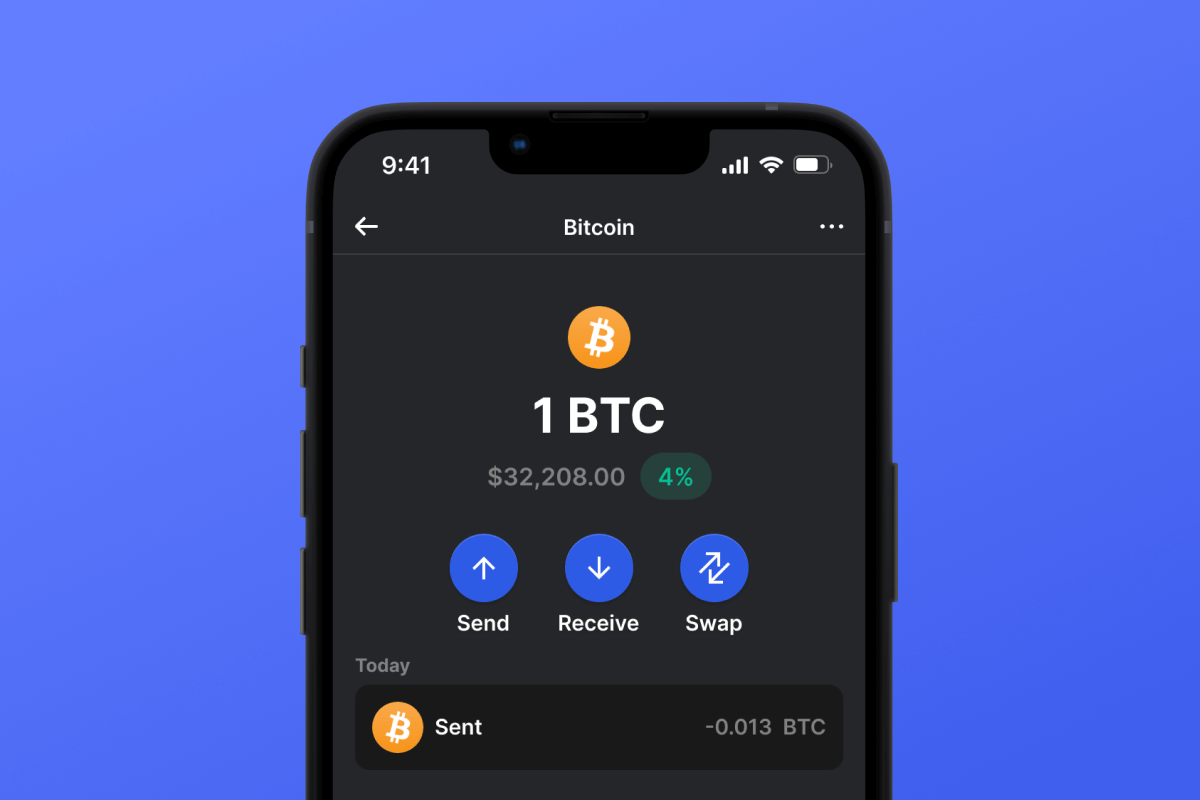
The Lightning Network Wallet is your key to the L2 network based on the Bitcoin blockchain, which will make your micropayments instant and with low network fees. Download the wallet and try the Lightning Network - a truly lightning-fast solution!

Lightning Network Carteira

What Is Lightning Network?

The Lightning Network (LN) is an addition to Bitcoin that allows for fast transactions with minimal fees. It works by allowing users to open special payment channels through which they can instantly transfer money to each other without the delays and complexities associated with the main Bitcoin network. This system is particularly useful for small payments, such as buying a cup of tea or coffee in a cafe.

What Is Lightning Network Wallet?

A Lightning Network Wallet is a special wallet that allows you to use the LN for payments and asset storage. Not every wallet that works with Bitcoin will also work with the LN. The Lightning Network is an L2 (layer 2) extension for the Bitcoin blockchain, therefore it requires additional support from the wallet developers.

Lightning Network Wallet Benefits

A LN Wallet offers several important features and aspects that will make your interaction with the network both comfortable and secure:

  1. Open Source: The LN Wallet is open source, supporting transparency and openness for its users.

  2. Self-Custody: Your Bitcoins and other crypto assets are accessible only to you. No one else has access to your private key.

  3. Privacy and Security: The Lightning Network Wallet adheres to high standards of security and privacy.

  4. Universality: Your wallet is available on both Android and iOS, providing easy access to your assets regardless of your mobile device choice.

  5. Convenience: A simple and intuitive interface ensures easy and productive management of your assets.

  6. Micropayments: The LN helps avoid the high fees associated with Bitcoin blockchain for small payments.

Download the Gem Wallet and experience all the benefits of the LN today!

Por que a Lightning Network Wallet Gem é a melhor escolha?

A Gem Wallet se destaca como uma solução líder em carteiras de Lightning Network, combinando segurança, privacidade e usabilidade em um aplicativo poderoso. Veja por que os usuários escolhem a Gem Wallet para suas necessidades de Lightning Network:

Controle total

Controle total de suas chaves privadas e frase mnemônica. Nenhuma terceira parte pode acessar ou restringir seu Lightning Network. Seu Lightning Network é verdadeiramente seu.

Proteção de Privacidade

Sem rastreamento, sem informações pessoais, sem coleta de dados. Privacidade total e controle sobre sua Lightning Network.

Código aberto

Código disponível publicamente em GitHub, permitindo que qualquer pessoa verifique a segurança e a funcionalidade.

Multiplataforma

Disponível para iOS, Android e APK. Sua carteira Lightning Network funciona onde quer que você vá.

Carteira Lightning Network em vários idiomas

Compatível com mais de 25 idiomas, incluindo inglês, espanhol, chinês, russo e árabe. Totalmente localizado para acesso mundial.

Serviços Lightning Network integrados

Compre Lightning Network com mais de 30 métodos de pagamento. Trocar Lightning Network Através de um agregador DEX integrado. Gerencie todos os seus criptoativos em um único local seguro.

Comparação: Carteira Gem vs. Carteiras de Exchanges

Veja como armazenar Lightning Network na Gem Wallet difere de mantê-la em corretoras.

RecursoGem WalletCarteiras de corretoras (Binance, Coinbase)
Inscrição obrigatória✅ Nenhum❌ KYC completo
Coleta de Dados Pessoais✅ Nenhum❌ Completo (RG, endereço, selfie)
Código aberto✅ Totalmente transparente❌ Fonte fechada
Controle de chaves privadas✅ Sim❌ Não
Congelamento de conta✅ Impossível❌ Possível
Tempo de configuração✅ 2 minutos⚠️ 1 a 7 dias (verificação KYC)

Recursos de segurança profissionais

  1. Autenticação biométricaUse o Face ID, Touch ID ou sua impressão digital para proteger sua carteira.
  2. Proteção por PINDefina um código PIN forte como uma camada adicional de segurança.
  3. Cópias de segurança criptografadasSua frase mnemônica é armazenada com segurança e nunca sai do seu dispositivo.
  4. Auditorias de segurança regularesAnálises de segurança independentes garantem a integridade da carteira.
Gem Wallet private key security and self-custody crypto wallet features

O que os usuários dizem sobre a carteira Gem Lightning Network

Como configurar uma carteira Lightning Network em 2 minutos

Guia de Configuração Rápida (3 Etapas)

Criar uma carteira de Lightning Network é mais simples do que abrir uma conta bancária. A Gem Wallet guia você por todo o processo em minutos, tornando-o acessível até mesmo para iniciantes.

onboarding view

1. Obtenha Lightning Network Carteira

Lightning Network Carteira: iOS , Android & APK

recovery phrase screen

2. Criar Lightning Network Carteira

Crie uma nova carteira, salve a frase secreta e obtenha seu endereço Lightning Network.

gem wallet security settings

3. Set Up Security for Lightning Network

Enable PIN or biometric authentication and you're ready to go

Create Lightning Network Wallet for iOS

Creating a Lightning Network wallet on iPhone (2 min):

  1. Open the App Store and search for "Gem Wallet"
  2. Download and install the app (it's free and under 50MB)
  3. Open Gem Wallet and tap "Create New Wallet"
  4. Write down your seed phrase on paper - this is your master backup
  5. Enable Face ID or set a PIN code for quick and secure access
  6. Done! Your Lightning Network wallet address is now active

Create Lightning Network Wallet for Android

Creating a Lightning Network wallet on Android (2 min):

  1. Via Google Play: Search for "Gem Wallet" in the Play Store and install
  2. Via Direct APK: Download the APK file for maximum privacy and control
  3. Open the app and select "Create New Wallet"
  4. Write down your 12-word seed phrase on paper
  5. Set up fingerprint or PIN authentication
  6. Your Lightning Network wallet is ready to use

Lightning Network Wallet Without Registration

One of Lightning Network's core principles is financial freedom and privacy. Gem Wallet embodies this philosophy by offering a Lightning Network wallet without registration - no email, no phone number, no identity verification required.

Why No-Registration Wallets Matter

Custodial Lightning Network wallets and centralized exchanges (Coinbase, Binance) require extensive personal information through KYC (Know Your Customer) verification. Unlike self-custodial wallets, this creates several problems:

  • Privacy Risks: Your financial activity is tracked and can be sold to third parties or accessed by bad actors
  • Data Breaches: Centralized databases of personal information are prime targets for hackers
  • Censorship: Accounts can be frozen or restricted based on location, political views, or arbitrary decisions
  • Time-Consuming: KYC processes can take days or weeks to complete

Gem Wallet: True Private Lightning Network Wallet

With Gem Wallet, you can create and use a Lightning Network wallet with complete privacy:

  • No email address required
  • No phone number needed
  • No identity documents or selfies
  • No IP address tracking
  • No mandatory account creation

Simply download the app, create your wallet, and start using Lightning Network within minutes. Your privacy is protected from the moment you install the app.

Como obter um endereço Lightning Network

Para obter um endereço de carteira Lightning Network, primeiro você precisa criar ou importar uma carteira Lightning Network. Depois disso, o aplicativo gerará os endereços automaticamente para você.

1 Abrir Carteira Gem

Inicie o aplicativo no seu telefone e selecione Lightning Network (Lightning Network) da sua lista de ativos.

2 Toque no botão "Receber".

Você verá um botão grande na parte inferior da tela. O endereço da sua carteira Lightning Network será exibido tanto como texto quanto como um código QR.

3 Copie seu endereço

Copie o endereço para a área de transferência, compartilhe o código QR ou envie-o diretamente por aplicativos de mensagens.

Get Lightning Network wallet address in Gem Wallet
🔄 Endereços ilimitados

Na Gem Wallet, você pode gerar endereços Lightning Network ilimitados gratuitamente. Cada endereço é derivado da sua frase mnemônica e permanece sob seu controle para sempre.

📱 Utilizando códigos QR
  • Sem erros de digitação - A digitalização evita erros de copiar e colar
  • Transações mais rápidas - Basta mostrar a tela do seu celular
  • Ideal para encontros presenciais. pagamentos Lightning Network


















