



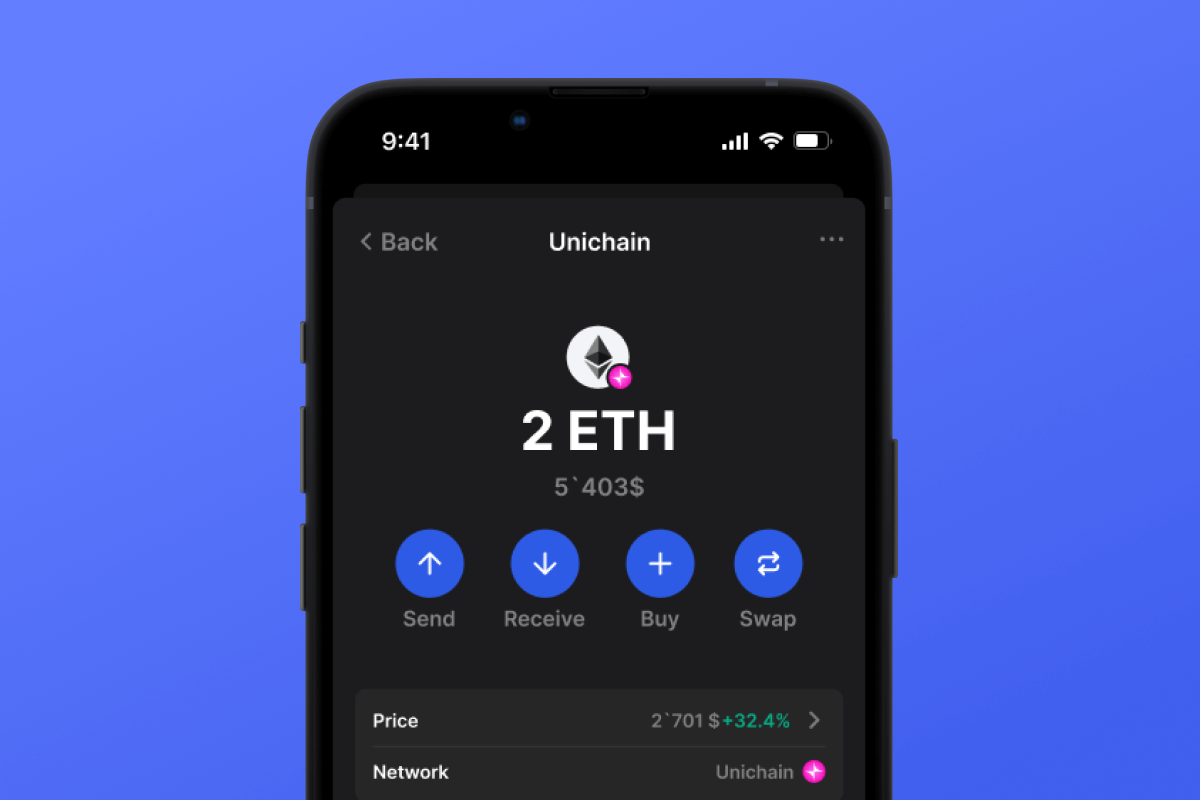
Unichain Coin

Unichain Portfel

Pobierz portfel Unichain – Twój niezbędny asystent dla nowego blockchaina Ethereum L2, opracowanego przez zespół Uniswap. Portfel jest samoobsługowy, open-source i dostępny na iOS i Androida. Ciesz się maksymalnym komfortem i bezpieczeństwem z portfelem Unichain dla DeFi i innych aktywów!

Unichain Portfel

Czym jest Unichain?

Unichain to blockchain nowej generacji Ethereum warstwy 2 (L2) zaprojektowany w celu optymalizacji płynności DeFi w wielu łańcuchach. Zbudowany z myślą o szybkości, bezpieczeństwie i opłacalności, Unichain umożliwia użytkownikom bezproblemowe dokonywanie transakcji przy niższych opłatach i niemal natychmiastowej finalizacji. Jako zdecentralizowana sieć typu open source zapewnia dostęp do usług finansowych w blockchain bez zaufania i bez uprawnień.

Dlaczego warto wybrać portfel Unichain?

Portfel Unichain to bezpieczne, samoobsługowe i otwarte rozwiązanie do zarządzania aktywami cyfrowymi w wielu blockchainach, w tym Ethereum L2 i innych głównych sieciach. Zaprojektowany zarówno dla nowicjuszy, jak i doświadczonych użytkowników DeFi, zapewnia bezproblemowy dostęp do ekosystemu Unichain i nie tylko.

  • Zgodność z wieloma łańcuchami: zarządzaj aktywami w Ethereum L2, Ethereum Mainnet i innych głównych blockchainach bez wysiłku.
  • Samodzielne przechowywanie i oprogramowanie typu open source: Zachowaj pełną kontrolę nad swoimi kluczami prywatnymi dzięki portfelowi, który stawia na decentralizację i przejrzystość.
  • Szybkie i tanie transakcje: Wykorzystaj zaawansowaną technologię L2 firmy Unichain, aby skorzystać ze znacznie obniżonych opłat transakcyjnych i szybkich czasów potwierdzania.
  • Zwiększone bezpieczeństwo: Portfel Unichain został zbudowany w oparciu o zweryfikowaną technologię typu open source, co gwarantuje bezpieczeństwo i niezawodność dla wszystkich użytkowników.
  • Bezproblemowa integracja DeFi: Bezproblemowe łączenie się z zdecentralizowanymi aplikacjami (dApps), pulami płynności i platformami DeFi.
  • Przyjazny dla użytkownika interfejs: Zaprojektowany z myślą o łatwości użytkowania, zapewniając płynną nawigację zarówno początkującym, jak i doświadczonym użytkownikom kryptowalut.

Uwaga: Aby w pełni wykorzystać portfel Unichain, użytkownicy mogą potrzebować ETH lub innych kompatybilnych aktywów, aby pokryć opłaty transakcyjne. Pomostowanie z siecią główną Ethereum jest obsługiwane za pośrednictwem zintegrowanych rozwiązań.

Kupuj i zarządzaj kryptowalutami z łatwością

Portfel Unichain Wallet umożliwia użytkownikom bezproblemowe kupowanie, przechowywanie i zarządzanie aktywami cyfrowymi. Dzięki zintegrowanym wjazdom możesz kupować kryptowaluty bezpośrednio, korzystając z preferowanej metody płatności.

Kto korzysta z portfela Unichain Wallet?

Portfel Unichain Wallet jest idealny dla entuzjastów DeFi, inwestorów i każdego, kto szuka bezpiecznego i wydajnego sposobu zarządzania aktywami cyfrowymi. To świetny wybór dla fanów Uniswap DEX i jego tokena UNI, oferujący bezproblemowy dostęp do zdecentralizowanego handlu. Niezależnie od tego, czy eksplorujesz rozwiązania Ethereum L2, czy uczestniczysz w płynności międzyłańcuchowej, portfel zapewnia usprawnione i intuicyjne doświadczenie.

Jak działa Unichain?

Unichain to najnowocześniejsze rozwiązanie L2, które zwiększa możliwości Ethereum, zmniejszając przeciążenie i obniżając opłaty za gaz. Dzięki zaawansowanemu, odpornemu na błędy bezpieczeństwu i interoperacyjności Unichain zapewnia użytkownikom możliwość wydajnej i bezpiecznej interakcji z aplikacjami DeFi, jednocześnie utrzymując solidną zdecentralizowaną architekturę Ethereum.

Przenieś swoje doświadczenie DeFi na wyższy poziom dzięki portfelowi Unichain

Portfel Unichain Wallet zapewnia użytkownikom samodzielne, otwarte i wielołańcuchowe doświadczenie DeFi. Niezależnie od tego, czy przechowujesz, handlujesz czy wchodzisz w interakcję z aplikacjami zdecentralizowanymi, portfel Unichain zapewnia bezpieczeństwo, elastyczność i wydajność podczas Twojej podróży kryptowalutowej.

Why Gem Unichain Wallet App Is the Best Choice?

Gem Wallet stands out as a leading Unichain wallet solution, combining security, privacy, and usability in one powerful app. Here's why users choose Gem Wallet for their Unichain needs:

Complete Control and Self-Custody

Full control of your private keys and seed phrase. No third party can access or restrict your Unichain. Your Unichain is truly yours.

Maximum Privacy Protection

No tracking, no personal information, no data collection. Complete privacy and control over your Unichain.

Open-Source Transparency

Publicly available code on GitHub. Anyone can verify security and functionality, ensuring no hidden backdoors or vulnerabilities.

Multi-Platform Availability

Available on iOS, Android, and APK. Your Unichain wallet works wherever you go.

Unichain Wallet in Multiple Languages

Supporting 25+ languages including English, Russian, Spanish, Chinese, and Arabic. Fully localized for worldwide accessibility.

Built-In Unichain Services

Buy Unichain with 30+ payment methods. Swap UNICHAIN through integrated DEX aggregator. Manage all crypto assets in one secure place.

Comparison: Gem Wallet vs Exchange Wallets

See how storing Unichain in Gem Wallet differs from keeping it on exchanges

FeatureGem WalletExchange Wallets (Binance, Coinbase)
Registration Required❌ No✅ Yes (Full KYC)
Personal Data Collection❌ None✅ Extensive (ID, address, selfie)
Private Keys Control✅ You own them❌ Exchange controls
Account Can Be Frozen❌ Impossible✅ Yes
Setup Time2 minutes1-7 days (KYC verification)

Professional Security Features

  1. Biometric Authentication: Use Face ID, Touch ID, or fingerprint to secure your wallet
  2. PIN Protection: Set a strong PIN code as an additional security layer
  3. Encrypted Backups: Your seed phrase is stored securely and never leaves your device
  4. Regular Security Audits: Independent security reviews ensure wallet integrity
Gem Wallet private key security and self-custody crypto wallet features

What Users Say About Gem Unichain Wallet

Quick Setup Guide (3 Steps)

How to Set Up a Unichain Wallet in 2 Minutes

Creating a Unichain wallet is simpler than opening a bank account. Gem Wallet guides you through the entire process in minutes, making it accessible for complete beginners.

onboarding view

1. Zdobądź Unichain Portfel

Unichain Portfel: iOS , Android & APK

recovery phrase screen

2. Utwórz Unichain Portfel

Utwórz nowy portfel, zapisz tajną frazę i wprowadź swój adres Unichain.

3. Set Up Security for UNICHAIN

Enable PIN or biometric authentication and you're ready to go

Create Unichain Wallet for iOS

Creating a Unichain wallet on iPhone (2 min):

  1. Open the App Store and search for "Gem Wallet"
  2. Download and install the app (it's free and under 50MB)
  3. Open Gem Wallet and tap "Create New Wallet"
  4. Write down your seed phrase on paper - this is your master backup
  5. Enable Face ID or set a PIN code for quick and secure access
  6. Done! Your Unichain wallet address is now active

Create Unichain Wallet for Android

Creating a Unichain wallet on Android (2 min):

  1. Via Google Play: Search for "Gem Wallet" in the Play Store and install
  2. Via Direct APK: Download the APK file for maximum privacy and control
  3. Open the app and select "Create New Wallet"
  4. Write down your 12-word seed phrase on paper
  5. Set up fingerprint or PIN authentication
  6. Your Unichain wallet is ready to use

Unichain Wallet Without Registration

One of Unichain's core principles is financial freedom and privacy. Gem Wallet embodies this philosophy by offering a Unichain wallet without registration - no email, no phone number, no identity verification required.

Why No-Registration Wallets Matter

Custodial Unichain wallets and centralized exchanges (Coinbase, Binance) require extensive personal information through KYC (Know Your Customer) verification. Unlike self-custodial wallets, this creates several problems:

  • Privacy Risks: Your financial activity is tracked and can be sold to third parties or accessed by bad actors
  • Data Breaches: Centralized databases of personal information are prime targets for hackers
  • Censorship: Accounts can be frozen or restricted based on location, political views, or arbitrary decisions
  • Time-Consuming: KYC processes can take days or weeks to complete

Gem Wallet: True Private Unichain Wallet

With Gem Wallet, you can create and use a Unichain wallet with complete privacy:

  • No email address required
  • No phone number needed
  • No identity documents or selfies
  • No IP address tracking
  • No mandatory account creation

Simply download the app, create your wallet, and start using Unichain within minutes. Your privacy is protected from the moment you install the app.

How to Get a Unichain Address

To get a Unichain wallet address, you first need to create or import a UNICHAIN wallet. After that, the app will generate addresses for you automatically.

1 Open Gem Wallet

Launch the app on your phone and select Unichain (UNICHAIN) from your asset list.

2 Tap "Receive" Button

You'll see a large button at the bottom of the screen. Your Unichain wallet address will be displayed both as text and as a QR code.

3 Copy Your Address

Copy the address to clipboard, share the QR code, or send it directly through messaging apps.

Get Unichain wallet address in Gem Wallet
🔄 Unlimited Addresses

In Gem Wallet, you can generate unlimited Unichain addresses for free. Each address is derived from your seed phrase and remains under your control forever.

📱 Using QR Codes

No Typing Errors - Scanning prevents copy-paste mistakes

Faster Transactions - Just show your phone screen

Perfect for in-person Unichain payments


















