



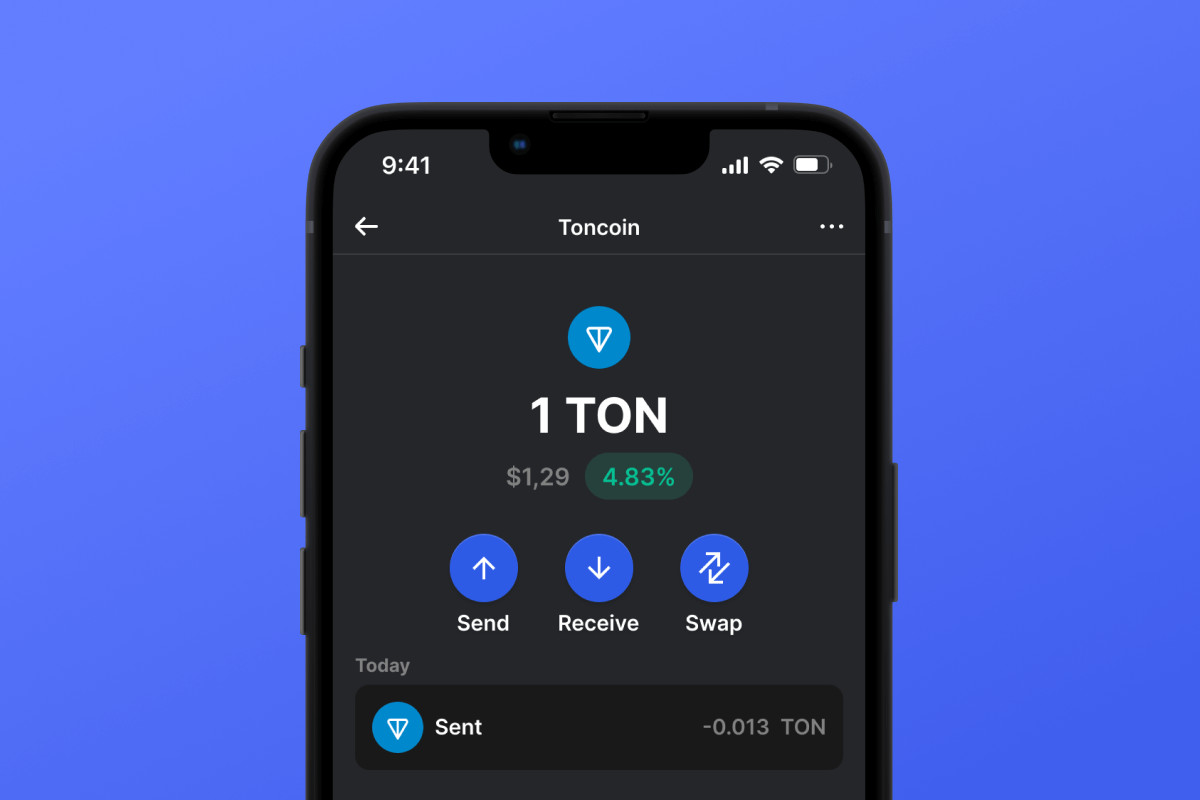
Toncoin (TON) Coin

Toncoin (TON) Portfel

Pobierz TON Wallet — Twój niezawodny przewodnik po The Open Network. Ten wygodny, bezpieczny, samoobsługowy portfel z kodem open source jest dostępny zarówno na iOS, jak i Androida, umożliwiając wygodne zarządzanie aktywami TON i Jetton, niezależnie od używanego urządzenia. Rozpocznij swoją podróż z najnowszą technologią blockchain już dziś dzięki TON Wallet. Zacznij już dziś!

Toncoin (TON) Portfel

Czym jest Toncoin?

Toncoin (TON) jest sercem ekosystemu The Open Network (TON). Pierwotnie wymyślona przez zespół Telegram, ta oparta na blockchainie technologia wyróżnia się szybkością, wydajnością i podejściem zorientowanym na użytkownika. Niezależnie od tego, czy jesteś nowicjuszem w kryptowalutach, czy doświadczonym ekspertem, Toncoin oferuje świeży, dynamiczny sposób interakcji z zdecentralizowanymi sieciami.

Korzyści z portfela Ton

Portfel Toncoin to nie tylko kolejny portfel kryptowalut; to Twój paszport do zdecentralizowanego świata TON. Oto dlaczego powinieneś rozważyć zmianę:

  • Jettony: Twój portfel TON zapewni Ci dostęp do tokenów w sieci TON. Niezależnie od tego, czy planujesz kolekcjonować swoje ulubione monety memowe, czy używać USDT TON do płacenia za towary i usługi, portfel poradzi sobie z każdym jettonem .
  • Przyjazny dla użytkownika interfejs: Bezproblemowo poruszaj się po świecie kryptowalut. Nasz portfel Ton został starannie zaprojektowany, aby oferować intuicyjne doświadczenie niezależnie od Twojego urządzenia.
  • Bezkonkurencyjne bezpieczeństwo: Śpij spokojnie wiedząc, że Twoje aktywa są bezpieczne. Dzięki najnowocześniejszym protokołom szyfrowania Twój Toncoin jest w bezpiecznych rękach.
  • Bezproblemowe transakcje: Ciesz się natychmiastowymi przelewami, niezależnie od tego, czy wysyłasz, czy odbierasz Toncoin. Dzięki wydajności blockchaina TON pożegnaj się z długim czasem oczekiwania.
  • Interoperacyjność: Dzięki Ton Bridge nie jesteś ograniczony do jednej sieci. Bezproblemowo przesyłaj swoje tokeny TON między Ethereum, Binance Smart Chain i innymi.
  • Dostęp do zdecentralizowanych aplikacji (DApps): Zanurz się w świecie zdecentralizowanych aplikacji dostępnych na wyciągnięcie ręki. Od finansów po gry, możliwości są nieograniczone.
  • Dostosowane powiadomienia: Bądź na bieżąco dzięki alertom w czasie rzeczywistym dotyczącym transakcji w Twoim portfelu. Nie przegap niczego!
  • Bezpośredni zakup TON: Kup Toncoin w naszej aplikacji w zaledwie trzech krokach, a zostanie on automatycznie zdeponowany w Twoim portfelu. Zapoznaj się ze szczegółami na naszej stronie Kup Toncoin lub wypróbuj go sam w portfelu!
  • Zgodność międzyplatformowa: Niezależnie od tego, czy chcesz pobrać aplikację Ton wallet APK na Androida, czy aplikację Ton wallet na iPhone'a, mamy dla Ciebie rozwiązanie.

Dołącz do rosnącej społeczności entuzjastów TON. Utwórz portfel Toncoin już dziś i rozpocznij zdecentralizowaną podróż z ufnością!

Why Gem Toncoin (TON) Wallet App Is the Best Choice?

Gem Wallet stands out as a leading Toncoin (TON) wallet solution, combining security, privacy, and usability in one powerful app. Here's why users choose Gem Wallet for their Toncoin (TON) needs:

Complete Control and Self-Custody

Full control of your private keys and seed phrase. No third party can access or restrict your Toncoin (TON). Your Toncoin (TON) is truly yours.

Maximum Privacy Protection

No tracking, no personal information, no data collection. Complete privacy and control over your Toncoin (TON).

Open-Source Transparency

Publicly available code on GitHub. Anyone can verify security and functionality, ensuring no hidden backdoors or vulnerabilities.

Multi-Platform Availability

Available on iOS, Android, and APK. Your Toncoin (TON) wallet works wherever you go.

Toncoin (TON) Wallet in Multiple Languages

Supporting 25+ languages including English, Russian, Spanish, Chinese, and Arabic. Fully localized for worldwide accessibility.

Built-In Toncoin (TON) Services

Buy Toncoin (TON) with 30+ payment methods. Swap TON through integrated DEX aggregator. Manage all crypto assets in one secure place.

Comparison: Gem Wallet vs Exchange Wallets

See how storing Toncoin (TON) in Gem Wallet differs from keeping it on exchanges

FeatureGem WalletExchange Wallets (Binance, Coinbase)
Registration Required❌ No✅ Yes (Full KYC)
Personal Data Collection❌ None✅ Extensive (ID, address, selfie)
Private Keys Control✅ You own them❌ Exchange controls
Account Can Be Frozen❌ Impossible✅ Yes
Setup Time2 minutes1-7 days (KYC verification)

Professional Security Features

  1. Biometric Authentication: Use Face ID, Touch ID, or fingerprint to secure your wallet
  2. PIN Protection: Set a strong PIN code as an additional security layer
  3. Encrypted Backups: Your seed phrase is stored securely and never leaves your device
  4. Regular Security Audits: Independent security reviews ensure wallet integrity
Gem Wallet private key security and self-custody crypto wallet features

What Users Say About Gem Toncoin (TON) Wallet

Quick Setup Guide (3 Steps)

How to Set Up a Toncoin (TON) Wallet in 2 Minutes

Creating a Toncoin (TON) wallet is simpler than opening a bank account. Gem Wallet guides you through the entire process in minutes, making it accessible for complete beginners.

onboarding view

1. Zdobądź Toncoin (TON) Portfel

Toncoin (TON) Portfel: iOS , Android & APK

recovery phrase screen

2. Utwórz Toncoin (TON) Portfel

Utwórz nowy portfel, zapisz tajną frazę i wprowadź swój adres Toncoin (TON).

3. Set Up Security for TON

Enable PIN or biometric authentication and you're ready to go

Create Toncoin (TON) Wallet for iOS

Creating a Toncoin (TON) wallet on iPhone (2 min):

  1. Open the App Store and search for "Gem Wallet"
  2. Download and install the app (it's free and under 50MB)
  3. Open Gem Wallet and tap "Create New Wallet"
  4. Write down your seed phrase on paper - this is your master backup
  5. Enable Face ID or set a PIN code for quick and secure access
  6. Done! Your Toncoin (TON) wallet address is now active

Create Toncoin (TON) Wallet for Android

Creating a Toncoin (TON) wallet on Android (2 min):

  1. Via Google Play: Search for "Gem Wallet" in the Play Store and install
  2. Via Direct APK: Download the APK file for maximum privacy and control
  3. Open the app and select "Create New Wallet"
  4. Write down your 12-word seed phrase on paper
  5. Set up fingerprint or PIN authentication
  6. Your Toncoin (TON) wallet is ready to use

Toncoin (TON) Wallet Without Registration

One of Toncoin (TON)'s core principles is financial freedom and privacy. Gem Wallet embodies this philosophy by offering a Toncoin (TON) wallet without registration - no email, no phone number, no identity verification required.

Why No-Registration Wallets Matter

Custodial Toncoin (TON) wallets and centralized exchanges (Coinbase, Binance) require extensive personal information through KYC (Know Your Customer) verification. Unlike self-custodial wallets, this creates several problems:

  • Privacy Risks: Your financial activity is tracked and can be sold to third parties or accessed by bad actors
  • Data Breaches: Centralized databases of personal information are prime targets for hackers
  • Censorship: Accounts can be frozen or restricted based on location, political views, or arbitrary decisions
  • Time-Consuming: KYC processes can take days or weeks to complete

Gem Wallet: True Private Toncoin (TON) Wallet

With Gem Wallet, you can create and use a Toncoin (TON) wallet with complete privacy:

  • No email address required
  • No phone number needed
  • No identity documents or selfies
  • No IP address tracking
  • No mandatory account creation

Simply download the app, create your wallet, and start using Toncoin (TON) within minutes. Your privacy is protected from the moment you install the app.

How to Get a Toncoin (TON) Address

To get a Toncoin (TON) wallet address, you first need to create or import a TON wallet. After that, the app will generate addresses for you automatically.

1 Open Gem Wallet

Launch the app on your phone and select Toncoin (TON) (TON) from your asset list.

2 Tap "Receive" Button

You'll see a large button at the bottom of the screen. Your Toncoin (TON) wallet address will be displayed both as text and as a QR code.

3 Copy Your Address

Copy the address to clipboard, share the QR code, or send it directly through messaging apps.

Get Toncoin (TON) wallet address in Gem Wallet
🔄 Unlimited Addresses

In Gem Wallet, you can generate unlimited Toncoin (TON) addresses for free. Each address is derived from your seed phrase and remains under your control forever.

📱 Using QR Codes

No Typing Errors - Scanning prevents copy-paste mistakes

Faster Transactions - Just show your phone screen

Perfect for in-person Toncoin (TON) payments


















