


Open USD (OUSD) Coin

Open USD (OUSD) Wallet

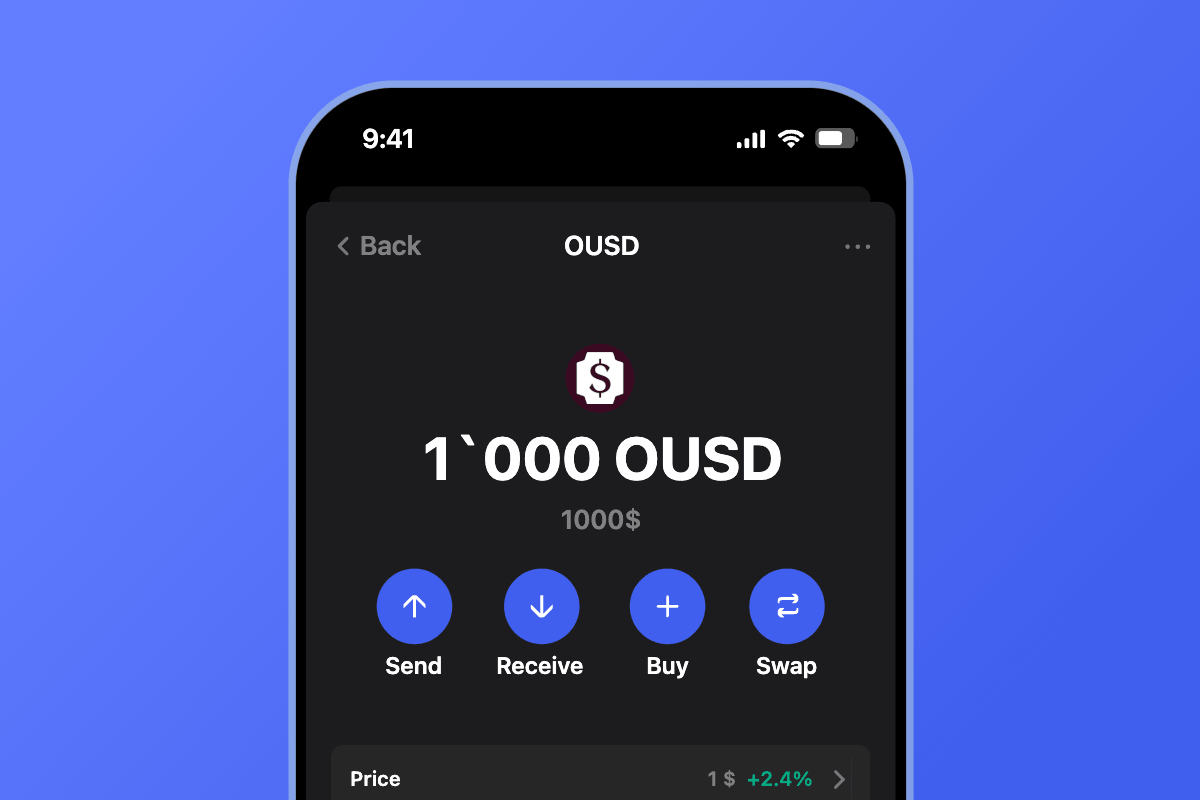
Gem Wallet is a self-custodial OUSD wallet for iOS, Android, and APK. It gives you addresses on Ethereum, Base, Solana, and Tempo in under two minutes, so you can hold, send, and receive Open USD on every network where it is issued. Gem Wallet keeps the keys on your device and lets you swap OUSD through its built-in DEX aggregator.

Open USD (OUSD) Wallet

What Is OUSD (Open USD)?

OUSD (Open USD) is a US dollar stablecoin created by Open Standard, an independent company founded by Coinbase, Mastercard, Shopify, Stripe, and Visa. The token itself is issued by Bridge, the stablecoin infrastructure company owned by Stripe. Open Standard announced the project in June 2026, and OUSD went live on September 30, 2026, on four networks at once: Ethereum, Base, Solana, and Tempo.

OUSD reserves are held at BlackRock, Lead Bank, and BNY, and Bridge publishes monthly reserve attestations at reserves.bridge.xyz/ousd. Businesses can mint and burn OUSD at a 1:1 rate with US dollars at no cost through Open Standard partners. The five founders committed more than $1 billion to OUSD liquidity at launch, and OUSD trades on Coinbase, Kraken, and Uniswap. Partners that adopt OUSD earn rewards in proportion to the OUSD supply and activity they bring to the network.

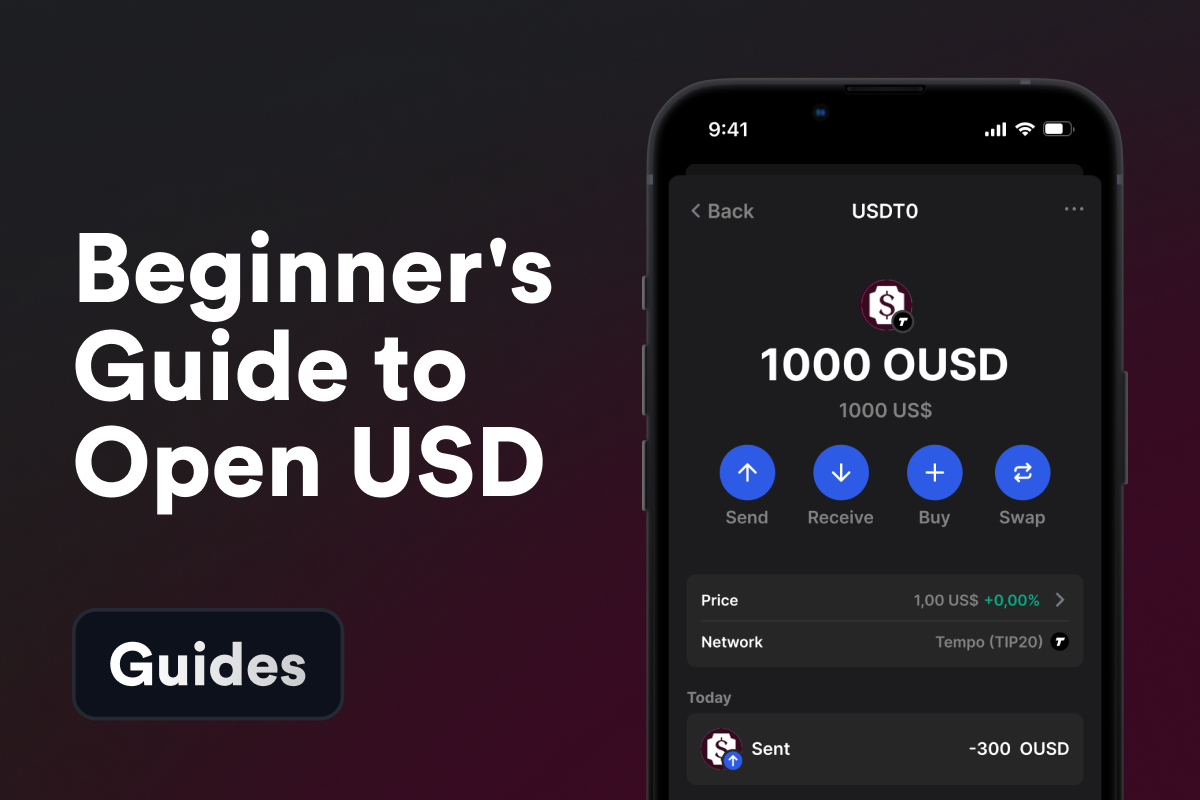
The ticker OUSD was in use before Open USD: Origin Dollar, a token from Origin Protocol, also trades as OUSD on Ethereum. The two are unrelated tokens with different contracts, so the contract address is the only reliable way to tell them apart. For a beginner-level overview of how OUSD compares with USDC and USDT, see our Open USD guide.

What Is an OUSD Wallet?

An OUSD wallet is an app that holds the private keys to your blockchain addresses and shows the Open USD balance on each of them. Because OUSD is issued separately on Ethereum, Base, Solana, and Tempo, a full OUSD wallet needs an address on each of these networks, and each address keeps its own OUSD balance. OUSD on Base and OUSD on Solana share a name and a dollar value, but they live on different ledgers.

In a self-custodial wallet, the private keys stay on your phone, not on an exchange server. Only the holder of the keys can sign a transfer, and the recovery phrase is the only thing you need to restore access.

Gem Wallet is a self-custodial OUSD wallet that derives all four OUSD addresses from one 12-word recovery phrase. Your keys are encrypted on your device, and the same phrase restores your Ethereum, Base, Solana, and Tempo addresses together if you change phones.

OUSD on Ethereum, Base, Solana, and Tempo

OUSD on Ethereum. The Ethereum version is an ERC20 token on a 0x address, the same address that holds your ETH and other ERC20 tokens. Fees are paid in ETH.

OUSD on Base. Base is an Ethereum layer 2 network, so your Base address looks exactly like your Ethereum address. The networks are still separate: OUSD sent on Base arrives only on Base. Fees are paid in ETH on Base.

OUSD on Solana. On Solana, OUSD is issued natively with the Token-2022 program, the newer version of the SPL token standard, with no wrapped version. Solana addresses are base58 strings, not 0x addresses. Fees are paid in SOL.

OUSD on Tempo. Tempo is a payments blockchain incubated by Paradigm and Stripe, and OUSD there is a TIP-20 token. Tempo has no native gas coin: fees are paid in USD stablecoins, and a basic transfer typically costs less than $0.001 with finality in about 0.6 seconds, according to tempo.xyz.

OUSD Contract Addresses

NetworkOUSD contractAddress typeFee paid in
Ethereum0x9f6F3991D525015a6F8CaF062C83b62fD3AC44360x (42 characters)ETH
Base0xB2000000000000000000002fEb517dFeC74153440x (42 characters)ETH
Solanaousd2mJsPEckLHcSCDxyKD7NDGARZcfLbDZkKiatYHBbase58SOL
Tempo0x20c0000000000000000000006a37DA5C996874BE0x (42 characters)USD stablecoins

Data source: Open Standard, OUSD is live, as of October 2026.

Three of the four networks use the same 0x address format, so the address alone does not show which network a transfer goes to. When you withdraw OUSD from an exchange or send it to another person, pick the same network on both sides. A token named OUSD at any other contract is not Open USD.

How OUSD Transfers and Fees Work

An OUSD transfer is a token transfer, so the network charges its fee in its own fee asset, not in OUSD. On Ethereum and Base you need a small amount of ETH, on Solana you need SOL, and on Tempo the fee is paid in a USD stablecoin. Moving OUSD from one network to another is not a regular transfer: sending OUSD from Base to a Solana address does not work, and moving it between networks takes a cross-chain swap.

Gem Wallet shows the network fee before you confirm a transfer, and its built-in DEX aggregator lets you swap OUSD for other assets such as USDC without leaving the app. If you hold fiat rather than crypto, you can also buy OUSD with a card or a bank transfer on any of the four networks.

Where Open Standard Restricts OUSD Promotion

Open Standard publishes a list of geo restrictions and prohibited use cases for its network partners. Partners may promote OUSD globally except in 21 listed regions, including the European Economic Area, Russia, and sanctioned jurisdictions, and may not promote it for 29 categories of use, such as gambling, prediction markets, and weapons. The rules apply to how partners promote OUSD. Check the current list before you use OUSD in a business.

Download Gem Wallet and keep your Open USD on Ethereum, Base, Solana, and Tempo under your own keys.

Why Choose Gem Wallet as Your Open USD (OUSD) Wallet

Gem Wallet is a Open USD (OUSD) wallet where you control your keys and your funds. The code is publicly available on GitHub. Your activity is not tracked, and you can buy, swap, and use Open USD (OUSD) directly from the app.

Self-Custody

Control and Self-Custody

Full control of your private keys and secret phrase. No third party can access or restrict your OUSD. Your OUSD is truly yours.

Privacy

Privacy Protection

No tracking, no personal information, no data collection. Complete privacy and control over your Open USD (OUSD).

Open-Source

Audited

Publicly available code on GitHub, independently audited by CertiK in April 2026.

Staking

Multi-Platform

Available on iOS, Android, and APK. Your Open USD (OUSD) wallet works wherever you go.

Pioneer

Open USD (OUSD) Wallet in Multiple Languages

Supporting 25+ languages including English, Spanish, Chinese, Russian, and Arabic. Fully localized for worldwide accessibility.

Cross-chain

Built-In Open USD (OUSD) Services

Buy Open USD (OUSD) with 30+ payment methods. Swap OUSD through integrated DEX aggregator. Manage all crypto assets in one secure place.

Comparison: Gem Wallet vs Exchange Wallets

See how storing Open USD (OUSD) in Gem Wallet differs from keeping it on exchanges

FeatureGem WalletExchange Wallets (Binance, Coinbase)
Registration Required✅ None❌ Full KYC
Personal Data Collection✅ None❌ Extensive (ID, address, selfie)
Open-Source✅ Fully transparent❌ Closed source
Private Keys Control✅ Yes❌ No
Account Freezing✅ Impossible❌ Possible
Setup Time✅ 2 minutes⚠️ 1-7 days (KYC verification)

Professional Security Features

  1. Biometric Authentication: Use Face ID, Touch ID, or fingerprint to secure your wallet
  2. PIN Protection: Set a strong PIN code as an additional security layer
  3. Encrypted Backups: Your secret phrase is stored securely and never leaves your device
  4. Regular Security Audits: Independent security reviews ensure wallet integrity. Learn more about security →
Gem Wallet private key security and self-custody crypto wallet features

What Open USD (OUSD) Users Say About Gem Wallet

How to Set Up a Open USD (OUSD) Wallet in 2 Minutes

Quick Setup Guide (3 Steps)

Creating a Open USD (OUSD) wallet is simpler than opening a bank account. Gem Wallet guides you through the entire process in minutes, making it accessible for complete beginners.

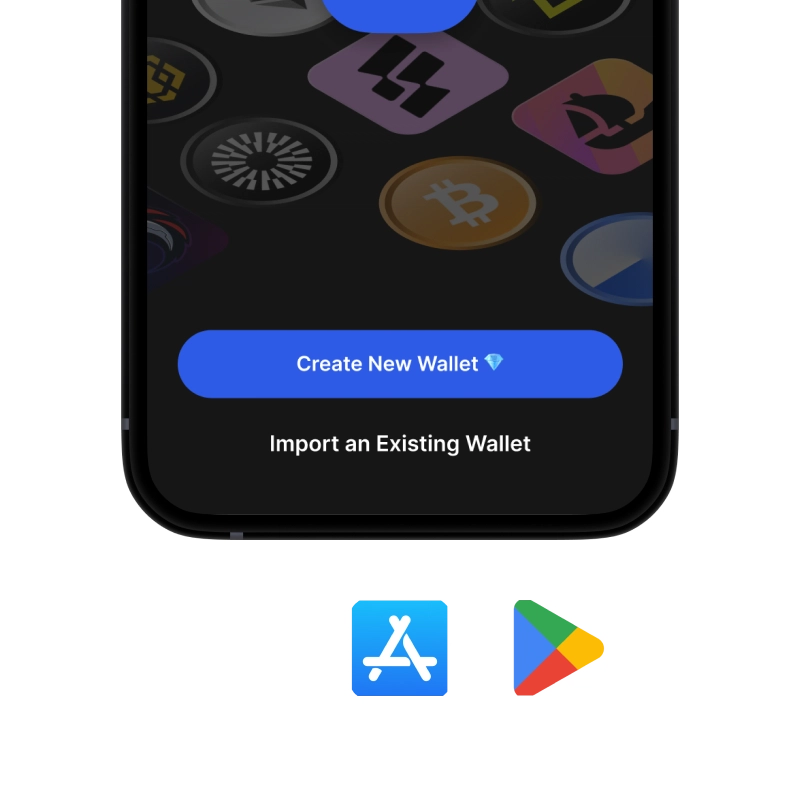
onboarding view

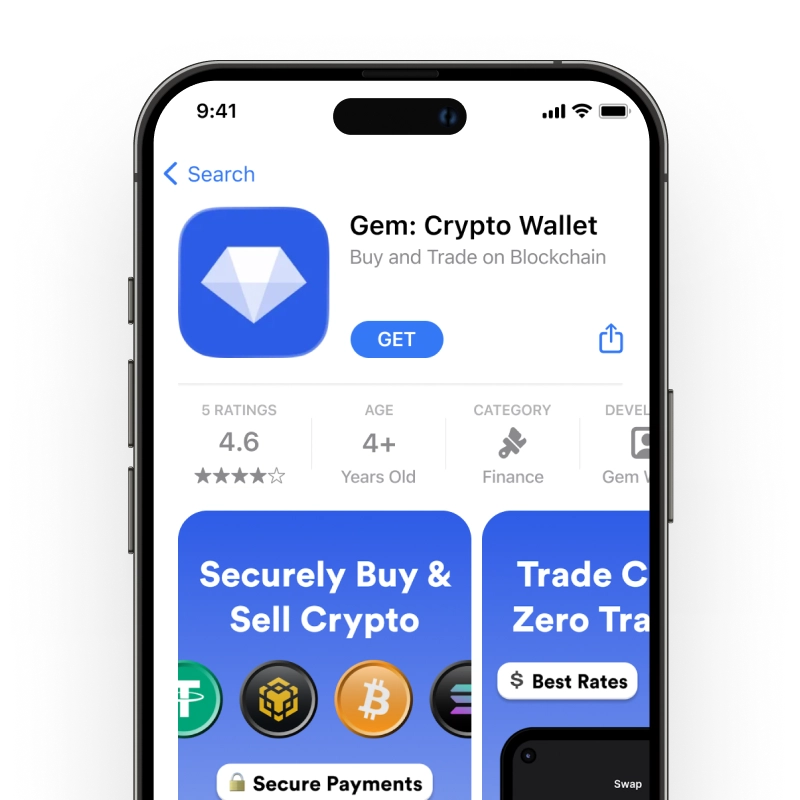
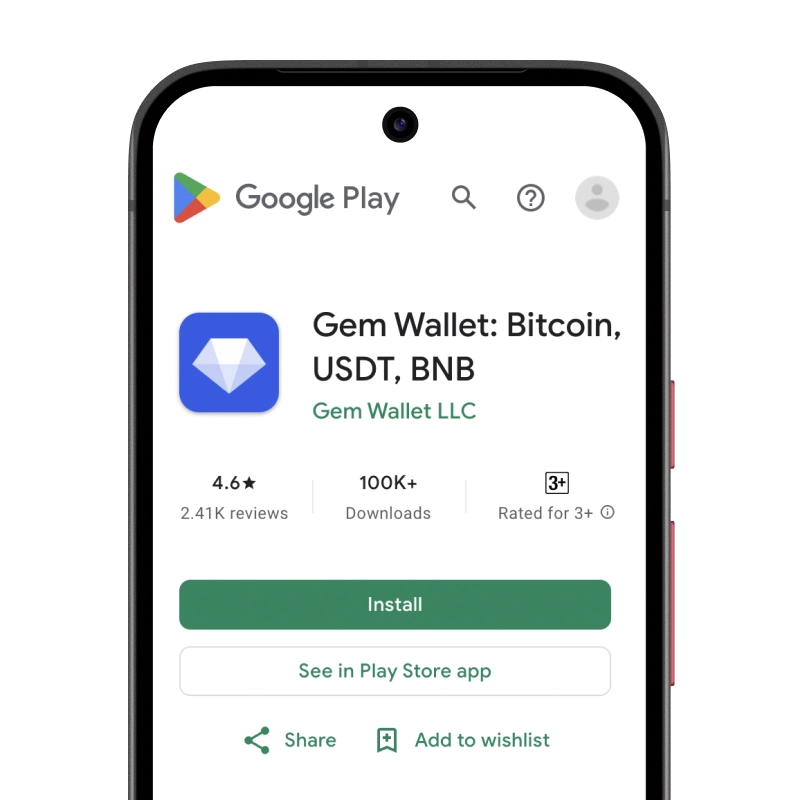
1. Download Open USD (OUSD) Wallet

Open USD (OUSD) Wallet: iOS, Android & APK

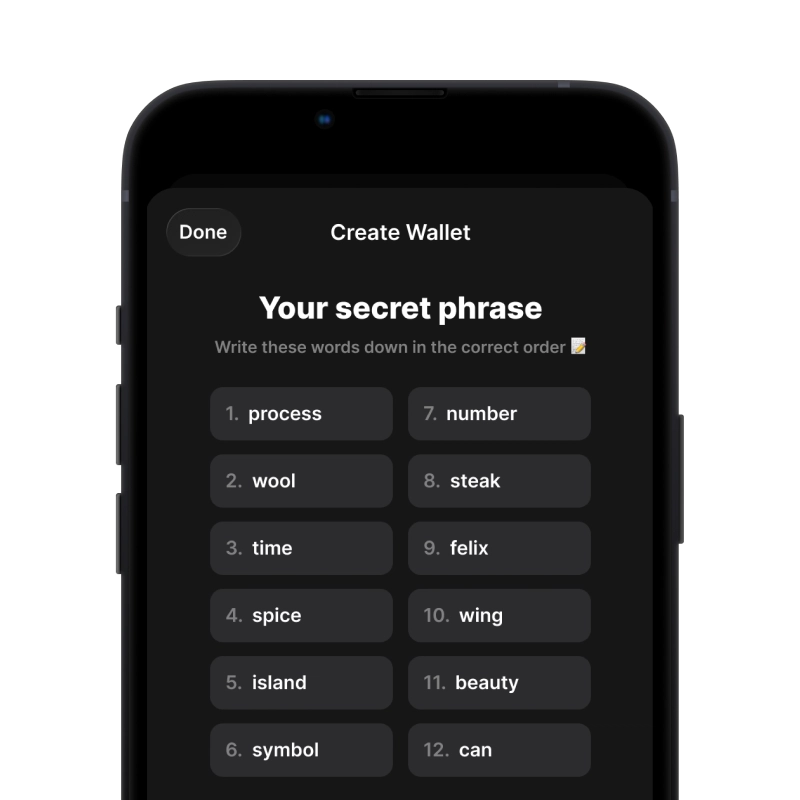
recovery phrase screen

2. Create Open USD (OUSD) Wallet

Create a new wallet, save the secret phrase, and get your address in Open USD (OUSD).

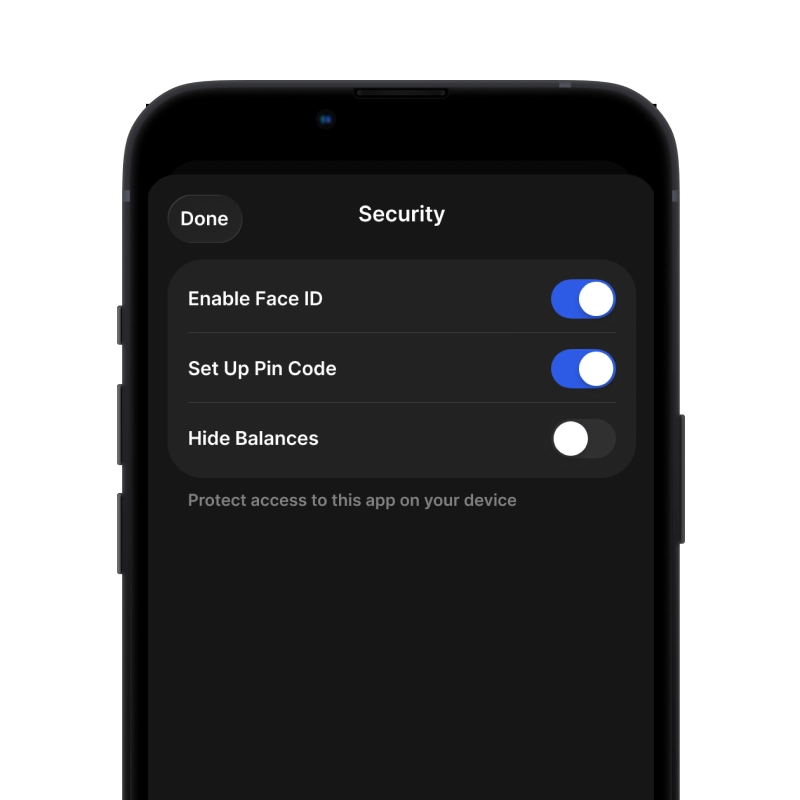
gem wallet security settings

3. Set Up Security for OUSD

Enable PIN or biometric authentication and you're ready to go

Create Open USD (OUSD) Wallet for iOS

Get your OUSD wallet on iPhone (2 min):

  1. Open the App Store and search for "Gem Wallet"
  2. Download and install the app (it's free and under 50MB)
  3. Open Gem Wallet and tap "Create New Wallet"
  4. Write down your secret phrase on paper - this is your master backup
  5. Enable Face ID or set a PIN code for quick and secure access
  6. Done!
Download Gem Wallet for iOS
Open USD (OUSD) wallet for iOS

Create Open USD (OUSD) Wallet for Android

Get your OUSD wallet on Android (2 min):

  1. Via Google Play: Search for “Gem Wallet” in the Play Store and install
  2. APK: Download the APK file for maximum privacy and control
  3. Open the app and select "Create New Wallet"
  4. Write down your 12-word secret phrase on paper
  5. Set up fingerprint or PIN authentication
  6. Done!

How to Get a Open USD (OUSD) Address

To get a Open USD (OUSD) wallet address, you first need to create or import a Open USD (OUSD) wallet. After that, the app will generate addresses for you automatically.

1 Open Gem Wallet

Launch the app on your phone and select Open USD (OUSD) (OUSD) from your asset list.

2 Tap "Receive" Button

You'll see a large button at the bottom of the screen. Your Open USD (OUSD) wallet address will be displayed both as text and as a QR code.

3 Copy Your Address

Copy the address to clipboard, share the QR code, or send it directly through messaging apps.

Get Open USD (OUSD) wallet address in Gem Wallet
🔄 Unlimited Addresses

In Gem Wallet, you can generate unlimited Open USD (OUSD) addresses for free. Each address is derived from your secret phrase and remains under your control forever.

📱 Using QR Codes
  • ✅ No Typing Errors - Scanning prevents copy-paste mistakes
  • ✅ Faster Transactions - Just show your phone screen
  • ✅ Perfect for in-person OUSD payments

Frequently Asked Questions

OUSD (Open USD) is a US dollar stablecoin issued by Bridge, a Stripe company, under Open Standard, a company founded by Coinbase, Mastercard, Shopify, Stripe, and Visa. It went live on September 30, 2026, on Ethereum, Base, Solana, and Tempo. Each OUSD is redeemable 1:1 for US dollars, with reserves held at BlackRock, Lead Bank, and BNY.
No. Origin Dollar is an older token from Origin Protocol that also uses the OUSD ticker on Ethereum, at a different contract address. Open USD on Ethereum uses the contract 0x9f6F3991D525015a6F8CaF062C83b62fD3AC4436. Always check the contract address before you receive or swap a token called OUSD.
OUSD is issued natively on four networks - Ethereum, Base, Solana, and Tempo. Each network has its own OUSD contract, and there is no wrapped version on Solana. OUSD on one network is a separate balance from OUSD on another, so the sender and the receiver must use the same network.
Open Gem Wallet, choose the network the exchange withdraws OUSD on, and copy your address for that network - an address starting with 0x for Ethereum, Base, or Tempo, or a base58 Solana address. Paste it into the exchange withdrawal form and select the same network there. A transfer to the right address on the wrong network can lead to lost funds.
The fee is paid in the network’s own fee asset - ETH on Ethereum and Base, SOL on Solana. Tempo has no native gas coin, so fees there are paid in USD stablecoins. Keep a small amount of the right fee asset next to your OUSD before you send it.
Bridge holds the reserves behind OUSD at BlackRock, Lead Bank, and BNY and publishes monthly reserve attestations at reserves.bridge.xyz/ousd. Businesses working with Open Standard partners can mint and redeem OUSD at a 1:1 rate with US dollars.

Your Open USD (OUSD) Wallet Is Ready

App Store 4.9 ★ on App Store | Google Play 4.8 ★ on Google Play
Download Now