



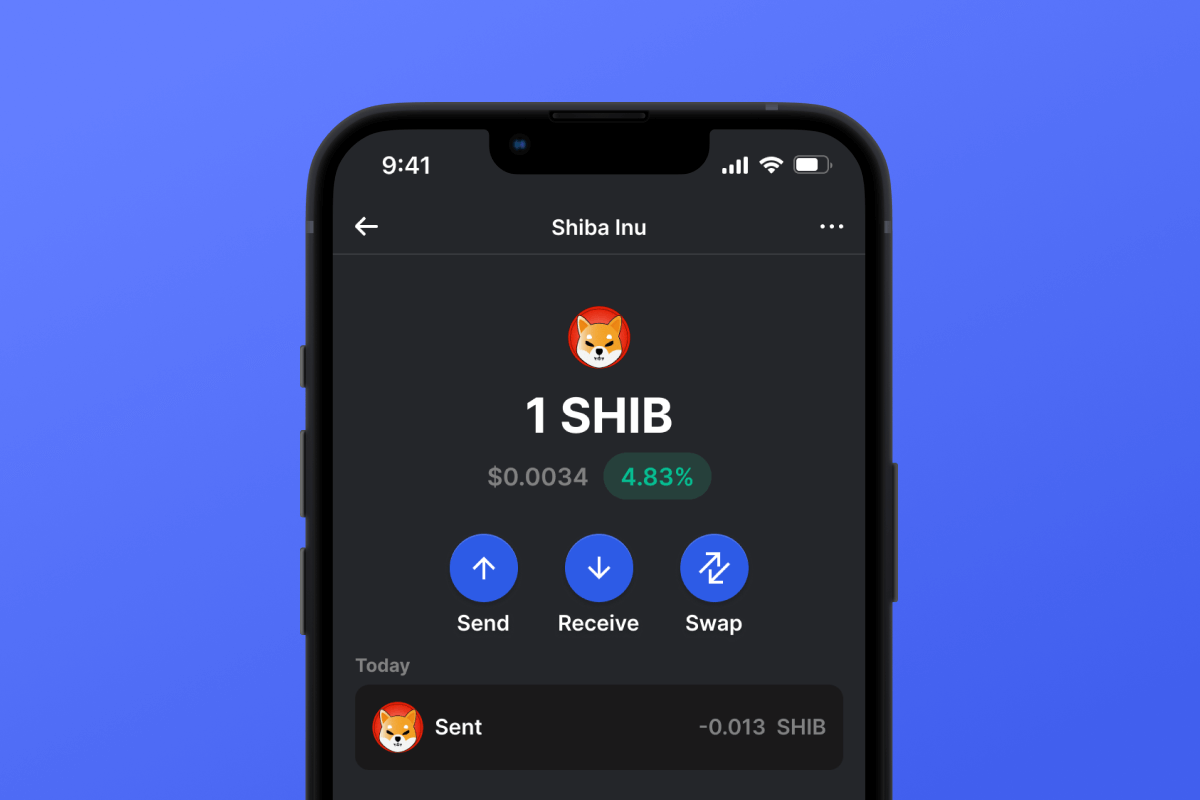
Shiba Inu (SHIB) Coin

Shiba Inu (SHIB) Portemonnee

Ontdek de uitgebreide gids over de Shiba Inu-wallet. Duik in het ecosysteem van SHIB, van ShibaSwap tot BONE-tokens. Mis het niet - download nu de wallet-app.

Shiba Inu (SHIB) Portemonnee

Wat is Shiba Inu?

Shiba Inu (SHIB) is een opmerkelijke cryptocurrency die wordt bestempeld als de ' Dogecoin killer'. Het werd geboren in augustus 2020 en opereert op het Ethereum-platform, met een unieke gedecentraliseerde exchange, ShibaSwap. Met een levendige community en dynamische functies is SHIB wallet jouw toegangspoort tot de cryptowereld.

Shiba Inu ERC20 Wallet

ERC20 is een protocolstandaard die de regels voor tokens op de Ethereum-blockchain definieert. Het zorgt voor compatibiliteit met het Ethereum-ecosysteem, inclusief wallets en exchanges. Deze tokens, zoals Shiba Inu (SHIB), functioneren op dezelfde manier als Ethereum's native valuta, Ether, en kunnen worden gebruikt in gedecentraliseerde applicaties. De standaardisatie van ERC20-tokens vereenvoudigt hun uitwisseling en integratie met verschillende op Ethereum gebaseerde applicaties.

Voordelen van de Shiba Inu Wallet

Met de Shiba Inu Wallet stapt u in een ecosysteem dat meer is dan alleen een digitale valuta. Het dient niet alleen als een veilige kluis voor uw SHIB-tokens, maar faciliteert ook naadloze handel op ShibaSwap. Wilt u staken, handelen of beloningen verdienen? De SHIB Wallet heeft u gedekt. Duik in functies zoals:

  • Liquiditeitsvoorziening: Verstrek en neem moeiteloos liquiditeit op.
  • Stakingbeloningen: Stake SHIB, LEASH of BONE en oogst BONE-tokens als beloningen.
  • Ruilen: Soepel overstappen tussen meerdere crypto-activa.
  • Bijhouden en analyseren: Het Bonefolio-dashboard biedt inzicht in rentetarieven en rendementen.
  • Exclusieve NFT's: Krijg de felbegeerde Shiboshi NFT's in handen.

Van de casual trader tot de fervente crypto-enthousiasteling, de SHIB-muntportemonnee voldoet aan uiteenlopende behoeften, met de nadruk op gebruikerservaring en financiële bekwaamheid.

Waarom is Shiba Inu (SHIB) Wallet Gem de beste keuze?

Gem Wallet onderscheidt zich als een toonaangevende wallet-oplossing voor Shiba Inu (SHIB), die veiligheid, privacy en gebruiksgemak combineert in één krachtige app. Dit is waarom gebruikers Gem Wallet kiezen voor hun Shiba Inu (SHIB)-behoeften:

Volledige controle

Volledige controle over uw privésleutels en herstelzin. Geen enkele derde partij heeft toegang tot uw Shiba Inu (SHIB) en kan deze beperken. Uw Shiba Inu (SHIB) is echt van u.

Bescherming van de privacy

Geen tracking, geen persoonlijke informatie, geen gegevensverzameling. Volledige privacy en controle over uw Shiba Inu (SHIB).

Open-source

Openbaar beschikbare code op GitHubwaardoor iedereen de beveiliging en functionaliteit kan controleren.

Platformoverschrijdend

Beschikbaar voor iOS, Android en APK. Je Shiba Inu (SHIB) wallet werkt overal waar je bent.

Shiba Inu (SHIB) Wallet in meerdere talen

Ondersteuning voor meer dan 25 talen, waaronder Engels, Spaans, Chinees, Russisch en Arabisch. Volledig gelokaliseerd voor wereldwijde toegankelijkheid.

Ingebouwde Shiba Inu (SHIB)-services

Koop Shiba Inu (SHIB) met meer dan 30 betaalmethoden. Wissel SHIB Via een geïntegreerde DEX-aggregator. Beheer al uw crypto-activa op één veilige plek.

Vergelijking: Gem Wallet versus Exchange Wallets

Ontdek hoe het opslaan van Shiba Inu (SHIB) in Gem Wallet verschilt van het bewaren ervan op beurzen.

FunctieGem WalletExchange wallets (Binance, Coinbase)
Registratie vereist✅ Geen❌ Volledige KYC-procedure
Verzameling van persoonsgegevens✅ Geen❌ Uitgebreid (ID, adres, selfie)
Open-source✅ Volledig transparant❌ Gesloten bron
Controle van privésleutels✅ Ja❌ Nee
Accountblokkering✅ Onmogelijk❌ Mogelijk
Insteltijd✅ 2 minuten⚠️ 1-7 dagen (KYC-verificatie)

Professionele beveiligingsfuncties

  1. Biometrische authenticatieGebruik Face ID, Touch ID of je vingerafdruk om je portemonnee te beveiligen.
  2. PIN-beveiligingStel een sterke pincode in als extra beveiligingslaag.
  3. Versleutelde back-upsUw herstelzin wordt veilig opgeslagen en verlaat uw apparaat nooit.
  4. Regelmatige beveiligingsauditsOnafhankelijke veiligheidscontroles garanderen de integriteit van de portemonnee.
Gem Wallet private key security and self-custody crypto wallet features

Wat gebruikers zeggen over de Gem Shiba Inu (SHIB) portemonnee

Hoe u in 2 minuten een Shiba Inu (SHIB) wallet kunt instellen

Snelstartgids (3 stappen)

Het aanmaken van een Shiba Inu (SHIB) wallet is eenvoudiger dan het openen van een bankrekening. Gem Wallet begeleidt je binnen enkele minuten door het hele proces, waardoor het toegankelijk is voor complete beginners.

onboarding view

1. Krijgen Shiba Inu (SHIB) Portemonnee

Shiba Inu (SHIB) Portemonnee: iOS , Android & APK

recovery phrase screen

2. Creëren Shiba Inu (SHIB) Portemonnee

Maak een nieuwe portemonnee, bewaar de geheime zin en ontvang uw adres in Shiba Inu (SHIB).

gem wallet security settings

3. Set Up Security for SHIB

Enable PIN or biometric authentication and you're ready to go

Create Shiba Inu (SHIB) Wallet for iOS

Creating a Shiba Inu (SHIB) wallet on iPhone (2 min):

  1. Open the App Store and search for "Gem Wallet"
  2. Download and install the app (it's free and under 50MB)
  3. Open Gem Wallet and tap "Create New Wallet"
  4. Write down your seed phrase on paper - this is your master backup
  5. Enable Face ID or set a PIN code for quick and secure access
  6. Done! Your Shiba Inu (SHIB) wallet address is now active

Create Shiba Inu (SHIB) Wallet for Android

Creating a Shiba Inu (SHIB) wallet on Android (2 min):

  1. Via Google Play: Search for "Gem Wallet" in the Play Store and install
  2. Via Direct APK: Download the APK file for maximum privacy and control
  3. Open the app and select "Create New Wallet"
  4. Write down your 12-word seed phrase on paper
  5. Set up fingerprint or PIN authentication
  6. Your Shiba Inu (SHIB) wallet is ready to use

Shiba Inu (SHIB) Wallet Without Registration

One of Shiba Inu (SHIB)'s core principles is financial freedom and privacy. Gem Wallet embodies this philosophy by offering a Shiba Inu (SHIB) wallet without registration - no email, no phone number, no identity verification required.

Why No-Registration Wallets Matter

Custodial Shiba Inu (SHIB) wallets and centralized exchanges (Coinbase, Binance) require extensive personal information through KYC (Know Your Customer) verification. Unlike self-custodial wallets, this creates several problems:

  • Privacy Risks: Your financial activity is tracked and can be sold to third parties or accessed by bad actors
  • Data Breaches: Centralized databases of personal information are prime targets for hackers
  • Censorship: Accounts can be frozen or restricted based on location, political views, or arbitrary decisions
  • Time-Consuming: KYC processes can take days or weeks to complete

Gem Wallet: True Private Shiba Inu (SHIB) Wallet

With Gem Wallet, you can create and use a Shiba Inu (SHIB) wallet with complete privacy:

  • No email address required
  • No phone number needed
  • No identity documents or selfies
  • No IP address tracking
  • No mandatory account creation

Simply download the app, create your wallet, and start using Shiba Inu (SHIB) within minutes. Your privacy is protected from the moment you install the app.

Hoe krijg ik een Shiba Inu (SHIB) adres?

Om een ​​Shiba Inu (SHIB) walletadres te krijgen, moet u eerst een Shiba Inu (SHIB) wallet aanmaken of importeren. Daarna genereert de app automatisch adressen voor u.

1 Open Gem Wallet

Start de app op je telefoon en selecteer Shiba Inu (SHIB) (SHIB) uit je lijst met activa.

2 Tik op de knop "Ontvangen".

Je ziet een grote knop onderaan het scherm. Je Shiba Inu (SHIB) walletadres wordt zowel als tekst als als QR-code weergegeven.

3 Kopieer uw adres

Kopieer het adres naar het klembord, deel de QR-code of verstuur het direct via berichtenapps.

Get Shiba Inu (SHIB) wallet address in Gem Wallet
🔄 Onbeperkt aantal adressen

In Gem Wallet kunt u gratis een onbeperkt aantal Shiba Inu (SHIB) adressen genereren. Elk adres is afgeleid van uw seed phrase en blijft voor altijd onder uw controle.

📱 QR-codes gebruiken
  • Geen typefouten - Scannen voorkomt fouten bij kopiëren en plakken
  • Snellere transacties - Laat gewoon je telefoonscherm zien
  • Perfect voor een persoonlijke ontmoeting. Shiba Inu (SHIB) betalingen


















