Bitcoin Coin

Bitcoin Dompet

Cipta Dompet Bitcoin Yang Selamat — untuk menyimpan, membeli, menukar dan mengurus aset BTC anda. Peribadi, self-custodial (simpanan kendiri), sumber terbuka, tersedia di Android dan iOS. Kekal selamat dengan Dompet Bitcoin!

Bitcoin Dompet

Apa Itu Bitcoin?

Bitcoin, yang biasa disebut BTC, adalah pengubah permainan dalam kewangan. Dilancarkan pada 2009 oleh pencipta berpsedonim yang dikenali sebagai Satoshi Nakamoto, ia beroperasi tanpa pihak berkuasa pusat, membolehkan transaksi terdesentralisasi dan telus. Dengan bekalan maksimum 21 juta, Bitcoin memastikan kelangkaan dan pemeliharaan nilai jangka panjang. Sebagai perintis dunia kripto, etos open-source dan teknologi blockchain yang mantap menjadikannya asas kewangan digital.

Dompet Bitcoin Peribadi

Dompet Bitcoin peribadi — juga dipanggil dompet anonim — adalah langkah perlu dalam dunia yang tidak stabil hari ini. Kenaikan pantas nilai aset kripto, terutamanya Bitcoin, menarik perhatian syarikat dan pelaku jahat yang menjalankan pemantauan dan amalan pencerobohan lain. Oleh itu kami membina Dompet Bitcoin peribadi dan open-source yang tidak meminta data peribadi anda dan membantu memastikan privasi serta aset anda selamat. Tidak percayakan Google? Tiada masalah — muat turun APK Bitcoin Wallet atau bina APK anda sendiri terus dari kod sumber; anda kekal memegang kawalan penuh terhadap tahap privasi anda.

Kelebihan Dompet Bitcoin

Privasi dan keselamatan adalah aspek asas dompet Bitcoin yang baik, tetapi kami juga menambah ciri tambahan untuk keselesaan dan kemudahan:

  • Keselamatan: Dompet Bitcoin memberikan perlindungan standard industri untuk aset anda. Ia sepenuhnya self-custodial — seed phrase dan kunci peribadi hanya di tangan anda dan tidak disimpan oleh kami.
  • Privasi: Zero-tracking dan falsafah open-source. Anda tidak perlu memberikan data peribadi untuk menggunakan dompet ini.
  • Sandaran & Pemulihan: Import Dompet Bitcoin anda menggunakan seed phrase atau buat sandaran selamat dalam beberapa klik.
  • Pembelian BTC Terus: Beli BTC dengan kad kredit terus dalam dompet dalam tiga langkah mudah; dana akan didepositkan secara automatik ke alamat anda. Ketahui lebih lanjut di halaman Buy Bitcoin.
  • Perdagangan: Berdagang dan tukarkan Bitcoin terus dalam dompet melalui integrasi DEX terbina — yuran rendah, privasi dan kemudahan.
  • Aksesibiliti & Kegunaan: Dompet Bitcoin tersedia di iOS dan Android; antara muka menggabungkan reka bentuk ringkas namun fungsional dengan semua ciri penting serta analitik dan amaran harga boleh disesuaikan.

Bina Dompet Bitcoin yang selamat dalam beberapa klik dan sertai revolusi blockchain hari ini!

Why Gem Bitcoin Wallet App Is the Best Choice?

Gem Wallet stands out as a leading Bitcoin wallet solution, combining security, privacy, and usability in one powerful app. Here's why users choose Gem Wallet for their Bitcoin needs:

Complete Control and Self-Custody

Full control of your private keys and seed phrase. No third party can access or restrict your Bitcoin. Your Bitcoin is truly yours.

Maximum Privacy Protection

No tracking, no personal information, no data collection. Complete privacy and control over your Bitcoin.

Open-Source Transparency

Publicly available code on GitHub. Anyone can verify security and functionality, ensuring no hidden backdoors or vulnerabilities.

Multi-Platform Availability

Available on iOS, Android, and APK. Your Bitcoin wallet works wherever you go.

Bitcoin Wallet in Multiple Languages

Supporting 25+ languages including English, Russian, Spanish, Chinese, and Arabic. Fully localized for worldwide accessibility.

Built-In Bitcoin Services

Buy Bitcoin with 30+ payment methods. Swap Bitcoin through integrated DEX aggregator. Manage all crypto assets in one secure place.

Comparison: Gem Wallet vs Exchange Wallets

See how storing Bitcoin in Gem Wallet differs from keeping it on exchanges

FeatureGem WalletExchange Wallets (Binance, Coinbase)
Registration Required❌ No✅ Yes (Full KYC)
Personal Data Collection❌ None✅ Extensive (ID, address, selfie)
Private Keys Control✅ You own them❌ Exchange controls
Account Can Be Frozen❌ Impossible✅ Yes
Setup Time2 minutes1-7 days (KYC verification)

Professional Security Features

  1. Biometric Authentication: Use Face ID, Touch ID, or fingerprint to secure your wallet
  2. PIN Protection: Set a strong PIN code as an additional security layer
  3. Encrypted Backups: Your seed phrase is stored securely and never leaves your device
  4. Regular Security Audits: Independent security reviews ensure wallet integrity
Gem Wallet private key security and self-custody crypto wallet features

What Users Say About Gem Bitcoin Wallet

Quick Setup Guide (3 Steps)

How to Set Up a Bitcoin Wallet in 2 Minutes

Creating a Bitcoin wallet is simpler than opening a bank account. Gem Wallet guides you through the entire process in minutes, making it accessible for complete beginners.

onboarding view

1. Dapatkan Bitcoin Dompet

Bitcoin Dompet: iOS , & APK

recovery phrase screen

2. Cipta Bitcoin Dompet

Cipta dompet baharu, simpan frasa rahsia dan masukkan alamat anda Bitcoin.

3. Set Up Security for Bitcoin

Enable PIN or biometric authentication and you're ready to go

Create Bitcoin Wallet for iOS

Creating a Bitcoin wallet on iPhone (2 min):

  1. Open the App Store and search for "Gem Wallet"
  2. Download and install the app (it's free and under 50MB)
  3. Open Gem Wallet and tap "Create New Wallet"
  4. Write down your seed phrase on paper - this is your master backup
  5. Enable Face ID or set a PIN code for quick and secure access
  6. Done! Your Bitcoin wallet address is now active

Create Bitcoin Wallet for Android

Creating a Bitcoin wallet on Android (2 min):

  1. Via Google Play: Search for "Gem Wallet" in the Play Store and install
  2. Via Direct APK: Download the APK file for maximum privacy and control
  3. Open the app and select "Create New Wallet"
  4. Write down your 12-word seed phrase on paper
  5. Set up fingerprint or PIN authentication
  6. Your Bitcoin wallet is ready to use

Bitcoin Wallet Without Registration

One of Bitcoin's core principles is financial freedom and privacy. Gem Wallet embodies this philosophy by offering a Bitcoin wallet without registration - no email, no phone number, no identity verification required.

Why No-Registration Wallets Matter

Custodial Bitcoin wallets and centralized exchanges (Coinbase, Binance) require extensive personal information through KYC (Know Your Customer) verification. Unlike self-custodial wallets, this creates several problems:

  • Privacy Risks: Your financial activity is tracked and can be sold to third parties or accessed by bad actors
  • Data Breaches: Centralized databases of personal information are prime targets for hackers
  • Censorship: Accounts can be frozen or restricted based on location, political views, or arbitrary decisions
  • Time-Consuming: KYC processes can take days or weeks to complete

Gem Wallet: True Private Bitcoin Wallet

With Gem Wallet, you can create and use a Bitcoin wallet with complete privacy:

  • No email address required
  • No phone number needed
  • No identity documents or selfies
  • No IP address tracking
  • No mandatory account creation

Simply download the app, create your wallet, and start using Bitcoin within minutes. Your privacy is protected from the moment you install the app.

How to Get a Bitcoin Address

To get a Bitcoin wallet address, you first need to create or import a Bitcoin wallet. After that, the app will generate addresses for you automatically.

1 Open Gem Wallet

Launch the app on your phone and select Bitcoin (Bitcoin) from your asset list.

2 Tap "Receive" Button

You'll see a large button at the bottom of the screen. Your Bitcoin wallet address will be displayed both as text and as a QR code.

3 Copy Your Address

Copy the address to clipboard, share the QR code, or send it directly through messaging apps.

Get Bitcoin wallet address in Gem Wallet
🔄 Unlimited Addresses

In Gem Wallet, you can generate unlimited Bitcoin addresses for free. Each address is derived from your seed phrase and remains under your control forever.

📱 Using QR Codes

No Typing Errors - Scanning prevents copy-paste mistakes

Faster Transactions - Just show your phone screen

Perfect for in-person Bitcoin payments

Soalan Lazim

Hanya pasang apl Bitcoin Wallet, yang boleh anda muat turun dari bahagian bawah halaman ini dan ikuti beberapa langkah persediaan mudah. Itu sahaja — Wallet Bitcoin anda sedia untuk digunakan.
Kami menawarkan dompet Bitcoin peribadi yang tidak memerlukan sebarang data peribadi — dengan kata lain, ini akan berfungsi sebagai dompet Bitcoin tanpa nama anda.
Ya — anda boleh mengimport frasa benih atau kunci peribadi anda daripada dompet lain untuk memulihkan alamat Bitcoin ke dalam Dompet Permata.
Selepas memasang dan mencipta dompet Bitcoin anda, alamat Bitcoin anda akan tersedia pada halaman aset. Ketik butang Terima dan alamat Bitcoin anda yang baru dibuat untuk menerima BTC akan ditunjukkan.
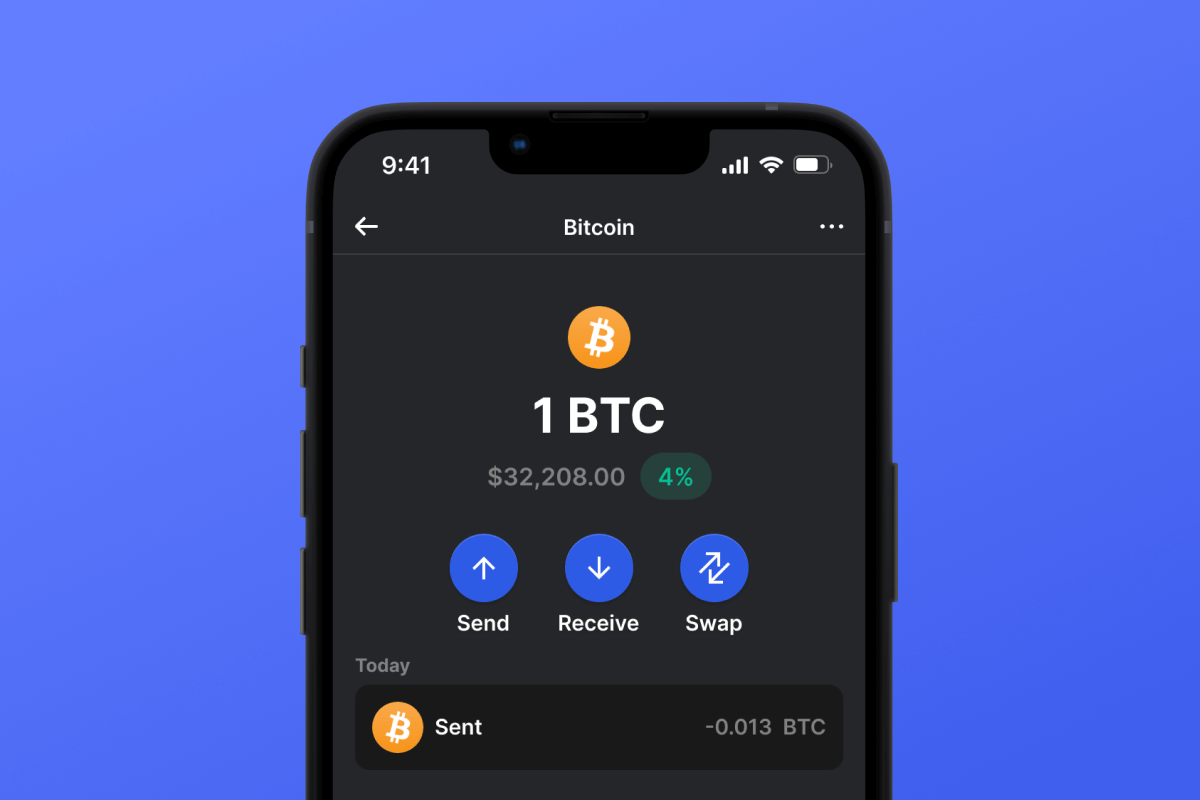
Buka Dompet Permata pada halaman aset Bitcoin dan ketik Hantar. Ikut gesaan intuitif: masukkan amaun dalam BTC dan alamat penerima, semak yuran, kemudian sahkan untuk menghantar.
Buka Dompet Permata pada halaman aset Bitcoin dan ketik Terima. Anda akan melihat kod QR dan alamat Bitcoin anda — gunakannya untuk menerima pemindahan BTC masuk.