



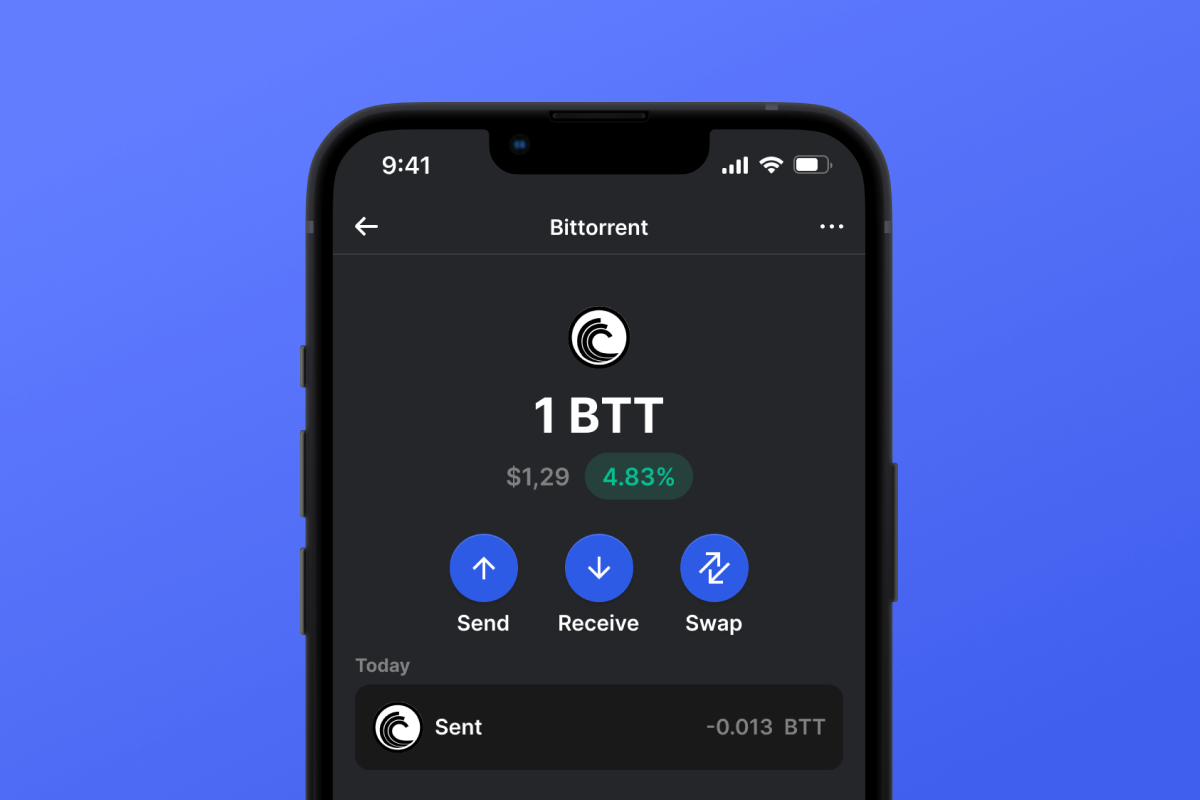
BitTorrent (BTT) Coin

BitTorrent (BTT) ウォレット

Explore the decentralized world with BitTorrent Token (BTT). With the BitTorrent wallet app, enjoy seamless transactions, secure file sharing, and a gateway to a vibrant ecosystem. Don't miss out – download now!

BitTorrent (BTT) ウォレット

What Is BitTorrent?

BitTorrent Token (BTT) is the heartbeat of the renowned peer-to-peer sharing platform, BitTorrent. Launched on TRON’s blockchain, BTT has transformed BitTorrent into a decentralized powerhouse. With BitTorrent crypto wallet, users can easily transact, earn rewards, and more in a seamless environment.

BTT Wallet Benefits

By embracing the BitTorrent token wallet, you’re not just accessing a wallet; you’re joining a transparent and secure environment underpinned by open-source foundations:

  • Open-Source Advantage: Being open-source ensures unmatched transparency. Review, modify, or enhance – it’s a wallet by the community, for the community.
  • Superior Security: Our commitment to open-source means no hidden vulnerabilities. Experience enhanced security measures safeguarding your assets.
  • Decentralized Transactions: Store and manage your BTT with peace of mind, free from centralized constraints.
  • Speed & Rewards: Accelerate your downloads and earn BTT rewards with BitTorrent Speed.
  • Universal Accessibility: Whether you’re on BitTorrent wallet Android or BitTorrent wallet iOS, our platform delivers a consistent and secure experience.
  • BTT Features: Dive into tools like BitTorrent Speed, BitTorrent File System, and more – all under one roof.
  • Global Community: Be part of 100M+ users in the BitTorrent network, pioneering a decentralized future.
  • Transparent Operations: With our BTT wallet app, every transaction, feature, and integration is clear and open for scrutiny.

Choose BTT wallet – where open source meets the future of decentralized p2p network.

BitTorrent (BTT) Wallet Gem が最良の選択である理由

Gem Walletは、セキュリティ、プライバシー、そして使いやすさを1つの強力なアプリに統合した、BitTorrent (BTT) ウォレットソリューションのリーディングカンパニーとして際立っています。ユーザーがBitTorrent (BTT)のニーズにGem Walletを選ぶ理由は次のとおりです。

フルコントロール

秘密鍵とシードフレーズを完全に管理できます。第三者があなたのBitTorrent (BTT)にアクセスしたり、制限したりすることはできません。あなたのBitTorrent (BTT)は真にあなたのものです。

プライバシー保護

追跡、個人情報の収集、データ収集は一切ありません。BitTorrent (BTT) のプライバシーとコントロールを完全に保護します。

オープンソース

公開されているコード GitHub誰でもセキュリティと機能を検証できます。

クロスプラットフォーム

iOS、Android、APKでご利用いただけます。BitTorrent (BTT)ウォレットはどこにいてもご利用いただけます。

BitTorrent (BTT) ウォレット(多言語対応)

英語、スペイン語、中国語、ロシア語、アラビア語を含む25以上の言語に対応。世界中でご利用いただけるよう、完全にローカライズされています。

組み込みの BitTorrent (BTT) サービス

30 種類以上の支払い方法で BitTorrent (BTT) を購入できます。 BTT を交換する 統合型DEXアグリゲーターを通じて、すべての暗号資産を一元的に安全に管理できます。

比較: Gem Wallet vs Exchange Wallet

Gem WalletでBitTorrent (BTT)を保管することと取引所で保管することの違いをご覧ください

特徴Gem Wallet取引所ウォレット(Binance、Coinbase)
登録が必要です✅ なし❌ 完全なKYC
個人データの収集✅ なし❌ 詳細(ID、住所、自撮り写真)
オープンソース✅ 完全に透明❌ クローズドソース
秘密鍵の管理✅ はい❌ いいえ
アカウント凍結✅ 不可能❌ 可能
セットアップ時間✅ 2分⚠️ 1~7日(KYC認証)

プロフェッショナルなセキュリティ機能

  1. 生体認証: Face ID、Touch ID、または指紋を使用してウォレットを保護します
  2. PIN保護: 追加のセキュリティ層として強力なPINコードを設定する
  3. 暗号化されたバックアップ: シードフレーズは安全に保存され、デバイスから外に出ることはありません
  4. 定期的なセキュリティ監査: 独立したセキュリティレビューによりウォレットの整合性が保証されます。 セキュリティについて詳しくはこちら→
Gem Wallet private key security and self-custody crypto wallet features

Gem BitTorrent (BTT) ウォレットに関するユーザーの声

2分でBitTorrent (BTT)ウォレットを設定する方法

クイックセットアップガイド(3ステップ)

BitTorrent (BTT) ウォレットの作成は銀行口座を開設するよりも簡単です。Gem Wallet は、数分ですべてのプロセスをガイドするので、初心者でも簡単にご利用いただけます。

onboarding view

1. 入手 BitTorrent (BTT) ウォレット

BitTorrent (BTT) ウォレット: iOS Android & APK

recovery phrase screen

2. 作成する BitTorrent (BTT) ウォレット

新しいウォレットを作成し、秘密のフレーズを保存して、アドレスを取得します BitTorrent (BTT).

gem wallet security settings

3. BTT のセキュリティを設定する

PIN認証または生体認証を有効にすれば準備完了です。

iOS用BitTorrent (BTT)ウォレットを作成する

iPhone で BTT ウォレットを入手する (2 分):

  1. App Storeを開いて「Gem Wallet」を検索してください
  2. アプリをダウンロードしてインストールします(無料、50MB未満)
  3. Gem Walletを開き、「新しいウォレットを作成」をタップします。
  4. 秘密のフレーズを紙に書き留めてください。これがマスターバックアップになります。
  5. 素早く安全にアクセスするために、Face ID を有効にするか、PIN コードを設定します
  6. 終わり!
ダウンロードGem ウォレット for iOS
iOS用BitTorrent (BTT)ウォレット

Android 用 BitTorrent (BTT) ウォレットを作成する

Android で BTT ウォレットを入手する (2 分):

  1. Google Play経由Playストアで「Gem Wallet」を検索してインストールします
  2. APK: 最大限のプライバシーとコントロールのためにAPKファイルをダウンロードしてください
  3. アプリを開いて「新しいウォレットを作成」を選択します
  4. 12語の秘密のフレーズを紙に書きましょう
  5. 指紋認証またはPIN認証を設定する
  6. 終わり!
Android用BitTorrent (BTT)ウォレット

BitTorrent (BTT) アドレスを取得する方法

BitTorrent (BTT) ウォレットアドレスを取得するには、まずBitTorrent (BTT) ウォレットを作成またはインポートする必要があります。その後、アプリが自動的にアドレスを生成します。

1 開ける Gem ウォレット

携帯電話でアプリを起動し、資産リストから BitTorrent (BTT) (BTT) を選択します。

2 「受信」ボタンをタップ

画面下部に大きなボタンが表示されます。BitTorrent (BTT) ウォレットアドレスがテキストとQRコードの両方で表示されます。

3 住所をコピー

アドレスをクリップボードにコピーしたり、QR コードを共有したり、メッセージング アプリを通じて直接送信したりできます。

Get BitTorrent (BTT) wallet address in Gem Wallet
🔄 無制限のアドレス

Gem Walletでは、BitTorrent (BTT)アドレスを無制限に無料で生成できます。各アドレスはシードフレーズから生成され、永久にあなたの管理下にあります。

📱 QRコードの使用
  • 入力ミスなし - スキャンすることでコピー&ペーストのミスを防ぐことができます
  • より高速な取引 - 携帯電話の画面を見せるだけ
  • 対面に最適 BitTorrent (BTT) 支払い

BitTorrent (BTT)ウォレットの準備ができました

App Store 4.9 ★ on App Store | Google Play 4.8 ★ on Google Play
今すぐダウンロード


















