



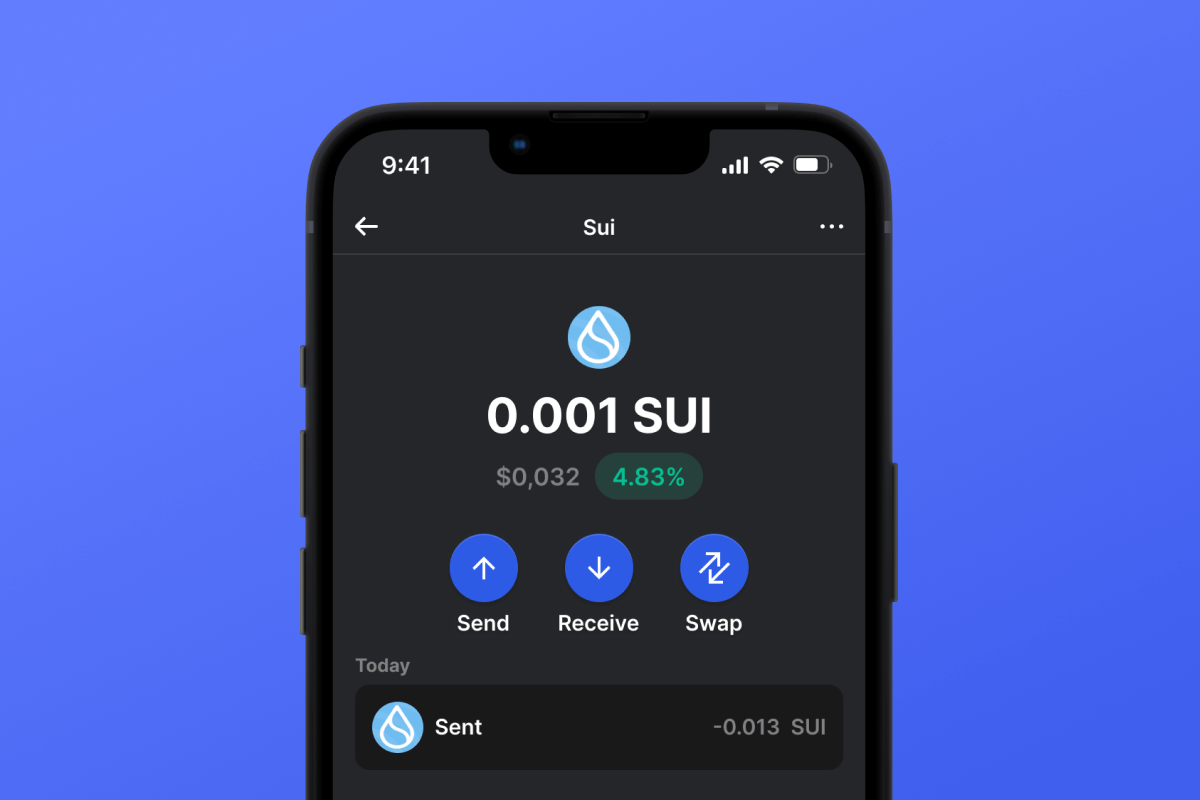
Sui Coin

Sui Portafoglio

Scopri l'esperienza definitiva del portafoglio Sui! Immergiti nelle transazioni SUI senza interruzioni in movimento. Goditi le migliori funzionalità e la sicurezza con la nostra app portafoglio Sui. Entra nel futuro delle criptovalute con il portafoglio di rete Sui più affidabile per iOS e Android.

Sui Portafoglio

Cos'è Sui?

Entra nella prossima era con il portafoglio crittografico Sui. Sui, una blockchain Layer 1 leader, offre velocità senza pari e sicurezza di alto livello. Basato sul linguaggio Move e prendendo spunto da Diem di Meta, promuove la massima scalabilità e un'interazione utente senza sforzo. Gestisci i tuoi asset con facilità utilizzando il nostro portafoglio mobile Sui, progettato per il ritmo rapido di oggi.

Vantaggi del portafoglio Sui

Immergiti nella nuova era della criptovaluta con Sui, una blockchain Layer 1 pionieristica che trasforma finanza, arte, logistica e gioco. Perché scegliere il portafoglio Gem per i tuoi asset Sui?

  • Versatilità : con il portafoglio di rete Sui, accedi a piattaforme DeFi efficienti, vivaci mercati NFT , catene di fornitura trasparenti e mondi virtuali immersivi. L'innovazione di Sui offre velocità di transazione che raggiungono la sbalorditiva cifra di 160.000 TPS, garantendo affidabilità e sicurezza.

  • Sicurezza senza pari : il portafoglio crittografico Sui garantisce la massima sicurezza. Conserva le tue chiavi private Sui direttamente sul tuo dispositivo. Anche se le perdi, la frase seme univoca garantisce il recupero, salvaguardando i tuoi asset.

  • Conveniente : Stanco delle commissioni di transazione esorbitanti su piattaforme come Ethereum ? Il portafoglio Sui vanta costi notevolmente ridotti, accogliendo investitori con background diversi. Utilizza un meccanismo di consenso all'avanguardia per transazioni rapidissime.

  • Acquisto diretto di SUI : Acquista Sui nella nostra app facilmente in soli tre passaggi e verrà automaticamente depositato nel tuo portafoglio. Esplora i dettagli sulla nostra pagina Acquista Sui o sperimentalo tu stesso nel portafoglio!

Perché aspettare? Vivi il futuro oggi. Scarica e installa l'app Sui Wallet tramite Gem Wallet e prendi il controllo completo dei tuoi investimenti Sui. Porta il tuo viaggio in criptovaluta a un livello superiore con Gem.

Perché Sui Wallet Gem è la scelta migliore?

Gem Wallet si distingue come una soluzione leader per i portafogli Sui, combinando sicurezza, privacy e usabilità in un'unica potente app. Ecco perché gli utenti scelgono Gem Wallet per le loro esigenze Sui:

Controllo completo

Controllo completo delle tue chiavi private e della seed phrase. Nessuna terza parte può accedere o limitare i tuoi Sui. I tuoi Sui sono veramente tuoi.

Tutela della privacy

Nessun tracciamento, nessuna informazione personale, nessuna raccolta dati. Privacy e controllo totali sui tuoi Sui.

Open Source

Codice pubblicamente disponibile su GitHub, consentendo a chiunque di verificarne la sicurezza e la funzionalità.

Multipiattaforma

Disponibile su iOS, Android e APK. Il tuo portafoglio Sui funziona ovunque tu vada.

Portafoglio Sui in più lingue

Supporta oltre 25 lingue, tra cui inglese, spagnolo, cinese, russo e arabo. Completamente localizzato per un'accessibilità globale.

Servizi Sui integrati

Acquista Sui con oltre 30 metodi di pagamento. Scambia SUI tramite l'aggregatore DEX integrato. Gestisci tutte le criptovalute in un unico posto sicuro.

Confronto: Gem Wallet vs Exchange Wallet

Scopri come conservare Sui in Gem Wallet differisce dal conservarlo sugli exchange

CaratteristicaGem WalletPortafogli di scambio (Binance, Coinbase)
Registrazione richiesta✅ Nessuno❌ KYC completo
Raccolta di dati personali✅ Nessuno❌ Esteso (documento d'identità, indirizzo, selfie)
Open Source✅ Completamente trasparente❌ Codice sorgente chiuso
Controllo delle chiavi private✅ Li possiedi❌ Controlli sui cambi
Congelamento dell'account✅ Impossibile❌ Possibile
Tempo di installazione✅ 2 minuti⚠️ 1-7 giorni (verifica KYC)

Funzionalità di sicurezza professionali

  1. Autenticazione biometrica: Usa Face ID, Touch ID o impronta digitale per proteggere il tuo portafoglio
  2. Protezione PIN: Imposta un codice PIN complesso come ulteriore livello di sicurezza
  3. Backup crittografati: La tua frase seme è archiviata in modo sicuro e non lascia mai il tuo dispositivo
  4. Controlli di sicurezza regolari: Revisioni di sicurezza indipendenti garantiscono l'integrità del portafoglio
Gem Wallet private key security and self-custody crypto wallet features

Cosa dicono gli utenti di Gem Sui Wallet

Quick Setup Guide (3 Steps)

How to Set Up a Sui Wallet in 2 Minutes

Creating a Sui wallet is simpler than opening a bank account. Gem Wallet guides you through the entire process in minutes, making it accessible for complete beginners.

onboarding view

1. Ottenere Sui Portafoglio

Sui Portafoglio: iOS , Android & APK

recovery phrase screen

2. Creare Sui Portafoglio

Crea un nuovo portafoglio, salva la frase segreta e ottieni il tuo indirizzo Sui.

3. Set Up Security for SUI

Enable PIN or biometric authentication and you're ready to go

Create Sui Wallet for iOS

Creating a Sui wallet on iPhone (2 min):

  1. Open the App Store and search for "Gem Wallet"
  2. Download and install the app (it's free and under 50MB)
  3. Open Gem Wallet and tap "Create New Wallet"
  4. Write down your seed phrase on paper - this is your master backup
  5. Enable Face ID or set a PIN code for quick and secure access
  6. Done! Your Sui wallet address is now active

Create Sui Wallet for Android

Creating a Sui wallet on Android (2 min):

  1. Via Google Play: Search for "Gem Wallet" in the Play Store and install
  2. Via Direct APK: Download the APK file for maximum privacy and control
  3. Open the app and select "Create New Wallet"
  4. Write down your 12-word seed phrase on paper
  5. Set up fingerprint or PIN authentication
  6. Your Sui wallet is ready to use

Sui Wallet Without Registration

One of Sui's core principles is financial freedom and privacy. Gem Wallet embodies this philosophy by offering a Sui wallet without registration - no email, no phone number, no identity verification required.

Why No-Registration Wallets Matter

Custodial Sui wallets and centralized exchanges (Coinbase, Binance) require extensive personal information through KYC (Know Your Customer) verification. Unlike self-custodial wallets, this creates several problems:

  • Privacy Risks: Your financial activity is tracked and can be sold to third parties or accessed by bad actors
  • Data Breaches: Centralized databases of personal information are prime targets for hackers
  • Censorship: Accounts can be frozen or restricted based on location, political views, or arbitrary decisions
  • Time-Consuming: KYC processes can take days or weeks to complete

Gem Wallet: True Private Sui Wallet

With Gem Wallet, you can create and use a Sui wallet with complete privacy:

  • No email address required
  • No phone number needed
  • No identity documents or selfies
  • No IP address tracking
  • No mandatory account creation

Simply download the app, create your wallet, and start using Sui within minutes. Your privacy is protected from the moment you install the app.

How to Get a Sui Address

To get a Sui wallet address, you first need to create or import a SUI wallet. After that, the app will generate addresses for you automatically.

1 Open Gem Wallet

Launch the app on your phone and select Sui (SUI) from your asset list.

2 Tap "Receive" Button

You'll see a large button at the bottom of the screen. Your Sui wallet address will be displayed both as text and as a QR code.

3 Copy Your Address

Copy the address to clipboard, share the QR code, or send it directly through messaging apps.

Get Sui wallet address in Gem Wallet
🔄 Unlimited Addresses

In Gem Wallet, you can generate unlimited Sui addresses for free. Each address is derived from your seed phrase and remains under your control forever.

📱 Using QR Codes

No Typing Errors - Scanning prevents copy-paste mistakes

Faster Transactions - Just show your phone screen

Perfect for in-person Sui payments



















