


Zcash (ZEC) Coin

Zcash (ZEC) बटुआ

Zcash वॉलेट के साथ सच्ची गोपनीयता की खोज करें। अपने ZEC टोकन को बेहतरीन सुरक्षा के साथ प्रबंधित करें और अपने वित्तीय डेटा की सुरक्षा करने वाले सुरक्षित लेनदेन का आनंद लें। गोपनीयता को प्राथमिकता देने वाले उपयोगकर्ताओं के लिए आदर्श, Zcash बेहतरीन क्रिप्टो अनुभव के लिए गोपनीयता और नवाचार को एक साथ लाता है।

Zcash (ZEC) बटुआ

ZCash (ZEC) क्या है?

ZCash एक गोपनीयता-केंद्रित क्रिप्टोकरेंसी है जो उपयोगकर्ताओं को सुरक्षित और गुमनाम लेनदेन के साथ सशक्त बनाती है। विकेन्द्रीकृत ब्लॉकचेन पर निर्मित, ZCash उन्नत क्रिप्टोग्राफ़िक तकनीकों का उपयोग करता है, जिसमें शून्य-ज्ञान प्रमाण शामिल हैं, ताकि यह सुनिश्चित किया जा सके कि ब्लॉकचेन पर सत्यापन योग्य होने के साथ-साथ लेनदेन विवरण गोपनीय रहें।

ZCash दोनों दुनिया का सर्वश्रेष्ठ प्रदान करता है: विनियामक अनुपालन के लिए पारदर्शिता और उपयोगकर्ता विवेक के लिए वैकल्पिक गोपनीयता। इसका मूल टोकन, ZEC, निजी, सुरक्षित डिजिटल भुगतान में इसकी उपयोगिता के लिए व्यापक रूप से पहचाना जाता है।

ZCash को क्या विशिष्ट बनाता है?

ZCash की गोपनीयता बढ़ाने वाली तकनीक इसकी परिभाषित विशेषता है। Zk-SNARKs (शून्य-ज्ञान संक्षिप्त गैर-संवादात्मक ज्ञान तर्क) का उपयोग करके, ZCash ऐसे लेनदेन को सक्षम बनाता है, जहाँ केवल शामिल पक्षों को ही विवरण पता होता है। गोपनीयता पर यह ध्यान, मजबूत सुरक्षा उपायों के साथ मिलकर, ZCash को अन्य क्रिप्टोकरेंसी से अलग करता है।

ZCash वॉलेट के लाभ

ZCash वॉलेट ZEC को सुरक्षित और निजी रूप से प्रबंधित करने के लिए आपका विश्वसनीय उपकरण है। पूरी तरह से स्व-संरक्षित और ओपन-सोर्स, यह आपकी संपत्तियों पर बेजोड़ नियंत्रण प्रदान करता है। प्रमुख विशेषताओं में शामिल हैं:

  • गोपनीयता-प्रथम डिज़ाइन : ZCash की उन्नत गोपनीयता तकनीक के साथ अपने लेनदेन को गोपनीय रखें।

  • सुरक्षित संग्रहण : अपने ZEC को अत्याधुनिक सुरक्षा प्रोटोकॉल से सुरक्षित रखें।

  • क्रॉस-प्लेटफ़ॉर्म एक्सेस : अपने वॉलेट को Android, iOS या APK फ़ाइल के माध्यम से आसानी से प्रबंधित करें।

  • ZCash खरीदें : क्रेडिट कार्ड या क्रिप्टोकरेंसी का उपयोग करके सीधे वॉलेट में ZEC खरीदें। ZCash खरीदें और निजी तौर पर लेनदेन करें।

ZCash वॉलेट के साथ गोपनीयता की शक्ति का अनुभव करें। आज ही डाउनलोड करें और अपने डिजिटल वित्त पर नियंत्रण रखें।

वॉलेट जेम सबसे अच्छा विकल्प क्यों है?

Gem Wallet एक अग्रणी Zcash (ZEC) वॉलेट समाधान के रूप में उभर कर सामने आता है, जो सुरक्षा, गोपनीयता और उपयोगिता को एक शक्तिशाली ऐप में समाहित करता है। यहां बताया गया है कि उपयोगकर्ता अपनी Zcash (ZEC) आवश्यकताओं के लिए Gem Wallet को क्यों चुनते हैं:

पूर्ण नियंत्रण

आपकी निजी कुंजी और सीड वाक्यांश पर आपका पूर्ण नियंत्रण है। कोई भी तीसरा पक्ष आपके Zcash (ZEC) तक पहुंच या उसे प्रतिबंधित नहीं कर सकता। आपका Zcash (ZEC) पूरी तरह से आपका है।

एकान्तता सुरक्षा

कोई ट्रैकिंग नहीं, कोई व्यक्तिगत जानकारी नहीं, कोई डेटा संग्रह नहीं। आपके Zcash (ZEC) पर पूर्ण गोपनीयता और नियंत्रण।

खुला स्त्रोत

सार्वजनिक रूप से उपलब्ध कोड पर GitHubजिससे कोई भी सुरक्षा और कार्यक्षमता को सत्यापित कर सके।

क्रॉस-प्लेटफॉर्म

iOS, Android और APK पर उपलब्ध। आपका Zcash (ZEC) वॉलेट आप जहां भी जाएं, काम करता है।

Zcash (ZEC) वॉलेट कई भाषाओं में उपलब्ध है

अंग्रेजी, स्पेनिश, चीनी, रूसी और अरबी सहित 25 से अधिक भाषाओं का समर्थन करता है। विश्वव्यापी पहुंच के लिए पूरी तरह से स्थानीयकृत।

अंतर्निर्मित Zcash (ZEC) सेवाएं

Zcash (ZEC) को 30 से अधिक भुगतान विधियों से खरीदें। स्वैप ZEC एकीकृत DEX एग्रीगेटर के माध्यम से। सभी क्रिप्टो संपत्तियों को एक सुरक्षित स्थान पर प्रबंधित करें।

तुलना: जेम वॉलेट बनाम एक्सचेंज वॉलेट

देखें कि Gem Wallet में Zcash (ZEC) को स्टोर करना, इसे एक्सचेंजों पर रखने से कैसे अलग है।

विशेषताGem Walletएक्सचेंज वॉलेट (बाइनेंस, कॉइनबेस)
पंजीकरण आवश्यक है✅ कोई नहीं❌ पूर्ण केवाईसी
व्यक्तिगत डेटा संग्रह✅ कोई नहीं❌ विस्तृत जानकारी (पहचान पत्र, पता, सेल्फी)
खुला स्त्रोत✅ पूरी तरह पारदर्शी❌ क्लोज्ड सोर्स
निजी कुंजी नियंत्रण✅ ये आपके स्वामित्व में हैं❌ विनिमय नियंत्रण
खाता फ्रीज करना✅ असंभव❌ संभव
सेटअप समय✅ 2 मिनट⚠️ 1-7 दिन (केवाईसी सत्यापन)

पेशेवर सुरक्षा सुविधाएँ

  1. बायोमेट्रिक प्रमाणीकरणअपने बटुए को सुरक्षित रखने के लिए फेस आईडी, टच आईडी या फिंगरप्रिंट का उपयोग करें।
  2. पिन सुरक्षाएक मजबूत पिन कोड को अतिरिक्त सुरक्षा परत के रूप में सेट करें।
  3. एन्क्रिप्टेड बैकअपआपका सीड वाक्यांश सुरक्षित रूप से संग्रहीत किया जाता है और कभी भी आपके डिवाइस से बाहर नहीं जाता है।
  4. नियमित सुरक्षा ऑडिटस्वतंत्र सुरक्षा समीक्षाएँ वॉलेट की अखंडता सुनिश्चित करती हैं।
Gem Wallet private key security and self-custody crypto wallet features

Gem Zcash (ZEC) वॉलेट के बारे में उपयोगकर्ता क्या कहते हैं

Quick Setup Guide (3 Steps)

How to Set Up a Zcash (ZEC) Wallet in 2 Minutes

Creating a Zcash (ZEC) wallet is simpler than opening a bank account. Gem Wallet guides you through the entire process in minutes, making it accessible for complete beginners.

onboarding view

1. प्राप्त करें Zcash (ZEC) बटुआ

Zcash (ZEC) वॉलेट: iOS , Android & APK

recovery phrase screen

2. बनाएं Zcash (ZEC) बटुआ

एक नया वॉलेट बनाएं, गुप्त वाक्यांश सहेजें, और अपना पता दर्ज करें Zcash (ZEC).

3. Set Up Security for ZEC

Enable PIN or biometric authentication and you're ready to go

Create Zcash (ZEC) Wallet for iOS

Creating a Zcash (ZEC) wallet on iPhone (2 min):

  1. Open the App Store and search for "Gem Wallet"
  2. Download and install the app (it's free and under 50MB)
  3. Open Gem Wallet and tap "Create New Wallet"
  4. Write down your seed phrase on paper - this is your master backup
  5. Enable Face ID or set a PIN code for quick and secure access
  6. Done! Your Zcash (ZEC) wallet address is now active

Create Zcash (ZEC) Wallet for Android

Creating a Zcash (ZEC) wallet on Android (2 min):

  1. Via Google Play: Search for "Gem Wallet" in the Play Store and install
  2. Via Direct APK: Download the APK file for maximum privacy and control
  3. Open the app and select "Create New Wallet"
  4. Write down your 12-word seed phrase on paper
  5. Set up fingerprint or PIN authentication
  6. Your Zcash (ZEC) wallet is ready to use

Zcash (ZEC) Wallet Without Registration

One of Zcash (ZEC)'s core principles is financial freedom and privacy. Gem Wallet embodies this philosophy by offering a Zcash (ZEC) wallet without registration - no email, no phone number, no identity verification required.

Why No-Registration Wallets Matter

Custodial Zcash (ZEC) wallets and centralized exchanges (Coinbase, Binance) require extensive personal information through KYC (Know Your Customer) verification. Unlike self-custodial wallets, this creates several problems:

  • Privacy Risks: Your financial activity is tracked and can be sold to third parties or accessed by bad actors
  • Data Breaches: Centralized databases of personal information are prime targets for hackers
  • Censorship: Accounts can be frozen or restricted based on location, political views, or arbitrary decisions
  • Time-Consuming: KYC processes can take days or weeks to complete

Gem Wallet: True Private Zcash (ZEC) Wallet

With Gem Wallet, you can create and use a Zcash (ZEC) wallet with complete privacy:

  • No email address required
  • No phone number needed
  • No identity documents or selfies
  • No IP address tracking
  • No mandatory account creation

Simply download the app, create your wallet, and start using Zcash (ZEC) within minutes. Your privacy is protected from the moment you install the app.

How to Get a Zcash (ZEC) Address

To get a Zcash (ZEC) wallet address, you first need to create or import a ZEC wallet. After that, the app will generate addresses for you automatically.

1 Open Gem Wallet

Launch the app on your phone and select Zcash (ZEC) (ZEC) from your asset list.

2 Tap "Receive" Button

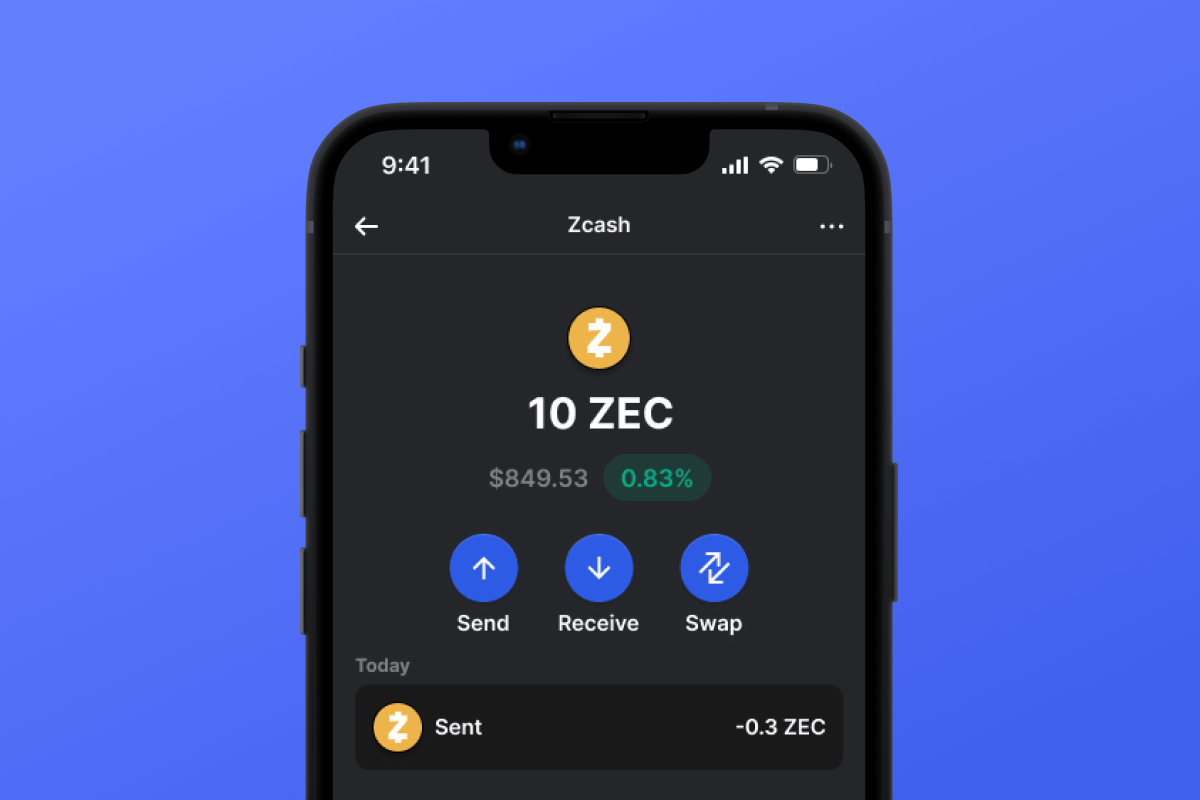
You'll see a large button at the bottom of the screen. Your Zcash (ZEC) wallet address will be displayed both as text and as a QR code.

3 Copy Your Address

Copy the address to clipboard, share the QR code, or send it directly through messaging apps.

Get Zcash (ZEC) wallet address in Gem Wallet
🔄 Unlimited Addresses

In Gem Wallet, you can generate unlimited Zcash (ZEC) addresses for free. Each address is derived from your seed phrase and remains under your control forever.

📱 Using QR Codes

No Typing Errors - Scanning prevents copy-paste mistakes

Faster Transactions - Just show your phone screen

Perfect for in-person Zcash (ZEC) payments


















