Gram Coin

Gram Wallet

Gem Wallet is a self-custodial Gram wallet for iOS, Android, and APK. It lets you create a TON address in under two minutes and store, send, and receive Gram, Jettons, and TON NFTs. Gem Wallet also lets you stake Gram for rewards and swap or buy crypto through a built-in DEX aggregator, keeping your keys on your device - no accounts, no KYC, no tracking.

Gram Wallet

What Is Gram (Formerly Toncoin)?

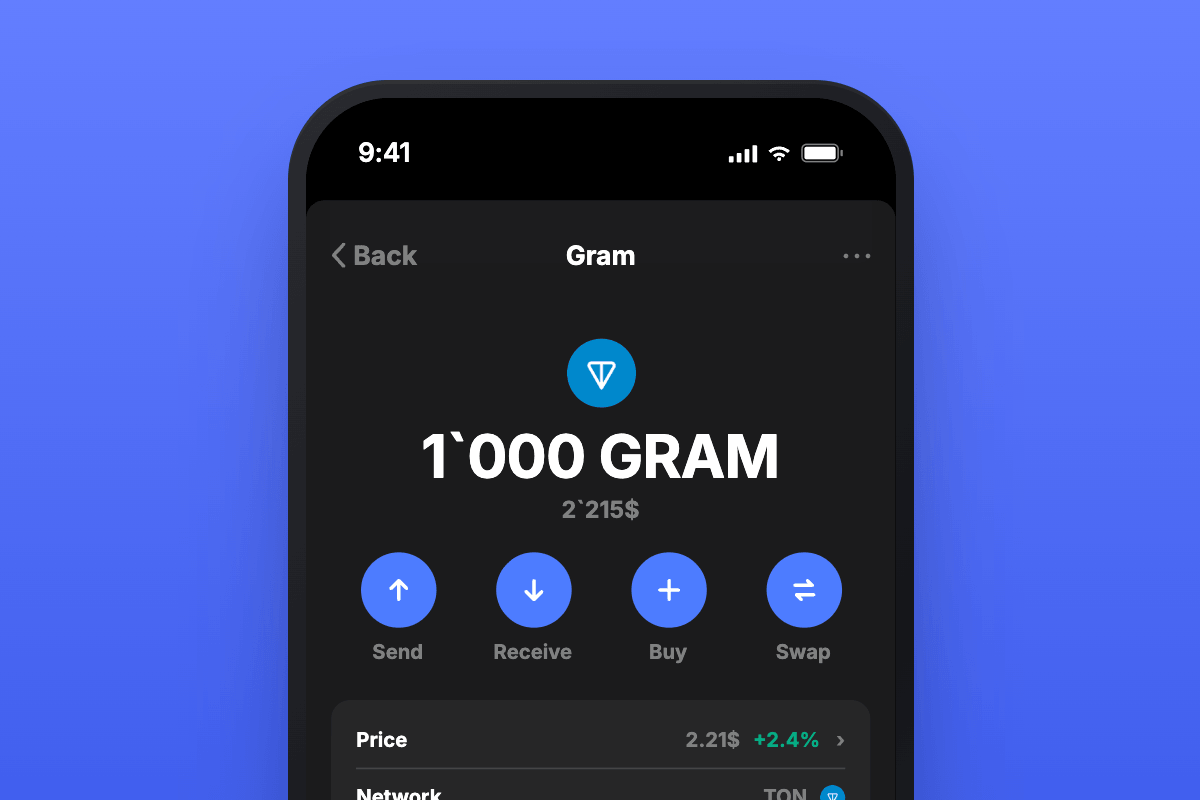
Gram is the native coin of TON (The Open Network), a high-throughput layer-1 blockchain that grew out of Telegram's original Telegram Open Network project. In June 2026, Pavel Durov announced that the coin would be renamed from Toncoin to Gram, reviving the name used in Telegram's first 2018 whitepaper. The blockchain keeps the name TON, while the coin that powers it is now called Gram - the rename is a branding change, with no token swap and no effect on balances, staking, or DeFi positions.

Gram is used to pay network fees, stake to help secure the chain, and participate in governance. TON runs on a Byzantine Fault Tolerant Proof-of-Stake consensus with dynamic sharding, an architecture built to scale to over 100,000 transactions per second. After the Catchain 2.0 upgrade in April 2026, block finality dropped below one second and transaction fees fell to roughly $0.0005, making Gram one of the cheapest and fastest coins to move. Tokens issued on TON follow the Jetton standard, which covers stablecoins like USDT, plus game and DeFi assets that all settle in Gram for fees.

What Is a Gram Wallet?

A Gram wallet is an app that lets you create, import, and use a TON address to store, send, and receive Gram and Jettons without leaving your funds on an exchange. Because Gram is the coin that pays for every transaction on TON, you keep a small amount on hand to cover fees - even when sending a Jetton like USDT. A self-custodial Gram wallet means the private keys stay on your device, so you - and only you - control the funds.

Gem Wallet is a self-custodial Gram wallet for iOS, Android, and APK. It gives you a TON address from a single 12-word recovery phrase, lets you send, receive, stake, swap, and buy Gram and Jettons, and never asks for an email, account, or KYC. Gem Wallet is open-source and independently audited, so anyone can verify how it protects your keys.

Gram Wallet Features in Gem Wallet

  • Listed in the TON ecosystem directory: Gem Wallet is featured in the official TON wallets directory on ton.app.
  • Full Self-Custody: Gem Wallet keeps your TON private keys on your device, secured by a single 12-word recovery phrase that also covers every other supported network.
  • Gram, Jettons & NFTs: Gem Wallet lets you hold Gram alongside Jettons like USDT and TON NFTs, with live prices and complete transaction history.
  • Stake Gram for Rewards: Gem Wallet lets you stake Gram directly in the app to earn rewards while helping secure the TON network.
  • Built-In DEX Aggregator: Gem Wallet lets you swap Gram and Jettons for other assets right inside the app through an integrated decentralized exchange aggregator - no separate swap site needed.
  • Buy Gram with a Card: Gem Wallet lets you buy Gram with a credit or debit card and other payment methods, credited straight to your wallet.
  • Open Source & Audited: Gem Wallet is fully open-source and independently audited, giving you transparency that closed wallets cannot.

Stake Gram in Gem Wallet

Staking is one of the most useful things you can do with Gram, and Gem Wallet lets you stake directly from the app. When you stake Gram you help secure TON's Proof-of-Stake network and earn rewards in return. Rewards can be swapped for other assets, used to cover network fees, or restaked to grow your position - all without giving up custody of your coins. Because TON fees sit at fractions of a cent, more of every reward stays in your wallet.

Download the Gem Wallet Gram wallet app today and store, stake, swap, and buy Gram and Jettons like USDT with full self-custody on iOS, Android, and APK.

Why Choose Gem Wallet as Your Gram Wallet

Gem Wallet is a Gram wallet where you control your keys and your funds. The code is publicly available on GitHub. Your activity is not tracked, and you can buy, swap, and use Gram directly from the app.

Self-Custody

Control and Self-Custody

Full control of your private keys and secret phrase. No third party can access or restrict your Gram. Your Gram is truly yours.

Privacy

Privacy Protection

No tracking, no personal information, no data collection. Complete privacy and control over your Gram.

Open-Source

Audited

Publicly available code on GitHub, independently audited by CertiK in April 2026.

Staking

Multi-Platform

Available on iOS, Android, and APK. Your Gram wallet works wherever you go.
Pioneer

Gram Wallet in Multiple Languages

Supporting 25+ languages including English, Spanish, Chinese, Russian, and Arabic. Fully localized for worldwide accessibility.

Cross-chain

Built-In Gram Services

Buy Gram with 30+ payment methods. Swap Gram through integrated DEX aggregator. Manage all crypto assets in one secure place.

Comparison: Gem Wallet vs Exchange Wallets

See how storing Gram in Gem Wallet differs from keeping it on exchanges

FeatureGem WalletExchange Wallets (Binance, Coinbase)
Registration Required✅ None❌ Full KYC
Personal Data Collection✅ None❌ Extensive (ID, address, selfie)
Open-Source✅ Fully transparent❌ Closed source
Private Keys Control✅ Yes❌ No
Account Freezing✅ Impossible❌ Possible
Setup Time✅ 2 minutes⚠️ 1-7 days (KYC verification)

Professional Security Features

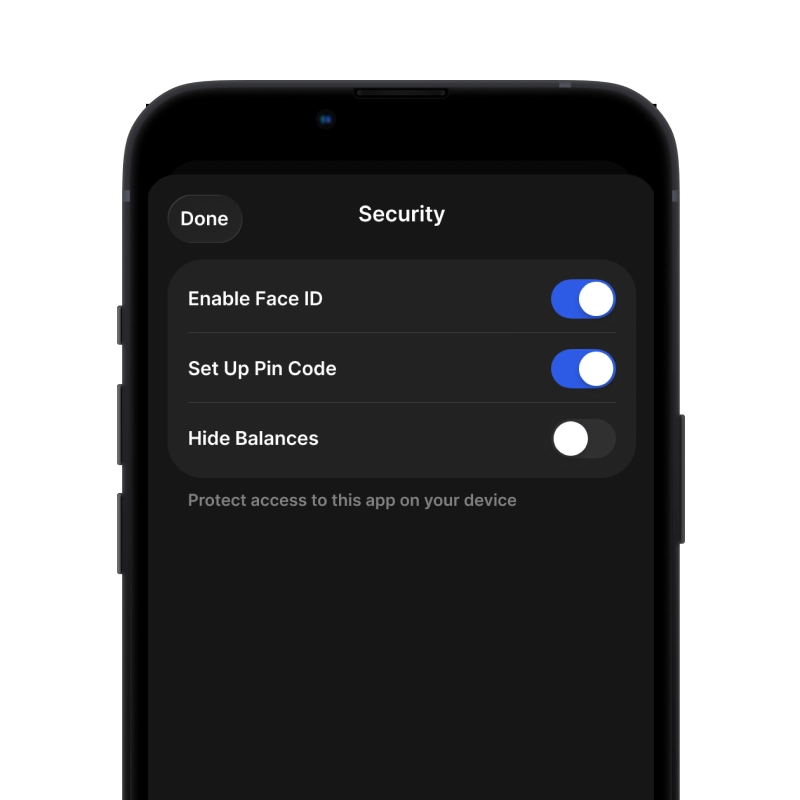
  1. Biometric Authentication: Use Face ID, Touch ID, or fingerprint to secure your wallet
  2. PIN Protection: Set a strong PIN code as an additional security layer
  3. Encrypted Backups: Your secret phrase is stored securely and never leaves your device
  4. Regular Security Audits: Independent security reviews ensure wallet integrity. Learn more about security →
Gem Wallet private key security and self-custody crypto wallet features

What Gram Users Say About Gem Wallet

How to Set Up a Gram Wallet in 2 Minutes

Quick Setup Guide (3 Steps)

Creating a Gram wallet is simpler than opening a bank account. Gem Wallet guides you through the entire process in minutes, making it accessible for complete beginners.

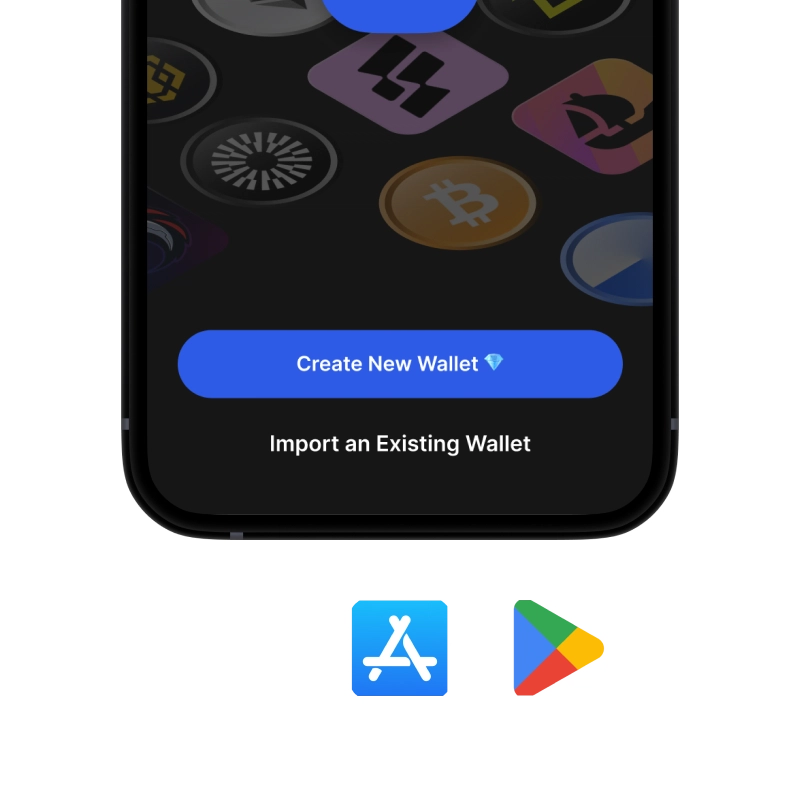
onboarding view

1. Download Gram Wallet

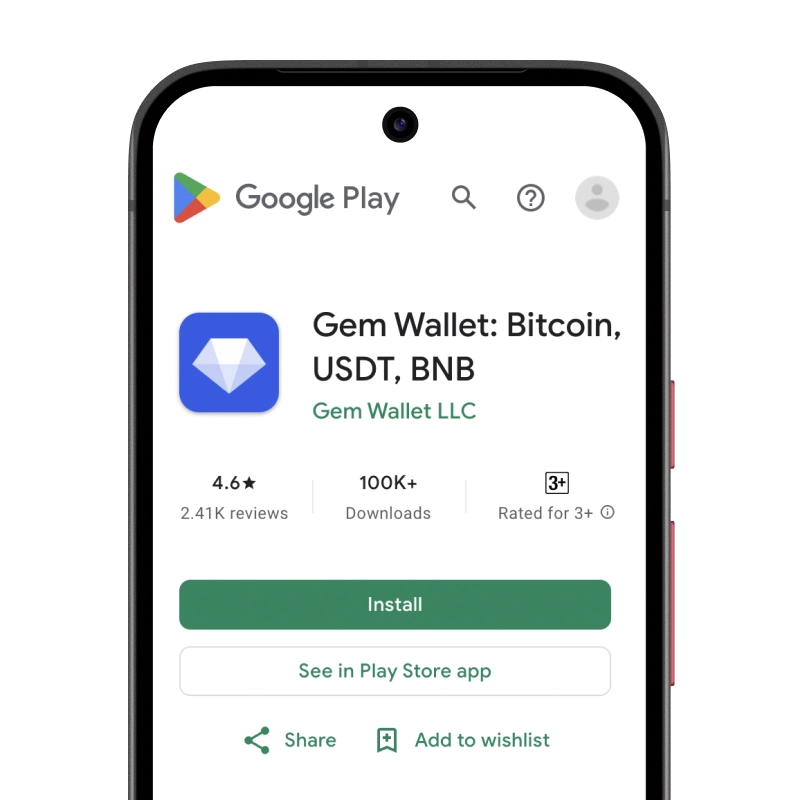
Gram Wallet: iOS, Android & APK

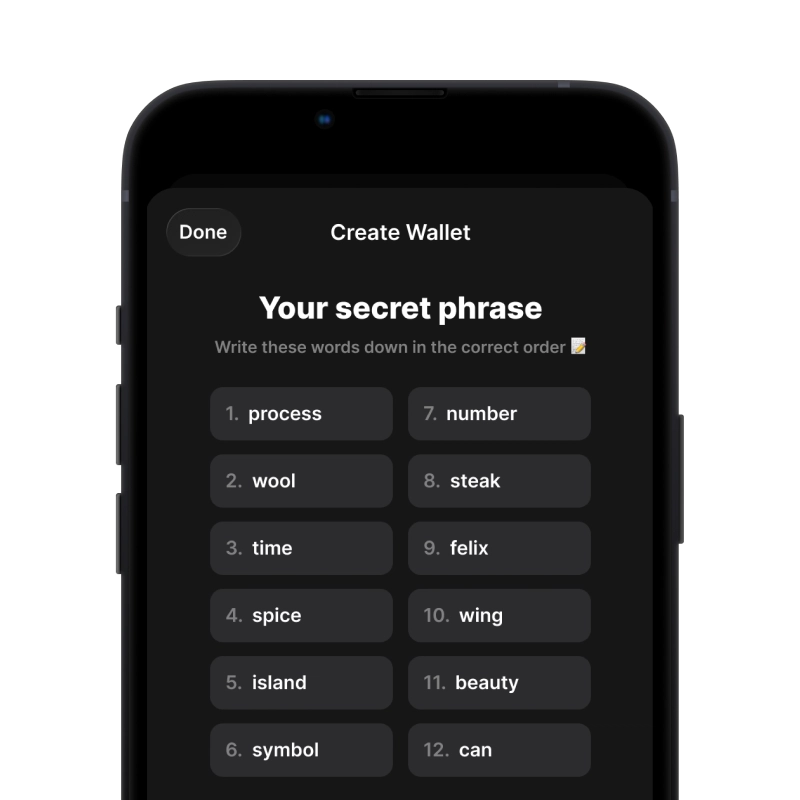
recovery phrase screen

2. Create Gram Wallet

Create a new wallet, save the secret phrase, and get your address in Gram.

gem wallet security settings

3. Set Up Security for Gram

Enable PIN or biometric authentication and you're ready to go

Create Gram Wallet for iOS

Get your Gram wallet on iPhone (2 min):

  1. Open the App Store and search for "Gem Wallet"
  2. Download and install the app (it's free and under 50MB)
  3. Open Gem Wallet and tap "Create New Wallet"
  4. Write down your secret phrase on paper - this is your master backup
  5. Enable Face ID or set a PIN code for quick and secure access
  6. Done!
Download Gem Wallet for iOS
Gram wallet for iOS

Create Gram Wallet for Android

Get your Gram wallet on Android (2 min):

  1. Via Google Play: Search for "Gem Wallet" in the Play Store and install
  2. APK: Download the APK file for maximum privacy and control
  3. Open the app and select "Create New Wallet"
  4. Write down your 12-word secret phrase on paper
  5. Set up fingerprint or PIN authentication
  6. Done!
Gram wallet for Android

How to Get a Gram Address

To get a Gram wallet address, you first need to create or import a Gram wallet. After that, the app will generate addresses for you automatically.

1 Open Gem Wallet

Launch the app on your phone and select Gram (Gram) from your asset list.

2 Tap "Receive" Button

You'll see a large button at the bottom of the screen. Your Gram wallet address will be displayed both as text and as a QR code.

3 Copy Your Address

Copy the address to clipboard, share the QR code, or send it directly through messaging apps.

Get Gram wallet address in Gem Wallet
🔄 Unlimited Addresses

In Gem Wallet, you can generate unlimited Gram addresses for free. Each address is derived from your secret phrase and remains under your control forever.

📱 Using QR Codes
  • No Typing Errors - Scanning prevents copy-paste mistakes
  • Faster Transactions - Just show your phone screen
  • Perfect for in-person Gram payments

Frequently Asked Questions

Yes. In June 2026 the native coin of TON (The Open Network) was renamed from Toncoin to Gram, reviving the name from Telegram's original 2018 whitepaper. The blockchain is still called TON; only the coin's name changed. It was a branding update with no token swap, so balances, staking, and DeFi positions were unaffected. Your existing TON address and recovery phrase continue to work for Gram in Gem Wallet.
Download Gem Wallet from the App Store, Google Play, or as an APK, open it, and tap Create Wallet. Write down your 12-word recovery phrase offline on paper - never as a screenshot or in cloud storage - and confirm it on the next screen. That single phrase gives you a TON address for Gram and works across every supported network. The whole process takes under two minutes and needs no email, account, or KYC.
Every transaction on TON is paid for in Gram, including transfers of Jettons such as USDT, so keep a small amount of Gram in your wallet for fees. The good news is that fees on TON are tiny - around $0.0005 per transaction after the Catchain 2.0 upgrade - so a little Gram covers a lot of activity. Gem Wallet shows the fee before you confirm any transfer.
When you stake Gram, you lock it to help secure TON's Proof-of-Stake network and earn rewards in return. Gem Wallet lets you stake Gram directly in the app, track your rewards, and unstake when you choose. Your Gram never leaves your self-custodial wallet, and because TON fees are fractions of a cent, more of each reward stays with you.
Yes. In a self-custodial wallet your private keys never leave your device and are not shared with anyone. Gem Wallet is open-source and independently audited, and adds biometric unlock, encrypted local storage, and per-transaction confirmation. Your 12-word recovery phrase is the only backup, so store it offline and never share it.

Your Gram Wallet Is Ready

App Store 4.9 ★ on App Store | Google Play 4.8 ★ on Google Play
Download Now