


Noble Coin

Noble Portefeuille

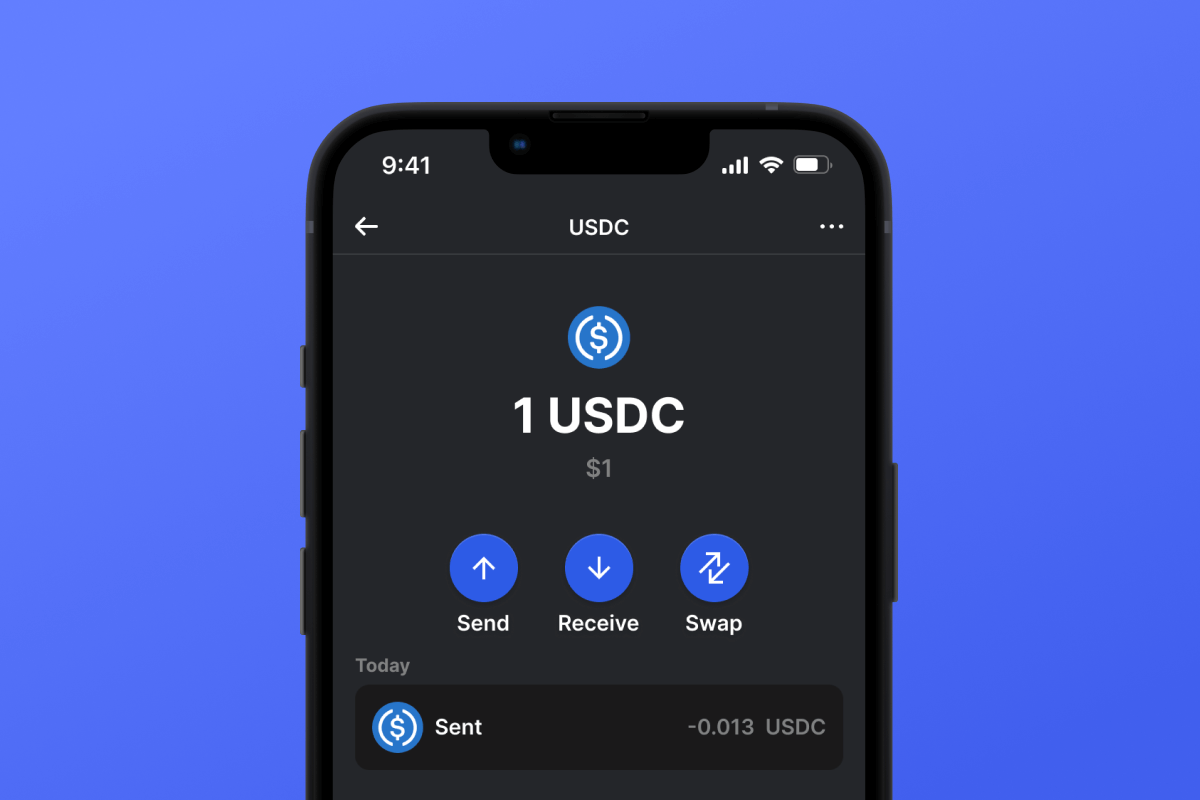
Experience the Cosmos ecosystem anew with Noble Wallet, built for native asset issuance such as USDC. A self-custodial and open-source wallet, ensuring high privacy and strong security. Available on a wide range of mobile devices, whether iOS or Android platforms. Explore a new way of managing digital assets - download Noble Wallet today.

Noble Portefeuille

What Is Noble?

Noble is a blockchain platform designed to support decentralized applications (DApps) and facilitate secure, scalable transactions. The technology aims to improve transaction speed and reduce costs, making it a viable solution for businesses and developers looking to integrate blockchain technology into their services. Noble utilizes a unique consensus mechanism that ensures high security and efficient performance. Additionally, the platform supports smart contracts, which are self-executing contracts with the terms of the agreement directly written into code, providing transparency and reducing the need for intermediaries.

Tokens Available on the Noble Blockchain

At the moment, the Noble blockchain supports only one stablecoin token, USDC. However, the technology is rapidly evolving, and in the near future, the addition of a range of other stablecoins such as USDY, USYC, and others is expected. The interchain economy has tremendous potential for development, which means that the Noble blockchain will continue to grow and expand with new assets year after year.

Noble Wallet Advantages

By choosing Noble Wallet, you gain a reliable and convenient terminal for interchain economy and stablecoins like USDC. Here are the key benefits:

  1. Open Source: Noble Wallet’s code is fully open, allowing users to verify its functionality and security researchers to study and promptly address any issues.

  2. Self-Custody: The key to your assets remains solely in your hands, along with the responsibility for their security. Loss or theft of your key puts your assets at risk.

  3. Privacy and Security: Noble Wallet adheres to the latest standards in security and privacy.

  4. Universality: Regardless of your mobile device choice - iOS or Android - Noble Wallet will always be available to you.

  5. Convenience: Noble Wallet offers an intuitive yet highly functional interface for comfortable management of crypto assets.

  6. Multitool: With Noble Wallet, you can not only manage your interchain assets but also purchase assets directly from the wallet, such as the USDC stablecoin. Additionally, other features and popular blockchains are accessible.

Download Noble Wallet today and immerse yourself in the world of interchain assets!

Pourquoi Noble Wallet Gem est le meilleur choix ?

Gem Wallet se distingue comme une solution de portefeuille Noble de premier plan, alliant sécurité, confidentialité et facilité d'utilisation dans une seule application performante. Voici pourquoi les utilisateurs choisissent Gem Wallet pour leurs besoins en Noble :

Contrôle total

Vous gardez le contrôle total de vos clés privées et de votre phrase de récupération. Aucun tiers ne peut accéder à vos Noble ni les restreindre. Vos Noble vous appartiennent véritablement.

Protection de la vie privée

Aucun suivi, aucune information personnelle, aucune collecte de données. Confidentialité et contrôle complets sur vos Noble.

Source libre

Code disponible publiquement sur GitHub, permettant à chacun de vérifier la sécurité et la fonctionnalité.

Multiplateforme

Disponible sur iOS, Android et APK. Votre portefeuille Noble fonctionne partout où vous allez.

Portefeuille Noble disponible en plusieurs langues

Compatible avec plus de 25 langues, dont l'anglais, l'espagnol, le chinois, le russe et l'arabe. Entièrement localisé pour une accessibilité mondiale.

Services intégrés Noble

Achetez des Noble avec plus de 30 méthodes de paiement. Échange Noble Grâce à un agrégateur DEX intégré, gérez tous vos actifs crypto en toute sécurité.

Comparaison : Portefeuille Gem vs Portefeuilles d'échange

Découvrez en quoi le stockage de Noble dans Gem Wallet diffère du stockage sur les plateformes d'échange.

FonctionnalitéGem WalletPortefeuilles d'échange (Binance, Coinbase)
Inscription requise✅ Aucun❌ KYC complet
Collecte de données personnelles✅ Aucun❌ Exhaustif (pièce d'identité, adresse, selfie)
Source libre✅ Entièrement transparent❌ Source fermée
Contrôle des clés privées✅ Oui❌ Non
Gel du compte✅ Impossible❌ Possible
Temps de préparation✅ 2 minutes⚠️ 1 à 7 jours (vérification KYC)

Fonctionnalités de sécurité professionnelles

  1. Authentification biométriqueUtilisez Face ID, Touch ID ou votre empreinte digitale pour sécuriser votre portefeuille.
  2. Protection du code PINDéfinissez un code PIN robuste comme couche de sécurité supplémentaire.
  3. Sauvegardes chiffréesVotre phrase de récupération est stockée en toute sécurité et ne quitte jamais votre appareil.
  4. Audits de sécurité réguliersDes audits de sécurité indépendants garantissent l'intégrité du portefeuille. En savoir plus sur la sécurité →
Gem Wallet private key security and self-custody crypto wallet features

Avis des utilisateurs sur le portefeuille Gem Noble

Comment créer un portefeuille Noble en 2 minutes

Guide d'installation rapide (3 étapes)

Créer un portefeuille Noble est plus simple qu'ouvrir un compte bancaire. Gem Wallet vous guide tout au long du processus en quelques minutes, le rendant accessible même aux débutants.

onboarding view

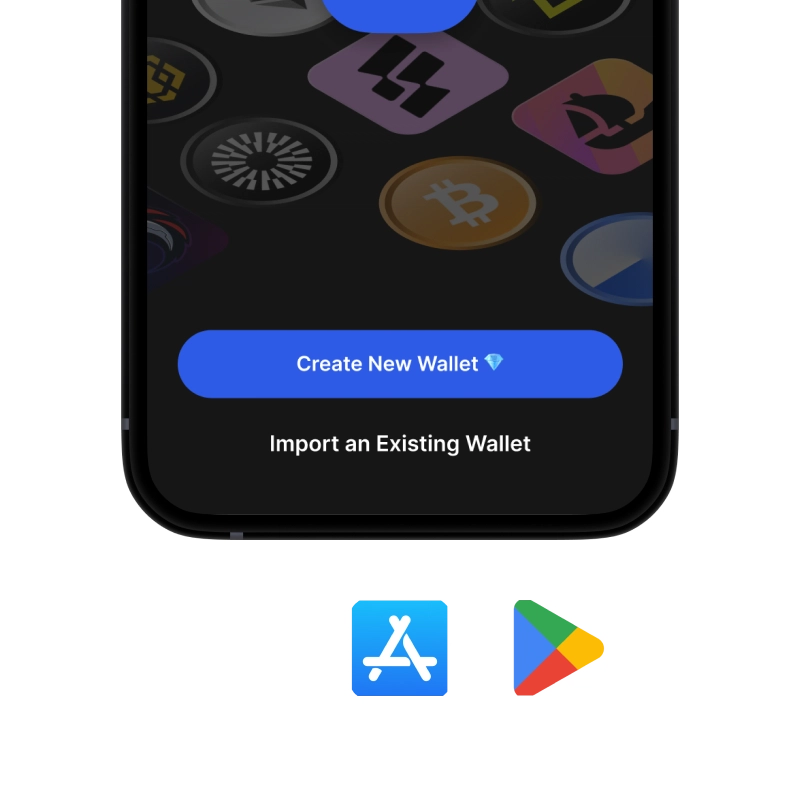
1. Obtenez Noble Portefeuille

Noble Portefeuille : iOS , Android & APK

recovery phrase screen

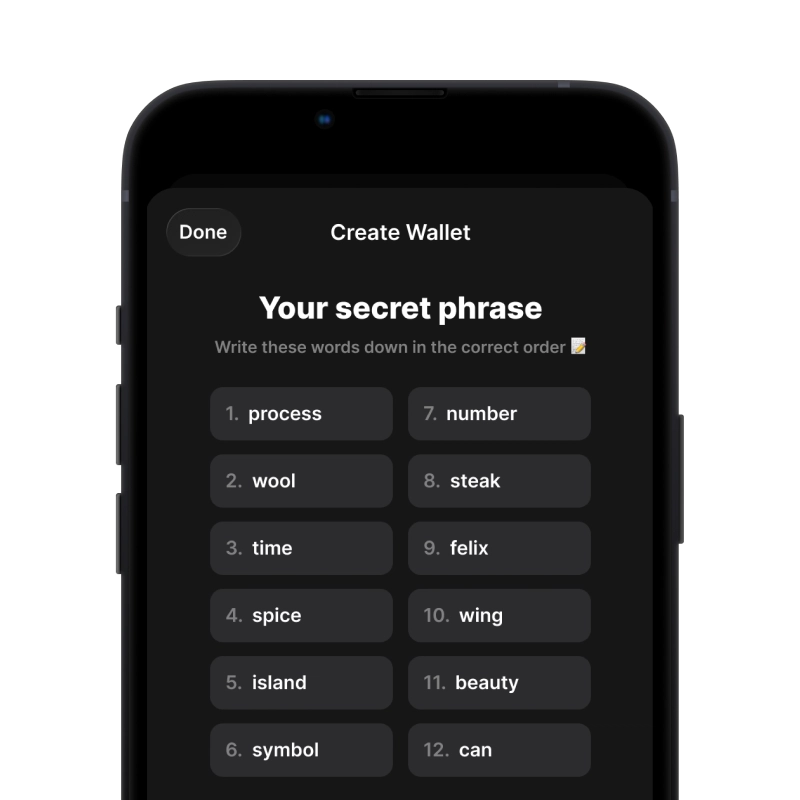
2. Créer Noble Portefeuille

Créez un nouveau portefeuille, enregistrez la phrase secrète et récupérez votre adresse Noble.

gem wallet security settings

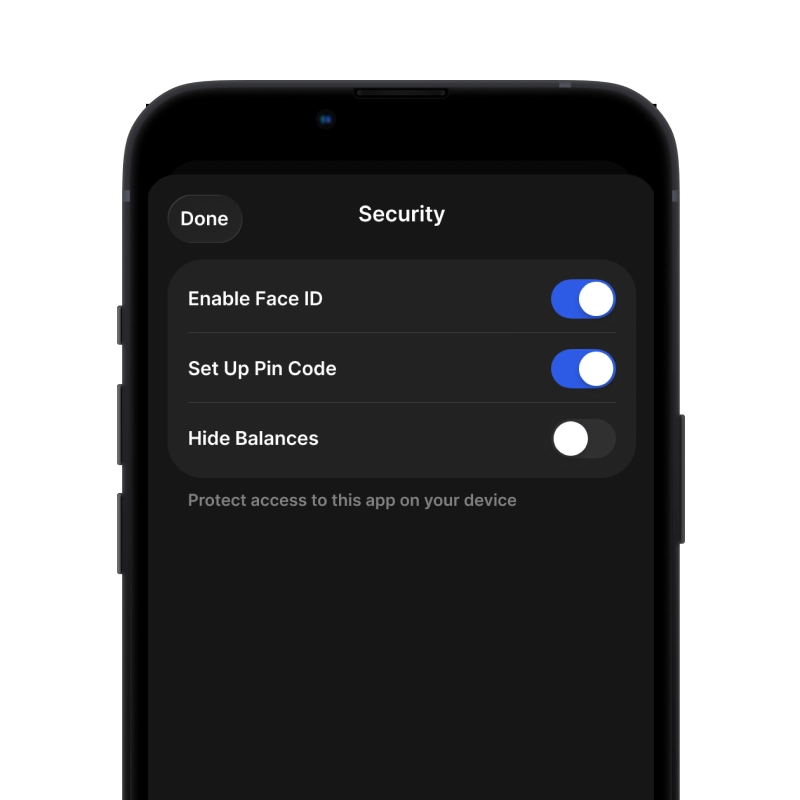
3. Set Up Security for Noble

Enable PIN or biometric authentication and you're ready to go

Create Noble Wallet for iOS

Creating a Noble wallet on iPhone (2 min):

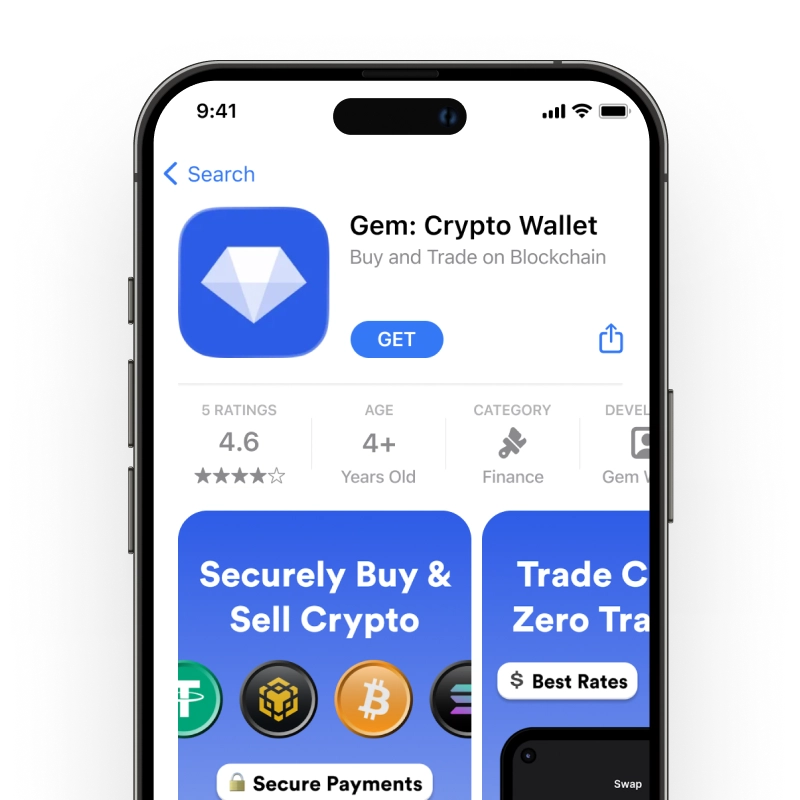
  1. Open the App Store and search for "Gem Wallet"
  2. Download and install the app (it's free and under 50MB)
  3. Open Gem Wallet and tap "Create New Wallet"
  4. Write down your seed phrase on paper - this is your master backup
  5. Enable Face ID or set a PIN code for quick and secure access
  6. Done! Your Noble wallet address is now active
Téléchargez Gem Wallet pour iOS
iOS Noble wallet

Create Noble Wallet for Android

Creating a Noble wallet on Android (2 min):

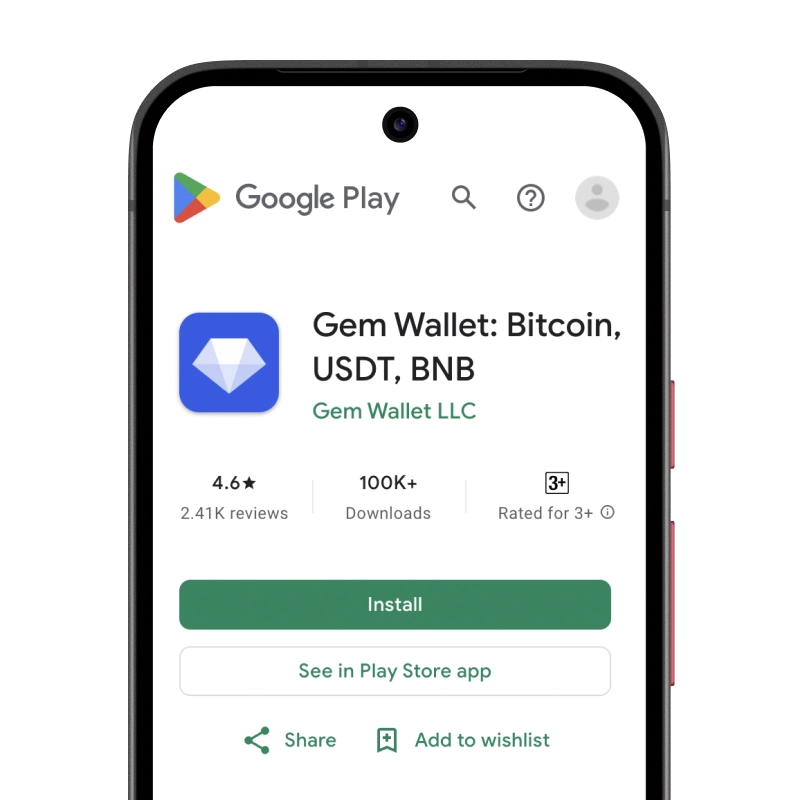
  1. Via Google Play: Search for "Gem Wallet" in the Play Store and install
  2. Via Direct APK: Download the APK file for maximum privacy and control
  3. Open the app and select "Create New Wallet"
  4. Write down your 12-word seed phrase on paper
  5. Set up fingerprint or PIN authentication
  6. Your Noble wallet is ready to use
Android Noble wallet

Noble Wallet Without Registration

One of Noble's core principles is financial freedom and privacy. Gem Wallet embodies this philosophy by offering a Noble wallet without registration - no email, no phone number, no identity verification required.

Why No-Registration Wallets Matter

Custodial Noble wallets and centralized exchanges (Coinbase, Binance) require extensive personal information through KYC (Know Your Customer) verification. Unlike self-custodial wallets, this creates several problems:

  • Privacy Risks: Your financial activity is tracked and can be sold to third parties or accessed by bad actors
  • Data Breaches: Centralized databases of personal information are prime targets for hackers
  • Censorship: Accounts can be frozen or restricted based on location, political views, or arbitrary decisions
  • Time-Consuming: KYC processes can take days or weeks to complete

Gem Wallet: True Private Noble Wallet

With Gem Wallet, you can create and use a Noble wallet with complete privacy:

  • No email address required
  • No phone number needed
  • No identity documents or selfies
  • No IP address tracking
  • No mandatory account creation

Simply download the app, create your wallet, and start using Noble within minutes. Your privacy is protected from the moment you install the app.

Comment obtenir une adresse Noble

Pour obtenir une adresse de portefeuille Noble, vous devez d'abord créer ou importer un portefeuille Noble. L'application générera ensuite automatiquement les adresses pour vous.

1 Ouvrir Gem Wallet

Lancez l'application sur votre téléphone et sélectionnez Noble (Noble) dans votre liste d'actifs.

2 Appuyez sur le bouton « Recevoir ».

Vous verrez un gros bouton en bas de l'écran. L'adresse de votre portefeuille Noble s'affichera à la fois sous forme de texte et sous forme de code QR.

3 Copiez votre adresse

Copiez l'adresse dans le presse-papiers, partagez le code QR ou envoyez-la directement via les applications de messagerie.

Get Noble wallet address in Gem Wallet
🔄 Adresses illimitées

Avec Gem Wallet, vous pouvez générer gratuitement un nombre illimité d'adresses Noble. Chaque adresse est dérivée de votre phrase de récupération et reste sous votre contrôle indéfiniment.

📱 Utilisation des codes QR
  • Aucune faute de frappe - La numérisation évite les erreurs de copier-coller
  • Transactions plus rapides - Montrez simplement l'écran de votre téléphone
  • Parfait pour les rencontres en personne paiements Noble