



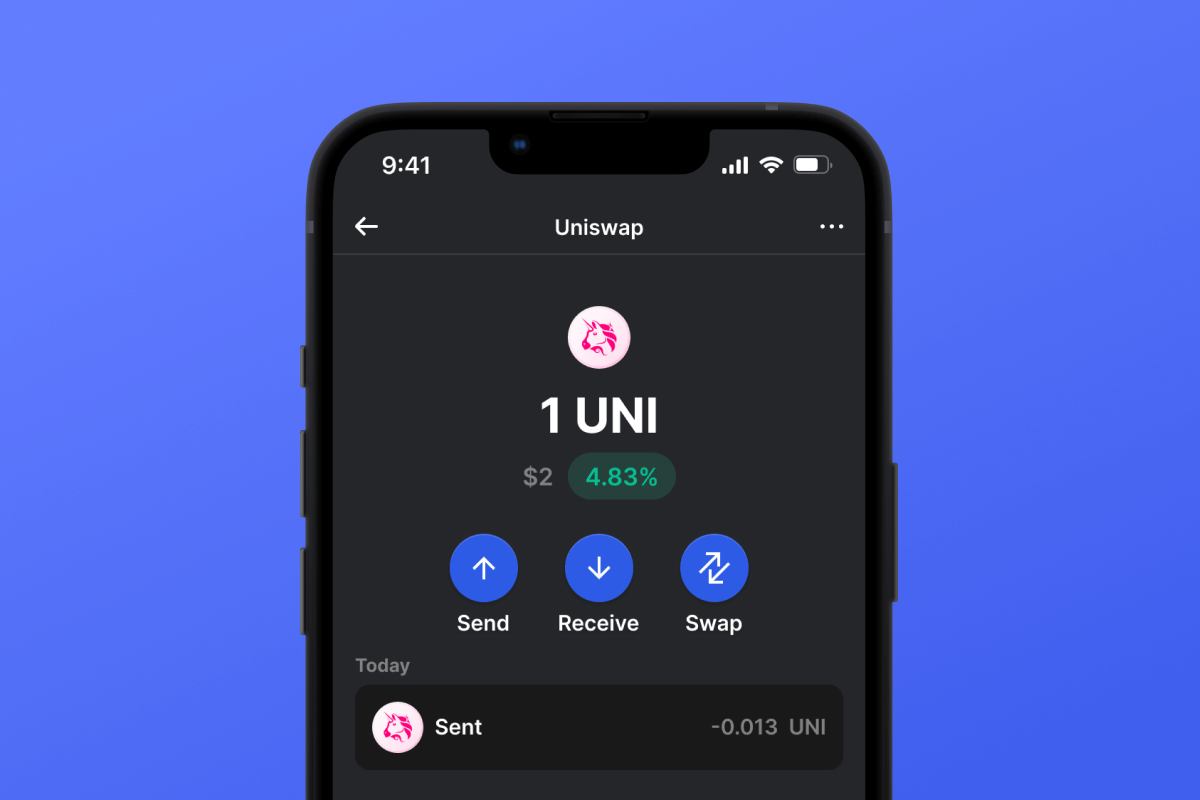
Uniswap (UNI) Coin

Uniswap (UNI) Wallet

Unlock seamless crypto trading with Uniswap. Dive into its history, learn about its protocol, and understand its significance in the DeFi landscape. Ready for the next step? Download the Uniswap wallet now!

Uniswap (UNI) Wallet

What Is Uniswap?

Uniswap, commonly referred to as UNI, stands as a beacon in the Decentralized Finance (DeFi) realm. It's a decentralized crypto exchange built on the Ethereum blockchain, empowering users to trade tokens without intermediaries. With its unique automated market maker system and smart contracts, it represents a paradigm shift in how we view exchanges.

UNI Wallet Benefits

Step into the future of decentralized trading with the Uniswap wallet. Here's what you stand to gain:

  • Security: Keep your assets safe with top-tier encryption, ensuring peace of mind.

  • Versatility: Whether you're on iOS or Android, our wallet has got you covered.

  • User-Friendly: Navigate with ease, whether you're a newbie or a seasoned crypto enthusiast.

  • Instant Access: With the best Uniswap wallet, enjoy swift trades, check balances, and manage your portfolio on the go.

  • Open-Source Security: Revel in unparalleled safety with our Uniswap wallet. By being open-source, we offer transparency and an added layer of protection, letting you trade with confidence and without intermediaries.

Join the movement. Take control of your crypto journey with the most comprehensive wallet for Uniswap!

Bakit ang Uniswap (UNI) Wallet Gem ang Pinakamahusay na Pagpipilian?

Namumukod-tangi ang Gem Wallet bilang nangungunang solusyon sa Uniswap (UNI) wallet, na pinagsasama ang seguridad, privacy, at usability sa isang makapangyarihang app. Narito kung bakit pinipili ng mga user ang Gem Wallet para sa kanilang mga pangangailangan sa Uniswap (UNI):

Ganap na Kontrol

Ganap na kontrol sa iyong mga pribadong susi at secret phrase. Walang ikatlong partido ang maaaring mag-access o maghigpit sa iyong Uniswap (UNI). Ang iyong Uniswap (UNI) ay tunay na iyo.

Proteksyon sa Pagkapribado

Walang pagsubaybay, walang personal na impormasyon, walang pangongolekta ng datos. Ganap na privacy at kontrol sa iyong Uniswap (UNI).

Bukas na Pinagmulan

Kodigo na magagamit ng publiko sa GitHub, na nagpapahintulot sa sinuman na i-verify ang seguridad at functionality.

Pangkat-plataporma

Magagamit sa iOS, Android, at APK. Ang iyong Uniswap (UNI) wallet ay gumagana saan ka man magpunta.

Uniswap (UNI) Wallet sa Iba't ibang Wika

Sinusuportahan ang mahigit 25 wika kabilang ang Ingles, Espanyol, Tsino, Ruso, at Arabic. Ganap na naka-localize para sa pandaigdigang accessibility.

Mga Naka-embed na Serbisyo ng Uniswap (UNI)

Bumili ng Uniswap (UNI) gamit ang mahigit 30 paraan ng pagbabayad. Pagpalitin UNI sa pamamagitan ng integrated DEX aggregator. Pamahalaan ang lahat ng crypto assets sa isang ligtas na lugar.

Paghahambing: Gem Wallet vs Exchange Wallets

Tingnan kung paano naiiba ang pag-iimbak ng Uniswap (UNI) sa Gem Wallet sa pag-iimbak nito sa mga exchange

TampokGem WalletMga Exchange Wallet (Binance, Coinbase)
Kinakailangan ang Pagpaparehistro✅ Wala❌ Buong KYC
Pangongolekta ng Personal na Datos✅ Wala❌ Malawak (ID, address, selfie)
Bukas na Pinagmulan✅ Ganap na transparent❌ Saradong pinagmulan
Kontrol ng mga Pribadong Key✅ Oo❌ Hindi
Pag-freeze ng Account✅ ImposiblePosible
Oras ng Pag-setup✅ 2 minuto⚠️ 1-7 araw (pag-verify ng KYC)

Mga Tampok ng Propesyonal na Seguridad

  1. Pagpapatotoo ng BiometrikoGamitin ang Face ID, Touch ID, o fingerprint para ma-secure ang iyong wallet
  2. Proteksyon ng PINMagtakda ng matibay na PIN code bilang karagdagang security layer
  3. Mga Naka-encrypt na BackupAng iyong secret phrase ay ligtas na nakaimbak at hindi kailanman lumalabas sa iyong device
  4. Mga Regular na Pag-audit sa SeguridadTinitiyak ng mga independiyenteng pagsusuri sa seguridad ang integridad ng wallet. Matuto nang higit pa tungkol sa seguridad →
Gem Wallet private key security and self-custody crypto wallet features

Ang Sinasabi ng mga Gumagamit Tungkol sa Gem Uniswap (UNI) Wallet

Paano Mag-set Up ng Uniswap (UNI) Wallet sa Loob ng 2 Minuto

Gabay sa Mabilisang Pag-setup (3 Hakbang)

Mas simple ang paggawa ng Uniswap (UNI) wallet kaysa sa pagbubukas ng bank account. Gagabayan ka ng Gem Wallet sa buong proseso sa loob lamang ng ilang minuto, kaya madali itong magamit ng mga baguhan.

onboarding view

1. Download Uniswap (UNI) Wallet

Uniswap (UNI) Wallet: iOS, Android & APK

recovery phrase screen

2. Create Uniswap (UNI) Wallet

Create a new wallet, save the secret phrase, and get your address in Uniswap (UNI).

gem wallet security settings

3. Set Up Security for UNI

Enable PIN or biometric authentication and you're ready to go

Create Uniswap (UNI) Wallet for iOS

Creating a Uniswap (UNI) wallet on iPhone (2 min):

  1. Open the App Store and search for "Gem Wallet"
  2. Download and install the app (it's free and under 50MB)
  3. Open Gem Wallet and tap "Create New Wallet"
  4. Write down your seed phrase on paper - this is your master backup
  5. Enable Face ID or set a PIN code for quick and secure access
  6. Done! Your Uniswap (UNI) wallet address is now active
Download Gem Wallet for iOS
iOS Uniswap (UNI) wallet

Create Uniswap (UNI) Wallet for Android

Creating a Uniswap (UNI) wallet on Android (2 min):

  1. Via Google Play: Search for "Gem Wallet" in the Play Store and install
  2. Via Direct APK: Download the APK file for maximum privacy and control
  3. Open the app and select "Create New Wallet"
  4. Write down your 12-word seed phrase on paper
  5. Set up fingerprint or PIN authentication
  6. Your Uniswap (UNI) wallet is ready to use
Android Uniswap (UNI) wallet

Uniswap (UNI) Wallet Without Registration

One of Uniswap (UNI)'s core principles is financial freedom and privacy. Gem Wallet embodies this philosophy by offering a Uniswap (UNI) wallet without registration - no email, no phone number, no identity verification required.

Why No-Registration Wallets Matter

Custodial Uniswap (UNI) wallets and centralized exchanges (Coinbase, Binance) require extensive personal information through KYC (Know Your Customer) verification. Unlike self-custodial wallets, this creates several problems:

  • Privacy Risks: Your financial activity is tracked and can be sold to third parties or accessed by bad actors
  • Data Breaches: Centralized databases of personal information are prime targets for hackers
  • Censorship: Accounts can be frozen or restricted based on location, political views, or arbitrary decisions
  • Time-Consuming: KYC processes can take days or weeks to complete

Gem Wallet: True Private Uniswap (UNI) Wallet

With Gem Wallet, you can create and use a Uniswap (UNI) wallet with complete privacy:

  • No email address required
  • No phone number needed
  • No identity documents or selfies
  • No IP address tracking
  • No mandatory account creation

Simply download the app, create your wallet, and start using Uniswap (UNI) within minutes. Your privacy is protected from the moment you install the app.

Paano Kumuha ng Address na Uniswap (UNI)

Para makakuha ng Uniswap (UNI) wallet address, kailangan mo munang gumawa o mag-import ng Uniswap (UNI) wallet. Pagkatapos nito, awtomatikong bubuo ang app ng mga address para sa iyo.

1 Bukas Gem Wallet

Ilunsad ang app sa iyong telepono at piliin ang Uniswap (UNI) (UNI) mula sa iyong listahan ng mga asset.

2 Pindutin ang Button na "Tanggapin"

Makakakita ka ng malaking buton sa ibaba ng screen. Ang address ng iyong Uniswap (UNI) wallet ay ipapakita bilang teksto at bilang QR code.

3 Kopyahin ang Iyong Address

Kopyahin ang address sa clipboard, ibahagi ang QR code, o ipadala ito nang direkta sa pamamagitan ng mga messaging app.

Get Uniswap (UNI) wallet address in Gem Wallet
🔄 Walang Limitasyong Address

Sa Gem Wallet, maaari kang bumuo ng walang limitasyong Uniswap (UNI) na mga address nang libre. Ang bawat address ay hango sa iyong secret phrase at mananatili sa ilalim ng iyong kontrol magpakailanman.

📱 Paggamit ng mga QR Code
  • Walang mga Mali sa Pag-type - Pinipigilan ng pag-scan ang mga pagkakamali sa pagkopya at pag-paste
  • Mas Mabilis na mga Transaksyon - Ipakita lang ang screen ng iyong telepono
  • Perpekto para sa personal mga pagbabayad sa Uniswap (UNI)



















