


Blast (BLAST) Coin

Blast (BLAST) Wallet

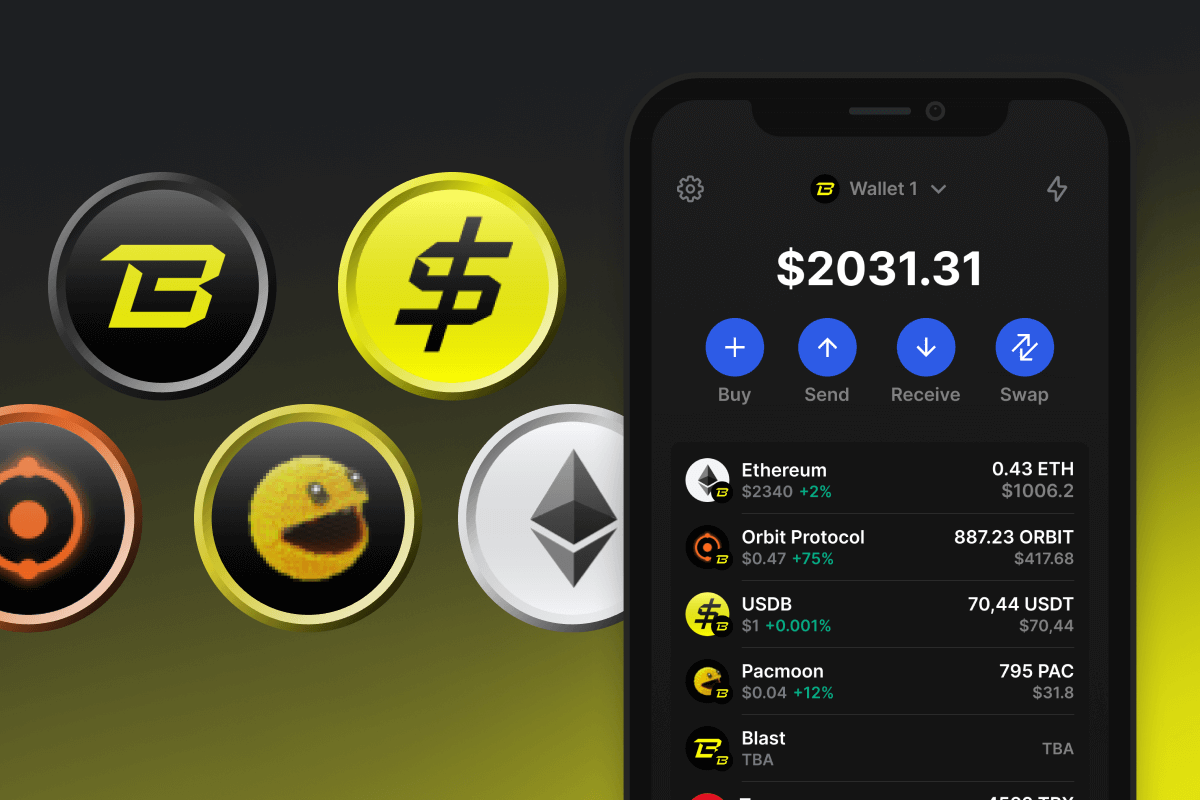
Blast Native Wallet is Open-source, self-custody, mobile crypto wallet that lets you connect to Blast DApps and use tokens and ETH on Blast blockchain. Store your ETH and earn blast points to get Blast Airdrop. Download Blast Wallet and earn Ethereum yield on your ETH today.

Blast (BLAST) Wallet

What Is Blast?

Blast redefines Ethereum's landscape with its Layer 2 blockchain, offering native yields on ETH and stablecoins, coupled with automatic compounding. By integrating ETH staking and Real-World Asset protocols, Blast ensures continuous asset growth, standing out in the L2 space. It empowers users with governance opportunities, fostering a vibrant, sustainable ecosystem for digital asset evolution.

What is Blast Token?

The Blast token, based on the Ethereum blockchain's ERC20 standard, is central to the functioning of the Blast ecosystem. It is used as a staking token to participate in the consensus mechanisms of the BLAST L2 Chain, serves as a governance token allowing holders to vote on important decisions, and is utilized to pay transaction fees within the network. This multifunctional role underscores its importance in ensuring the ecosystem's smooth operation and governance.

Tips on How You Can Earn More Crypto with Blast Wallet

You do not have to stop just by holding ETH in your wallet; you can utilize this Ethereum and start using it across various DApp opportunities:

  • Play crypto games to earn additional tokens of the project.
  • Buy NFTs and trade them at a higher price.
  • Buy early project tokens at a low price and exchange them later for a higher price.
  • Earn yield by holding ETH in a wallet.
  • Lend or borrow ETH with yield DApps.

Blast Wallet Benefits

Choosing Blast Wallet means you're not just selecting a place to store your tokens, but you're accessing a versatile platform within the Blast ecosystem:

  • Utility: Blast Wallet lets you connect to DApps via WalletConnect, use futures and prediction markets, play games, buy NFTs, and trade tokens on the go.
  • Self-Custody: With Blast Wallet, you have full control over your Blast and other Blast L2 tokens. Your crypto assets are securely in your hands.
  • Privacy and Security: Blast Wallet offers a high level of privacy and security, providing a reliable storage solution for your Blast L2 assets.
  • Universality: Download Blast Wallet on any mobile device, iOS or Android, to always have access at your fingertips.
  • Convenience: The user-friendly interface of Blast Wallet offers a comfortable and enjoyable experience with the Blast L2 ecosystem.
  • Open Source: Blast Wallet, like the Blast L2 blockchain, is open source, ensuring transparency for users and cybersecurity researchers.

Explore Ethereum's capabilities. The Blast Wallet is your trusted companion in the intriguing realm of Layer 2 solutions. Embrace the future with us now!

Bakit ang Blast (BLAST) Wallet Gem ang Pinakamahusay na Pagpipilian?

Namumukod-tangi ang Gem Wallet bilang nangungunang solusyon sa Blast (BLAST) wallet, na pinagsasama ang seguridad, privacy, at usability sa isang makapangyarihang app. Narito kung bakit pinipili ng mga user ang Gem Wallet para sa kanilang mga pangangailangan sa Blast (BLAST):

Ganap na Kontrol

Ganap na kontrol sa iyong mga pribadong susi at secret phrase. Walang ikatlong partido ang maaaring mag-access o maghigpit sa iyong Blast (BLAST). Ang iyong Blast (BLAST) ay tunay na iyo.

Proteksyon sa Pagkapribado

Walang pagsubaybay, walang personal na impormasyon, walang pangongolekta ng datos. Ganap na privacy at kontrol sa iyong Blast (BLAST).

Bukas na Pinagmulan

Kodigo na magagamit ng publiko sa GitHub, na nagpapahintulot sa sinuman na i-verify ang seguridad at functionality.

Pangkat-plataporma

Magagamit sa iOS, Android, at APK. Ang iyong Blast (BLAST) wallet ay gumagana saan ka man magpunta.

Blast (BLAST) Wallet sa Iba't ibang Wika

Sinusuportahan ang mahigit 25 wika kabilang ang Ingles, Espanyol, Tsino, Ruso, at Arabic. Ganap na naka-localize para sa pandaigdigang accessibility.

Mga Naka-embed na Serbisyo ng Blast (BLAST)

Bumili ng Blast (BLAST) gamit ang mahigit 30 paraan ng pagbabayad. Pagpalitin BLAST sa pamamagitan ng integrated DEX aggregator. Pamahalaan ang lahat ng crypto assets sa isang ligtas na lugar.

Paghahambing: Gem Wallet vs Exchange Wallets

Tingnan kung paano naiiba ang pag-iimbak ng Blast (BLAST) sa Gem Wallet sa pag-iimbak nito sa mga exchange

TampokGem WalletMga Exchange Wallet (Binance, Coinbase)
Kinakailangan ang Pagpaparehistro✅ Wala❌ Buong KYC
Pangongolekta ng Personal na Datos✅ Wala❌ Malawak (ID, address, selfie)
Bukas na Pinagmulan✅ Ganap na transparent❌ Saradong pinagmulan
Kontrol ng mga Pribadong Key✅ Oo❌ Hindi
Pag-freeze ng Account✅ ImposiblePosible
Oras ng Pag-setup✅ 2 minuto⚠️ 1-7 araw (pag-verify ng KYC)

Mga Tampok ng Propesyonal na Seguridad

  1. Pagpapatotoo ng BiometrikoGamitin ang Face ID, Touch ID, o fingerprint para ma-secure ang iyong wallet
  2. Proteksyon ng PINMagtakda ng matibay na PIN code bilang karagdagang security layer
  3. Mga Naka-encrypt na BackupAng iyong secret phrase ay ligtas na nakaimbak at hindi kailanman lumalabas sa iyong device
  4. Mga Regular na Pag-audit sa SeguridadTinitiyak ng mga independiyenteng pagsusuri sa seguridad ang integridad ng wallet. Matuto nang higit pa tungkol sa seguridad →
Gem Wallet private key security and self-custody crypto wallet features

Ang Sinasabi ng mga Gumagamit Tungkol sa Gem Blast (BLAST) Wallet

Paano Mag-set Up ng Blast (BLAST) Wallet sa Loob ng 2 Minuto

Gabay sa Mabilisang Pag-setup (3 Hakbang)

Mas simple ang paggawa ng Blast (BLAST) wallet kaysa sa pagbubukas ng bank account. Gagabayan ka ng Gem Wallet sa buong proseso sa loob lamang ng ilang minuto, kaya madali itong magamit ng mga baguhan.

onboarding view

1. Download Blast (BLAST) Wallet

Blast (BLAST) Wallet: iOS, Android & APK

recovery phrase screen

2. Create Blast (BLAST) Wallet

Create a new wallet, save the secret phrase, and get your address in Blast (BLAST).

gem wallet security settings

3. Set Up Security for BLAST

Enable PIN or biometric authentication and you're ready to go

Gumawa ng Blast (BLAST) Wallet para sa iOS

Kunin ang iyong BLAST wallet sa iPhone (2 minuto):

  1. Buksan ang App Store at hanapin ang "Gem Wallet"
  2. I-download at i-install ang app (libre ito at wala pang 50MB)
  3. Buksan ang Gem Wallet at i-tap ang "Gumawa ng Bagong Wallet"
  4. Isulat ang iyong sikretong parirala sa papel - ito ang iyong pangunahing backup
  5. Paganahin ang Face ID o magtakda ng PIN code para sa mabilis at ligtas na pag-access
  6. Tapos na!
Download Gem Wallet for iOS
Blast (BLAST) pitaka para sa iOS

Gumawa ng Blast (BLAST) Wallet para sa Android

Kunin ang iyong BLAST wallet sa Android (2 minuto):

  1. Sa pamamagitan ng Google PlayHanapin ang "Gem Wallet" sa Play Store at i-install
  2. APKI-download ang APK file para sa pinakamataas na privacy at kontrol
  3. Buksan ang app at piliin ang "Gumawa ng Bagong Wallet"
  4. Isulat sa papel ang iyong 12-salitang sikretong parirala
  5. I-set up ang fingerprint o PIN authentication
  6. Tapos na!
Blast (BLAST) pitaka para sa Android

Paano Kumuha ng Address na Blast (BLAST)

Para makakuha ng Blast (BLAST) wallet address, kailangan mo munang gumawa o mag-import ng Blast (BLAST) wallet. Pagkatapos nito, awtomatikong bubuo ang app ng mga address para sa iyo.

1 Bukas Gem Wallet

Ilunsad ang app sa iyong telepono at piliin ang Blast (BLAST) (BLAST) mula sa iyong listahan ng mga asset.

2 Pindutin ang Button na "Tanggapin"

Makakakita ka ng malaking buton sa ibaba ng screen. Ang address ng iyong Blast (BLAST) wallet ay ipapakita bilang teksto at bilang QR code.

3 Kopyahin ang Iyong Address

Kopyahin ang address sa clipboard, ibahagi ang QR code, o ipadala ito nang direkta sa pamamagitan ng mga messaging app.

Get Blast (BLAST) wallet address in Gem Wallet
🔄 Walang Limitasyong Address

Sa Gem Wallet, maaari kang bumuo ng walang limitasyong Blast (BLAST) na mga address nang libre. Ang bawat address ay hango sa iyong secret phrase at mananatili sa ilalim ng iyong kontrol magpakailanman.

📱 Paggamit ng mga QR Code
  • Walang mga Mali sa Pag-type - Pinipigilan ng pag-scan ang mga pagkakamali sa pagkopya at pag-paste
  • Mas Mabilis na mga Transaksyon - Ipakita lang ang screen ng iyong telepono
  • Perpekto para sa personal mga pagbabayad sa Blast (BLAST)

Frequently Asked Questions

Blast introduces a groundbreaking L2 blockchain that redefines earning potential on Ethereum. Its unique feature set includes native yield for ETH and stablecoins, a first in the L2 landscape, offering automatic compounding of your balance.
Blast's mainnet was launched on February 22, 2024.
Blast was created by Blurr and Pacman in 2024, and its main investors are Paradigm.
Go to your Blast Wallet and click Blast coin for the current price of token.


















