Base Coin

Base Wallet

Discover the unique advantages of the Base wallet, an Ethereum L2 innovation. Offering security, low fees, and seamless integration, it's the ideal choice for accessing the dynamic world of onchain apps. Download now for a transformative crypto experience.

Base Wallet

What Is Base Blockchain?

Base is an Ethereum Layer 2 (L2) blockchain launched in August 2023 by Coinbase, one of the largest cryptocurrency exchanges in the world. Built on the Ethereum ecosystem and powered by the Optimism OP Stack, Base is designed to tackle the increasing demand for scalability and lower transaction fees within decentralized networks.

By leveraging Ethereum’s security while operating on its own optimized layer, Base enables faster and cheaper transactions — reducing gas fees by up to 90% compared to Ethereum mainnet. Within its first six months after mainnet launch, Base processed over 200 million transactions and attracted more than 2 million unique wallets, solidifying its position as one of the most active Layer 2 networks.

BASE Wallet app Benefits

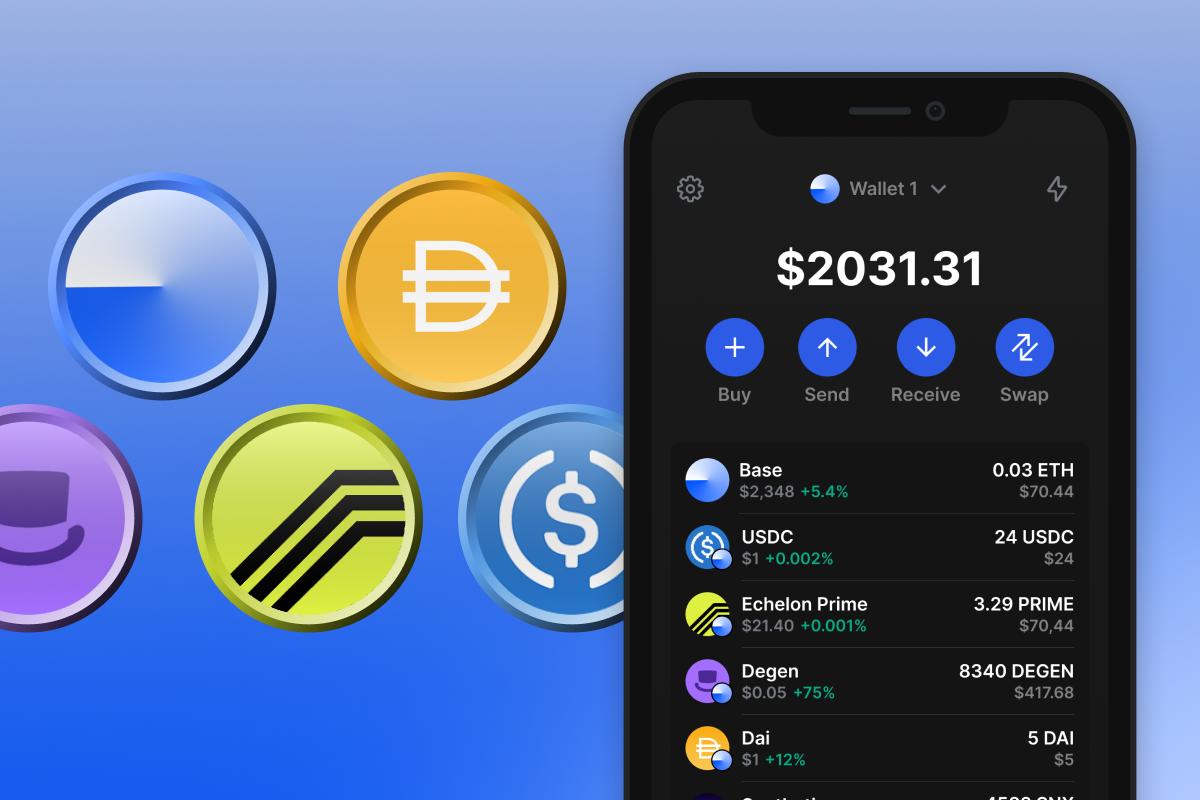
Embrace the cutting-edge features of the Base wallet, a gateway to Ethereum's Layer 2 ecosystem. This self-custodial, open-source mobile wallet ensures full control over your digital assets.

  • Enhanced Security & Privacy: The BASE Wallet is a self-custodial, open-source wallet that keeps you in full control of your crypto. Built on Ethereum's proven security, it ensures complete privacy and protection for your transactions — without intermediaries or data tracking.

  • Low Fees & Seamless Transfers: The BASE Wallet lets you enjoy the speed and security of Ethereum’s Layer 2 network at a fraction of the cost. Easily move tokens between Ethereum L1 and compatible chains, benefiting from up to 90% lower gas fees and faster confirmations.

  • User Experience & Advanced Features: Designed for both beginners and experienced users, the BASE Wallet offers an intuitive interface with access to the latest Ethereum innovations — including Account Abstraction, gasless transactions, and cross-chain flexibility for your crypto assets.

  • Scalability: Handle increasing workloads efficiently, making BASE ideal for both individual users and large-scale applications.

  • Coinbase Integration: Benefit from the seamless integration with Coinbase, providing easy fiat onramps and a gateway to millions of users.

  • Availability: You can always purchase BASE ETH or other tokens on BASE directly from your BASE wallet using a credit card. Just follow the simple instructions, and within minutes, the desired token will appear in your wallet balance.

Join the BASE community today and navigate the exciting world of Ethereum L2 with confidence and convenience. Download now to start your journey in the evolving cryptoeconomy.

Bakit ang Base Wallet Gem ang Pinakamahusay na Pagpipilian?

Namumukod-tangi ang Gem Wallet bilang nangungunang solusyon sa Base wallet, na pinagsasama ang seguridad, privacy, at usability sa isang makapangyarihang app. Narito kung bakit pinipili ng mga user ang Gem Wallet para sa kanilang mga pangangailangan sa Base:

Ganap na Kontrol

Ganap na kontrol sa iyong mga pribadong susi at secret phrase. Walang ikatlong partido ang maaaring mag-access o maghigpit sa iyong Base. Ang iyong Base ay tunay na iyo.

Proteksyon sa Pagkapribado

Walang pagsubaybay, walang personal na impormasyon, walang pangongolekta ng datos. Ganap na privacy at kontrol sa iyong Base.

Bukas na Pinagmulan

Kodigo na magagamit ng publiko sa GitHub, na nagpapahintulot sa sinuman na i-verify ang seguridad at functionality.

Pangkat-plataporma

Magagamit sa iOS, Android, at APK. Ang iyong Base wallet ay gumagana saan ka man magpunta.

Base Wallet sa Iba't ibang Wika

Sinusuportahan ang mahigit 25 wika kabilang ang Ingles, Espanyol, Tsino, Ruso, at Arabic. Ganap na naka-localize para sa pandaigdigang accessibility.

Mga Naka-embed na Serbisyo ng Base

Bumili ng Base gamit ang mahigit 30 paraan ng pagbabayad. Pagpalitin BASE sa pamamagitan ng integrated DEX aggregator. Pamahalaan ang lahat ng crypto assets sa isang ligtas na lugar.

Paghahambing: Gem Wallet vs Exchange Wallets

Tingnan kung paano naiiba ang pag-iimbak ng Base sa Gem Wallet sa pag-iimbak nito sa mga exchange

TampokGem WalletMga Exchange Wallet (Binance, Coinbase)
Kinakailangan ang Pagpaparehistro✅ Wala❌ Buong KYC
Pangongolekta ng Personal na Datos✅ Wala❌ Malawak (ID, address, selfie)
Bukas na Pinagmulan✅ Ganap na transparent❌ Saradong pinagmulan
Kontrol ng mga Pribadong Key✅ Oo❌ Hindi
Pag-freeze ng Account✅ ImposiblePosible
Oras ng Pag-setup✅ 2 minuto⚠️ 1-7 araw (pag-verify ng KYC)

Mga Tampok ng Propesyonal na Seguridad

  1. Pagpapatotoo ng BiometrikoGamitin ang Face ID, Touch ID, o fingerprint para ma-secure ang iyong wallet
  2. Proteksyon ng PINMagtakda ng matibay na PIN code bilang karagdagang security layer
  3. Mga Naka-encrypt na BackupAng iyong secret phrase ay ligtas na nakaimbak at hindi kailanman lumalabas sa iyong device
  4. Mga Regular na Pag-audit sa SeguridadTinitiyak ng mga independiyenteng pagsusuri sa seguridad ang integridad ng wallet. Matuto nang higit pa tungkol sa seguridad →
Gem Wallet private key security and self-custody crypto wallet features

Ang Sinasabi ng mga Gumagamit Tungkol sa Gem Base Wallet

Paano Mag-set Up ng Base Wallet sa Loob ng 2 Minuto

Gabay sa Mabilisang Pag-setup (3 Hakbang)

Mas simple ang paggawa ng Base wallet kaysa sa pagbubukas ng bank account. Gagabayan ka ng Gem Wallet sa buong proseso sa loob lamang ng ilang minuto, kaya madali itong magamit ng mga baguhan.

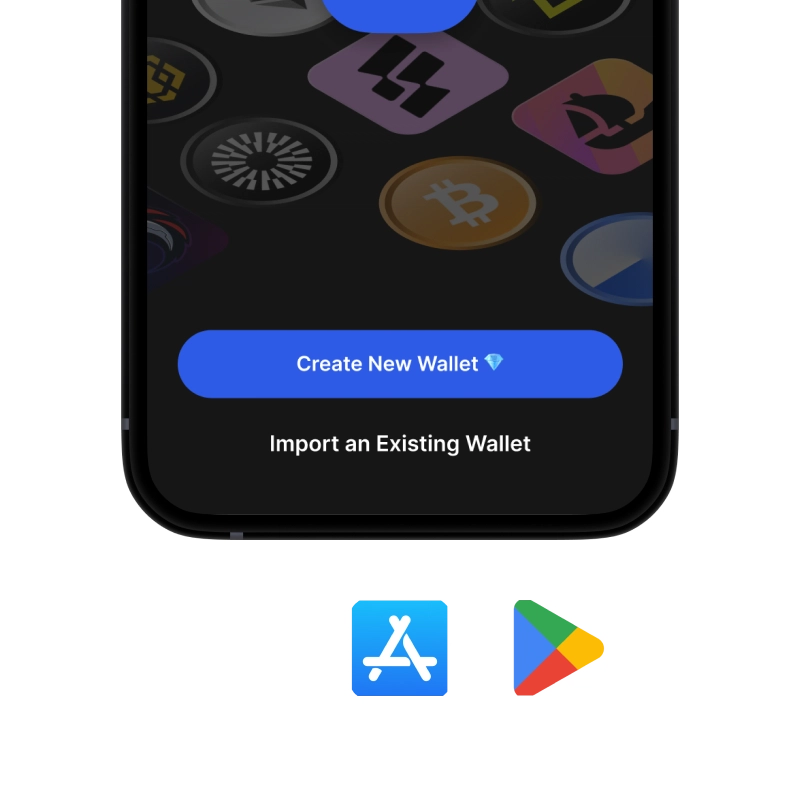
onboarding view

1. Download Base Wallet

Base Wallet: iOS, Android & APK

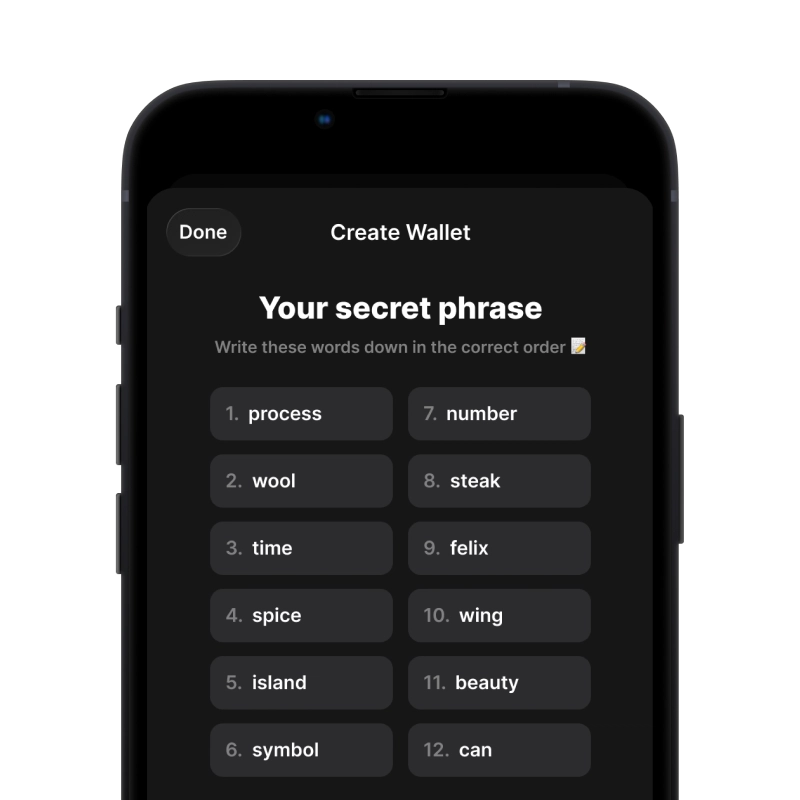
recovery phrase screen

2. Create Base Wallet

Create a new wallet, save the secret phrase, and get your address in Base.

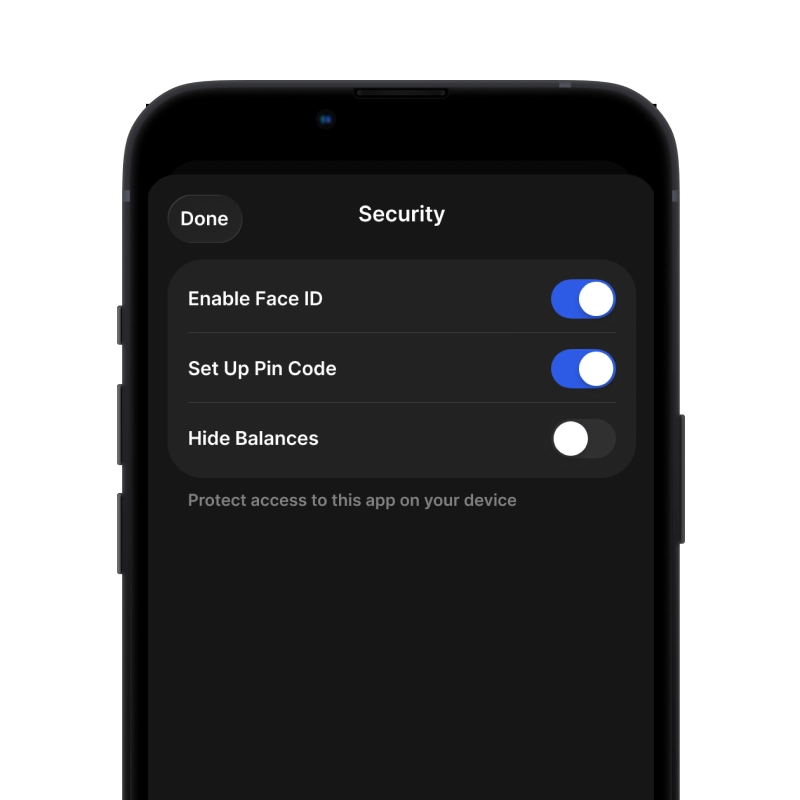
gem wallet security settings

3. Set Up Security for BASE

Enable PIN or biometric authentication and you're ready to go

Gumawa ng Base Wallet para sa iOS

Kunin ang iyong BASE wallet sa iPhone (2 minuto):

  1. Buksan ang App Store at hanapin ang "Gem Wallet"
  2. I-download at i-install ang app (libre ito at wala pang 50MB)
  3. Buksan ang Gem Wallet at i-tap ang "Gumawa ng Bagong Wallet"
  4. Isulat ang iyong sikretong parirala sa papel - ito ang iyong pangunahing backup
  5. Paganahin ang Face ID o magtakda ng PIN code para sa mabilis at ligtas na pag-access
  6. Tapos na!
Download Gem Wallet for iOS
Base pitaka para sa iOS

Gumawa ng Base Wallet para sa Android

Kunin ang iyong BASE wallet sa Android (2 minuto):

  1. Sa pamamagitan ng Google PlayHanapin ang "Gem Wallet" sa Play Store at i-install
  2. APKI-download ang APK file para sa pinakamataas na privacy at kontrol
  3. Buksan ang app at piliin ang "Gumawa ng Bagong Wallet"
  4. Isulat sa papel ang iyong 12-salitang sikretong parirala
  5. I-set up ang fingerprint o PIN authentication
  6. Tapos na!
Base pitaka para sa Android

Paano Kumuha ng Address na Base

Para makakuha ng Base wallet address, kailangan mo munang gumawa o mag-import ng Base wallet. Pagkatapos nito, awtomatikong bubuo ang app ng mga address para sa iyo.

1 Bukas Gem Wallet

Ilunsad ang app sa iyong telepono at piliin ang Base (BASE) mula sa iyong listahan ng mga asset.

2 Pindutin ang Button na "Tanggapin"

Makakakita ka ng malaking buton sa ibaba ng screen. Ang address ng iyong Base wallet ay ipapakita bilang teksto at bilang QR code.

3 Kopyahin ang Iyong Address

Kopyahin ang address sa clipboard, ibahagi ang QR code, o ipadala ito nang direkta sa pamamagitan ng mga messaging app.

Get Base wallet address in Gem Wallet
🔄 Walang Limitasyong Address

Sa Gem Wallet, maaari kang bumuo ng walang limitasyong Base na mga address nang libre. Ang bawat address ay hango sa iyong secret phrase at mananatili sa ilalim ng iyong kontrol magpakailanman.

📱 Paggamit ng mga QR Code
  • Walang mga Mali sa Pag-type - Pinipigilan ng pag-scan ang mga pagkakamali sa pagkopya at pag-paste
  • Mas Mabilis na mga Transaksyon - Ipakita lang ang screen ng iyong telepono
  • Perpekto para sa personal mga pagbabayad sa Base

Frequently Asked Questions

Install Gem Wallet, open the app, tap Create Wallet (or Add Account) and follow the quick setup steps. Back up your 12-word secret phrase offline and complete the on-screen confirmations. After backup, your BASE Wallet will be ready to interact with Base L2 dApps and transfers.
When you create a BASE Wallet in Gem you immediately receive an EVM-compatible Base address. Open the Base asset page and tap Receive — you’ll see your address and a QR code to copy or share for incoming transfers.
Use the Swap feature in Gem Wallet: select the token you hold and the token you want (both on Base), review best-price routes, estimated gas and slippage, then confirm. Gem Wallet aggregates liquidity and can also suggest bridge routes when you need to move assets between Ethereum L1 and Base.
Open Gem Wallet on the Base token’s asset page and tap Send. Enter or scan the recipient’s address, specify the amount, review the estimated gas and fees (Base uses EVM gas), then confirm. Make sure you have enough native ETH on Base to cover transaction gas.
Open the Base asset page in Gem Wallet and tap Receive — copy the displayed address or share the QR code. To transfer tokens from Ethereum L1 to Base, use the built-in bridge flow in the BASE Wallet interface within Gem. Always double-check the destination address and network before sending.