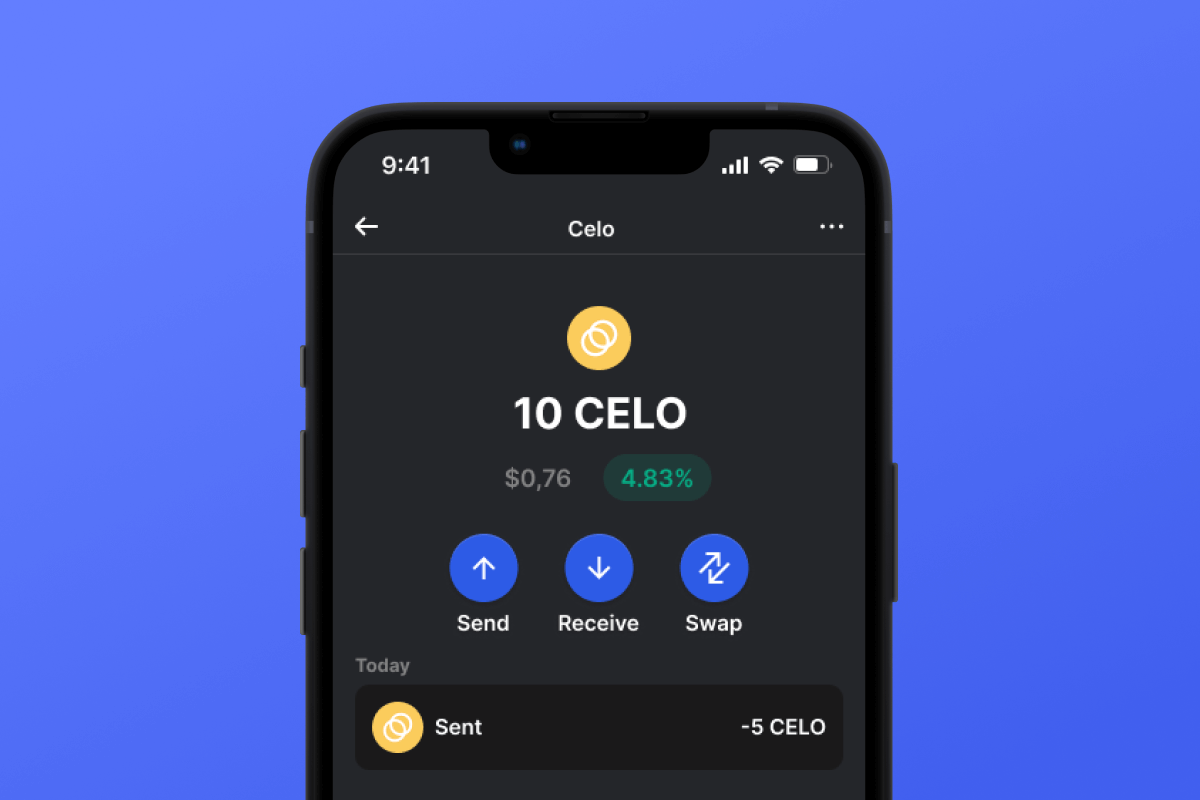



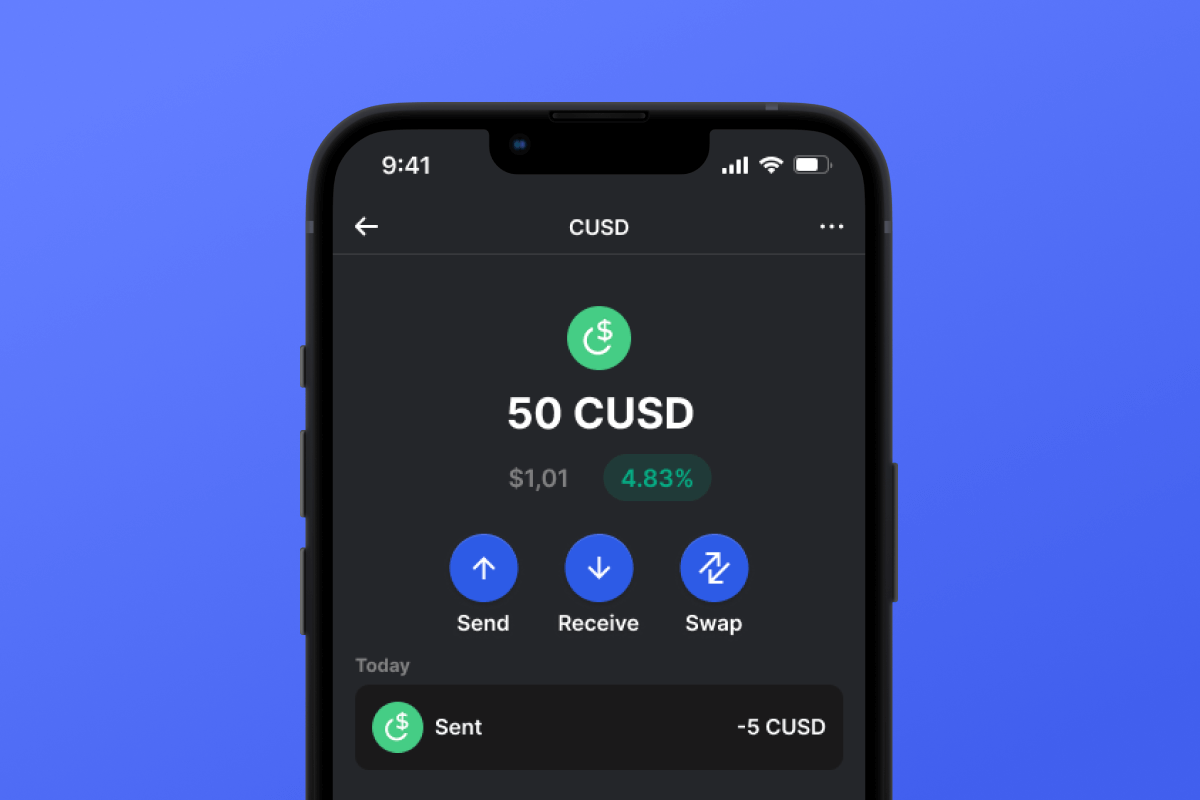
CUSD Coin

CUSD کیف پول

By choosing the CUSD wallet and the CUSD stablecoin, you gain convenient, secure, and fast mobile transfers worldwide. No need to wait for business hours or weekends to end; CUSD operates continuously so you can make transactions when you need to. Download the CUSD wallet today, and you'll forget about outdated alternatives!

CUSD کیف پول

What Is CUSD?

CUSD is a stablecoin built on the CELO blockchain. Stablecoins were created to simplify the connection between cryptocurrencies and fiat money. A stablecoin does not have its own inherent value - it is pegged 1:1 to a fiat currency - in this case, to the USD. By purchasing CUSD, you can easily interact with the cryptocurrency world - exchanging your digital dollar for desired crypto assets. It’s simple and convenient - and thanks to the low fees of the CELO blockchain, it’s also cost-effective.

What Is CELO Blockchain?

CELO is a blockchain launched in April 2020 with the main ideological mission of providing everyone, especially those without access to banking services, with a convenient and simple tool for exchanging assets and values. In this context, the issuance of their own stablecoin, CUSD, appears to be a very logical and well-thought-out solution.

CUSD Wallet Benefits:

  • Security: By choosing the CUSD wallet, you can rest assured about the security of your crypto assets. The wallet is constantly updated and keeps pace with the latest advancements in computer security systems. It also operates as a self-custodian, meaning that the key to your assets remains only with you and is not stored/transferred from your device.

  • Privacy: The CUSD wallet does not store personalized data. You can trust that your information will remain with you.

  • Transparency: The CUSD wallet is open-source, meaning that the application’s source code is open to everyone. Such transparency positively impacts both user peace of mind (the code can be checked for compliance with the claimed functionality) and overall functionality since any issues can be noticed and fixed quickly.

  • Accessibility: The CUSD wallet allows you to easily purchase CUSD with a credit card in just a couple of clicks. This simple function will facilitate your initial acquaintance with cryptocurrencies and will always provide a backup when you urgently need a certain amount of CUSD stablecoin.

  • Cross-Platform Compatibility: Regardless of whether you have an Android or iOS device, the CUSD wallet will always be available to you.

  • Multiple Blockchain Support: The CUSD wallet supports not only CUSD or CELO but also virtually all popular blockchains and tokens. Therefore, you can easily swap your CUSD for other cryptocurrencies directly within the application in just a few clicks.

  • User-Friendly Design: A convenient and pleasant interface will make your cryptocurrency experience enjoyable and straightforward!

Discover the CELO blockchain and its CUSD stablecoin today! And the first step - download the wallet.

چرا CUSD کیف پول Gem بهترین انتخاب است؟

کیف پول جم (Gem Wallet) به عنوان یک راهکار کیف پول پیشرو CUSD شناخته می‌شود که امنیت، حریم خصوصی و قابلیت استفاده را در یک برنامه قدرتمند ترکیب می‌کند. در اینجا دلیل انتخاب کیف پول جم توسط کاربران برای نیازهای CUSD آنها آمده است:

کنترل کامل

کنترل کامل کلیدهای خصوصی و عبارت بازیابی شما. هیچ شخص ثالثی نمی‌تواند به CUSD شما دسترسی داشته باشد یا آن را محدود کند. CUSD شما واقعاً متعلق به شماست.

حفاظت از حریم خصوصی

بدون ردیابی، بدون اطلاعات شخصی، بدون جمع‌آوری داده‌ها. حریم خصوصی کامل و کنترل کامل بر روی CUSD شما.

متن‌باز

کد در دسترس عموم در گیت‌هاب، به هر کسی اجازه می‌دهد تا امنیت و عملکرد را تأیید کند.

کراس پلتفرم

موجود در iOS، اندروید و APK. کیف پول CUSD شما هر جا که بروید کار می‌کند.

کیف پول CUSD به چندین زبان

پشتیبانی از بیش از ۲۵ زبان از جمله انگلیسی، اسپانیایی، چینی، روسی و عربی. کاملاً بومی‌سازی شده برای دسترسی جهانی.

سرویس‌های داخلی CUSD

با بیش از 30 روش پرداخت، CUSD بخرید. سواپ CUSD از طریق تجمیع‌کننده‌ی یکپارچه‌ی DEX. تمام دارایی‌های رمزنگاری‌شده را در یک مکان امن مدیریت کنید.

مقایسه: کیف پول Gem در مقابل کیف پول‌های Exchange

ببینید ذخیره CUSD در کیف پول Gem چه تفاوتی با نگهداری آن در صرافی‌ها دارد.

ویژگیGem Walletکیف پول‌های صرافی (بایننس، کوین‌بیس)
ثبت نام الزامی است✅ هیچکدام❌ احراز هویت کامل (KYC)
جمع‌آوری داده‌های شخصی✅ هیچکدام❌ گسترده (شناسنامه، آدرس، سلفی)
متن‌باز✅کاملاً شفاف❌ متن بسته
کنترل کلیدهای خصوصی✅ بله❌ خیر
مسدود کردن حساب✅ غیرممکن❌ ممکن است
زمان راه‌اندازی✅ ۲ دقیقه⚠️ ۱-۷ روز (تایید KYC)

ویژگی‌های امنیتی حرفه‌ای

  1. احراز هویت بیومتریکبرای ایمن کردن کیف پول خود از Face ID، Touch ID یا اثر انگشت استفاده کنید
  2. محافظت با پین: یک کد پین قوی را به عنوان یک لایه امنیتی اضافی تنظیم کنید
  3. پشتیبان‌گیری‌های رمزگذاری‌شدهعبارت بازیابی شما به طور ایمن ذخیره می‌شود و هرگز از دستگاه شما خارج نمی‌شود.
  4. ممیزی‌های امنیتی منظمبررسی‌های امنیتی مستقل، یکپارچگی کیف پول را تضمین می‌کند. درباره امنیت بیشتر بدانید →
Gem Wallet private key security and self-custody crypto wallet features

نظرات کاربران درباره کیف پول Gem CUSD

نحوه راه اندازی کیف پول CUSD در 2 دقیقه

راهنمای راه‌اندازی سریع (۳ مرحله)

ایجاد یک کیف پول CUSD ساده‌تر از باز کردن حساب بانکی است. کیف پول Gem شما را در کل فرآیند در عرض چند دقیقه راهنمایی می‌کند و آن را برای مبتدیان کاملاً قابل دسترس می‌سازد.

onboarding view

۱. دریافت کنید CUSD کیف پول

CUSD کیف پول: iOS ، اندروید & APK

recovery phrase screen

۲. خلق کردن CUSD کیف پول

یک کیف پول جدید ایجاد کنید، عبارت مخفی را ذخیره کنید و آدرس خود را وارد کنید CUSD.

gem wallet security settings

3. Set Up Security for CUSD

Enable PIN or biometric authentication and you're ready to go

Create CUSD Wallet for iOS

Creating a CUSD wallet on iPhone (2 min):

  1. Open the App Store and search for "Gem Wallet"
  2. Download and install the app (it's free and under 50MB)
  3. Open Gem Wallet and tap "Create New Wallet"
  4. Write down your seed phrase on paper - this is your master backup
  5. Enable Face ID or set a PIN code for quick and secure access
  6. Done! Your CUSD wallet address is now active
کیف پول Gem برای iOS دانلود کنید
iOS CUSD wallet

Create CUSD Wallet for Android

Creating a CUSD wallet on Android (2 min):

  1. Via Google Play: Search for "Gem Wallet" in the Play Store and install
  2. Via Direct APK: Download the APK file for maximum privacy and control
  3. Open the app and select "Create New Wallet"
  4. Write down your 12-word seed phrase on paper
  5. Set up fingerprint or PIN authentication
  6. Your CUSD wallet is ready to use
Android CUSD wallet

CUSD Wallet Without Registration

One of CUSD's core principles is financial freedom and privacy. Gem Wallet embodies this philosophy by offering a CUSD wallet without registration - no email, no phone number, no identity verification required.

Why No-Registration Wallets Matter

Custodial CUSD wallets and centralized exchanges (Coinbase, Binance) require extensive personal information through KYC (Know Your Customer) verification. Unlike self-custodial wallets, this creates several problems:

  • Privacy Risks: Your financial activity is tracked and can be sold to third parties or accessed by bad actors
  • Data Breaches: Centralized databases of personal information are prime targets for hackers
  • Censorship: Accounts can be frozen or restricted based on location, political views, or arbitrary decisions
  • Time-Consuming: KYC processes can take days or weeks to complete

Gem Wallet: True Private CUSD Wallet

With Gem Wallet, you can create and use a CUSD wallet with complete privacy:

  • No email address required
  • No phone number needed
  • No identity documents or selfies
  • No IP address tracking
  • No mandatory account creation

Simply download the app, create your wallet, and start using CUSD within minutes. Your privacy is protected from the moment you install the app.

چگونه یک آدرس CUSD دریافت کنیم؟

برای دریافت آدرس کیف پول CUSD، ابتدا باید یک کیف پول CUSD ایجاد یا وارد کنید. پس از آن، برنامه به طور خودکار آدرس‌ها را برای شما ایجاد می‌کند.

1 باز کیف پول Gem

برنامه را روی گوشی خود اجرا کنید و CUSD (CUSD) را از لیست دارایی‌های خود انتخاب کنید.

2 روی دکمه «دریافت» ضربه بزنید

یک دکمه بزرگ در پایین صفحه مشاهده خواهید کرد. آدرس کیف پول CUSD شما هم به صورت متن و هم به صورت کد QR نمایش داده خواهد شد.

3 آدرس خود را کپی کنید

آدرس را در کلیپ‌بورد کپی کنید، کد QR را به اشتراک بگذارید یا مستقیماً از طریق برنامه‌های پیام‌رسان ارسال کنید.

Get CUSD wallet address in Gem Wallet
🔄 آدرس‌های نامحدود

در کیف پول جم، می‌توانید آدرس‌های نامحدود CUSD را به صورت رایگان ایجاد کنید. هر آدرس از عبارت بازیابی شما گرفته شده و برای همیشه تحت کنترل شما باقی می‌ماند.

📱 استفاده از کدهای QR
  • بدون خطای تایپی - اسکن از اشتباهات کپی-پیست جلوگیری می‌کند
  • تراکنش‌های سریع‌تر - فقط صفحه گوشی خود را نشان دهید
  • مناسب برای مراجعه حضوری پرداخت‌های CUSD