JETTON Coin

JETTON Billetera

Embárcate en tu viaje al mundo de TON con Jetton Wallet, tu puerta de acceso a la red completa. Administra tus Jettons de forma sencilla y segura con nuestra billetera de código abierto y autocustodia diseñada para quienes valoran la seguridad y la facilidad de uso. Únete a nosotros y descubre el potencial de la cadena de bloques de TON con Jetton Wallet, donde la seguridad se combina con la comodidad.

JETTON Billetera

¿Qué es TON Blockchain?

TON Blockchain, o Telegram Open Network, es una plataforma blockchain de alto rendimiento diseñada para ofrecer servicios escalables y fáciles de usar a millones de usuarios. Aprovecha una arquitectura multi-blockchain única, lo que permite transacciones rápidas y un manejo eficiente de contratos inteligentes, lo que la hace ideal para una amplia gama de aplicaciones, desde micropagos hasta soluciones de almacenamiento descentralizado. TON tiene como objetivo cerrar la brecha entre los servicios tradicionales de Internet y las tecnologías descentralizadas, ofreciendo un marco seguro y descentralizado para mensajería instantánea, pagos y más, fomentando un ecosistema donde el valor y la información puedan fluir libremente sin intermediarios.

¿Qué es Jetton?

Los Jettons son tokens digitales similares a los tokens ERC-20 en Ethereum, diseñados para diversas aplicaciones como monedas digitales y derechos de acceso dentro de aplicaciones descentralizadas. Facilitan transacciones e interacciones fluidas, aprovechando la alta eficiencia de la cadena de bloques TON para ofrecer un medio seguro y adaptable para las finanzas descentralizadas y otros usos. Esto hace que Jettons sea fundamental para crear un ecosistema digital flexible y centrado en el usuario.

¿Qué es Jetton Wallet?

Jetton Wallet es su clave integral para el mundo de TON . Le permite almacenar, recibir y enviar tokens en la cadena de bloques, lo que le otorga acceso a varias plataformas DeFi y DApps. Permite la participación en staking, airdrops y votaciones. Jetton Wallet es esencial si desea profundizar en la cadena de bloques Open Network y maximizar sus capacidades.

Los tokens TON más populares para su billetera Jetton

The Open Network es una cadena de bloques popular con una extensa lista de tokens. Alberga proyectos completamente independientes y únicos que no encontrará en otras cadenas de bloques, así como proyectos conocidos de otras redes, como la moneda estable USDT.

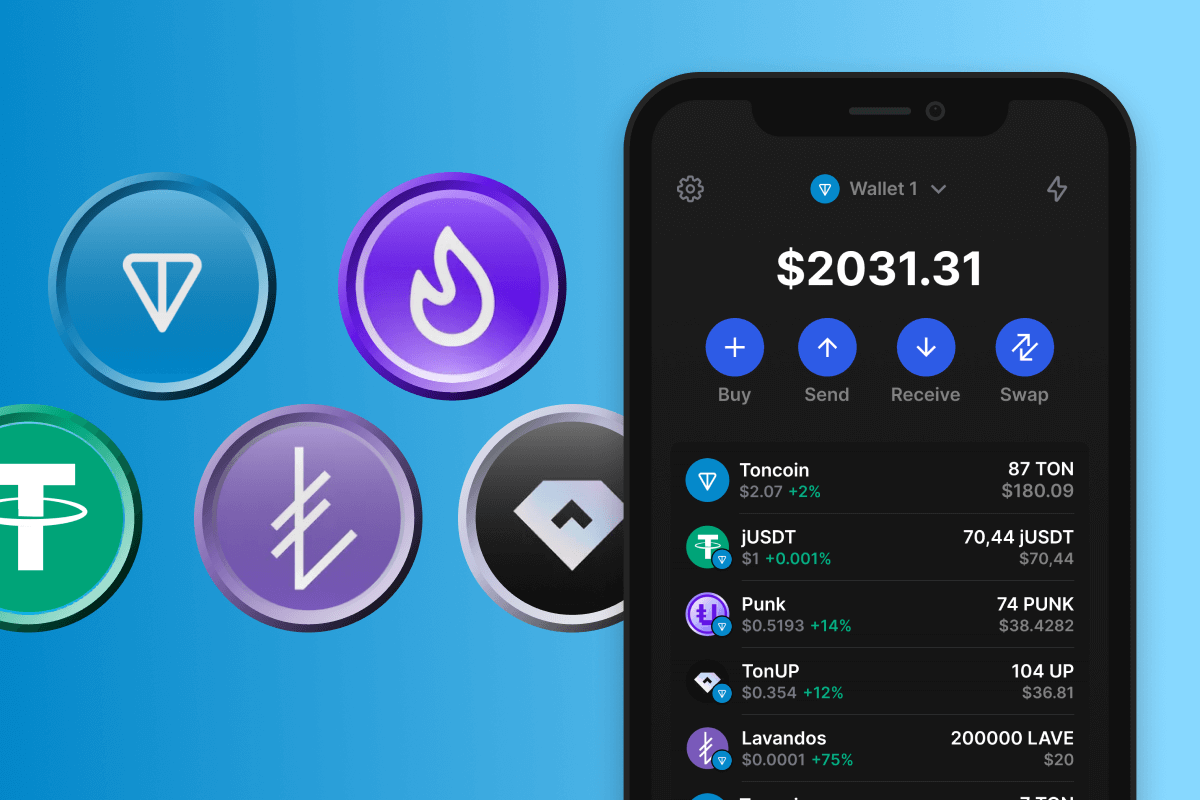
Prueba estos Jettons populares para tu Billetera Jetton:

No te olvides de Toncoin

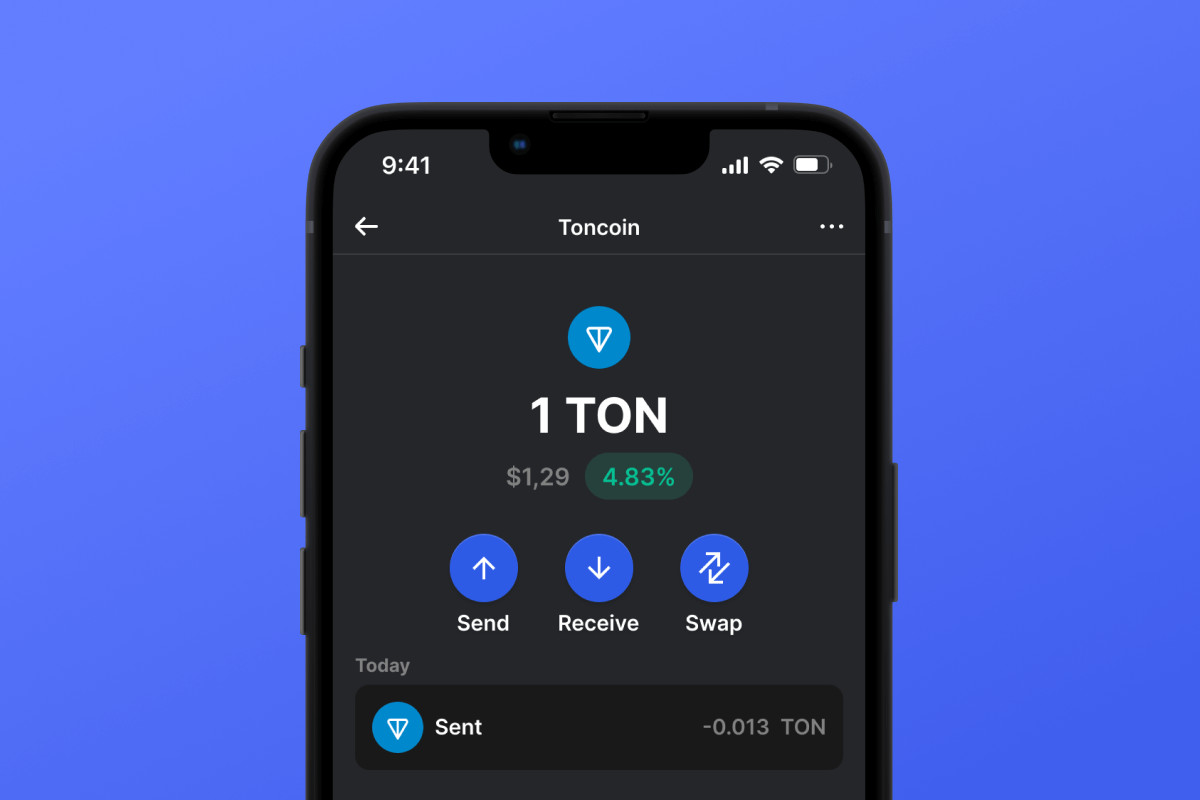
Para aprovechar al máximo tus Jettons, es esencial tener tokens TON dentro de tu Billetera Jetton. Estos tokens sirven como moneda para cubrir las tarifas de gas de la red y para ejecutar transacciones según lo definido por el contrato inteligente de Jetton Wallet. Puede encargarse de esto por adelantado o comprar TON directamente en la billetera usando una tarjeta de crédito en cualquier momento. Este método es simple y seguro, lo que le permite obtener rápidamente la cantidad necesaria de tokens TON en solo unos pocos clics.

Además, Jetton Wallet admite funciones staking y swapping . Al usar una billetera, tiene la oportunidad de obtener ingresos pasivos con sus activos e intercambiar un tipo de token por otro de manera rápida y segura.

Why Gem JETTON Wallet App Is the Best Choice?

Gem Wallet stands out as a leading JETTON wallet solution, combining security, privacy, and usability in one powerful app. Here's why users choose Gem Wallet for their JETTON needs:

Complete Control and Self-Custody

Full control of your private keys and seed phrase. No third party can access or restrict your JETTON. Your JETTON is truly yours.

Maximum Privacy Protection

No tracking, no personal information, no data collection. Complete privacy and control over your JETTON.

Open-Source Transparency

Publicly available code on GitHub. Anyone can verify security and functionality, ensuring no hidden backdoors or vulnerabilities.

Multi-Platform Availability

Available on iOS, Android, and APK. Your JETTON wallet works wherever you go.

JETTON Wallet in Multiple Languages

Supporting 25+ languages including English, Russian, Spanish, Chinese, and Arabic. Fully localized for worldwide accessibility.

Built-In JETTON Services

Buy JETTON with 30+ payment methods. Swap JETTON through integrated DEX aggregator. Manage all crypto assets in one secure place.

Comparison: Gem Wallet vs Exchange Wallets

See how storing JETTON in Gem Wallet differs from keeping it on exchanges

FeatureGem WalletExchange Wallets (Binance, Coinbase)
Registration Required❌ No✅ Yes (Full KYC)
Personal Data Collection❌ None✅ Extensive (ID, address, selfie)
Private Keys Control✅ You own them❌ Exchange controls
Account Can Be Frozen❌ Impossible✅ Yes
Setup Time2 minutes1-7 days (KYC verification)

Professional Security Features

  1. Biometric Authentication: Use Face ID, Touch ID, or fingerprint to secure your wallet
  2. PIN Protection: Set a strong PIN code as an additional security layer
  3. Encrypted Backups: Your seed phrase is stored securely and never leaves your device
  4. Regular Security Audits: Independent security reviews ensure wallet integrity
Gem Wallet private key security and self-custody crypto wallet features

What Users Say About Gem JETTON Wallet

Quick Setup Guide (3 Steps)

How to Set Up a JETTON Wallet in 2 Minutes

Creating a JETTON wallet is simpler than opening a bank account. Gem Wallet guides you through the entire process in minutes, making it accessible for complete beginners.

onboarding view

1. Obtener JETTON Billetera

JETTON &

recovery phrase screen

2. Crear JETTON Billetera

Crea una nueva billetera, guarda la frase secreta y obtén tu dirección JETTON.

3. Set Up Security for JETTON

Enable PIN or biometric authentication and you're ready to go

Create JETTON Wallet for iOS

Creating a JETTON wallet on iPhone (2 min):

  1. Open the App Store and search for "Gem Wallet"
  2. Download and install the app (it's free and under 50MB)
  3. Open Gem Wallet and tap "Create New Wallet"
  4. Write down your seed phrase on paper - this is your master backup
  5. Enable Face ID or set a PIN code for quick and secure access
  6. Done! Your JETTON wallet address is now active

Create JETTON Wallet for Android

Creating a JETTON wallet on Android (2 min):

  1. Via Google Play: Search for "Gem Wallet" in the Play Store and install
  2. Via Direct APK: Download the APK file for maximum privacy and control
  3. Open the app and select "Create New Wallet"
  4. Write down your 12-word seed phrase on paper
  5. Set up fingerprint or PIN authentication
  6. Your JETTON wallet is ready to use

JETTON Wallet Without Registration

One of JETTON's core principles is financial freedom and privacy. Gem Wallet embodies this philosophy by offering a JETTON wallet without registration - no email, no phone number, no identity verification required.

Why No-Registration Wallets Matter

Custodial JETTON wallets and centralized exchanges (Coinbase, Binance) require extensive personal information through KYC (Know Your Customer) verification. Unlike self-custodial wallets, this creates several problems:

  • Privacy Risks: Your financial activity is tracked and can be sold to third parties or accessed by bad actors
  • Data Breaches: Centralized databases of personal information are prime targets for hackers
  • Censorship: Accounts can be frozen or restricted based on location, political views, or arbitrary decisions
  • Time-Consuming: KYC processes can take days or weeks to complete

Gem Wallet: True Private JETTON Wallet

With Gem Wallet, you can create and use a JETTON wallet with complete privacy:

  • No email address required
  • No phone number needed
  • No identity documents or selfies
  • No IP address tracking
  • No mandatory account creation

Simply download the app, create your wallet, and start using JETTON within minutes. Your privacy is protected from the moment you install the app.

How to Get a JETTON Address

To get a JETTON wallet address, you first need to create or import a JETTON wallet. After that, the app will generate addresses for you automatically.

1 Open Gem Wallet

Launch the app on your phone and select JETTON (JETTON) from your asset list.

2 Tap "Receive" Button

You'll see a large button at the bottom of the screen. Your JETTON wallet address will be displayed both as text and as a QR code.

3 Copy Your Address

Copy the address to clipboard, share the QR code, or send it directly through messaging apps.

Get JETTON wallet address in Gem Wallet
🔄 Unlimited Addresses

In Gem Wallet, you can generate unlimited JETTON addresses for free. Each address is derived from your seed phrase and remains under your control forever.

📱 Using QR Codes

No Typing Errors - Scanning prevents copy-paste mistakes

Faster Transactions - Just show your phone screen

Perfect for in-person JETTON payments