


CUSD Coin

CUSD Wallet

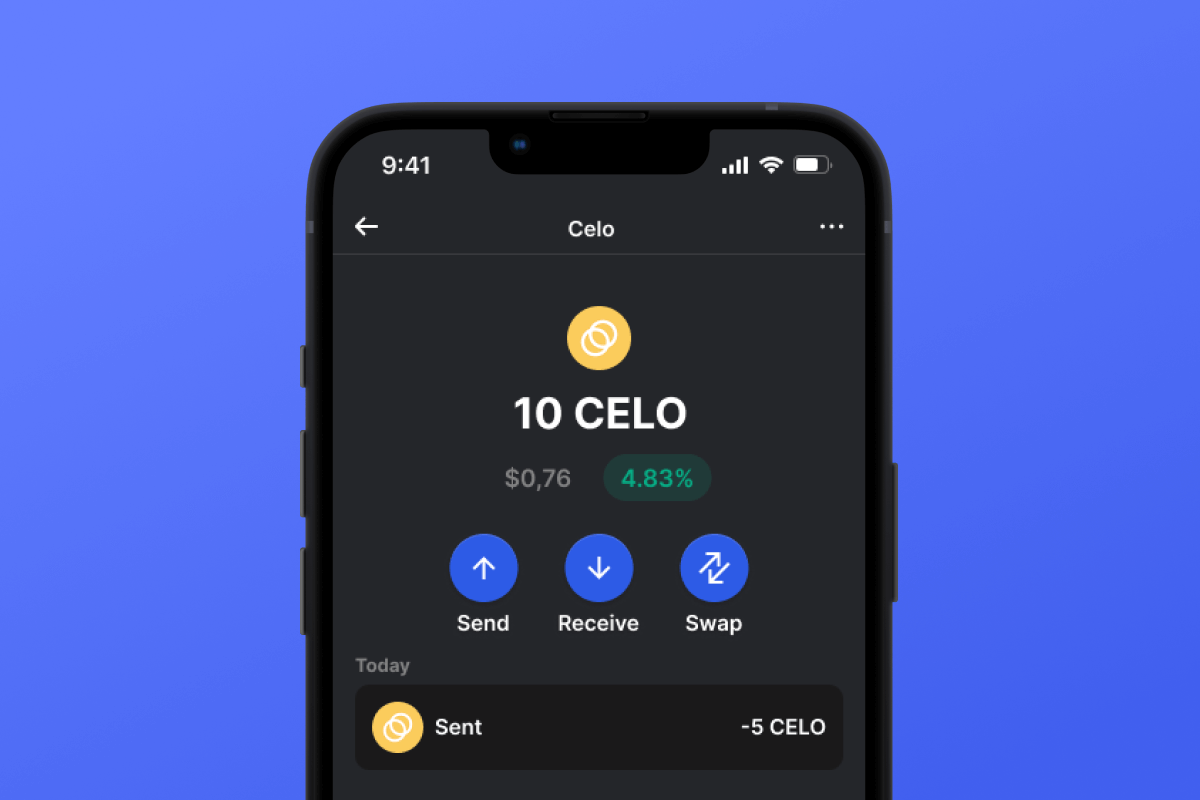
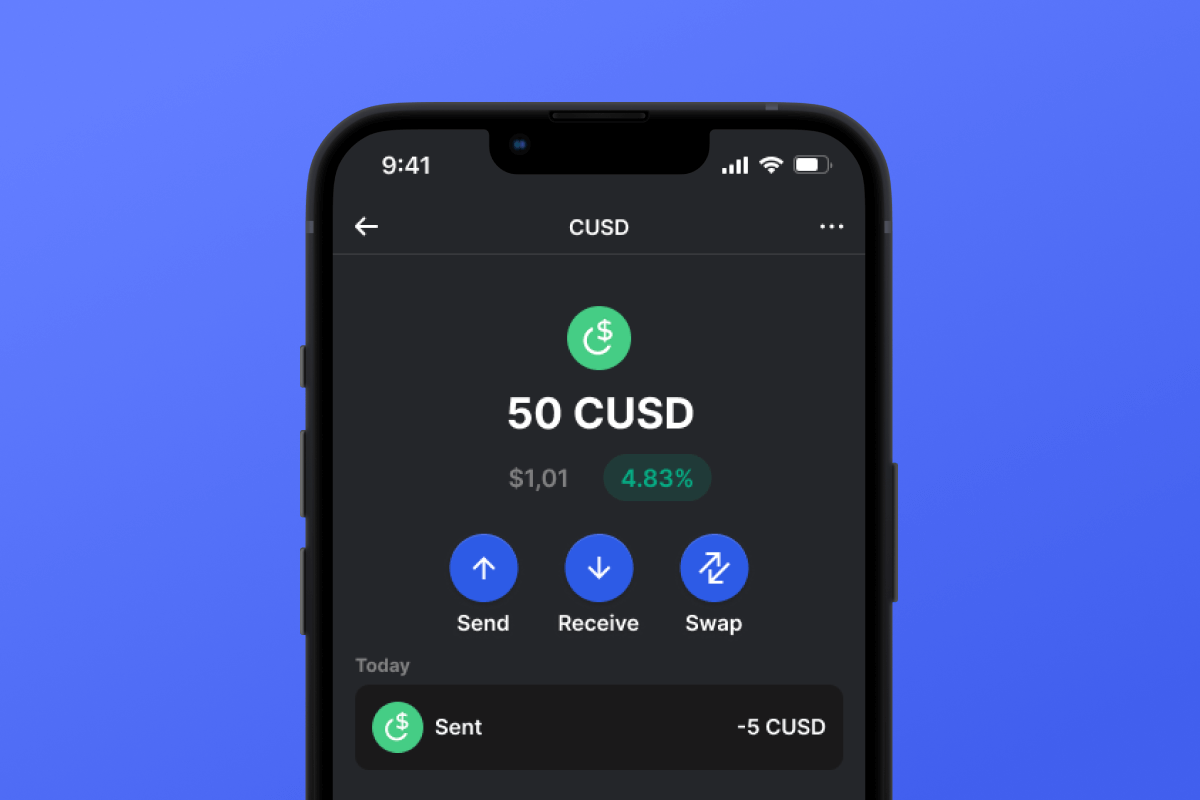
By choosing the CUSD wallet and the CUSD stablecoin, you gain convenient, secure, and fast mobile transfers worldwide. No need to wait for business hours or weekends to end; CUSD operates continuously so you can make transactions when you need to. Download the CUSD wallet today, and you'll forget about outdated alternatives!

CUSD Wallet

What Is CUSD?

CUSD is a stablecoin built on the CELO blockchain. Stablecoins were created to simplify the connection between cryptocurrencies and fiat money. A stablecoin does not have its own inherent value - it is pegged 1:1 to a fiat currency - in this case, to the USD. By purchasing CUSD, you can easily interact with the cryptocurrency world - exchanging your digital dollar for desired crypto assets. It’s simple and convenient - and thanks to the low fees of the CELO blockchain, it’s also cost-effective.

What Is CELO Blockchain?

CELO is a blockchain launched in April 2020 with the main ideological mission of providing everyone, especially those without access to banking services, with a convenient and simple tool for exchanging assets and values. In this context, the issuance of their own stablecoin, CUSD, appears to be a very logical and well-thought-out solution.

CUSD Wallet Benefits:

  • Security: By choosing the CUSD wallet, you can rest assured about the security of your crypto assets. The wallet is constantly updated and keeps pace with the latest advancements in computer security systems. It also operates as a self-custodian, meaning that the key to your assets remains only with you and is not stored/transferred from your device.

  • Privacy: The CUSD wallet does not store personalized data. You can trust that your information will remain with you.

  • Transparency: The CUSD wallet is open-source, meaning that the application’s source code is open to everyone. Such transparency positively impacts both user peace of mind (the code can be checked for compliance with the claimed functionality) and overall functionality since any issues can be noticed and fixed quickly.

  • Accessibility: The CUSD wallet allows you to easily purchase CUSD with a credit card in just a couple of clicks. This simple function will facilitate your initial acquaintance with cryptocurrencies and will always provide a backup when you urgently need a certain amount of CUSD stablecoin.

  • Cross-Platform Compatibility: Regardless of whether you have an Android or iOS device, the CUSD wallet will always be available to you.

  • Multiple Blockchain Support: The CUSD wallet supports not only CUSD or CELO but also virtually all popular blockchains and tokens. Therefore, you can easily swap your CUSD for other cryptocurrencies directly within the application in just a few clicks.

  • User-Friendly Design: A convenient and pleasant interface will make your cryptocurrency experience enjoyable and straightforward!

Discover the CELO blockchain and its CUSD stablecoin today! And the first step - download the wallet.

Warum ist die Gem CUSD Wallet-App die beste Wahl?

Gem Wallet zeichnet sich als führende CUSD Wallet-Lösung aus und vereint Sicherheit, Datenschutz und Benutzerfreundlichkeit in einer leistungsstarken App. Hier erfahren Sie, warum Nutzer Gem Wallet für ihre CUSD-Bedürfnisse wählen:

Volle Kontrolle

Sie haben die volle Kontrolle über Ihre privaten Schlüssel und Ihre Seed-Phrase. Kein Dritter kann auf Ihre CUSD zugreifen oder diese einschränken. Ihre CUSD gehört Ihnen.

Datenschutz

Kein Tracking, keine persönlichen Informationen, keine Datenerfassung. Volle Privatsphäre und Kontrolle über Ihre CUSD.

Open-Source

Öffentlich verfügbarer Code auf GitHubDadurch kann jeder die Sicherheit und Funktionalität überprüfen.

Plattformübergreifend

Verfügbar für iOS, Android und APK. Ihre CUSD-Wallet funktioniert überall.

CUSD Wallet in mehreren Sprachen

Unterstützt über 25 Sprachen, darunter Englisch, Spanisch, Chinesisch, Russisch und Arabisch. Vollständig lokalisiert für weltweiten Zugriff.

Integrierte CUSD Dienste

Kaufen Sie CUSD mit über 30 Zahlungsmethoden. Tausche CUSD durch integrierten DEX-Aggregator. Verwalten Sie alle Ihre Krypto-Assets an einem sicheren Ort.

Vergleich: Gem Wallet vs. Exchange Wallets

Erfahren Sie, wie sich die Speicherung von CUSD in der Gem Wallet von der Aufbewahrung auf Börsen unterscheidet.

BesonderheitGem WalletBörsen-Wallets (Binance, Coinbase)
Anmeldung erforderlich✅ Keine❌ Vollständige KYC-Prüfung
Erhebung personenbezogener Daten✅ Keine❌ Ausführlich (Ausweis, Adresse, Selfie)
Open-Source✅ Vollständig transparent❌ Geschlossener Quellcode
Kontrolle über private Schlüssel✅ Ja❌ Nein
Kontosperrung✅ Unmöglich❌ Möglich
Einrichtungszeit✅ 2 Minuten⚠️ 1-7 Tage (KYC-Verifizierung)

Professionelle Sicherheitsmerkmale

  1. Biometrische AuthentifizierungSichern Sie Ihre Geldbörse mit Face ID, Touch ID oder Ihrem Fingerabdruck.
  2. PIN-SchutzLegen Sie einen sicheren PIN-Code als zusätzliche Sicherheitsebene fest.
  3. Verschlüsselte BackupsIhre Seed-Phrase wird sicher gespeichert und verlässt niemals Ihr Gerät.
  4. Regelmäßige SicherheitsüberprüfungenUnabhängige Sicherheitsüberprüfungen gewährleisten die Integrität der Wallet. Mehr über Sicherheit erfahren →

Gem Wallet private key security and self-custody crypto wallet features

Was Nutzer über die Gem CUSD Wallet sagen

So richten Sie in 2 Minuten eine CUSD Wallet ein

Kurzanleitung zur Einrichtung (3 Schritte)

Das Erstellen einer CUSD Wallet ist einfacher als die Eröffnung eines Bankkontos. Gem Wallet führt Sie in wenigen Minuten durch den gesamten Prozess und ist somit auch für absolute Anfänger geeignet.

onboarding view

1. Holen Sie sich CUSD Wallet

CUSD Geldbörse: iOS , Android & APK

recovery phrase screen

2. Erstellen CUSD Wallet

Erstellen Sie eine neue Brieftasche, speichern Sie die geheime Phrase und erhalten Sie Ihre Adresse in CUSD.

gem wallet security settings

3. Set Up Security for CUSD

Enable PIN or biometric authentication and you're ready to go

Create CUSD Wallet for iOS

Creating a CUSD wallet on iPhone (2 min):

  1. Open the App Store and search for "Gem Wallet"
  2. Download and install the app (it's free and under 50MB)
  3. Open Gem Wallet and tap "Create New Wallet"
  4. Write down your seed phrase on paper - this is your master backup
  5. Enable Face ID or set a PIN code for quick and secure access
  6. Done! Your CUSD wallet address is now active
Gem Wallet für iOS herunterladen
iOS CUSD wallet

Create CUSD Wallet for Android

Creating a CUSD wallet on Android (2 min):

  1. Via Google Play: Search for "Gem Wallet" in the Play Store and install
  2. Via Direct APK: Download the APK file for maximum privacy and control
  3. Open the app and select "Create New Wallet"
  4. Write down your 12-word seed phrase on paper
  5. Set up fingerprint or PIN authentication
  6. Your CUSD wallet is ready to use
Android CUSD wallet

CUSD Wallet Without Registration

One of CUSD's core principles is financial freedom and privacy. Gem Wallet embodies this philosophy by offering a CUSD wallet without registration - no email, no phone number, no identity verification required.

Why No-Registration Wallets Matter

Custodial CUSD wallets and centralized exchanges (Coinbase, Binance) require extensive personal information through KYC (Know Your Customer) verification. Unlike self-custodial wallets, this creates several problems:

  • Privacy Risks: Your financial activity is tracked and can be sold to third parties or accessed by bad actors
  • Data Breaches: Centralized databases of personal information are prime targets for hackers
  • Censorship: Accounts can be frozen or restricted based on location, political views, or arbitrary decisions
  • Time-Consuming: KYC processes can take days or weeks to complete

Gem Wallet: True Private CUSD Wallet

With Gem Wallet, you can create and use a CUSD wallet with complete privacy:

  • No email address required
  • No phone number needed
  • No identity documents or selfies
  • No IP address tracking
  • No mandatory account creation

Simply download the app, create your wallet, and start using CUSD within minutes. Your privacy is protected from the moment you install the app.

Wie man eine CUSD Adresse erhält

Um eine CUSD Wallet-Adresse zu erhalten, müssen Sie zuerst eine CUSD Wallet erstellen oder importieren. Anschließend generiert die App automatisch Adressen für Sie.

1 Offen Gem Wallet

Starten Sie die App auf Ihrem Smartphone und wählen Sie CUSD (CUSD) aus Ihrer Asset-Liste aus.

2 Tippen Sie auf die Schaltfläche „Empfangen“.

Am unteren Bildschirmrand sehen Sie eine große Schaltfläche. Ihre CUSD Wallet-Adresse wird sowohl als Text als auch als QR-Code angezeigt.

3 Kopieren Sie Ihre Adresse

Kopieren Sie die Adresse in die Zwischenablage, teilen Sie den QR-Code oder senden Sie ihn direkt über Messenger-Apps.

Get CUSD wallet address in Gem Wallet
🔄 Unbegrenzte Adressen

In Gem Wallet können Sie unbegrenzt viele CUSD-Adressen kostenlos generieren. Jede Adresse wird von Ihrer Seed-Phrase abgeleitet und bleibt dauerhaft unter Ihrer Kontrolle.

📱 Verwendung von QR-Codes
  • Keine Tippfehler Scannen verhindert Kopier- und Einfügfehler
  • Schnellere Transaktionen - Zeigen Sie einfach Ihren Handybildschirm
  • Perfekt für persönliche Treffen CUSD Zahlungen