Lightning Network Coin

Lightning Network মানিব্যাগ

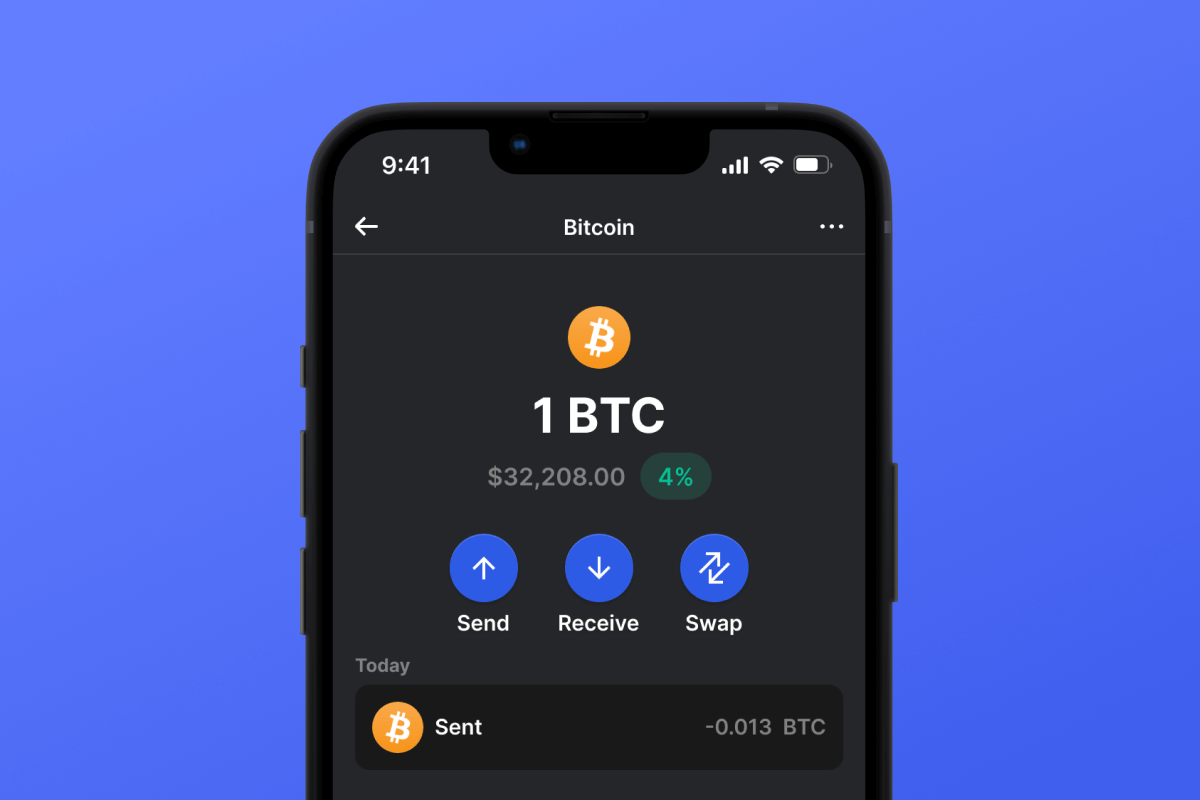
The Lightning Network Wallet is your key to the L2 network based on the Bitcoin blockchain, which will make your micropayments instant and with low network fees. Download the wallet and try the Lightning Network - a truly lightning-fast solution!

Lightning Network মানিব্যাগ

What Is Lightning Network?

The Lightning Network (LN) is an addition to Bitcoin that allows for fast transactions with minimal fees. It works by allowing users to open special payment channels through which they can instantly transfer money to each other without the delays and complexities associated with the main Bitcoin network. This system is particularly useful for small payments, such as buying a cup of tea or coffee in a cafe.

What Is Lightning Network Wallet?

A Lightning Network Wallet is a special wallet that allows you to use the LN for payments and asset storage. Not every wallet that works with Bitcoin will also work with the LN. The Lightning Network is an L2 (layer 2) extension for the Bitcoin blockchain, therefore it requires additional support from the wallet developers.

Lightning Network Wallet Benefits

A LN Wallet offers several important features and aspects that will make your interaction with the network both comfortable and secure:

  1. Open Source: The LN Wallet is open source, supporting transparency and openness for its users.

  2. Self-Custody: Your Bitcoins and other crypto assets are accessible only to you. No one else has access to your private key.

  3. Privacy and Security: The Lightning Network Wallet adheres to high standards of security and privacy.

  4. Universality: Your wallet is available on both Android and iOS, providing easy access to your assets regardless of your mobile device choice.

  5. Convenience: A simple and intuitive interface ensures easy and productive management of your assets.

  6. Micropayments: The LN helps avoid the high fees associated with Bitcoin blockchain for small payments.

Download the Gem Wallet and experience all the benefits of the LN today!

কেন Lightning Network ওয়ালেট রত্নই সেরা পছন্দ?

জেম ওয়ালেট একটি শীর্ষস্থানীয় Lightning Network ওয়ালেট সমাধান হিসেবে আলাদা, যা একটি শক্তিশালী অ্যাপে নিরাপত্তা, গোপনীয়তা এবং ব্যবহারযোগ্যতাকে একত্রিত করে। ব্যবহারকারীরা তাদের Lightning Network চাহিদার জন্য জেম ওয়ালেট কেন বেছে নেন তা এখানে:

সম্পূর্ণ নিয়ন্ত্রণ

আপনার ব্যক্তিগত কী এবং সিড ফ্রেজের উপর সম্পূর্ণ নিয়ন্ত্রণ। কোনও তৃতীয় পক্ষ আপনার Lightning Network অ্যাক্সেস বা সীমাবদ্ধ করতে পারবে না। আপনার Lightning Network সত্যিই আপনার।

গোপনীয়তা সুরক্ষা

কোনও ট্র্যাকিং নেই, কোনও ব্যক্তিগত তথ্য নেই, কোনও তথ্য সংগ্রহ নেই। আপনার Lightning Network এর উপর সম্পূর্ণ গোপনীয়তা এবং নিয়ন্ত্রণ।

ওপেন-সোর্স

সর্বজনীনভাবে উপলব্ধ কোড চালু গিটহাব, যে কাউকে নিরাপত্তা এবং কার্যকারিতা যাচাই করার অনুমতি দেয়।

ক্রস-প্ল্যাটফর্ম

iOS, Android, এবং APK-তে উপলব্ধ। আপনার Lightning Network ওয়ালেট আপনি যেখানেই যান না কেন কাজ করে।

Lightning Network একাধিক ভাষায় ওয়ালেট

ইংরেজি, স্প্যানিশ, চীনা, রাশিয়ান এবং আরবি সহ ২৫+ ভাষা সমর্থিত। বিশ্বব্যাপী অ্যাক্সেসযোগ্যতার জন্য সম্পূর্ণ স্থানীয়করণ।

অন্তর্নির্মিত Lightning Network পরিষেবা

৩০+ পেমেন্ট পদ্ধতি ব্যবহার করে Lightning Network কিনুন। Lightning Network অদলবদল করুন ইন্টিগ্রেটেড DEX অ্যাগ্রিগেটরের মাধ্যমে। সমস্ত ক্রিপ্টো সম্পদ এক নিরাপদ স্থানে পরিচালনা করুন।

তুলনা: জেম ওয়ালেট বনাম এক্সচেঞ্জ ওয়ালেট

জেম ওয়ালেটে Lightning Network সংরক্ষণ করা এবং এক্সচেঞ্জে রাখা কীভাবে আলাদা তা দেখুন।

বৈশিষ্ট্যGem Walletএক্সচেঞ্জ ওয়ালেট (বিন্যান্স, কয়েনবেস)
নিবন্ধন প্রয়োজন✅ কেউ না❌ সম্পূর্ণ KYC
ব্যক্তিগত তথ্য সংগ্রহ✅ কেউ না❌ বিস্তৃত (পরিচয়পত্র, ঠিকানা, সেলফি)
ওপেন-সোর্স✅ সম্পূর্ণ স্বচ্ছ❌ বন্ধ উৎস
ব্যক্তিগত কী নিয়ন্ত্রণ✅ হ্যাঁ❌ না
অ্যাকাউন্ট ফ্রিজিং✅ অসম্ভব❌ সম্ভব
সেটআপ সময়✅ ২ মিনিট⚠️ ১-৭ দিন (KYC যাচাইকরণ)

পেশাদার নিরাপত্তা বৈশিষ্ট্য

  1. বায়োমেট্রিক প্রমাণীকরণ: আপনার ওয়ালেট সুরক্ষিত রাখতে ফেস আইডি, টাচ আইডি, অথবা ফিঙ্গারপ্রিন্ট ব্যবহার করুন
  2. পিন সুরক্ষা: অতিরিক্ত নিরাপত্তা স্তর হিসেবে একটি শক্তিশালী পিন কোড সেট করুন
  3. এনক্রিপ্ট করা ব্যাকআপ: আপনার সিড ফ্রেজ নিরাপদে সংরক্ষণ করা হয় এবং আপনার ডিভাইস থেকে কখনও বেরিয়ে যায় না
  4. নিয়মিত নিরাপত্তা নিরীক্ষা: স্বাধীন নিরাপত্তা পর্যালোচনা ওয়ালেটের অখণ্ডতা নিশ্চিত করে। নিরাপত্তা সম্পর্কে আরও জানুন →
Gem Wallet private key security and self-custody crypto wallet features

জেম Lightning Network ওয়ালেট সম্পর্কে ব্যবহারকারীরা কী বলেন

কিভাবে ২ মিনিটে একটি Lightning Network ওয়ালেট সেট আপ করবেন

দ্রুত সেটআপ নির্দেশিকা (৩টি ধাপ)

ব্যাংক অ্যাকাউন্ট খোলার চেয়ে Lightning Network ওয়ালেট তৈরি করা সহজ। জেম ওয়ালেট আপনাকে পুরো প্রক্রিয়াটি কয়েক মিনিটের মধ্যে পরিচালনা করে, যা সম্পূর্ণ নতুনদের জন্য এটি অ্যাক্সেসযোগ্য করে তোলে।

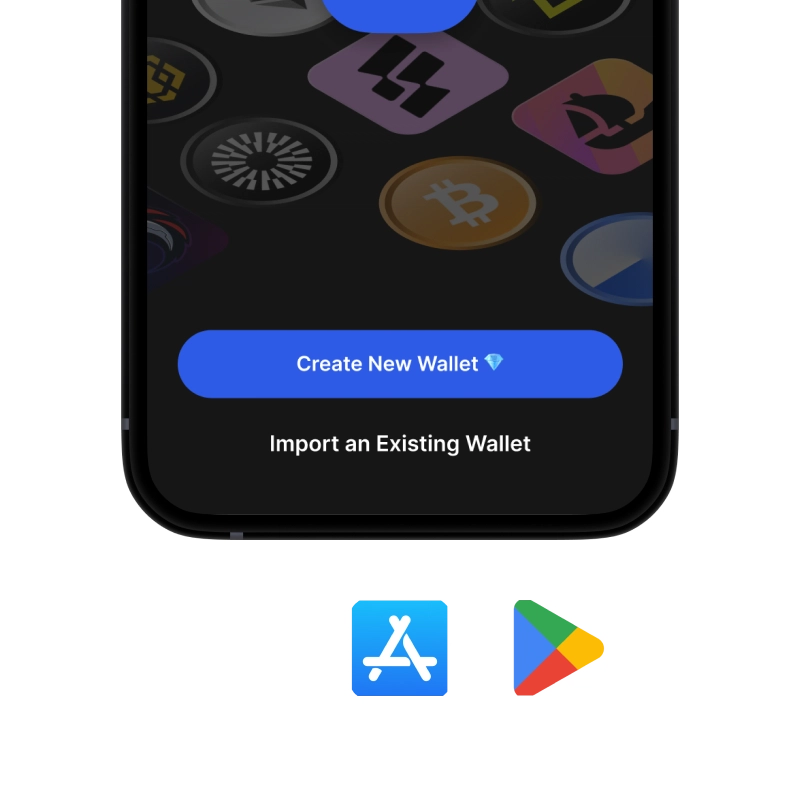
onboarding view

১. পান Lightning Network মানিব্যাগ

Lightning Network ওয়ালেট: iOS , অ্যান্ড্রয়েড & APK

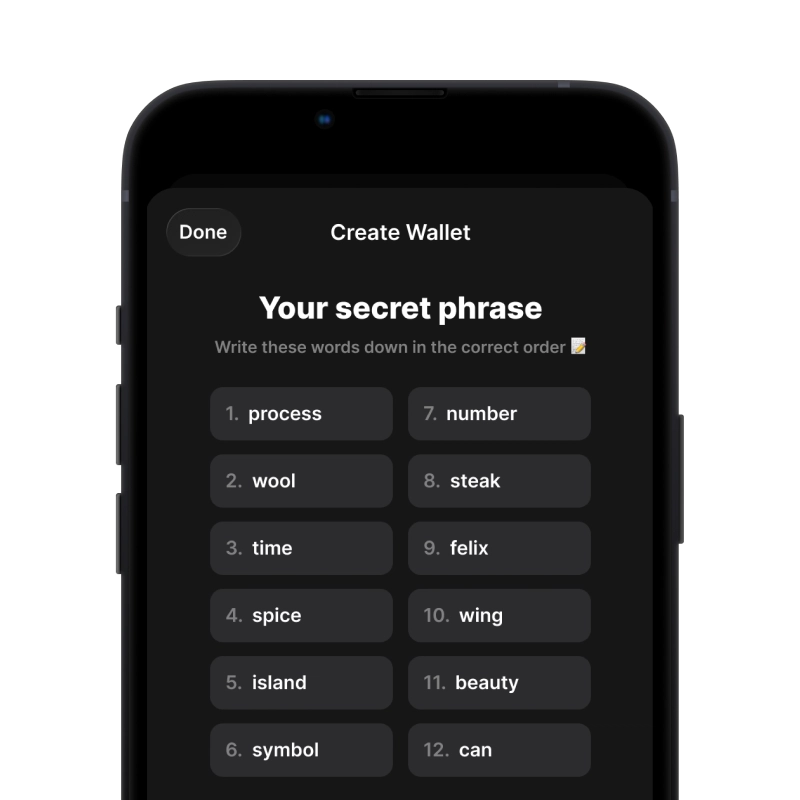
recovery phrase screen

2. তৈরি করুন Lightning Network মানিব্যাগ

একটি নতুন ওয়ালেট তৈরি করুন, গোপন বাক্যাংশটি সংরক্ষণ করুন এবং আপনার ঠিকানাটি এতে পান। Lightning Network.

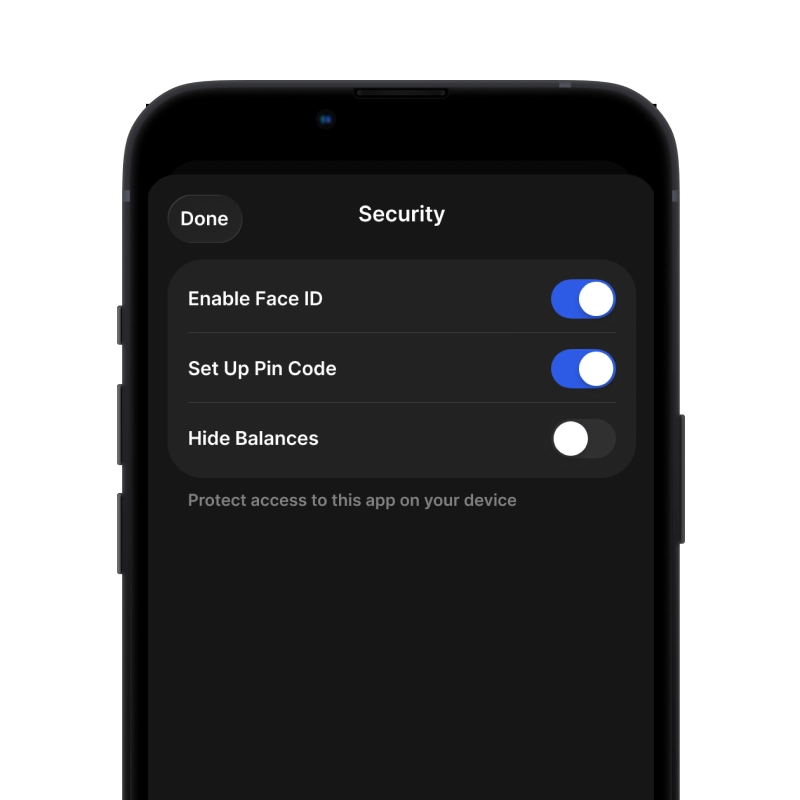
gem wallet security settings

3. Set Up Security for Lightning Network

Enable PIN or biometric authentication and you're ready to go

Create Lightning Network Wallet for iOS

Creating a Lightning Network wallet on iPhone (2 min):

  1. Open the App Store and search for "Gem Wallet"
  2. Download and install the app (it's free and under 50MB)
  3. Open Gem Wallet and tap "Create New Wallet"
  4. Write down your seed phrase on paper - this is your master backup
  5. Enable Face ID or set a PIN code for quick and secure access
  6. Done! Your Lightning Network wallet address is now active
iOS এর জন্য Gem ওয়ালেট ডাউনলোড করুন
iOS Lightning Network wallet

Create Lightning Network Wallet for Android

Creating a Lightning Network wallet on Android (2 min):

  1. Via Google Play: Search for "Gem Wallet" in the Play Store and install
  2. Via Direct APK: Download the APK file for maximum privacy and control
  3. Open the app and select "Create New Wallet"
  4. Write down your 12-word seed phrase on paper
  5. Set up fingerprint or PIN authentication
  6. Your Lightning Network wallet is ready to use
Android Lightning Network wallet

Lightning Network Wallet Without Registration

One of Lightning Network's core principles is financial freedom and privacy. Gem Wallet embodies this philosophy by offering a Lightning Network wallet without registration - no email, no phone number, no identity verification required.

Why No-Registration Wallets Matter

Custodial Lightning Network wallets and centralized exchanges (Coinbase, Binance) require extensive personal information through KYC (Know Your Customer) verification. Unlike self-custodial wallets, this creates several problems:

  • Privacy Risks: Your financial activity is tracked and can be sold to third parties or accessed by bad actors
  • Data Breaches: Centralized databases of personal information are prime targets for hackers
  • Censorship: Accounts can be frozen or restricted based on location, political views, or arbitrary decisions
  • Time-Consuming: KYC processes can take days or weeks to complete

Gem Wallet: True Private Lightning Network Wallet

With Gem Wallet, you can create and use a Lightning Network wallet with complete privacy:

  • No email address required
  • No phone number needed
  • No identity documents or selfies
  • No IP address tracking
  • No mandatory account creation

Simply download the app, create your wallet, and start using Lightning Network within minutes. Your privacy is protected from the moment you install the app.

কিভাবে একটি Lightning Network ঠিকানা পাবেন

একটি Lightning Network ওয়ালেট ঠিকানা পেতে, আপনাকে প্রথমে একটি Lightning Network ওয়ালেট তৈরি বা আমদানি করতে হবে। এর পরে, অ্যাপটি স্বয়ংক্রিয়ভাবে আপনার জন্য ঠিকানা তৈরি করবে।

1 খোলা Gem ওয়ালেট

আপনার ফোনে অ্যাপটি চালু করুন এবং আপনার সম্পদ তালিকা থেকে Lightning Network (Lightning Network) নির্বাচন করুন।

2 "গ্রহণ করুন" বোতামে ট্যাপ করুন

স্ক্রিনের নীচে আপনি একটি বড় বোতাম দেখতে পাবেন। আপনার Lightning Network ওয়ালেট ঠিকানা টেক্সট এবং QR কোড উভয় রূপেই প্রদর্শিত হবে।

3 আপনার ঠিকানা কপি করুন

ঠিকানাটি ক্লিপবোর্ডে কপি করুন, QR কোড শেয়ার করুন, অথবা মেসেজিং অ্যাপের মাধ্যমে সরাসরি পাঠান।

Get Lightning Network wallet address in Gem Wallet
🔄 সীমাহীন ঠিকানা

জেম ওয়ালেটে, আপনি বিনামূল্যে সীমাহীন Lightning Network ঠিকানা তৈরি করতে পারেন। প্রতিটি ঠিকানা আপনার সিড ফ্রেজ থেকে উদ্ভূত এবং চিরকাল আপনার নিয়ন্ত্রণে থাকে।

📱 QR কোড ব্যবহার করা
  • কোন টাইপিং ত্রুটি নেই - স্ক্যানিং কপি-পেস্ট ভুল প্রতিরোধ করে
  • দ্রুত লেনদেন - শুধু তোমার ফোনের স্ক্রিন দেখাও
  • সরাসরি দেখা করার জন্য উপযুক্ত Lightning Network পেমেন্ট