What Is a USDT BEP20 Wallet?
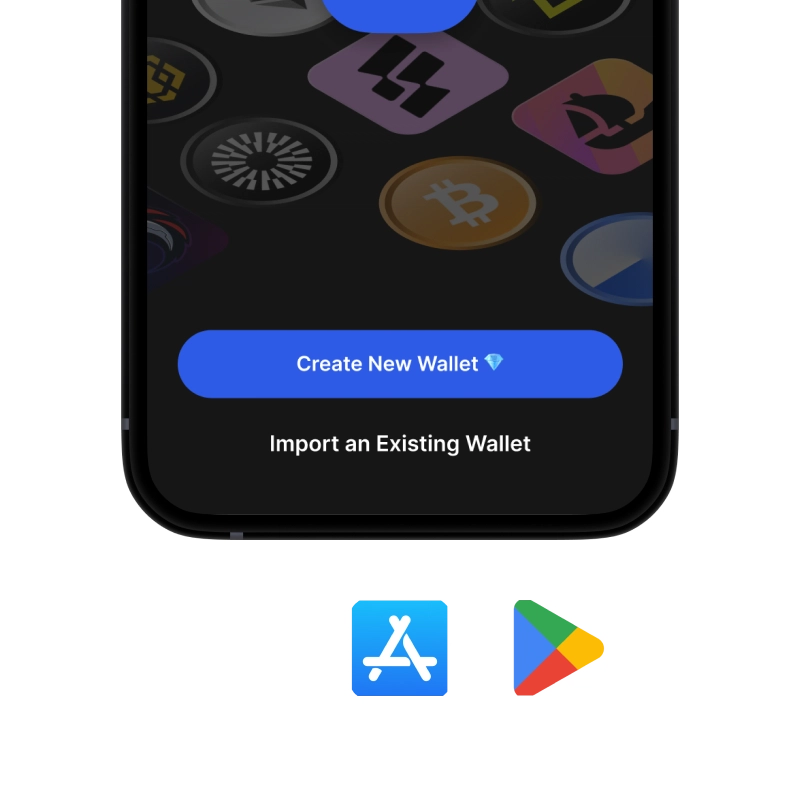
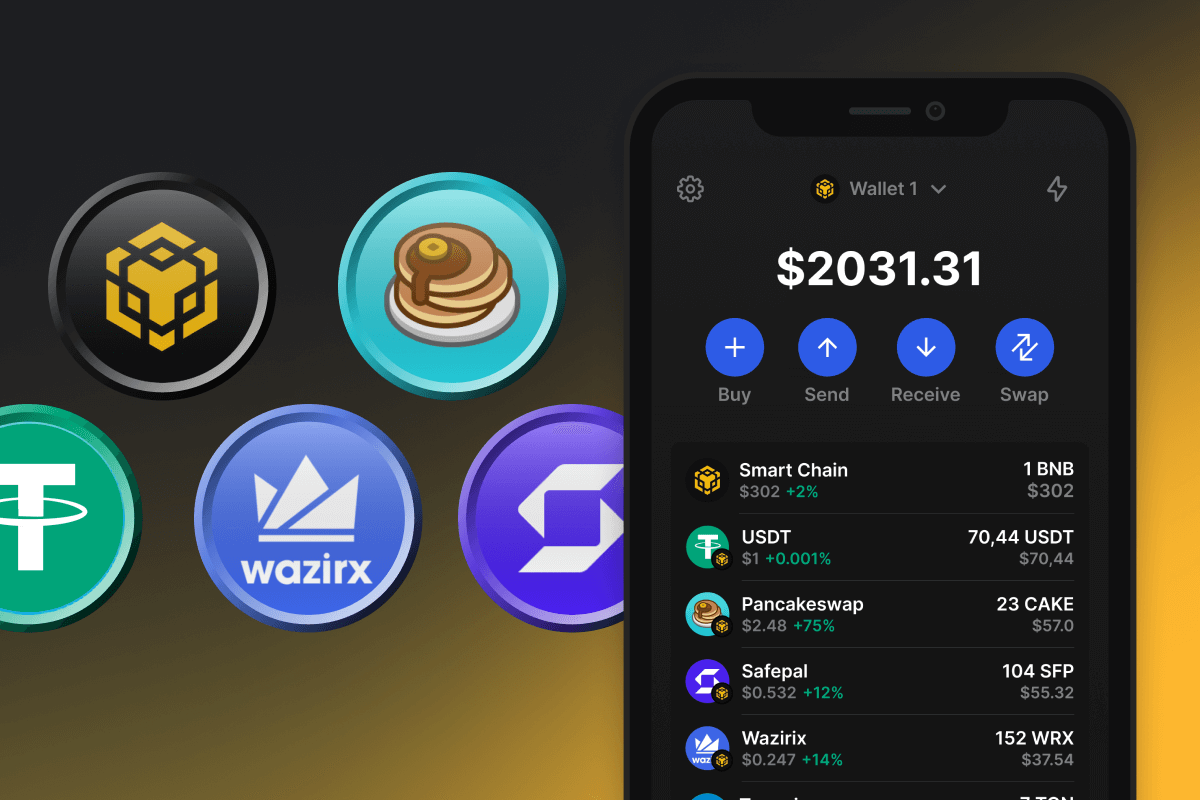
A USDT BEP20 wallet is a wallet for USDT issued on BNB Chain under the BEP20 token standard. As of October 11, 2026, the USDT BEP20 contract (0x55d3...7955) reported a total supply of about 9.18 billion USDT, roughly 5% of the $184 billion USDT market (BNB Chain RPC and CoinGecko). Low fees make USDT BEP20 a common choice for exchange withdrawals, P2P payments, and DeFi on BNB Chain. Gem Wallet works as a USDT BEP20 wallet out of the box: your BNB Chain address holds USDT together with BNB and every other BEP20 token, and you can send, receive, swap, and buy USDT directly in the app.
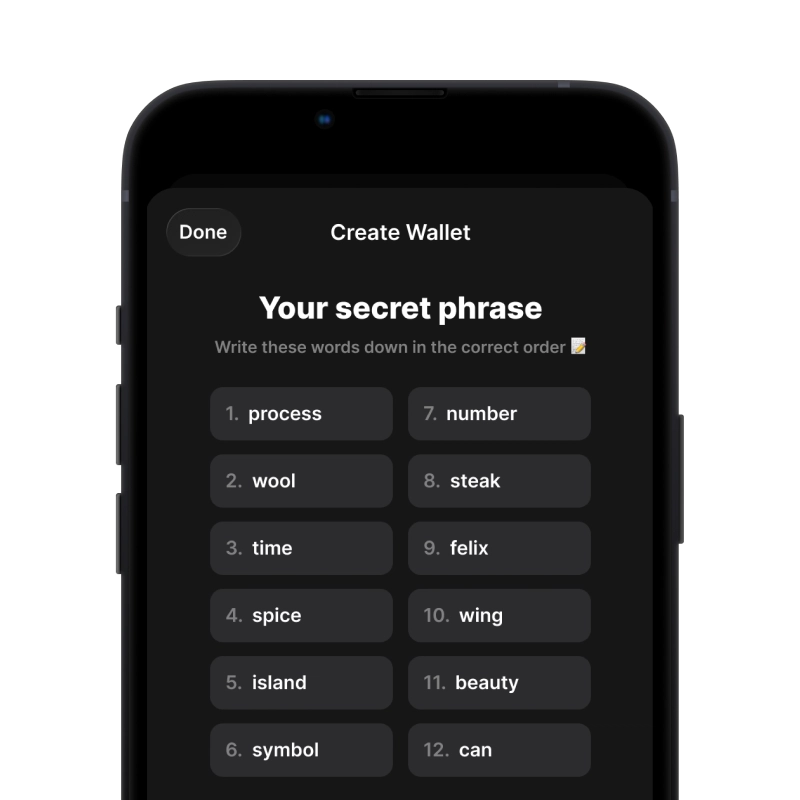
The private keys stay on your device and are restored from the 12-word secret phrase - the same phrase that restores your addresses on Ethereum, TRON, Solana, and every other network in the app. For how USDT BEP20 compares to USDT on TRON, Ethereum, Solana, and TON - and how to swap between them - see the USDT wallet guide.
How BEP20 Transfers Work in Gem Wallet
Sending a BEP20 token is a smart contract call on BNB Chain, and its fee is paid in BNB as gas. A standard USDT BEP20 transfer used about 34,900 gas to an address that already holds USDT and about 52,000 gas to an address receiving the token for the first time (estimates on October 11, 2026). At the network gas price of 0.05 gwei that day, this comes to 0.0000017-0.0000026 BNB, or about $0.001-$0.002 at $752 per BNB.
The fee goes to BNB Chain validators, not to Gem Wallet, and the app shows it in BNB and USD before you confirm. The one requirement is a BNB balance: without BNB on the same address, BEP20 tokens cannot move. This is the most common reason a USDT BEP20 transfer fails - the wallet holds USDT but no BNB for gas. You can fund the address by withdrawing BNB from an exchange or by using buy BNB inside Gem Wallet.
BEP20 Address Format
Every BEP20 token uses the standard EVM address format: 42 characters that start with 0x (for example, 0x55d3........7955). The same address holds your BNB and all BEP20 tokens - there is no separate address per token, so USDT, USDC, and CAKE arrive at the same destination as BNB itself.
The same 0x format is used by Ethereum (ERC20), Polygon, Arbitrum, and other EVM networks, so a BEP20 address and an ERC20 address can be identical. The network decides where the funds go, not the address. Before sending, check that the sender and the receiver both selected BNB Chain (BEP20); a withdrawal to an exchange that only credits ERC20 deposits is the most common way BEP20 funds get stuck. TRON addresses start with T and cannot be confused with BEP20 (see the TRC20 wallet page).
Manage All BEP20 Tokens in One Wallet
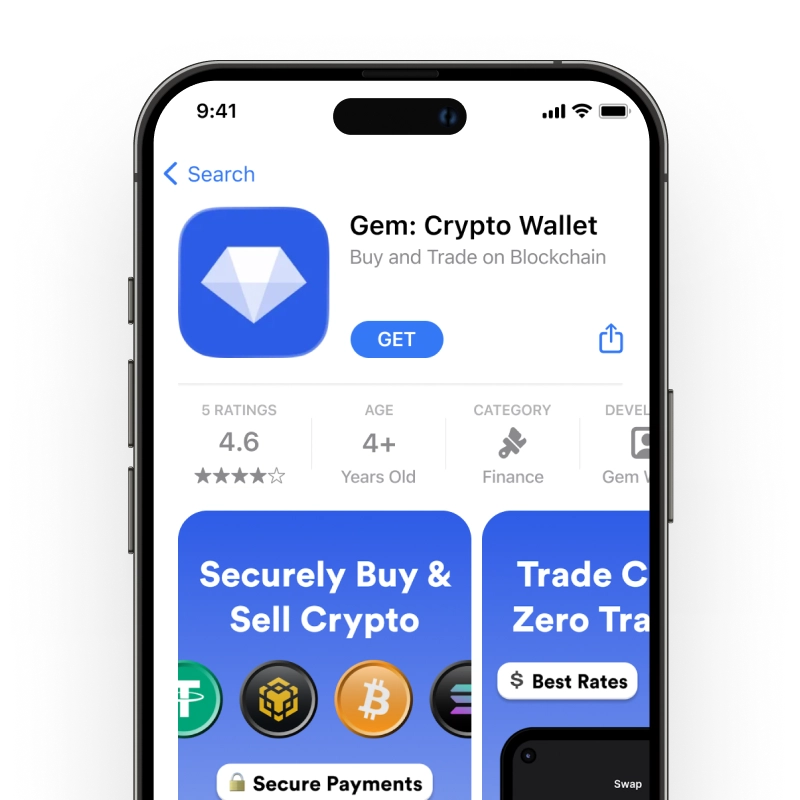
Gem Wallet is a BEP20 wallet for the whole BNB Chain token ecosystem - it recognizes BEP20 tokens out of the box in a single self-custodial app on iOS, Android, and APK, with no registration and no tracking. The most-held BEP20 assets include stablecoins and DEX tokens:
- USDT (Tether) - the most used stablecoin on BNB Chain
- USDC (USD Coin) - stablecoin issued by Circle
- CAKE - native token of PancakeSwap, the largest DEX on BNB Chain
- BNB - the native coin, used to pay gas for every BEP20 transaction
Any BEP20 token that is not detected automatically can be added by its contract address (see the FAQ below).
What Is the BEP20 Standard?
BEP20 is the token standard on BNB Chain, derived from Ethereum’s ERC-20 specification. It defines how fungible tokens are issued and transferred through smart contracts, using the same interface as ERC-20 (totalSupply, balanceOf, transfer, approve, transferFrom, allowance), so wallets and exchanges that support the standard recognize every token that follows it. Developers can port ERC-20 contracts to BNB Chain with minimal changes.
BEP20 should not be confused with BEP2 - the older standard from Binance Beacon Chain, which was sunset in 2024 and did not support smart contracts. For a deeper look at the standard, see what BEP20 is.
What Is BNB Chain?
BNB Chain is an EVM-compatible blockchain with a block time of about 3 seconds. It launched as Binance Smart Chain (BSC) in 2020 and was renamed BNB Chain in 2022. It runs on Proof of Staked Authority consensus and hosts thousands of decentralized applications, including PancakeSwap, Venus, and ListaDAO. Low fees and compatibility with Ethereum tooling make it one of the most active networks for DeFi and stablecoin transfers.
BEP20 vs ERC20 vs TRC20: Quick Comparison
| Standard | Network | Address Format | Gas Token | USDT Transfer Fee | Block Time |
|---|---|---|---|---|---|
| BEP20 | BNB Chain | 0x… | BNB | ~$0.001-$0.002 | ~3 sec |
| ERC20 | Ethereum | 0x… | ETH | ~$0.01 at 0.09 gwei, rises with network load | ~12 sec |
| TRC20 | TRON | T… | TRX | ~7.8 TRX without staked Energy | ~3 sec |
Data source: BNB Chain and Ethereum RPC gas estimates for a USDT transfer and CoinGecko prices on October 11, 2026; TRC20 cost from the TRC20 wallet page. BEP20 and ERC20 share the same address format but run on different networks - always confirm the network before sending, even when the address looks correct. For the current cost of a USDT transfer on every network, see the live USDT transfer fees.