Lightning Network Coin

Lightning Network محفظة

The Lightning Network Wallet is your key to the L2 network based on the Bitcoin blockchain, which will make your micropayments instant and with low network fees. Download the wallet and try the Lightning Network - a truly lightning-fast solution!

Lightning Network محفظة

What Is Lightning Network?

The Lightning Network (LN) is an addition to Bitcoin that allows for fast transactions with minimal fees. It works by allowing users to open special payment channels through which they can instantly transfer money to each other without the delays and complexities associated with the main Bitcoin network. This system is particularly useful for small payments, such as buying a cup of tea or coffee in a cafe.

What Is Lightning Network Wallet?

A Lightning Network Wallet is a special wallet that allows you to use the LN for payments and asset storage. Not every wallet that works with Bitcoin will also work with the LN. The Lightning Network is an L2 (layer 2) extension for the Bitcoin blockchain, therefore it requires additional support from the wallet developers.

Lightning Network Wallet Benefits

A LN Wallet offers several important features and aspects that will make your interaction with the network both comfortable and secure:

  1. Open Source: The LN Wallet is open source, supporting transparency and openness for its users.

  2. Self-Custody: Your Bitcoins and other crypto assets are accessible only to you. No one else has access to your private key.

  3. Privacy and Security: The Lightning Network Wallet adheres to high standards of security and privacy.

  4. Universality: Your wallet is available on both Android and iOS, providing easy access to your assets regardless of your mobile device choice.

  5. Convenience: A simple and intuitive interface ensures easy and productive management of your assets.

  6. Micropayments: The LN helps avoid the high fees associated with Bitcoin blockchain for small payments.

Download the Gem Wallet and experience all the benefits of the LN today!

لماذا تُعدّ محفظة Lightning Network الخيار الأفضل؟

يُعدّ تطبيق Gem Wallet من أبرز حلول محافظ العملات الرقمية، إذ يجمع بين الأمان والخصوصية وسهولة الاستخدام في تطبيق واحد قوي. إليكم أسباب اختيار المستخدمين لتطبيق Gem Wallet لتلبية احتياجاتهم من العملات الرقمية:

السيطرة الكاملة

تحكّم بشكل كامل في مفاتيحك الخاصة وعبارة الاسترداد. لا يمكن لأي طرف ثالث الوصول إلى عملتك الرقمية أو تقييدها. عملتك الرقمية ملكك وحدك.

حماية الخصوصية

لا تتبع، لا معلومات شخصية، لا جمع بيانات. خصوصية كاملة وتحكم كامل في عملتك Lightning Network.

المصادر المفتوحة

الكود متاح للعموم على جيت هابمما يسمح لأي شخص بالتحقق من الأمان والوظائف.

متعدد المنصات

متوفر على أنظمة iOS و Android و APK. محفظة Lightning Network الخاصة بك تعمل أينما ذهبت.

محفظة Lightning Network بلغات متعددة

يدعم أكثر من 25 لغة، بما في ذلك الإنجليزية والإسبانية والصينية والروسية والعربية. مُترجم بالكامل لضمان سهولة الوصول إليه عالميًا.

خدمات Lightning Network المدمجة

مقارنة: محفظة الأحجار الكريمة مقابل محافظ التداول

تعرّف على الفرق بين تخزين عملة Lightning Network في محفظة Gem Wallet وتخزينها في منصات التداول.

ميزةGem Walletمحافظ التداول (بينانس، كوين بيس)
التسجيل مطلوب✅ لا شيء❌ التحقق الكامل من الهوية
جمع البيانات الشخصية✅ لا شيء❌ معلومات شاملة (الهوية، العنوان، صورة شخصية)
المصادر المفتوحة✅ شفافية كاملة❌ مصدر مغلق
التحكم في المفاتيح الخاصة✅ نعم❌ لا
تجميد الحساب✅ مستحيل❌ ممكن
وقت الإعداد✅ دقيقتان⚠️ من 1 إلى 7 أيام (التحقق من الهوية)

ميزات أمنية احترافية

  1. المصادقة البيومتريةاستخدم خاصية التعرف على الوجه أو بصمة الإصبع أو بصمة الإصبع لتأمين محفظتك
  2. حماية برقم التعريف الشخصيقم بتعيين رمز PIN قوي كطبقة أمان إضافية
  3. النسخ الاحتياطية المشفرةيتم تخزين عبارة الاسترداد الخاصة بك بشكل آمن ولا تغادر جهازك أبدًا
  4. عمليات تدقيق أمني منتظمةتضمن مراجعات الأمان المستقلة سلامة المحفظة
Gem Wallet private key security and self-custody crypto wallet features

ما يقوله المستخدمون عن محفظة Gem Lightning Network

كيفية إعداد محفظة Lightning Network في دقيقتين

دليل الإعداد السريع (3 خطوات)

إنشاء محفظة Lightning Network أسهل من فتح حساب بنكي. يرشدك تطبيق Gem Wallet خلال العملية بأكملها في دقائق، مما يجعله في متناول المبتدئين تمامًا.

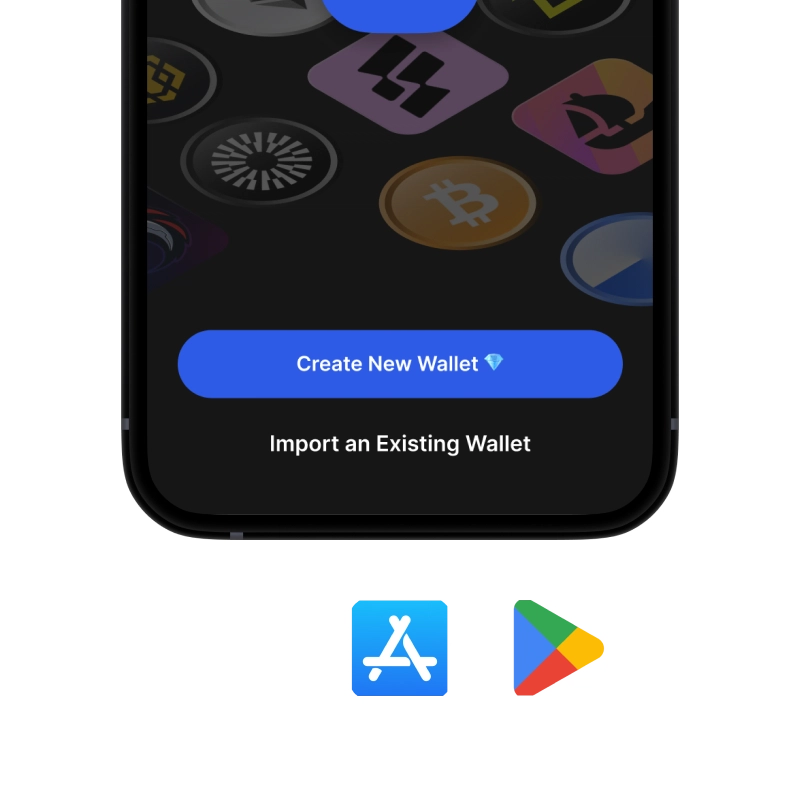
onboarding view

1. احصل على Lightning Network محفظة

Lightning Network المحفظة: iOS ، Android & APK

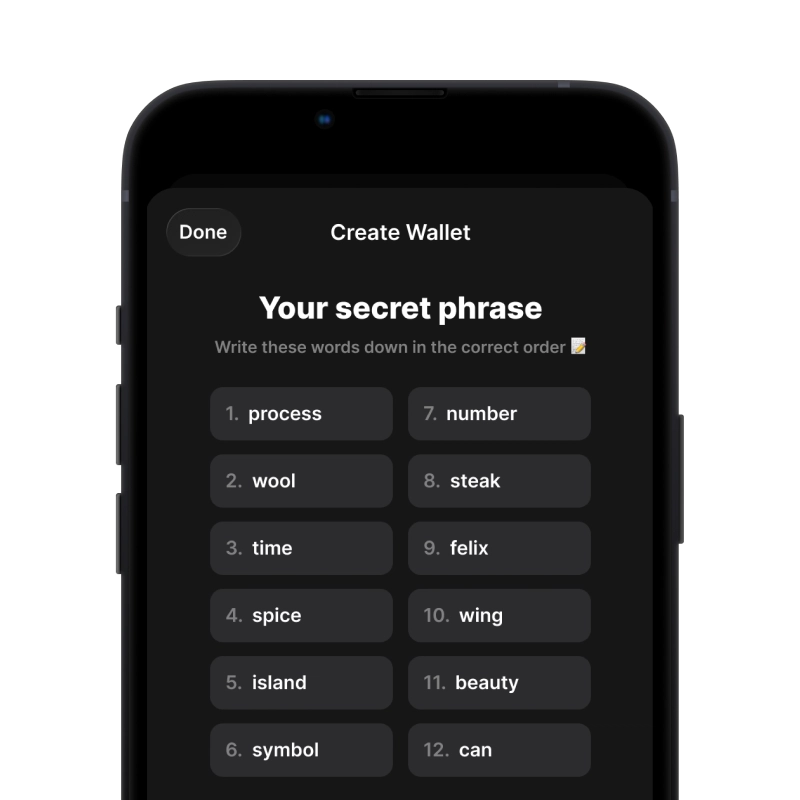
recovery phrase screen

2. إنشاء Lightning Network محفظة

قم بإنشاء محفظة جديدة، واحفظ العبارة السرية، واحصل على عنوانك فيها Lightning Network.

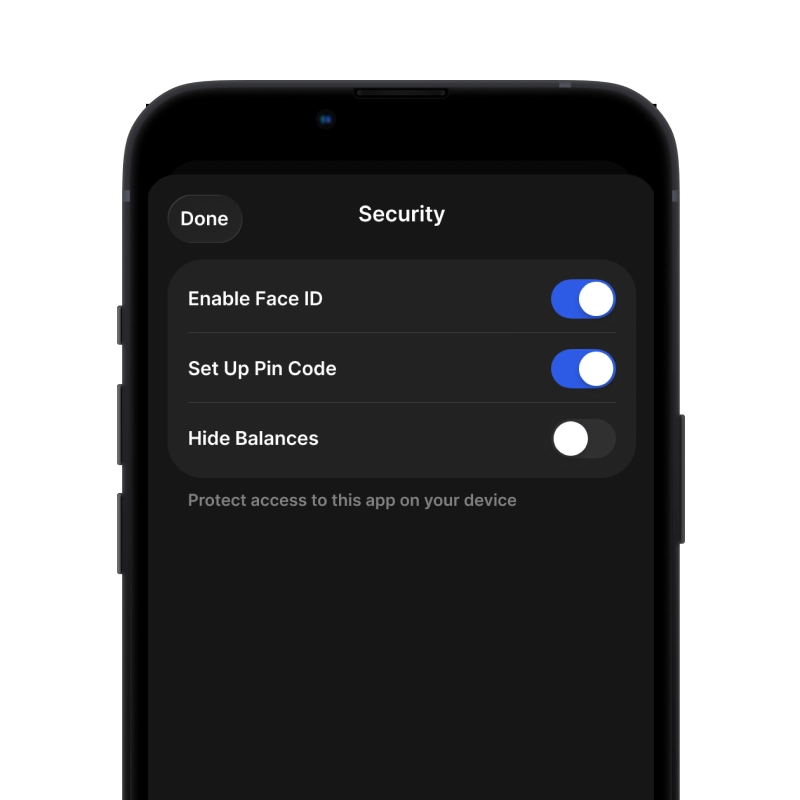
gem wallet security settings

3. Set Up Security for Lightning Network

Enable PIN or biometric authentication and you're ready to go

Create Lightning Network Wallet for iOS

Creating a Lightning Network wallet on iPhone (2 min):

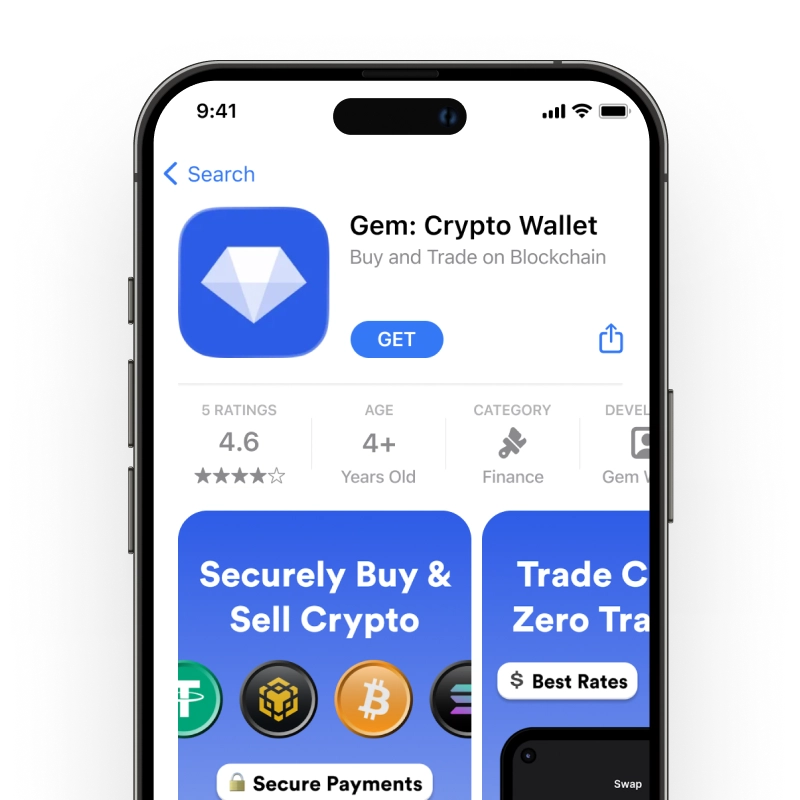
  1. Open the App Store and search for "Gem Wallet"
  2. Download and install the app (it's free and under 50MB)
  3. Open Gem Wallet and tap "Create New Wallet"
  4. Write down your seed phrase on paper - this is your master backup
  5. Enable Face ID or set a PIN code for quick and secure access
  6. Done! Your Lightning Network wallet address is now active

Create Lightning Network Wallet for Android

Creating a Lightning Network wallet on Android (2 min):

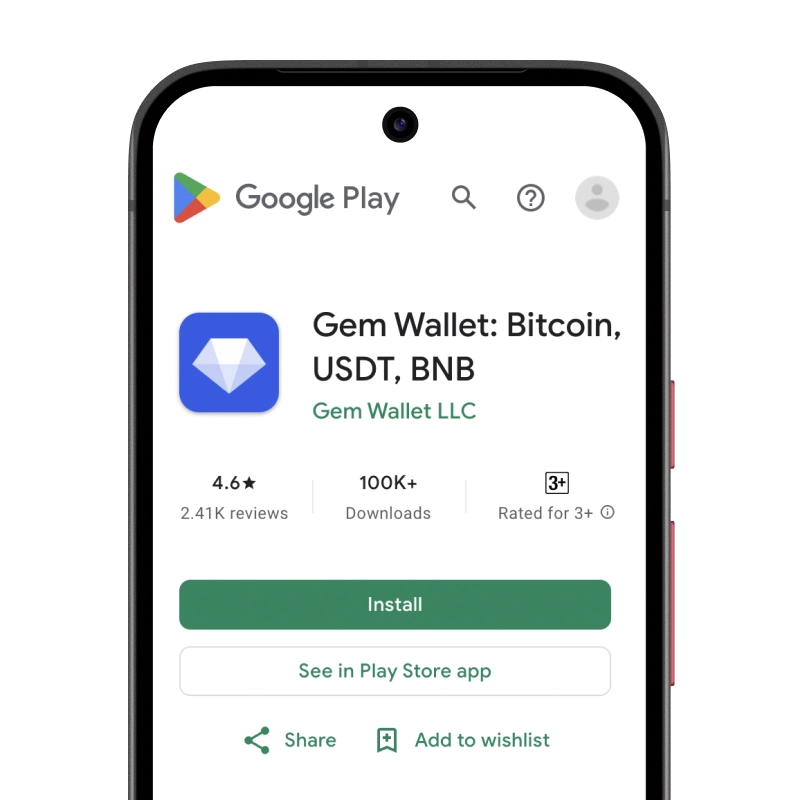
  1. Via Google Play: Search for "Gem Wallet" in the Play Store and install
  2. Via Direct APK: Download the APK file for maximum privacy and control
  3. Open the app and select "Create New Wallet"
  4. Write down your 12-word seed phrase on paper
  5. Set up fingerprint or PIN authentication
  6. Your Lightning Network wallet is ready to use

Lightning Network Wallet Without Registration

One of Lightning Network's core principles is financial freedom and privacy. Gem Wallet embodies this philosophy by offering a Lightning Network wallet without registration - no email, no phone number, no identity verification required.

Why No-Registration Wallets Matter

Custodial Lightning Network wallets and centralized exchanges (Coinbase, Binance) require extensive personal information through KYC (Know Your Customer) verification. Unlike self-custodial wallets, this creates several problems:

  • Privacy Risks: Your financial activity is tracked and can be sold to third parties or accessed by bad actors
  • Data Breaches: Centralized databases of personal information are prime targets for hackers
  • Censorship: Accounts can be frozen or restricted based on location, political views, or arbitrary decisions
  • Time-Consuming: KYC processes can take days or weeks to complete

Gem Wallet: True Private Lightning Network Wallet

With Gem Wallet, you can create and use a Lightning Network wallet with complete privacy:

  • No email address required
  • No phone number needed
  • No identity documents or selfies
  • No IP address tracking
  • No mandatory account creation

Simply download the app, create your wallet, and start using Lightning Network within minutes. Your privacy is protected from the moment you install the app.

كيفية الحصول على عنوان Lightning Network

للحصول على عنوان محفظة Lightning Network، عليك أولاً إنشاء محفظة Lightning Network أو استيرادها. بعد ذلك، سيقوم التطبيق بإنشاء العناوين لك تلقائيًا.

1 يفتح محفظة Gem

قم بتشغيل التطبيق على هاتفك وحدد Lightning Network (Lightning Network) من قائمة الأصول الخاصة بك.

2 اضغط على زر "استلام"

ستجد زرًا كبيرًا أسفل الشاشة. سيظهر عنوان محفظة Lightning Network الخاصة بك كنص وكرمز QR.

3 انسخ عنوانك

انسخ العنوان إلى الحافظة، أو شارك رمز الاستجابة السريعة، أو أرسله مباشرة عبر تطبيقات المراسلة.

Get Lightning Network wallet address in Gem Wallet
🔄 عناوين غير محدودة

في محفظة Gem Wallet، يمكنك إنشاء عدد غير محدود من عناوين Lightning Network مجاناً. كل عنوان مشتق من عبارة الاسترداد الخاصة بك ويبقى تحت سيطرتك إلى الأبد.

📱 استخدام رموز الاستجابة السريعة
  • لا توجد أخطاء إملائية - يمنع المسح الضوئي أخطاء النسخ واللصق
  • معاملات أسرع - فقط أظهر شاشة هاتفك
  • مثالي للحضور الشخصي مدفوعات Lightning Network